How to Read a Google Ads Search Term Report Without a PPC Expert
 17 May 20267 min read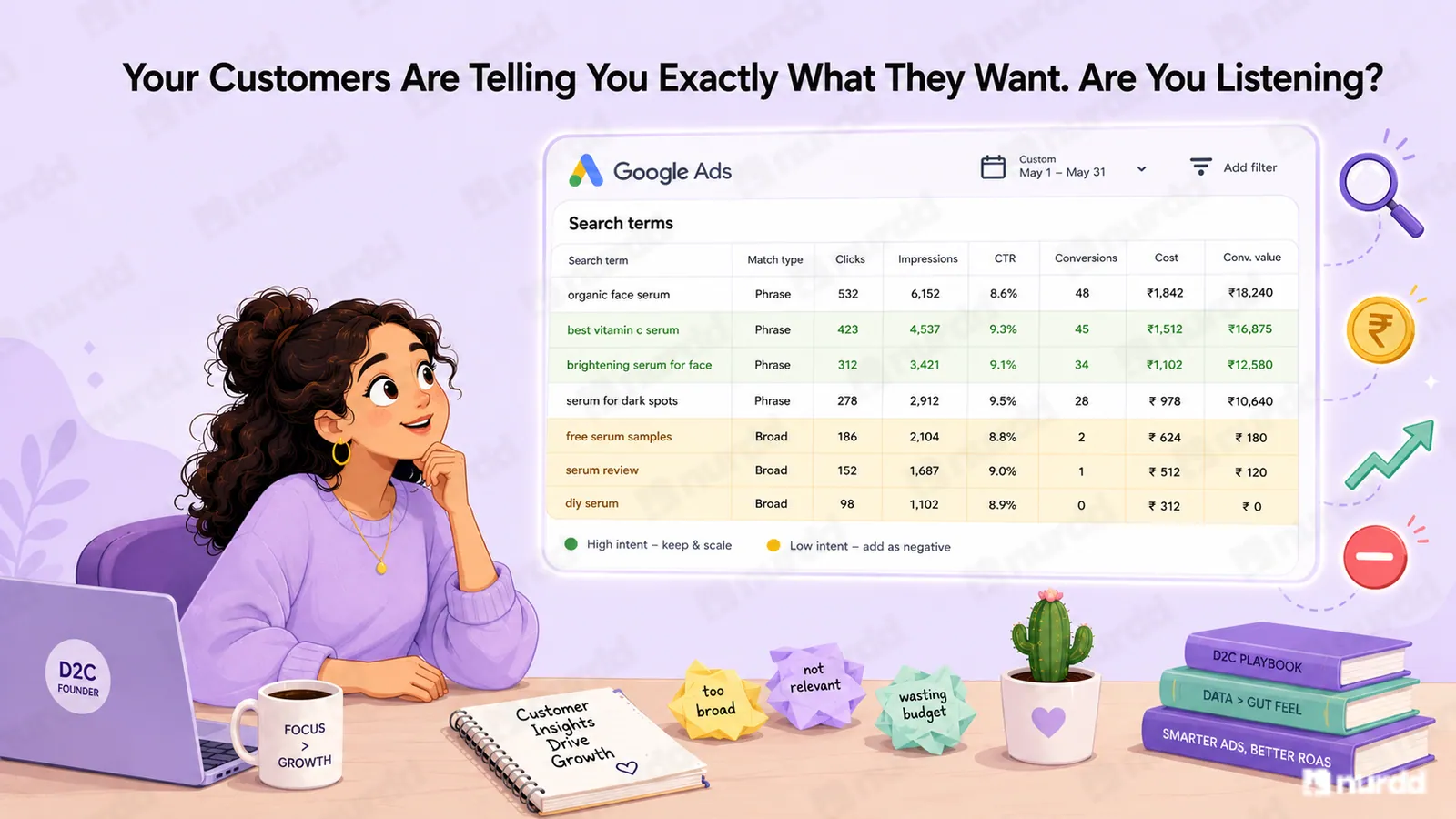
Read the search term column to see what users actually typed, then compare conversions, cost per conversion, impressions, and CTR. Add irrelevant searches as negative keywords, promote converting terms as exact match, and tailor ads or landing pages to distinct search intent.
Google sends you a search term report every day. Most D2C founders look at it, feel mildly confused, and close it. That report contains the exact words your customers typed before clicking your ad which is some of the most valuable marketing intelligence available to you. Here is how to actually read it.
What the Search Term Report Actually Is
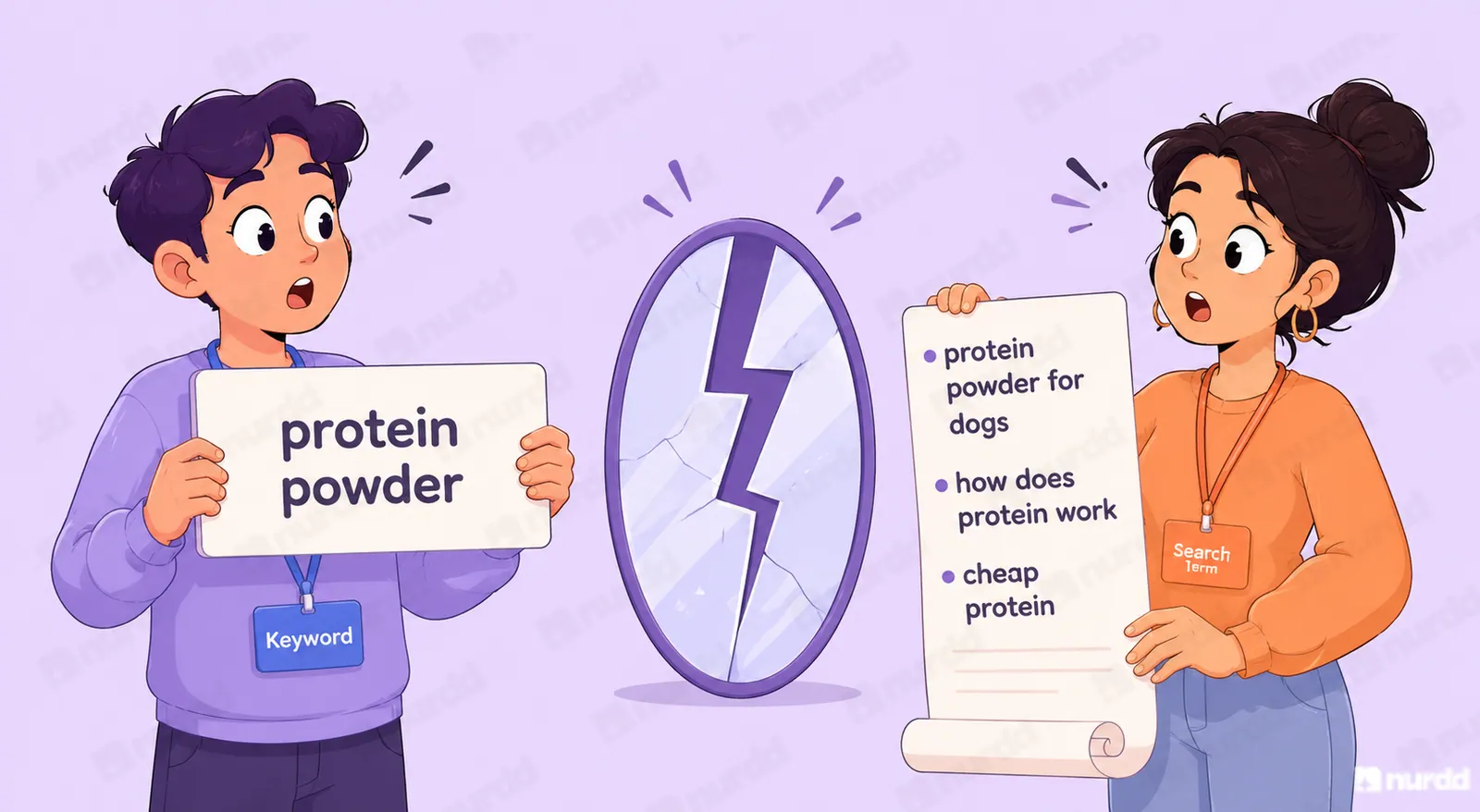
Your Google Ads keyword report shows you which keywords you bid on. The search term report shows you what people actually typed. These are different, sometimes very different.
When you bid on a broad match keyword like 'protein powder'. Google can match your ad to searches like 'Cheap protein powder,' 'protein powder for dogs,' 'how does protein powder work,' and 'protein powder review.' Some of those are buyers. Some are researchers.
The search term report tells you exactly which actual searches triggered your ads, what you paid per click for each and how many conversions came from each actual search. It is a direct window into your buyer's language and intent; into how much money you are wasting on irrelevant searches.
The Three Columns That Matter Most
Search term: The exact text the user typed. Scan this column first for obvious irrelevance competitor brand names, informational queries with no purchase intent, product categories you do not carry.
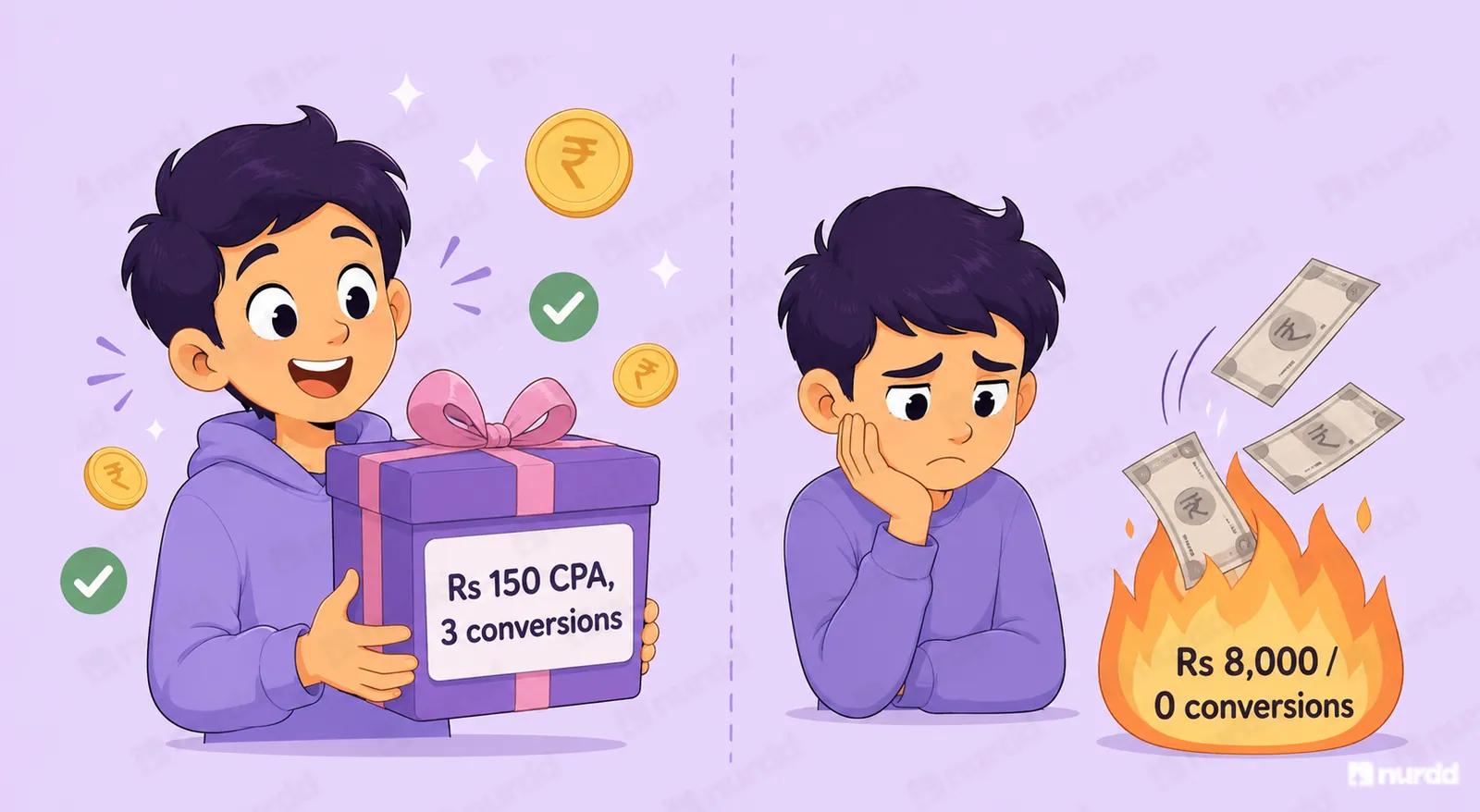
Conversions and Cost per Conversion: These two columns together tell you which searches are profitable. A search term with 10 clicks and 3 conversions at Rs 150 cost per conversion is a gift. A search term with 50 clicks, Rs 8,000 spend, 0 conversions are money burned.
Impressions and Click-Through Rate: Low CTR on a search term that has high impressions means your ad copy is not resonating with that specific search intent. High CTR but zero conversions mean the landing page is not delivering what the search implied.
The Four Actions to Take After Reading It
Action 1 - Add negative keywords: Find every search term that triggered your ad but has no purchase intent. Add them as negative keywords immediately. Common ones for Indian D2C brands: 'how to,' 'what is,' 'free,' 'DIY,' competitor names you do not want to appear against and international brand variants.
Action 2 - Promote high-converting terms: Find search terms with strong conversion rates that you are not actively bidding on as exact match. Add them as exact match keywords with a higher bid. You have evidence they convert own them.
Action 3 - Fix ad copy for high-impression, low-CTR terms: If 'best whey protein India' gets 500 impressions and a 2% CTR, your ad copy is not landing for that intent. Rewrite it to more directly match, what 'best protein India' searchers want.
Action 4 - Build separate ad groups for distinct intents: If your search term report shows both 'buy protein powder' and 'protein powder for weight loss' converting, these are different buyers with different motivations. Give each its own ad group with tailored copy and landing pages
How Often to Review It
Weekly for brands spending over Rs 50,000 per month on Google Ads. Monthly for brands spending less. The report accumulates search terms continuously, unchecked irrelevant searches compound wasted spend quickly.
Pulse surfaces your highest-waste search terms automatically, flags search terms with strong conversion signals that are not yet being actively targeted, recommends negative keyword additions. So, you get the value of the search term report without spending an hour in a spread sheet every week.
Your customers are telling you exactly what they want every time they search. The search term report is that conversation. Most brands never read it.
Sources & References
· Google Ads Help (2025) – Search Terms Report: How to Use It | support.google.com/google-ads
· Word Stream (2025) – Negative Keywords: The Complete Guide for D2C Brands | wordstream.com/blog
· PPC Hero (2025) – Search Term Report Analysis Framework | ppchero.com
· Think with Google India (2025) – Search Intent and Conversion Behaviour in Indian D2C | thinkwithgoogle.com/intl/en-in

Your ads are spending. Are they actually performing?
Pulse connects to Google Ads and Meta Ads to explain performance in plain language, diagnose what changed, and recommend specific actions — no data analyst needed.