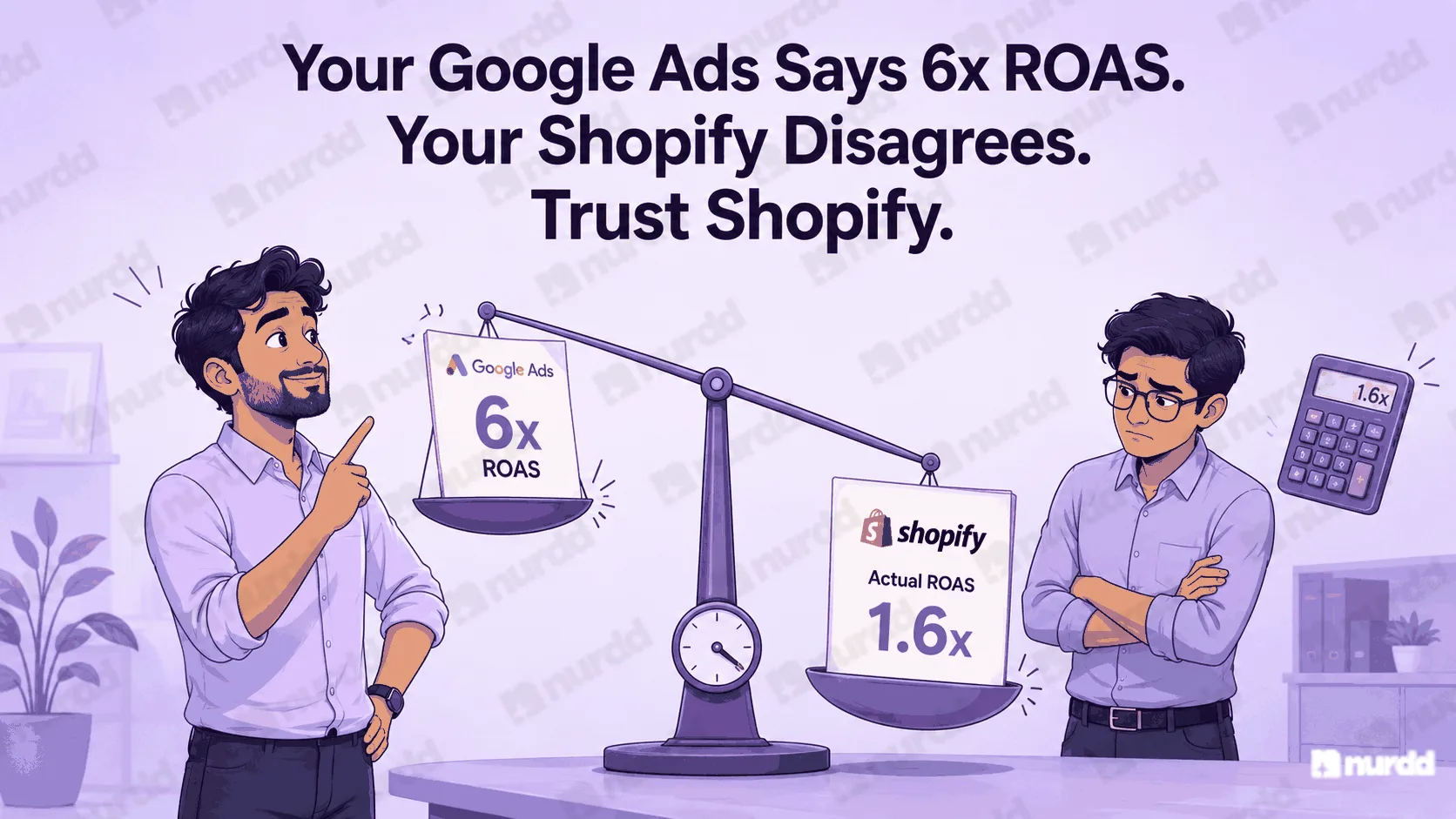

The budget is going. The clicks are coming. And the sales are not. This is one of the most common and most frustrating positions in D2C paid media and it is almost never just 'the algorithm is not working.' There is a specific reason your Google Ads campaign is spending without converting, and it is findable if you know where to look.

Step 1: Check What Searches Are Triggering Your Ads
Open your Search Term report in Google Ads (under Keywords > Search Terms). This is the single most important diagnostic tool in your account. It shows you the actual search queries that triggered your ads not the keywords you bid on, but what people actually typed.
Look for two things: searches with no purchase intent ('how to use protein powder,' 'protein powder side effects,' 'is protein powder safe') and searches for products or brands you do not offer. Both of these are budget leaks. Every click from a non-buyer query is a wasted rupee.
Add every irrelevant search term as a negative keyword immediately. For most campaigns that are spending without converting, this exercise alone reduces wasted spend by 20 to 40 percent within one week.
Step 2: Check Where Your Ads Are Landing
Click through your own ads as a customer would. Does the landing page match exactly what the search query implied? If someone searched 'buy whey protein chocolate flavour India' and your ad sends them to your homepage rather than your chocolate whey product page, that mismatch is killing your conversion rate.
Every ad should link to the most specific relevant page on your site. A Shopping ad for a specific product should link to that product page. A Search ad for 'best moisturiser for oily skin India' should link to a landing page specifically about that product for oily skin not your general skincare collection page.
This is called landing page relevance and it affects both your conversion rate and your Quality Score which in turn affects your ad costs. A poorly matched landing page creates a double penalty: fewer conversions and higher CPCs.
Step 3: Check Your Conversion Tracking
Before assuming your campaign is not converting, verify that your conversion tracking is working correctly. Open Google Ads > Tools > Conversions and check that your purchase conversion action shows 'Recording conversions' status. If it shows 'No recent conversions' despite you knowing sales are happening, your tracking has broken.
This is more common than it sounds. Shopify theme updates, third-party app conflicts, and GTM configuration changes can all break Google Ads conversion tracking silently. A campaign that appears to have a 0% conversion rate but is actually driving sales is optimising for the wrong signal which causes the algorithm to make increasingly bad decisions.
Step 4: Check Your Bid Strategy Against Your Conversion Volume
If you are using a Smart Bidding strategy Target CPA, Target ROAS, or Maximise Conversions Google's algorithm needs a minimum of 30 to 50 conversion events per month per campaign to learn effectively. Below this threshold, Smart Bidding operates on insufficient data and makes poor bid decisions.
If your campaign is getting fewer than 30 conversions per month, switch to Manual CPC temporarily. Manual bidding gives you direct control over where your budget goes while the campaign builds up enough conversion history for Smart Bidding to work properly. Once you cross 50 conversions per month consistently, switch back to Target CPA or Maximise Conversions.
How Pulse Diagnoses This
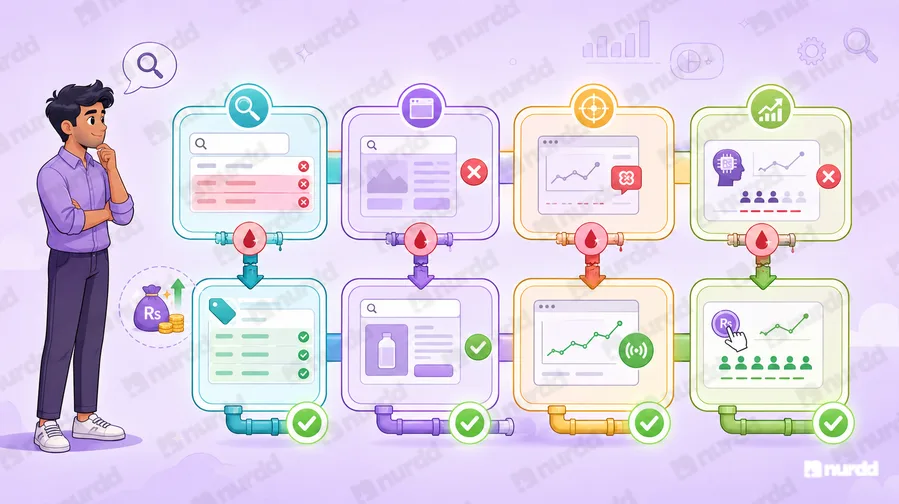
Pulse scans your Google Ads account for the four issues above irrelevant search terms, landing page mismatches, broken conversion tracking, and bid strategy misalignment and surfaces the specific fix for each. Instead of spending three hours in Ads Manager running down the problem, Pulse shows you exactly what is wrong and what to change.
A Google Ads campaign that spends without converting is not a budget problem. It is a diagnosis problem. Find the leak before you refill the tank.
Sources & References
Google Ads Help (2025) – Troubleshooting Low Conversion Rates | support.google.com/google-ads
WordStream (2025) – Google Ads Conversion Rate Benchmarks by Industry | wordstream.com/blog
Search Engine Land (2025) – Landing Page and Ad Relevance: Impact on Conversions | searchengineland.com
Pulse, Nurdd (2026) – Google Ads Conversion Diagnosis: Indian D2C | nurdd.club/blogs

Your ads are spending. Are they actually performing?
Pulse connects to Google Ads and Meta Ads to explain performance in plain language, diagnose what changed, and recommend specific actions — no data analyst needed.