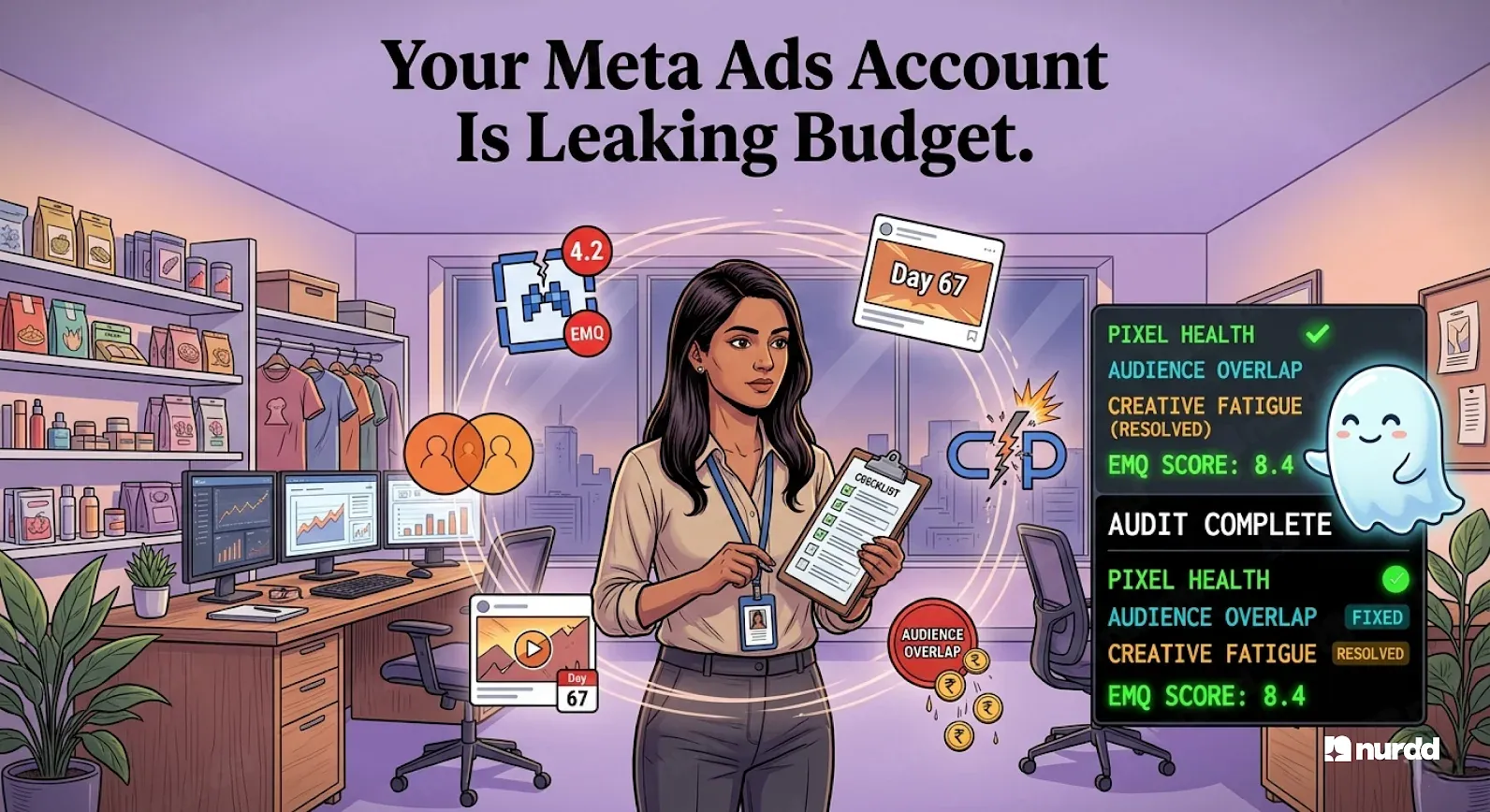
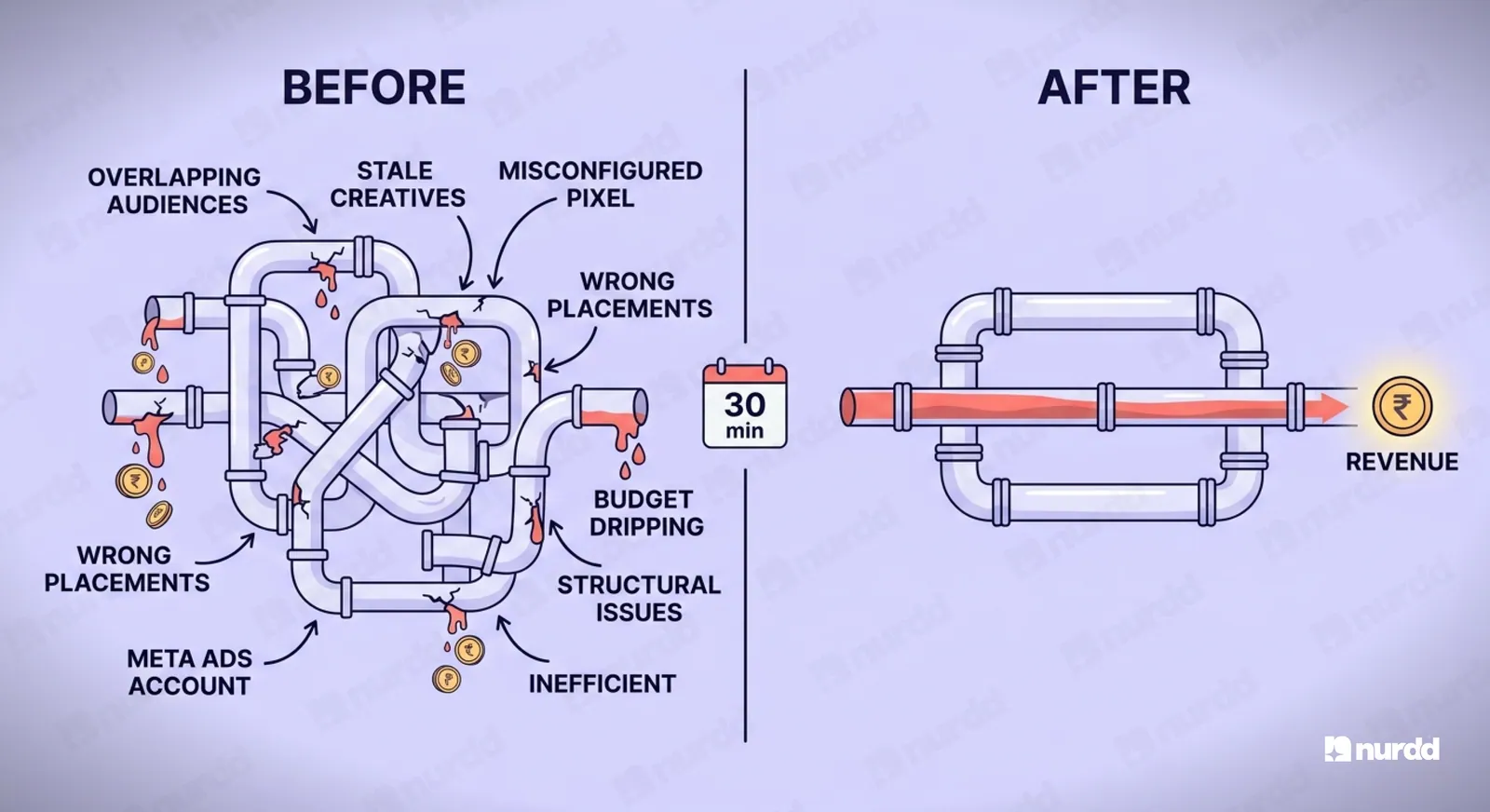
Audit your Meta ad account in 30 minutes by spending five minutes each on pixel and event health, campaign structure, audience overlap and quality, creative performance, placement performance, and account settings and billing. Fix misconfigured CAPI, overlapping ad sets, and stale creatives first, then repeat the audit quarterly.
A Meta ad account accumulates technical debt. Over time, you end up with overlapping audiences, duplicate campaigns, inconsistent naming conventions, stale custom audiences, and pixel configuration issues that erode performance without producing a single obvious alert.
A quarterly account audit takes 30 minutes and typically surfaces at least two to three structural issues that, when fixed, improve efficiency by 15 to 25 percent. Here is exactly how to run it.
The 30-Minute Audit: Six Areas, Five Minutes Each
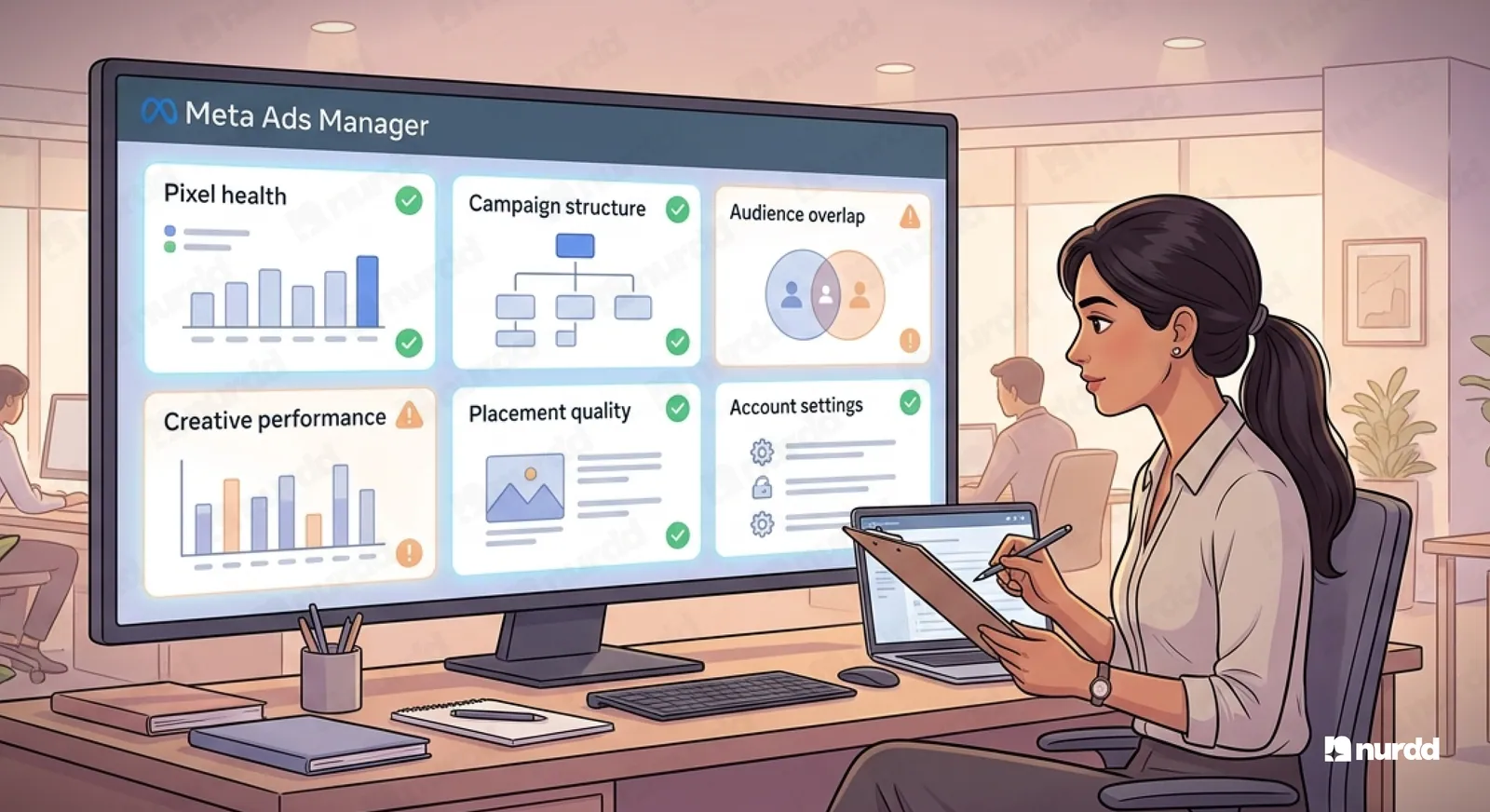
Area 1: Pixel and Event Health (5 minutes)
Go to Events Manager. Check:
• Is your pixel firing on all key pages? Home, product, cart, checkout, thank you.
• Is the Purchase event receiving value and currency parameters? Without value, Meta cannot optimize for high-value customers.
• Are there duplicate pixel events? A purchase being counted twice inflates ROAS and confuses the algorithm.
• What is your Event Match Quality (EMQ) score? Above 7 is good. Below 5 means your CAPI setup or pixel parameters need attention.
EMQ below 6 is the single most common cause of underperforming conversion campaigns in 2026. With iOS privacy changes reducing browser-side tracking, CAPI (Conversions API) is now essential. If you have not set up CAPI via your Shopify or website backend, do it this week.
Area 2: Campaign Structure (5 minutes)
Look at your active campaigns. Check:
• Do you have more than one conversion campaign targeting the same audience? This creates internal auction competition where you are bidding against yourself.
• Are your campaign objectives aligned with your funnel stage? Awareness campaigns should be running reach or brand awareness objectives. Conversion campaigns should only be at the bottom of the funnel.
• How many ad sets are active within each campaign? More than 5 ad sets in a single campaign typically fragments your data and slows learning. Meta recommends consolidation.
Area 3: Audience Quality and Overlap (5 minutes)
In Audiences, run an audience overlap check between your top three ad sets. If two ad sets overlap by more than 20 percent, you are splitting budget between identical audiences and creating internal competition.
Check the age of your Custom Audiences:
• Website visitor audiences: Are they set to 180 days? Shorter windows reduce volume. Longer windows reduce relevance.
• Customer list audiences: When did you last upload a fresh customer list? Lists older than 90 days are degraded.
• Lookalike audiences: Are you using purchase-based lookalikes or traffic-based lookalikes? Purchase-based lookalikes outperform traffic-based by 20 to 40 percent for conversion campaigns.
Area 4: Creative Performance (5 minutes)
Sort your ad-level data by spend, descending. Look at the top 5 ads by spend. For each:
• What is the frequency? Above 4 on cold audiences means creative fatigue is beginning.
• What is the CTR trend over the last 14 days? Declining CTR with stable spend is fatigue.
• How old is this creative? Any creative running for more than 45 days on a cold audience will show fatigue, regardless of how well it started.
Flag any creative running for over 60 days for immediate replacement. Schedule fresh creative introduction before you hit frequency 5, not after.
Area 5: Placement Performance (5 minutes)
In your Breakdown menu, select Placement. For each ad set using Automatic Placements, check:
• What percentage of spend is going to Audience Network? If above 15 percent, you are likely paying for low-quality inventory.
• What is the cost per result on Stories vs Reels vs Feed? If one placement has cost per result more than 2x another with similar volume, exclude the underperformer.
• Are mobile app placements appearing in your top spending destinations? If yes, add adsenseformobileapps.com to your placement exclusions.
Area 6: Account Settings and Billing (5 minutes)
Check:
• Are you using the correct time zone in Ads Manager? Wrong time zone means your dayparting and reporting are offset from your actual business hours.
• Is your payment method up to date with sufficient credit limit?
• Are your account spending limits set appropriately? A hard spending limit set 12 months ago and never updated can cap campaign performance at a level that no longer reflects your current budget.
• Are all team members with admin access still at your company? Stale admin access is a security risk and a compliance issue.
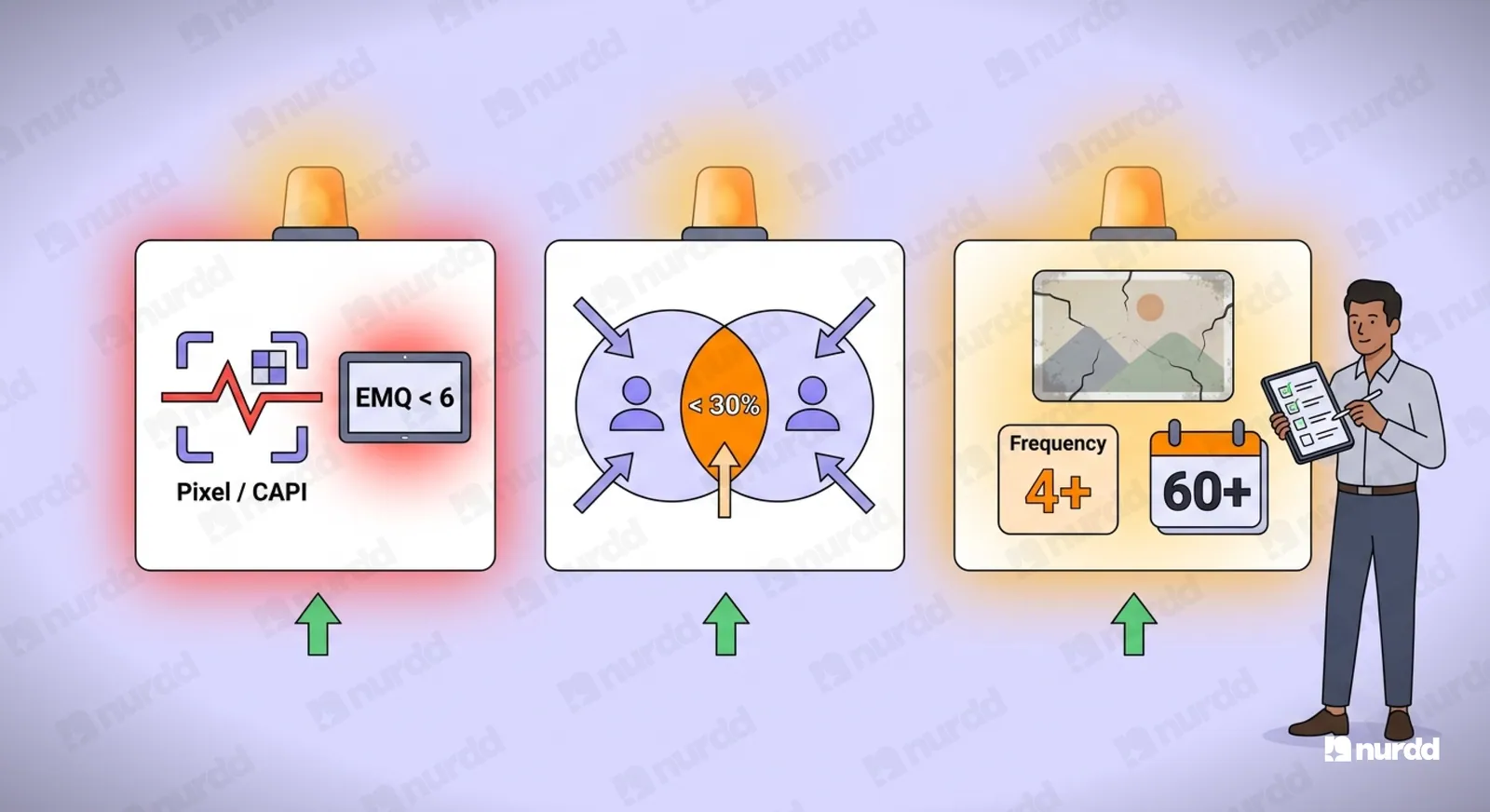
The Three Issues That Come Up in Almost Every Audit
• CAPI not set up or misconfigured, leading to EMQ below 6 and underreported conversion data
• Audience overlap above 30 percent between two active ad sets, creating internal competition
• Creative older than 60 days running on cold audiences with frequency above 4
Fix these three and you will see measurable performance improvement within two weeks.
Run this audit every quarter. Build it into your calendar as a recurring 30-minute block. The accounts that outperform over 12 months are not the ones with the best creative strategy. They are the ones with clean, well-maintained infrastructure that does not leak budget through structural inefficiency.
Sources and References
Meta Business Help Center (2025) – About Event Match Quality in Conversions API | facebook.com/business/help
Meta for Business (2025) – Conversions API Setup Guide | facebook.com/business
Meta Ads Manager Help (2025) – Audience Overlap Tool | facebook.com/business/help
AppsFlyer (2025) – Mobile Advertising Fraud and Placement Quality | appsflyer.com
Sprout Social (2025) – Facebook Ads Audit Checklist | sproutsocial.com
Hootsuite (2025) – How to Audit Your Facebook Ads Account | blog.hootsuite.com

Find the right creators — and verify they're real.
Nia gives brands access to 10M+ Indian creator profiles, TruAI fake follower detection, pre-spend ROI forecasting, and product-level sales attribution. Completely free.