UTM Structure Guide for Influencer Campaigns: Build It Once, Get Clean Data Forever
 29 Mar 20266 min read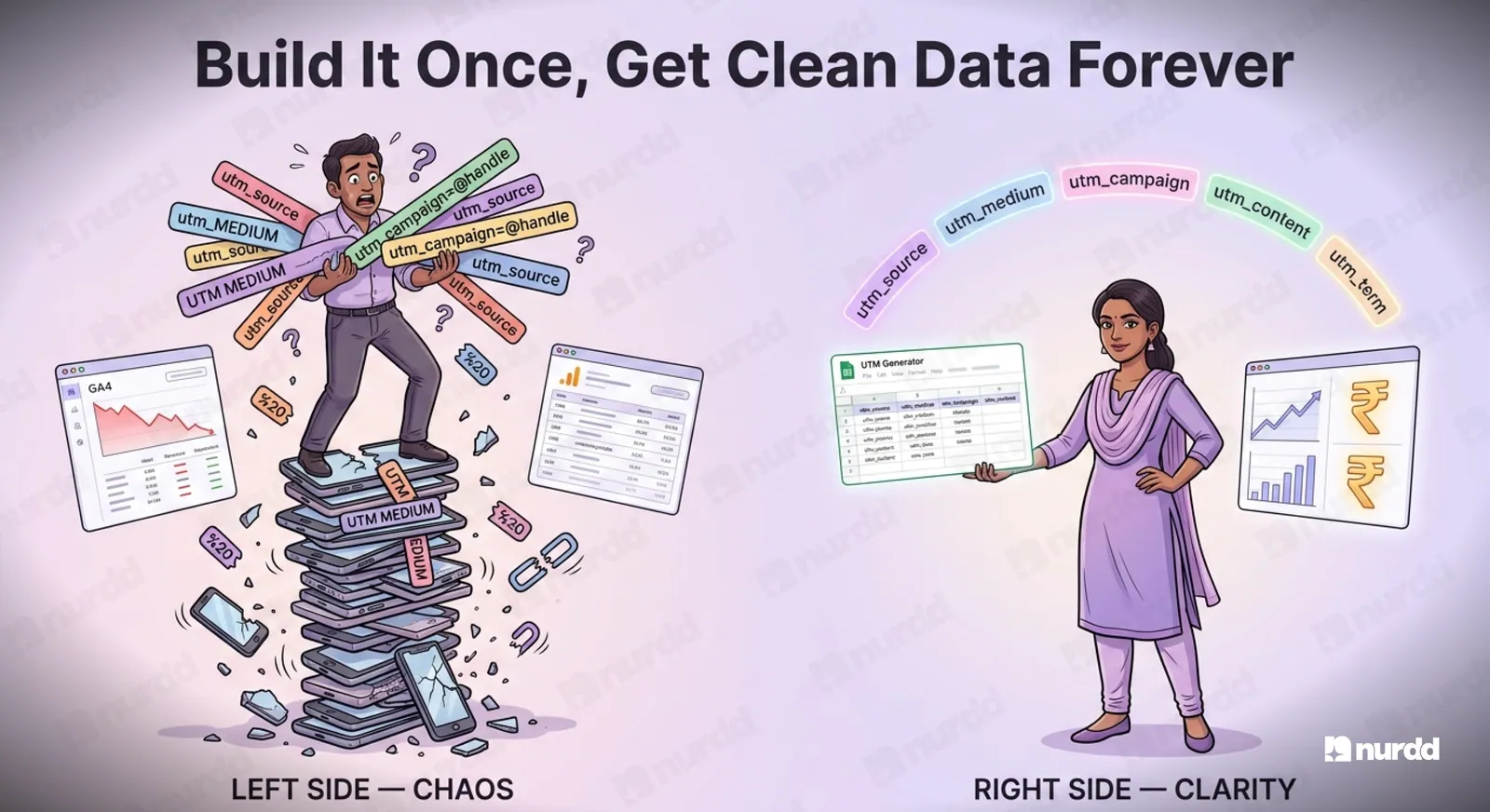
Use a consistent UTM structure: source for platform, medium for influencer, campaign for the campaign, content for the creator, and term for content format. Keep every value lowercase with no spaces, give creators pre-built links, and generate fresh campaign-specific links for each campaign.
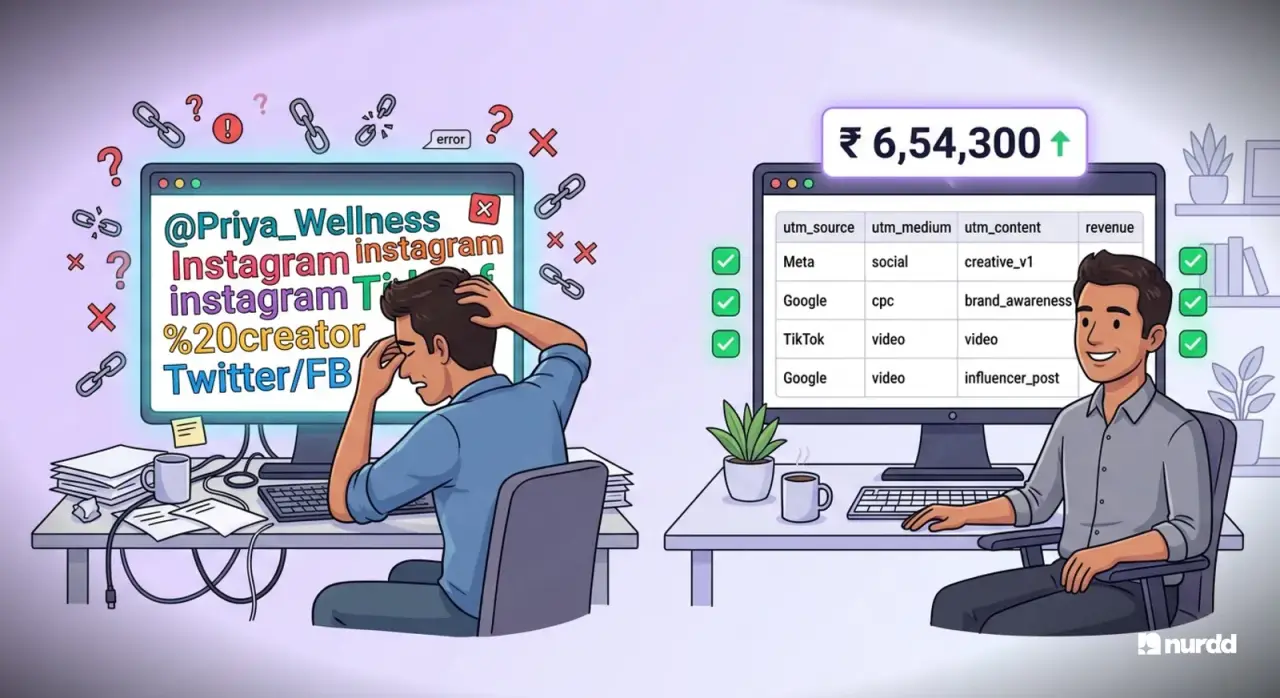
The most common cause of bad influencer attribution data is not the attribution model. It is the UTM structure. Brands brief ten creators, each creator uses a slightly different link, some do not use links at all, and the result is a GA4 dashboard full of noise that tells you almost nothing.
This is fixable. A clean UTM architecture built before your campaign goes live will give you consistent, comparable data across every creator, every platform, and every campaign you run.
The Five UTM Parameters and What They Mean for Influencer Campaigns
utm_source
The platform where the traffic originates. For influencer campaigns, this should be the platform name, not the creator's name.
Correct: instagram, youtube, linkedin, twitter, pinterest
Incorrect: @creator_handle, creator_name, influencer_priya
Why: Source should enable platform-level analysis. Creator-level analysis belongs in medium or campaign.
utm_medium
The marketing channel type. For influencer campaigns, use a consistent label that distinguishes this from your paid media.
Recommended: influencer, creator, ugc
Not: social, paid, organic (these are too generic and will muddy your channel groupings)
utm_campaign
The specific campaign name. This is where you put the campaign identifier that makes sense to your marketing team.
Recommended format: [product]-[quarter]-[campaign-type]
Example: proteinbar-q2-launch or skincare-summer-awareness
Do not put the creator's name in the campaign parameter. That belongs in content.
utm_content
This is your creator identifier. This is the parameter that enables creator-level attribution.
Recommended format: [creator_handle] or [creator_tier]-[creator_handle]
Example: micro-priya_wellness or macro-fitnesswithritvik
Keeping tier in the content parameter lets you aggregate performance by tier across campaigns.
utm_term
Optional for influencer campaigns. Use it to tag the content format when a creator is producing multiple formats for the same campaign.
Example: reel, story, carousel, youtube-short
This becomes useful when you want to compare how different content formats perform for the same creator.
The Complete UTM Template for Influencer Campaigns
Base URL: https://yourbrand.com/product
Full UTM string: ?utm_source=instagram&utm_medium=influencer&utm_campaign=proteinbar- q2 launch&utm_content=micro-priya_wellness&utm_term=reel
This gives you:
• Platform-level analysis by filtering on utm_source
• Channel-level analysis by filtering on utm_medium = influencer
• Campaign-level analysis by filtering on utm_campaign
• Creator-level analysis by filtering on utm_content
• Format-level analysis by filtering on utm_term
Common UTM Mistakes That Destroy Your Data
Case inconsistency
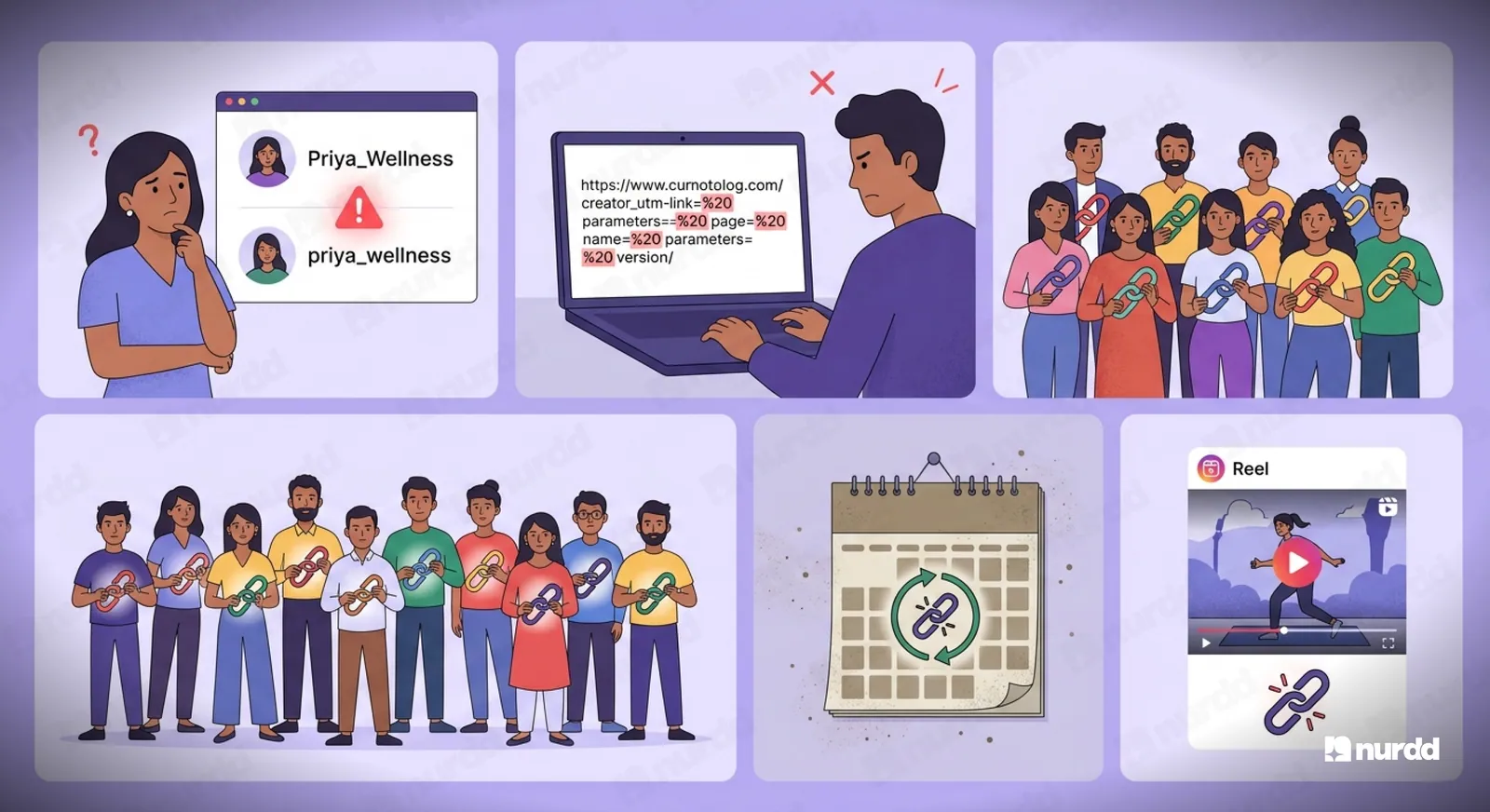
Instagram and instagram are treated as two different sources in GA4. Priya_Wellness and priya_wellness are two different creators. Use all lowercase across every UTM parameter, always.
Spaces in parameters
Spaces in UTM values get encoded as %20 by some browsers and + by others, creating two separate entries for the same creator. Use hyphens or underscores. Never spaces.
Creator-generated links
Never let creators generate their own UTM links. Give them the pre-built link in their brief. If you let each creator build their own, you will have 10 different naming conventions across 10 creators, and your data will be unsegmentable.
Reusing the same link across campaigns
A creator who has been running with the same link since January 2025 is contaminating your current campaign data with historical traffic. Generate fresh campaign-specific links for every campaign cycle.
No link in short-form video content
Instagram Reels and TikTok videos do not support clickable links in captions. The link must go in the bio. Brief the creator to update their bio link for the campaign duration, and give them a trackable link to use. Without this, your Reel traffic will never enter your attribution funnel.
Setting Up a UTM Generator for Your Team
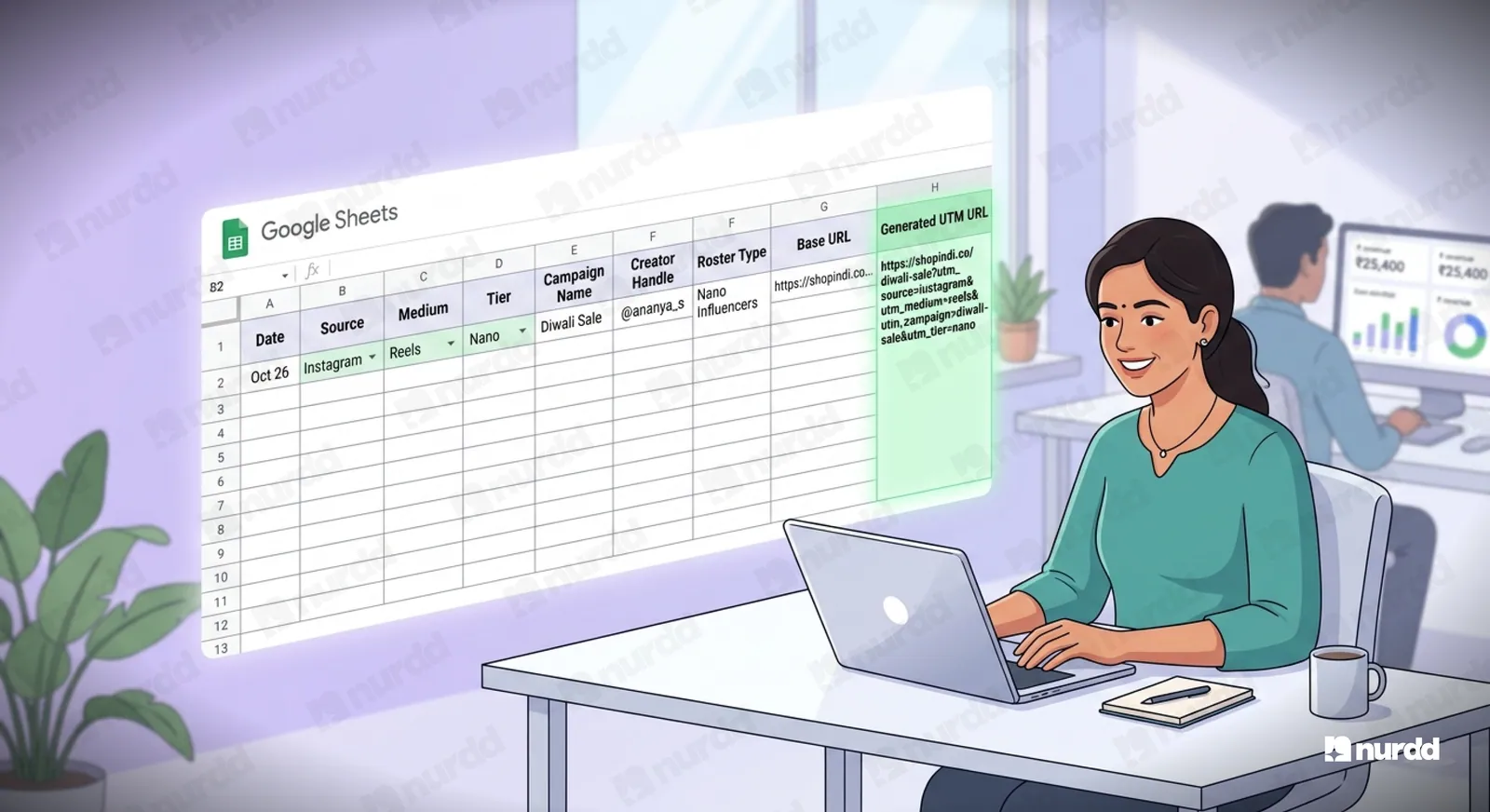
Do not ask your marketing executives to build UTM strings manually. Manual building creates inconsistency. Build a simple Google Sheet UTM generator with:
• Dropdown fields for source, medium, and tier
• Free text for campaign name with a naming convention guide
• Auto-populated creator handle from a pre-approved creator roster
• Auto-generated complete URL and shortened link
Every team member uses the same sheet. Every creator gets a link that follows the exact same naming convention. Your GA4 data stays clean.
What to Track in GA4 Once Your UTMs Are Clean
With a clean UTM structure in place, build these reports in GA4 as your influencer dashboard:
• Sessions by utm_content: Creator-level traffic volume
• Conversions by utm_content: Creator-level attributed revenue
• Engagement rate by utm_source: Platform-level audience quality
• Conversion rate by utm_content: Which creators send the highest-intent traffic
• Assisted conversions by utm_content: Creator touchpoints in multi-touch paths (Conversion paths report)
• New users by utm_content: Which creators are bringing net-new customers vs recycling existing customers
Clean UTM structure is the foundation of every attribution model. If your UTM data is dirty, no attribution model will save you. Spend one day building the right structure before your next campaign, and you will have three years of clean, comparable data as a result.
Sources and References
Google Analytics Help (2025) – About UTM Parameters | support.google.com/analytics
Google Search Console Help (2025) – Traffic Acquisition Reports | search.google.com/search-console
Meta Business Help Center (2025) – URL Parameters for Tracking in Meta Ads | facebook.com/business/help
GA4 Documentation (2025) – Conversion Paths and Multi-Touch Attribution | support.google.com/analytics
Bitly / Rebrandly (2025) – Link Tracking and UTM Parameter Preservation | bitly.com
Shopify (2025) – UTM Tracking for Marketing Campaigns | help.shopify.com

Find the right creators — and verify they're real.
Nia gives brands access to 10M+ Indian creator profiles, TruAI fake follower detection, pre-spend ROI forecasting, and product-level sales attribution. Completely free.