How to Build an Influencer Attribution System From Scratch With Zero Tech Resources
 31 Aug 20267 min read
Build it with unique UTM links, Shopify promo codes, and a Google Sheet for each creator campaign. Track UTM conversions, promo-code redemptions, revenue, costs, and daily order spikes against a 7-day average, then update the sheet weekly.
A functional influencer attribution system can be built in an afternoon using three tools you almost certainly already have: Google's UTM builder, Shopify discount codes, and a Google Sheet.
Why Three Signals, Not One
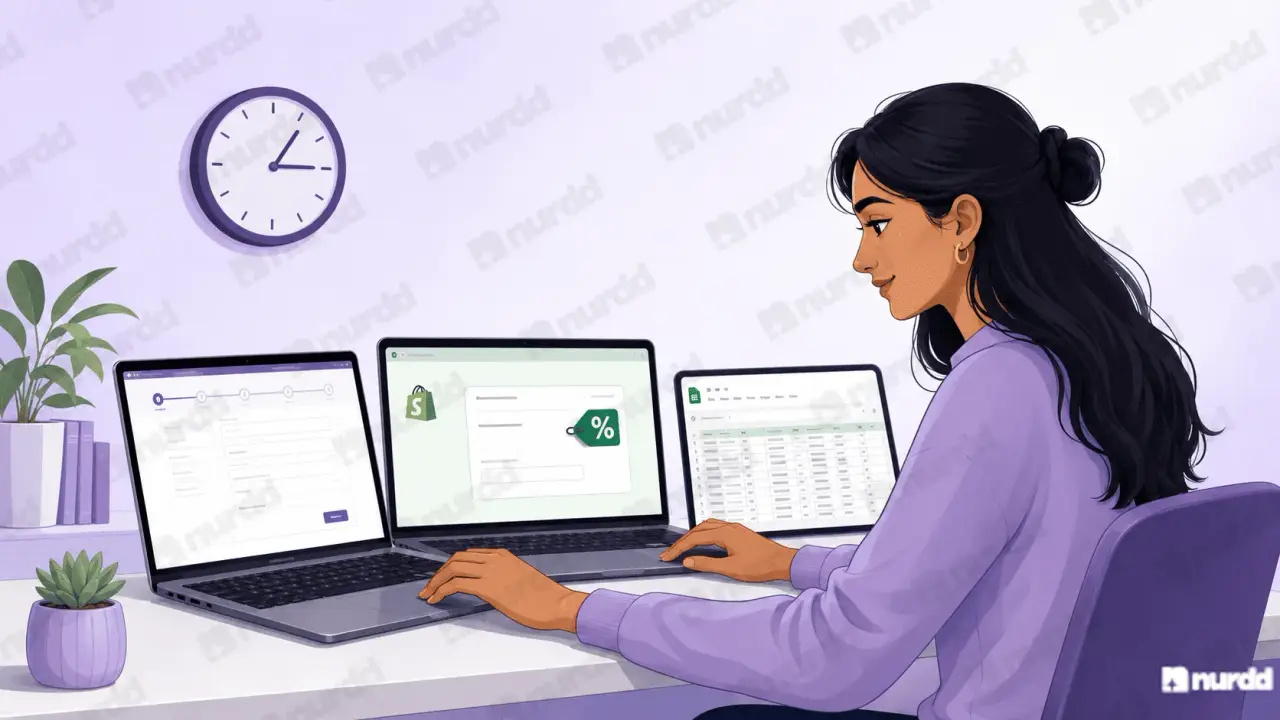
The Three-Signal Approach
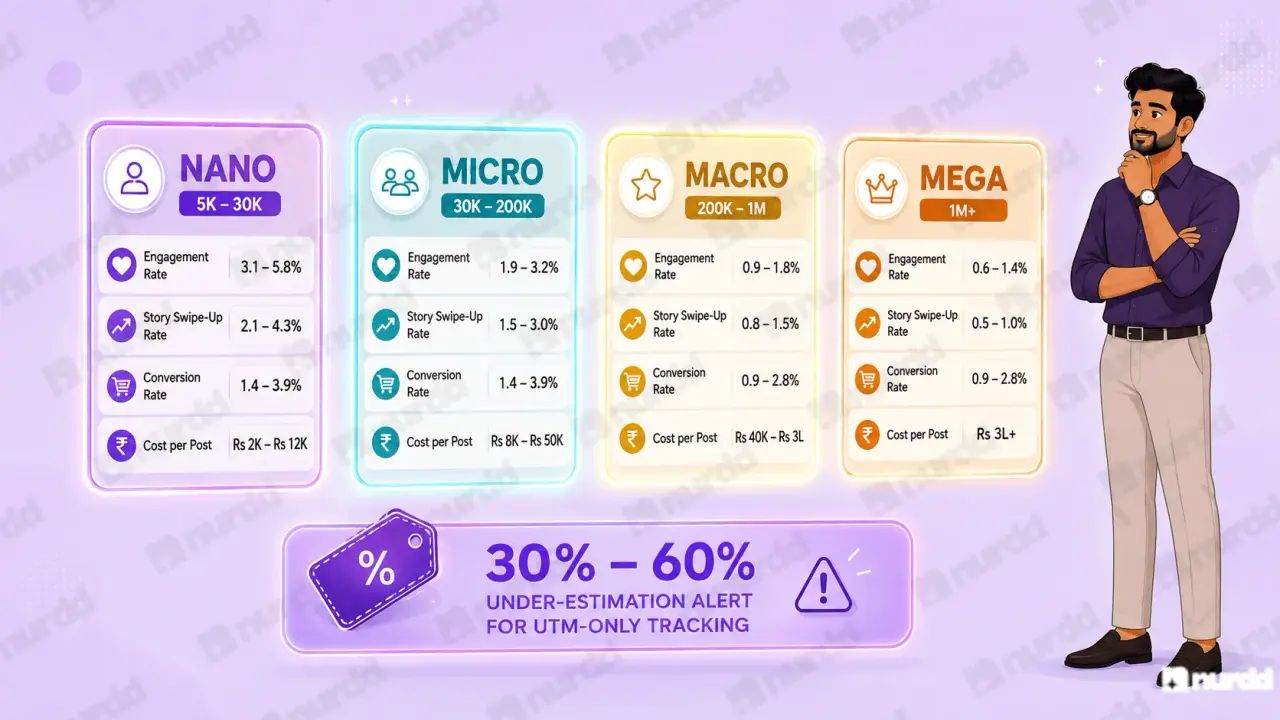
Any single tracking signal has a structural blind spot. Using three signals together captures the majority of creator-influenced purchases without any developer involvement.
Signal 1 :UTM Link: Each creator gets a unique URL with UTM parameters. Captures same-session, same-device purchases reliably. Misses buyers who click on mobile and purchase on desktop, or who return later in a different session.
Signal 2: Promo Code: Each creator gets a unique discount code. Every order using that code is attributed to the creator regardless of device, session, or time gap. Misses buyers who forget to apply the code. Captures roughly 60 to 80% of conversions if the creator communicates it clearly.
Signal 3: Purchase Timing Spike: Track your daily Shopify order volume. A spike of 20% or more above your 7-day rolling average in the 24 to 48 hours following a creator post represents likely creator-influenced purchases not captured by UTM or promo code.
Setup: UTM Links
Creating UTM Links in Five Steps
Go to Google's free Campaign URL Builder at ga-dev-tools.google/campaign-url-builder.
For each creator, create a URL with: Source = creator handle, Medium = influencer, Campaign = your campaign name, Content = platform.
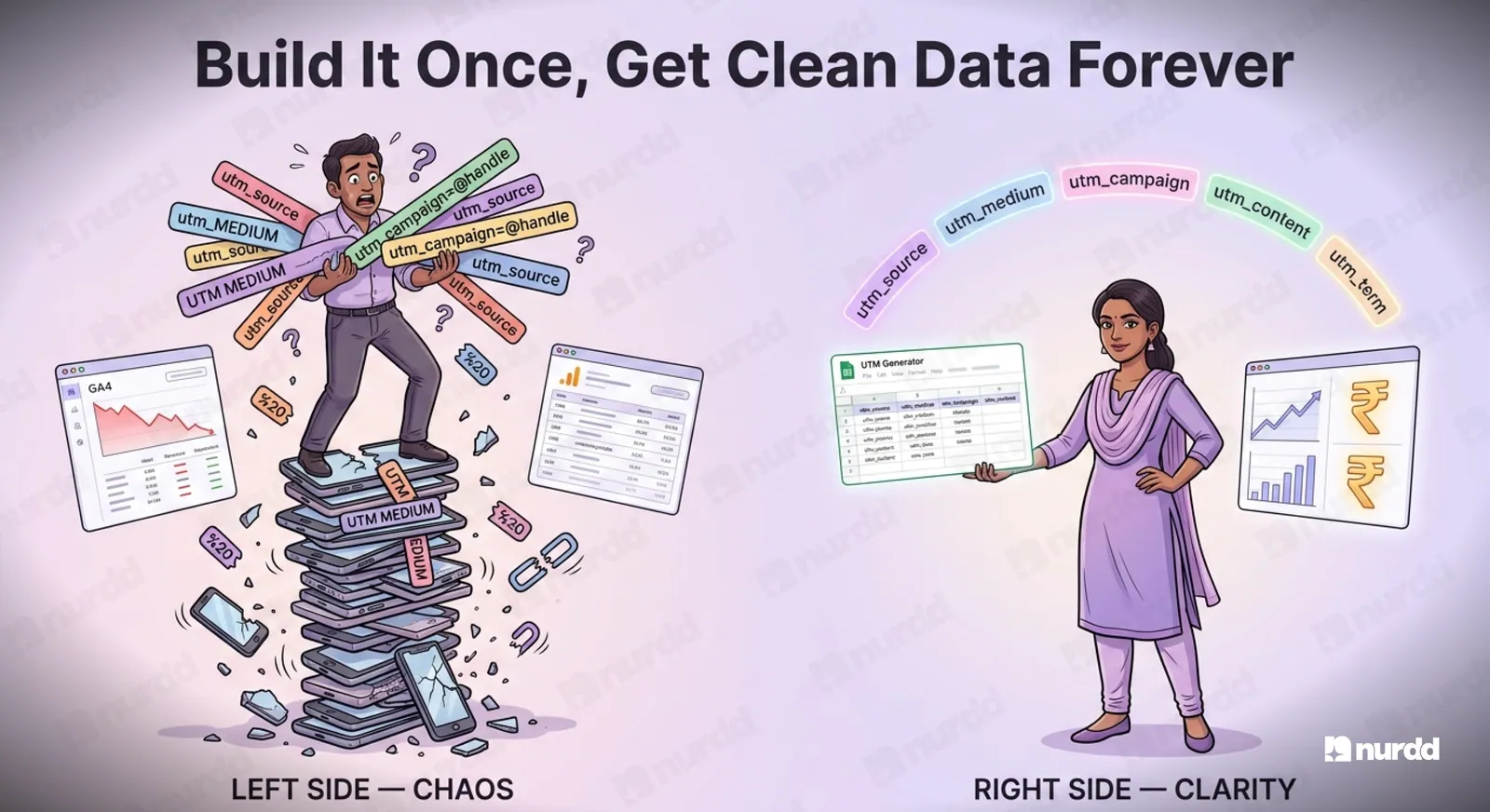
Shorten using Bitly long UTM URLs look unwieldy in Instagram bios.
Test the shortened URL on a mobile device before sending. Confirm UTM parameters survive the redirect.
Send with explicit instructions: use this exact URL, do not modify it.
Common error to avoid: Some Shopify themes strip UTM parameters on redirect. Test every link before the campaign goes live not after.
Setup: Promo Codes
Creating Promo Codes in Shopify
Go to Discounts, then Create Discount, then Discount Code.
Name the code with the creator's handle AMRITA10, RAHUL15.
Set percentage or fixed amount depending on your margin structure.
Do not set an expiry date unless the campaign has a specific end date.
Set usage limit per customer to one to prevent code sharing abuse.
In Shopify's Discounts report, create a saved view filtered by discount code containing your campaign keyword. All active creator promo code redemptions appear in one table. Export weekly.
The Tracking Sheet
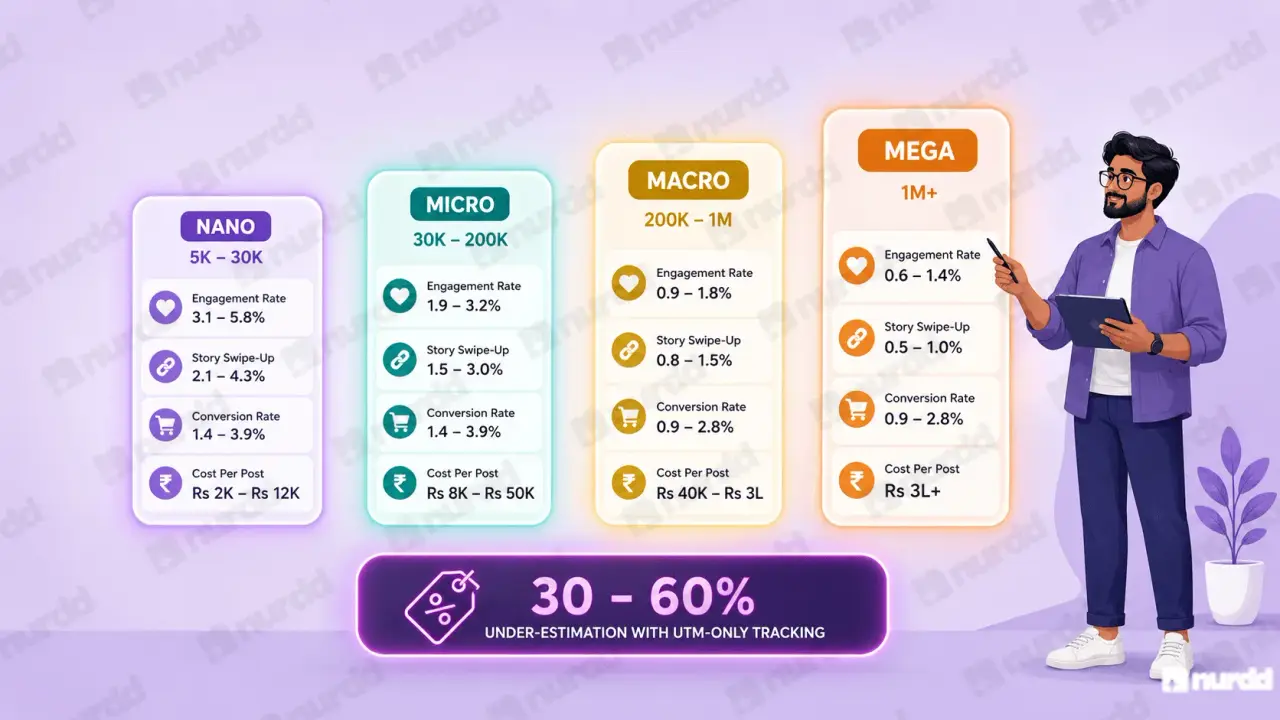
The Google Sheet That Ties Everything Together
One row per creator per campaign. Columns:
Creator name, platform, posting date
UTM link, promo code
7-day UTM clicks and conversions
7-day promo code redemptions and revenue
Creator fee, product cost, total campaign cost
Cost per sale (total cost ÷ total conversions from both signals)
Set a recurring Monday morning calendar reminder to pull data from GA4 and Shopify and update the tracker. The system only works if it is maintained consistently.
Common Errors to Avoid
Five Mistakes That Corrupt Your Data
The creator changes the UTM link. Prevent with explicit brief instructions and spot-check link usage in the 48 hours after posting.
The promo code gets shared publicly. A micro creator with 80,000 followers generating 400 redemptions in a single day has a shared code problem, not exceptional performance.
UTM parameters stripped on redirect. Test every link on mobile before the campaign goes live.
Comparing campaigns with different posting formats. A Story and a feed post attribute differently. Track format alongside attribution data.
Not accounting for organic spillover. When a creator post generates significant organic shares, purchases from those shares arrive without UTM parameters. Use the timing spike method as a cross-check.
This manual system works well up to 15 to 20 active creator partnerships per month. Beyond that, the weekly data collection becomes 2 to 3 hours per week and data entry errors accumulate. At 20 or more active creators, a dedicated platform like Nia typically justifies its cost within the first month through time savings alone.
"Attribution does not require technology. It requires discipline. Three signals, a spreadsheet, and weekly discipline will tell you more than most platforms tell brands who never look at the data."
Sources and References
Shopify Help – Create and manage discount codes
Google – Campaign URL Builder (free tool)
Google Analytics Help – About traffic source dimensions
Bitly – Link management and campaign analytics
Nurdd / Nia – Influencer attribution resources for Indian D2C brands

Find the right creators — and verify they're real.
Nia gives brands access to 10M+ Indian creator profiles, TruAI fake follower detection, pre-spend ROI forecasting, and product-level sales attribution. Completely free.