AI Search Visibility
AI Search Optimization Tools for Agencies: Buyer Guide
How agencies should choose an AI search tool for client reporting, multi-brand workspaces and white-label delivery, with a scoring matrix and a cost example.
 Simran Rawat6 Nov 202619 min read

The AI search optimization tools agencies shortlist most are Peec AI, Scrunch, Otterly AI, Profound, AthenaHQ, Semrush and Noma. Choose by what the client report must show, how workspaces and pricing scale per client, and how clearly the tool shows which pages AI engines cite. Noma by Nurdd tracks 13 AI engines, including ChatGPT, Gemini, Perplexity and Claude, and records which page each citation comes from.
The AI search optimization tools for agencies worth shortlisting are the ones that turn citations across AI engines into a report a client can read in two minutes, keep each client's data separate, and charge in a way that still leaves margin as your roster grows. Tracking alone is not enough. The tool has to produce evidence you can put in a monthly review.
This guide covers what agencies use for client reporting, how to choose a GEO tracking tool in seven steps, a like-for-like feature and pricing comparison, a scoring matrix you can copy, and a worked cost-per-client example built from published prices. If you want the wider background first, start with what generative engine optimization is and how it differs from SEO.
Key takeaways
- Decide the client deliverable first (a one-page monthly report, a live dashboard, or a pitch audit). The deliverable, not the feature list, decides which tool fits.
- Compare pricing per client, not per tool. Divide the published plan price by the client projects or prompts it covers, as the worked example below does.
- Native white-label is rare. Several vendors route branded delivery through Looker Studio or exports, so ask exactly which route a vendor offers before you promise it to a client.
- Citation-level detail (which page an engine cited, and whether your client was named) is what makes a report actionable. A single visibility score is not.
- Run a 30-day pilot on two real clients and one prospect before you sign anything. The checklist later in this guide shows how.
- Noma by Nurdd gives a clear read on citations across 13 AI engines, and its 3-day free trial lets you test it on a live client brand. Book a demo to see it on your own client's brand.
What AI search tools do agencies use for client reporting?
Agencies reporting on AI search visibility can choose from a short list of dedicated trackers: Peec AI, Scrunch, Otterly AI, Profound, AthenaHQ and Noma, plus SEO suites such as Semrush that have added AI visibility modules. A third-party roundup from Trakkr, August 2026 lists AthenaHQ, Otterly AI, Peec AI, Profound, Scrunch and the Semrush AI Visibility Toolkit as the agency options it evaluates.
The tools differ in how they get data to a client. The list below groups them by reporting route, using each vendor's own pages where one was available when this guide was written.
- Peec AI: its agency page, November 2026 describes isolated client projects, branded Looker Studio dashboards that clients open without a login, CSV and API exports, and an MCP layer for scheduled summaries.
- Scrunch: its agencies page, November 2026 describes a single workspace for every brand, role-based access, prospecting environments and Data API access.
- Otterly AI: its pricing page, November 2026 publishes prompt-based tiers and links to a dedicated agencies page.
- Noma by Nurdd: a web dashboard that shows citation frequency by category, competitor comparison and recommendations across 13 AI engines, polled daily.
- Profound, AthenaHQ and Semrush: these appear in the Trakkr roundup above. Check each vendor's own agency documentation for current workspace limits and pricing before you shortlist.
Why is choosing an AI search tool harder for agencies than for in-house teams?
An in-house team tracks one brand and one set of competitors. An agency tracks many brands at once, each with its own competitors, markets and prompts, and has to present the results to people who did not choose the tool. That adds four problems an in-house buyer never meets: data separation between clients, pricing that scales with client count, reporting that carries the agency's name, and a pitch workflow for prospects who are not clients yet.
A published checklist from LLM Pulse, April 2026 (updated October 2026) frames the same set of needs: white-label reporting, multi-client management, unlimited team seats, API and integrations, scalable pricing and AI visibility coverage. That list is a reasonable starting point, but it treats every criterion as equal. An agency selling a monthly retainer should weight the report most, and the report is only as good as the citation data underneath it.
There is also a measurement problem specific to AI answers. A single prompt can return different brands on different days and on different engines, so a tool that samples once a week or on a few engines gives a thin picture. If you need to explain that variance to a client, our guide on whether personalization changes AI answers covers how to handle it.
How should an agency choose a GEO tracking tool?
An agency should choose a GEO tracking tool by working backwards from the client report: define the deliverable, count the workspaces, test citation detail, settle the white-label route, check the pitch workflow, score the options with weights, then pilot on real clients. The seven steps below follow that order, and each one states the action, the result you should get and why it matters.
Step 1: Write the client deliverable before you open any vendor page
Action: Draft the exact monthly report you would send, on one page: visibility trend, which engines name the client, which pages are cited, and the three prompts where a competitor wins. Result: a list of five to eight data fields the tool must export or display. Why: starting from the feature grid risks buying dashboards that never reach the client.
Use the metrics you already report on. If you are unsure how AI metrics sit next to rankings and traffic, AI search metrics versus SEO metrics explains what to report together, and the AI search metrics reporting guide lists the fields a retainer report can include.
Step 2: Count workspaces and find each vendor's pricing unit
Action: List your current clients and prospects, then note how each vendor charges: per prompt, per client project, per credit, or per domain. Result: a cost per client at today's roster and at double the roster. Why: a plan that looks cheap for three clients can reach a pricing cliff at the fourth.
Peec AI, for example, publishes its brand plans by prompt count and its agency plans by client projects and credits. Otterly AI publishes prompt tiers. These are different units, so convert them to a common one before comparing, as the worked example later shows.
Step 3: Test citation detail, not just a visibility score
Action: For one live client, run the same five prompts in the tool and compare against a manual check in the engines themselves. Note whether the tool shows the cited page URL, the competitors named and the engine that produced each answer. Result: a clear view of whether the tool can answer the question a client will actually ask: "Which page did ChatGPT use, and why not ours?" Why: a bare percentage cannot be acted on, while a cited-page list becomes a to-do list.
Pick prompts that reflect buying questions, not brand-name queries. Our guide on which prompts to track for AI search visibility gives a selection method.
Step 4: Settle the white-label route in writing
Action: Ask each vendor three questions: can reports carry our logo, can clients see data without a vendor login, and does any vendor branding or URL appear in what the client sees? Result: a definite answer per vendor, such as native branded reports, a Looker Studio template, or exports you place in your own deck. Why: "white-label" is used loosely, and a promise to a client that the tool cannot keep costs more than the subscription.
Peec AI's agency page says agencies can build one Looker Studio dashboard template, clone it per client and share read-only links. Scrunch's FAQ for agencies, 2026 describes Guest access for brand-specific visibility and optional external dashboards such as Looker Studio. Both are real delivery routes, but they are not the same as a fully rebranded interface, so get the exact wording.
Step 5: Check the pitch and prospect workflow
Action: Create a prospect audit without using a client slot, and time how long it takes to produce a competitor gap view. Result: a repeatable pre-meeting asset. Why: the same tool that reports on clients should help win the next one.
Peec AI's agency page describes 7-day pitch projects that sit outside the client quota, with 3 active pitch projects on Essential, 10 on Growth and 25 on Scale. Scrunch describes prospecting licenses for pitch environments. If a vendor has no equivalent, budget for the prospect audit as a client slot.
Step 6: Score the shortlist with a weighted matrix
Action: Score each shortlisted tool from 0 to 5 on six criteria, multiply by the weights below, and divide by 5 to get a score out of 100. Result: a ranking you can defend to your partners. Why: weights stop a flashy dashboard from outranking a tool that gives you better citation data.
| Criterion | Weight | What a 5 looks like |
|---|---|---|
| Client-ready reporting output | 25 | A report or dashboard you would send without editing |
| Multi-brand structure and cost per client | 20 | Separate client data; cost per client stays flat as you grow |
| Citation-level detail | 20 | Shows cited pages, named competitors and engine for each answer |
| Engine coverage | 15 | Covers the engines your clients' buyers use, with a published list |
| Pitch and prospect workflow | 10 | Prospect audit without consuming a client slot |
| Actionability and support | 10 | Recommendations, or a service team that acts on the findings |
Here is a worked illustration with invented scores, not scores of real products. Tool A scores 4, 3, 5, 5, 2, 4 across the six rows in order: (4×25 + 3×20 + 5×20 + 5×15 + 2×10 + 4×10) ÷ 5 = 79. Tool B scores 5, 5, 3, 3, 4, 3: (5×25 + 5×20 + 3×20 + 3×15 + 4×10 + 3×10) ÷ 5 = 80. The totals are one point apart, which tells you the choice depends on whether your retainer leans on reporting polish or on citation depth, and the pilot in Step 7 should settle it.
Step 7: Pilot for 30 days on two clients and one prospect
Action: Run the pilot checklist below. Result: a real report for each client and a prospect audit, produced by your own team. Why: a demo shows a vendor's best account; a pilot shows your workflow.
- Pick two clients in different categories and one active prospect.
- For the pilot we suggest 20 to 30 prompts per client, agreed with the account lead and split between category questions and comparison questions.
- Record a manual baseline in the AI engines for five prompts per client before the tool starts.
- Let the tool run for two full weeks, then compare its answers with your manual baseline.
- Build the monthly report from the tool's data only, and time how long it takes.
- Send the draft to one client contact and ask which section they would forward internally.
- Note any data you had to rebuild by hand, and count that as a cost.
- Score the tool in the matrix above and decide.

How do the main AI search tools compare on agency features?
The table compares what each vendor publishes about agency use. Where a cell says to confirm, the vendor's own pages did not state the point clearly when this guide was written, and you should ask in a demo rather than assume. Facts come from the vendors' own pages, checked in November 2026.
| Tool | Engine coverage as published | Multi-client structure | Prospect workflow | Client reporting route |
|---|---|---|---|---|
| Noma by Nurdd | 13 AI engines, including ChatGPT, Gemini, Perplexity and Claude, polled daily | Web dashboard; confirm workspace setup for your client count in a demo | 3-day free trial on a live brand | Citation frequency by category, competitor comparison and recommendations, with the cited page recorded |
| Peec AI | Agency page refers to six channels, tracked daily | Isolated client projects; unlimited client seats | Free 7-day pitch projects outside client quota | Looker Studio dashboards, CSV, API on Essential and above, MCP on paid plans |
| Scrunch | Major LLMs including ChatGPT, Gemini and Perplexity; no engine count stated on the page | One workspace for all brands; role-based access | Prospecting licenses | Guest access, Looker Studio, Data API |
| Otterly AI | Confirm on the vendor's pages | Dedicated agencies page; confirm limits | Confirm on the vendor's pages | Confirm on the vendor's pages |
Two rows matter most for a retainer. On engine coverage, Noma's published count of 13 engines is the widest stated in this table, which matters when clients ask about an engine your report does not include. On citation detail, Noma records whether a brand is named and which page each citation comes from, which is the field a client asks for after seeing any visibility score. For a deeper side-by-side, see Noma vs Peec AI, Noma vs Scrunch, Noma vs Profound and Noma vs AthenaHQ.
What do these tools cost, and what does that mean per client?
Published prices vary in unit as well as amount, so a headline number is misleading on its own. The table lists entry prices exactly as each vendor states them, in USD, checked in November 2026, with a derived cost per prompt where the unit allows it.
| Tool and plan | Published price per month | What it covers | Derived cost per prompt |
|---|---|---|---|
| Peec AI Starter | $95 | 50 prompts | $1.90 |
| Peec AI Pro | $245 | 150 prompts | $1.63 |
| Peec AI Advanced | $495 | 350 prompts | $1.41 |
| Peec AI Essential (agency) | $245 | 10,000 credits, about 111 prompts, 3 client projects | About $2.21 |
| Otterly AI Lite | $29 | 15 prompts | $1.93 |
| Otterly AI Standard | $189 | 100 prompts | $1.89 |
| Otterly AI Premium | $489 | 400 prompts | $1.22 |
| Noma by Nurdd | 3-day free trial; card taken at signup, billing starts on day 3, no charge if cancelled before | 13 AI engines, polled daily | See nomahq.app |
Sources: Peec AI brand plans are from its pricing page, November 2026; the Essential agency row is from Peec AI's AI instructions page, November 2026; Otterly AI tiers are from its pricing page, November 2026. Prices for Scrunch, Profound and AthenaHQ were not confirmed on their own pages during research, so they are left out rather than estimated. A third-party review from Trakkr, 2026 reports Peec's agency tiers as $245, $495 and $795 per month for 3, 10 and 25 client projects; confirm that with Peec before budgeting.
Worked example: three clients on published prices
Suppose an agency has three clients and wants to track about 100 prompts in total. On Peec AI Essential at $245, three client projects means $245 ÷ 3 = $81.67 per client per month, with roughly 111 prompts shared across them, or about 37 each. On Otterly AI Standard at $189 for 100 prompts, three clients means $189 ÷ 3 = $63 per client, with about 33 prompts each.
Two cautions apply. The engines tracked and the tracking frequency differ between vendors, so the cheaper line is not automatically the better value. Peec also explains its monthly answer volume as prompts multiplied by models and by tracking frequency: its Starter plan lists 50 prompts across 3 models daily as 4,500 answers a month, which matches 50 × 3 × 30.
Apply the same arithmetic to Noma. If an agency tracks 30 prompts for one client across 13 engines polled daily, that is 30 × 13 = 390 answers read per day for that client, or 11,700 over a 30-day month. Ask every vendor how many engines a prompt is run on, because a prompt tracked on 3 models and a prompt tracked on 13 engines are not the same unit.
How does Noma give agencies a clear read on citations?
Noma by Nurdd is an AI search visibility dashboard at nomahq.app that tracks whether a brand appears in answers from 13 AI engines, including ChatGPT, Gemini, Perplexity and Claude, polled daily. It records whether a brand is named and which page each citation comes from, shows citation frequency by category with competitor comparison, and lists recommendations for improving visibility. Noma shows where AI engines cite a brand and where they cite a competitor instead, so an agency can give clients that read.
Want to see this on a client's brand rather than a sample account? Book a demo and you will see which of the 13 engines name your client, which pages are cited, and how the client compares with its competitors on the prompts you choose.
The citation read is the part that carries a retainer conversation. When a client asks why a competitor is recommended, the answer is usually a specific page on a specific site, and Noma records that page. That turns a vague "we need more AI visibility" discussion into a short list of pages to improve or sources to earn. Our guide on measuring AI search share of voice shows how to turn those counts into a trend line.
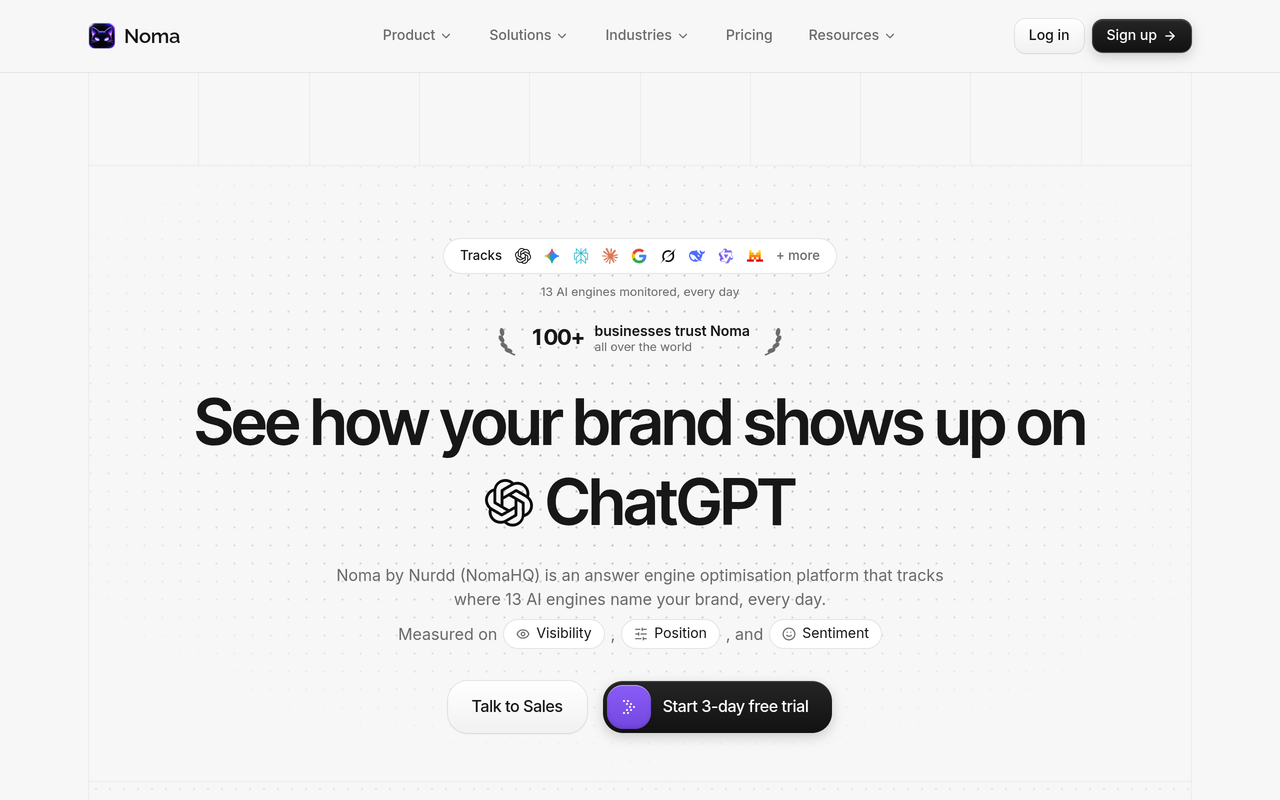
Two practical points for agencies. First, Noma has a 3-day free trial with a card taken at signup and billing from day 3, so start the trial when you are ready to run the Step 7 pilot, not before. Second, if your clients need agency-branded reports, ask in the demo which export and reporting options apply to your set-up today, and plan to place Noma's citation figures in your own report or dashboard.
Nurdd also runs answer engine optimization and generative engine optimization services measured in Noma. Agencies that want a delivery partner for the fixes, such as content and third-party source work, can scope that separately.
What should a client AI search report contain?
A client AI search report should answer five questions on one page: is the brand named, by which engines, from which pages, against which competitors, and what changes next month. The structure below works whichever tool supplies the data.
- Headline: share of tracked prompts where the client is named this month versus last month.
- Engine split: which engines name the client and which do not.
- Citation sources: the pages and third-party sites cited in answers, grouped into the client's own pages and others.
- Competitor gap: the three prompts where a named competitor appears and the client does not.
- Next actions: two or three changes, each tied to a cited page or a missing source.
Keep the number of prompts stable between months so the trend means something. If you change the prompt set, say so in the report and restart the comparison. For executive-level layouts, see what executives need to see in an AI search visibility dashboard.
What mistakes do agencies make when buying an AI search tool?
- Buying on prompt count alone. A tool with more prompts but fewer engines gives you less coverage per dollar than the headline suggests.
- Assuming white-label means a rebranded interface. Several vendors deliver branded output through Looker Studio or exports. Confirm the route before you promise it.
- Ignoring pitch costs. If prospect audits use client slots, your cost per client rises every time you pitch.
- Reporting a score without causes. A visibility percentage with no cited pages gives the client nothing to approve.
- Changing prompts every month. It breaks trend lines and makes results impossible to defend.
- Skipping a manual baseline. Without it you cannot tell whether the tool's answers match what a buyer sees.
- Treating tracking as the whole service. Measurement shows the gap; closing it needs content, structured data and source work. The GEO experiment design guide shows how to test whether a change moved visibility.
Should an agency use an SEO suite or a dedicated AI visibility tool?
An SEO suite suits agencies that want one login and one invoice for rankings, audits and some AI visibility tracking. A dedicated AI visibility tool suits agencies that need wide engine coverage and citation-level detail for retainer reporting. The Trakkr roundup notes that the Semrush AI Visibility Toolkit is aimed at SEO-led agencies already inside the Semrush family, which is a fair description of the trade-off.
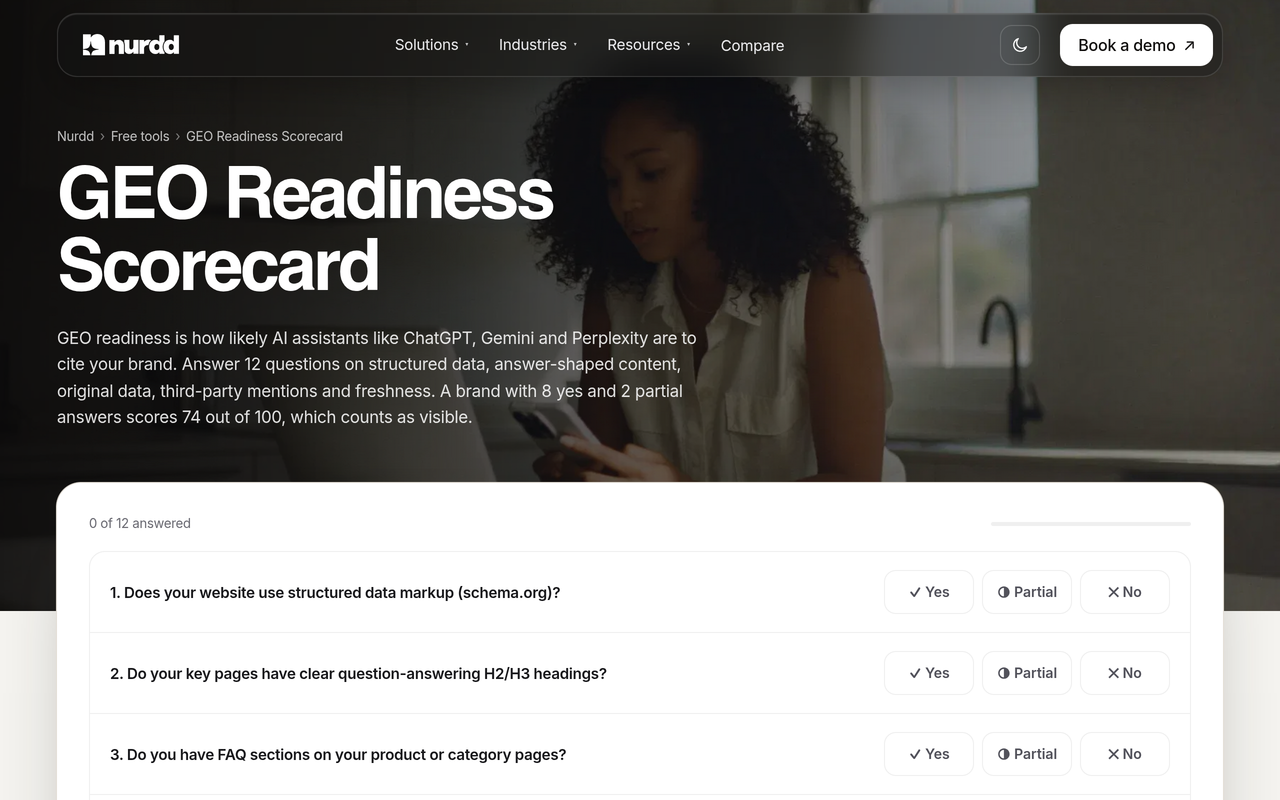
Some agencies run both: a suite for rankings and technical audits, and a dedicated tracker for AI citations. If you are weighing that split for a specific client type, best AI search visibility tools compared and answer engine optimization agency versus in-house tooling go further. To benchmark a client's readiness before you pick a prompt set, the free GEO readiness scorecard gives a 12-factor check you can run in minutes.
How does the tool choice change by agency type?
The right shortlist depends on what your agency sells. The table maps three common agency profiles to the criteria that should carry the most weight, so you can adjust the matrix weights before scoring.
| Agency profile | Raise the weight on | Why | Question to ask a vendor |
|---|---|---|---|
| SEO agency adding AI search to existing retainers | Reporting output and cost per client | AI search is an add-on line, so margin and report reuse decide the fit | Can I pull this into my current reporting stack? |
| GEO or AEO specialist selling optimization | Citation detail and actionability | The service depends on finding the exact pages and sources to change | Does each answer show the cited page and competitors? |
| Growth or performance agency with a few large brands | Engine coverage and competitor comparison | Few clients, high stakes, wide questions from the brand team | Which engines are tracked, and how often? |
If you work with a niche client mix, the agencies industry page shows how Nurdd's products fit agency work, and our list of AEO and GEO agencies shows how peers package the service.
Conclusion: which tool should your agency shortlist first?
Shortlist the tools that fit your deliverable, price them per client, and test them on real work. For agencies whose retainers depend on explaining who gets cited and why, Noma by Nurdd gives a clear read on citations across 13 AI engines, polled daily, with the cited page recorded and competitors compared.
Start the pilot with your own client. Book a demo at nurdd.club/demo and bring one client brand and five prompts: you will see which engines name that brand, which pages are cited, and where a competitor wins. You can also read about the product on nomahq.app.
How we researched this
We reviewed vendor agency and pricing pages (Peec AI, Scrunch, Otterly AI), a third-party agency tool roundup from Trakkr, and an agency-readiness checklist from LLM Pulse. Each page was checked on the publication date of this guide, and all prices are in USD as the vendors state them. We did not run hands-on tests of rival tools, and we did not interview customers.
Where a vendor's own pages did not state a figure, we left it out or marked it to confirm. Plans change often, so check each vendor's page before you buy. The weighted matrix scores and the cost example arithmetic are our own illustrations built from the published figures, and the matrix scores are invented for demonstration.
Frequently asked questions
What AI search tools do agencies use for client reporting?
Agency-focused options include dedicated trackers such as Peec AI, Scrunch, Otterly AI, Profound, AthenaHQ and Noma, and SEO suites such as Semrush with AI visibility add-ons. Reporting routes differ: some vendors support Looker Studio dashboards, some offer APIs or exports, and others keep reports inside their own interface. Confirm the route before promising a client branded output.
How should an agency choose a GEO tracking tool?
Start with the report you want to send, then check workspaces, cost per client, citation detail, engine coverage and the white-label route. Score each shortlisted tool in a weighted matrix and run a 30-day pilot on two clients and one prospect. The seven steps in this guide set out the process in order.
Is there a white-label AI search tool for agencies?
Some vendors offer branded dashboards through Looker Studio and exports, but a fully rebranded interface is less common and often depends on the plan or an arrangement with the vendor. Ask three questions: can reports carry your logo, can clients view data without a vendor login, and does vendor branding appear anywhere the client looks.
How many prompts does an agency need to track per client?
There is no standard number, and none of the sources reviewed set one. For the pilot we suggest 20 to 30 prompts per client, split between category questions and comparison questions, kept stable so trends are comparable. Add prompts only when you restart the comparison and tell the client.
How is AI search tracking different from rank tracking?
Rank tracking records a page's position for a keyword. AI search tracking records whether a brand is named in a generated answer, and which sources the answer cites. Answers can vary by engine and by day, so tracking runs the same prompts repeatedly and reports patterns, not a single result.
Does Noma have a free trial for agencies?
Noma has a 3-day free trial. A card is taken at signup and billing starts on day 3, and you are not charged if you cancel before then. Because the trial is short, prepare your client brand and prompt list first so you can judge the citation data within the window.
Can Noma show which pages AI engines cite for a client?
Yes. Noma tracks 13 AI engines, including ChatGPT, Gemini, Perplexity and Claude, and records whether a brand is named and which page each citation comes from. To see this on your own client's brand, book a demo.
Should agencies track AI search visibility for every client?
Not necessarily. Prioritise clients whose buyers research with AI assistants, such as software, ecommerce and services brands, and run the free GEO readiness scorecard first to see where gaps are. Start with two clients, prove the reporting value, then extend to the rest of the roster.