AI Search Visibility
AI Search vs Google Conversion Rate: Measure Your Own
Published AI search vs Google conversion rate claims vary wildly. Here is how to measure the real gap in your own GA4, with segments, checks and pitfalls.
 Sheetal Shakshi2 Nov 202616 min read

To compare AI search with Google conversion rate, build a separate AI channel in GA4, compare it only with Google organic using the same key event and date range, and check that each segment has enough sessions. One 2026 study of 95 sites found a 7.18% AI rate against 6.08% for organic, but AI converted worse on 23 of 63 sites, so your own data matters.
The AI search vs Google conversion rate question has a simple answer: it is the conversion rate of sessions that arrive from AI assistants divided into the same rate for Google organic sessions, measured on your own site, for the same goal and period. Published multiples range from barely above parity to 23x, so only your own analytics can tell you which applies to you.
This guide gives you a repeatable method. You will set up an AI channel in GA4, define a fair comparison, check whether the gap is real or noise, and learn why ChatGPT clicks sometimes show up as direct traffic. It also shows where Noma by Nurdd fits: it shows which AI engines mention your brand, which the analytics report cannot.
Key takeaways
- Compare AI referrals with Google organic, not with total sessions or direct traffic. The baseline you choose can change the answer from 0.67x to 2.48x on the same dataset.
- Create a custom channel group in GA4 with a source regex so AI sessions stop hiding inside the generic Referral channel.
- Use one conversion definition (one key event, one lookback window) for both segments, and report conversions per 100 sessions alongside total conversions.
- Do not read a rate until each segment has a sensible volume. With 100 sessions and 3 conversions, the plausible rate runs from roughly 1% to 8.5%.
- Treat AI sessions in GA4 as a floor. Clicks that arrive with no referrer, and AI Overviews inside Google organic, will blur both segments.
- Pair the analytics view with a visibility view, so you know which engines and prompts feed the traffic you are measuring.
Why do published AI search vs Google conversion rates disagree so much?
They disagree because they measure different things. Some figures come from one company measuring its own site, some compare AI with total sessions, and some use sign-ups on publisher sites as the conversion. A headline such as "4-5x higher" appears in titles from AirOps and Pixis, but it tells you nothing about your product, your goal or your audience.
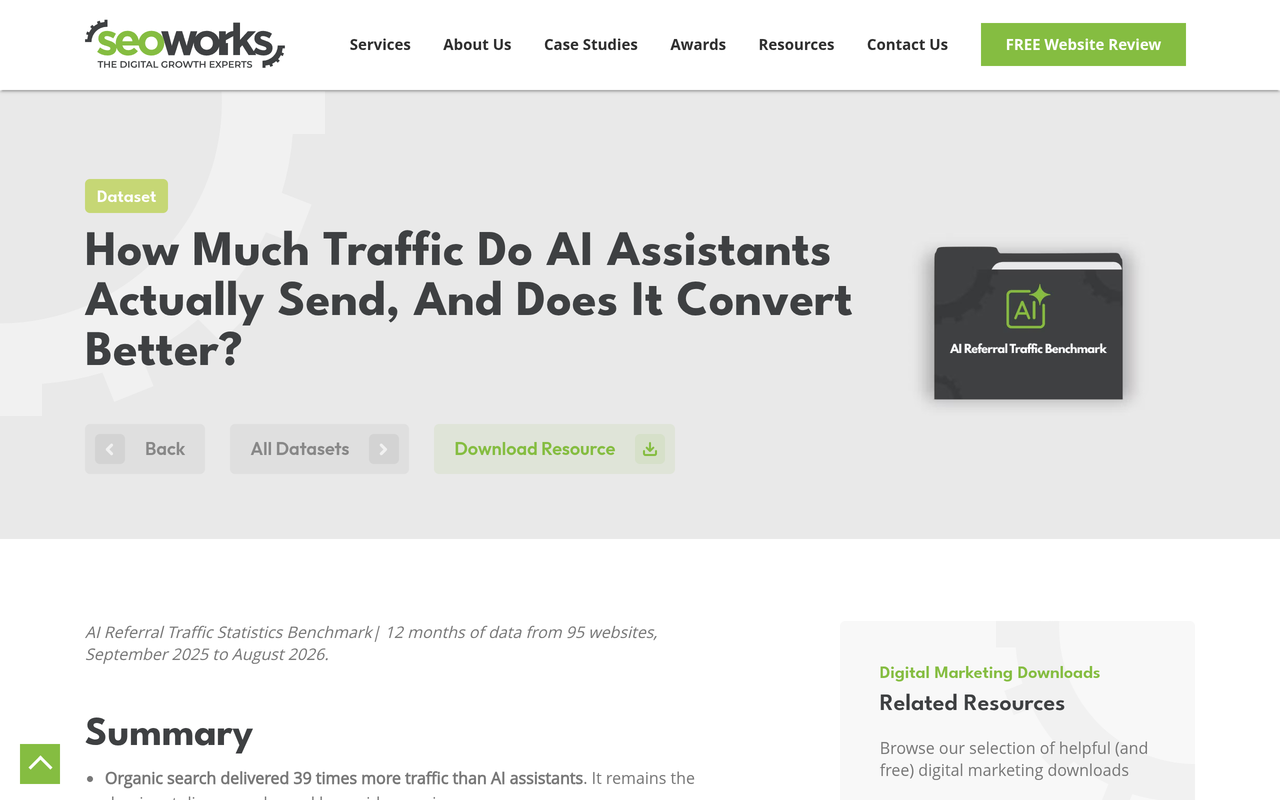
The most careful public dataset I found is the SEO Works AI referral traffic benchmark (2026). It covers 95 websites over 12 months, September 2025 to August 2026. AI referral sessions converted at 7.18% against 6.08% for organic, a ratio of 1.18x, and the study says AI converted worse than organic on 23 of 63 websites.
The SEO Works benchmark found that the same dataset gives 0.67x against paid search, 1.18x against organic search, 1.37x against total sessions and 2.48x against direct, depending only on the comparison channel chosen.
That one table is the reason this guide exists. A multiple without a named baseline cannot be checked. A multiple with a named baseline, a defined conversion and a sample size can. For a summary of what other D2C-focused reports say, see our piece on whether AI search traffic converts better than Google, then use the method below to test it on your own numbers.
What do the top-ranking articles cover, and what do they miss?
Before writing this, I reviewed the pages that rank for the topic. They fall into two groups: benchmark roundups that list conversion multiples, and GA4 setup tutorials that show a regex and a custom channel group. Each group answers half the question.
- Benchmark roundups (for example the AirOps and Pixis pieces) report multiples, usually in headlines, and mostly leave out the comparison channel, the sample size and the conversion definition.
- GA4 tutorials (for example Analytics Mania, 2026) explain the channel group and report setup well, but stop before the comparison itself: significance, fair baselines, and what to do with the result.
This guide joins the two. It adds a baseline decision table, a sample-size check you can do by hand, a worked example using published figures, and a 30-day measurement plan.
How do I compare AI search conversion rate to Google organic conversion rate?
Follow these seven steps in order. Each one has an action, a result and the reason it matters.
Step 1: Define one conversion and one window
Action: choose a single key event that matters commercially (purchase, demo request, qualified lead) and a fixed date range of at least 90 days. Result: both segments are scored on the same yardstick. Why: micro-conversions such as newsletter sign-ups inflate rates on content-heavy sites, and the SEO Works study notes that very high multiples often come from sign-ups measured against a very low search baseline.
Step 2: Create an AI channel in GA4
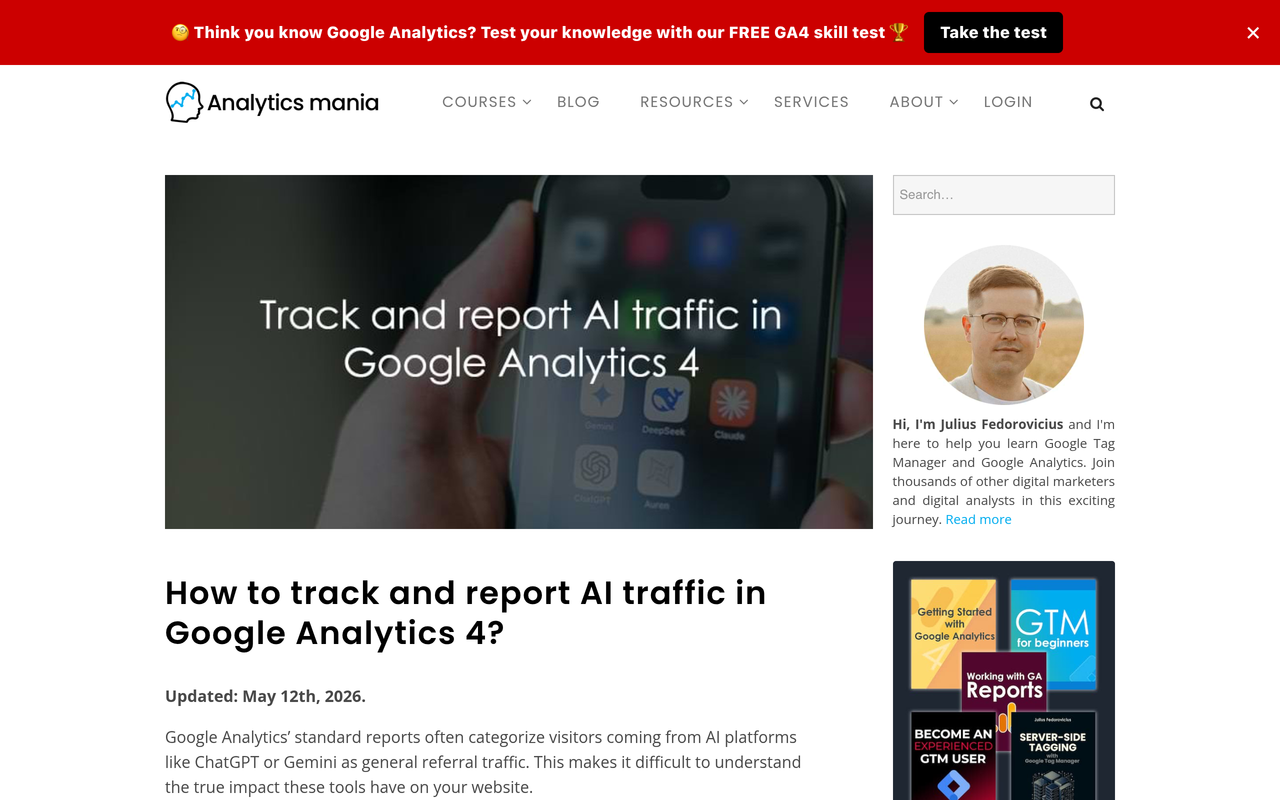
Action: in GA4 go to Admin, Data display, Channel groups, and create a custom channel group with a new channel for AI. Set the condition to Source matches regex and paste a list of AI domains such as chatgpt.com, chat.openai.com, gemini.google.com, perplexity, claude.ai and copilot.microsoft.com. Result: AI sessions get their own row in acquisition reports. Why: Analytics Mania (2026) explains that GA4 normally files these visits under the default Referral channel, and that a custom channel group scales better than report filters, which have a strict character limit.
The same article notes that GA4 allows a maximum of two custom channel groups per property in 2026, one of them reserved for the default group, so plan before you spend that slot. A custom channel group can hold up to 25 channels, which leaves room to split AI by engine later.
Step 3: Order the channel so it matches first
Action: drag the AI channel above Referral in the channel list. Result: a session from chatgpt.com lands in your AI channel instead of the generic Referral bucket. Why: channel rules are evaluated in order, so a broad rule higher up will swallow the traffic before your AI rule is checked.
Step 4: Isolate Google organic cleanly
Action: use the default channel group value Organic Search for the Google side, and keep other search engines separate if you want a Google-only view (add a source condition of google). Result: a comparison group that is unpaid, discovery-driven and similar in intent. Why: the SEO Works study chose organic as its denominator because total sessions move with paid campaigns and email, and direct traffic is contaminated by repeat customers and bookmarks.
Step 5: Build the comparison in Explorations
Action: in Explore, create a free-form table with your custom channel as the rows and sessions, key events and session key event rate as the values. Add a second view by landing page and device. Result: sessions, conversions and rate side by side. Why: the landing-page view shows whether AI visitors are entering on guides while Google visitors enter on product pages, which would explain a gap that has nothing to do with channel quality.
Step 6: Check that the gap is bigger than the noise
Action: for each segment write down sessions and conversions, then compute a rough range for the true rate (see the sample-size section below). Result: a verdict of "clearly higher", "clearly lower" or "cannot tell yet". Why: AI referral volume is small for most sites, so a few conversions swing the rate.
Step 7: Report volume next to rate
Action: add conversions per 100 sessions and total conversions to the report. Result: leadership sees both quality and scale. Why: a higher rate on a tiny channel can still be worth less than a small lift in organic traffic, as the worked example shows.
How do I track ChatGPT referral traffic in GA4?
Track ChatGPT in GA4 by identifying sessions where the source is chatgpt.com (or the older chat.openai.com), including the utm_source=chatgpt.com parameter, and routing them into your AI channel with the regex from Step 2. Then watch your direct channel, because some ChatGPT clicks lose their referral information.
Here is what the public record says. Search Engine Land (October 2026) reported that ChatGPT links appeared to stop carrying the utm_source=chatgpt.com parameter that OpenAI introduced in June, so visits could be classified as direct. The article's headline says the drop was a bug, and it states that a fix began rolling out on October 15. It also says that where parameter and referrer are both missing, analytics tools may classify the visit as direct.
The practical lesson is that ChatGPT attribution can wobble for reasons outside your control. Keep the checks below running so you notice a break early.
A tracking health checklist
- Open Reports, Acquisition, Traffic acquisition and set the dimension to Session source / medium.
- Search for chatgpt.com and confirm both the referral medium and any (utm) variants appear.
- Chart weekly ChatGPT sessions and weekly direct sessions on the same axis.
- If ChatGPT drops sharply while direct rises on the same landing pages in the same week, annotate the chart as a probable attribution break, not a demand change.
- Click a ChatGPT link yourself from a test prompt that cites your site and confirm what GA4's Realtime report shows.
- Repeat the test monthly and after any major ChatGPT release.
Our guide to UTM structure covers tagging rules you can reuse for links you control, and the piece on dark social attribution explains why untagged visits are an ongoing limit rather than a one-off bug.
Which baseline should I compare AI traffic against?
Compare AI referrals with Google organic unless you have a specific reason not to. The table below shows how each possible baseline distorts the result, using the multiples that the SEO Works benchmark published for the same set of sites.
| Baseline | AI ratio in the SEO Works dataset | When it is fair | Main distortion |
|---|---|---|---|
| Google organic | 1.18x | Default choice: unpaid, intent-led, discovery traffic | AI Overview clicks sit inside it |
| Paid search | 0.67x | Only when judging AI against bought, high-intent clicks | Paid queries skew to buying intent |
| Total sessions | 1.37x | Rarely; useful for a sitewide average | Moves with email, paid and direct activity |
| Direct | 2.48x | Avoid | Repeat customers, bookmarks and untagged email convert well |
Source for all four ratios: The SEO Works (2026). Those are that dataset's ratios, not a forecast for your site.
Is the difference real? A sample-size check you can do by hand
Small segments make conversion rates unstable. Before you tell anyone that AI converts "better", estimate the range the true rate could sit in.
A quick method is the Wilson interval, which behaves well for small counts. For 3 conversions from 100 sessions, the observed rate is 3%, but the approximate 95% range runs from about 1.0% to 8.5% (my own calculation). If your organic rate is 4%, that AI segment is neither clearly better nor clearly worse.
- Write down sessions (n) and conversions (c) for each channel.
- Compute the rate c divided by n.
- Use any Wilson or binomial interval calculator to get the 95% range for each rate.
- If the two ranges overlap heavily, label the result "not yet distinguishable".
- Extend the date range or merge months until the ranges separate, or the ranges stop narrowing.
The SEO Works study applied a similar discipline: it limited its conversion comparison to properties with at least 100 AI referral sessions and at least 1,000 organic sessions over the period, and it reported that five sites recorded no AI conversions despite 1,487 AI sessions between them.
Worked example: why a higher rate does not always mean more revenue
Use the published SEO Works figures to see how rate and volume interact. Across its sites, AI referrals produced 5,001 conversions and organic search produced 155,605, and AI referral sessions converted at 7.18% against 6.08%.
| Metric | AI referrals | Google organic |
|---|---|---|
| Sessions in the study | 72,095 | 2,825,594 |
| Conversion rate | 7.18% | 6.08% |
| Conversions | 5,001 | 155,605 |
| Conversions per 100 organic conversions | 3.2 | 100 |
Source: The SEO Works, 2026. The ratio is 7.18 divided by 6.08, about 1.18x.
The study then models what each change would be worth per website per month. Its table says doubling AI referral traffic adds 6.6 conversions, while growing organic search by 5% adds 10.3. That means a small organic lift beat a doubling of AI traffic in that dataset. The report also says the arithmetic changes if AI's share of organic keeps rising, which it did from May 2026.
Apply the same two-step logic to your site: first compare rates, then multiply each by the sessions you could realistically add. Our Google + Meta ROAS calculator and marketing budget planner help turn a conversion rate into revenue and spend decisions.

What pitfalls distort an AI vs Google comparison?
Seven pitfalls account for most bad conclusions. Check each before you publish a number.
- Missing referrers. Clicks from apps or private links can arrive without a source, so they land in direct. The ChatGPT episode above is one example. GA4 will show only a partial view of AI-driven visits, as Analytics Mania also notes.
- AI Overviews hide in organic. Google's documentation says sites appearing in AI Overviews and AI Mode are counted in Search Console's Performance report under the Web search type (Google Search Central). The SEO Works study adds that AI Overview visits arrive as ordinary organic sessions in GA4. So your Google organic segment already contains some AI-influenced traffic, and your AI segment excludes it.
- Different landing pages. If AI sends visitors to a pricing page and Google sends them to a blog, the rates are not like for like. Compare within the same landing-page type.
- Different devices and regions. A mobile-heavy channel can convert lower for reasons unrelated to source.
- Wrong conversion. Newsletter sign-ups and purchases are not interchangeable. Use one definition.
- Too short a window. Seasonal promotions skew a four-week view. Use 90 days or more.
- Averages that hide the spread. The SEO Works data showed B2C sites at 1.51x but B2B product sites at 0.62x, so a pooled number may describe nobody.
Closely related is attribution method. If AI influences a purchase but the buyer returns later via Google or direct, last-touch reports credit the wrong channel. Our comparison of last-touch and multi-touch attribution explains how to read assisted conversions, and the guide to incrementality shows how to test whether a channel causes sales or just collects them.
How do I split AI traffic by engine?
Split AI traffic by engine once the combined channel has enough volume. ChatGPT, Perplexity, Gemini and Claude send different users and different volumes, and a single AI row will average them.
In GA4, add separate channels inside the same custom channel group, each with its own source regex (one for chatgpt.com, one for perplexity, one for gemini.google.com, one for claude.ai). Keep an "Other AI" channel for the long tail. This works because a group can hold up to 25 channels.
Analytics only tells you about visits that happened. It cannot tell you whether your brand was mentioned in an answer but not clicked, or which prompts triggered a competitor instead. That is the gap a visibility tracker fills. Our guide on Perplexity vs ChatGPT vs Gemini explains how the engines differ for brands, and the article on getting traffic from Perplexity goes deeper on one engine.
A decision table: what to do with your result
Once you have rates, ranges and volumes, use this table to choose the next move. It is a framework I built from the steps above, not a published benchmark.
| What you see | What it likely means | Next action |
|---|---|---|
| AI rate clearly above organic, small volume | Promising but fragile | Raise AI visibility on the prompts that feed the landing pages that convert |
| AI rate clearly above organic, meaningful volume | AI is a quality channel for you | Fund content and citations that expand it; report it separately |
| AI rate about equal to organic | Similar intent | Prioritise by volume; usually organic wins on scale |
| AI rate clearly below organic | Wrong landing pages, wrong prompts, or a B2B-style long cycle | Check landing pages and prompts; add assisted-conversion reporting |
| Ranges overlap | Not enough data | Extend the window; do not report a multiple |
| ChatGPT down, direct up on same pages | Likely attribution break | Annotate; do not change strategy on that week's data |
A 30-day measurement plan
This plan assumes you already have GA4 with key events set up. Treat it as a schedule to follow, not a promise of results.
- Days 1-3: choose the conversion, write the definition down, and create the AI channel group with the regex.
- Days 4-7: build the Exploration with channels as rows and add landing-page and device breakdowns. Save it.
- Week 2: run the ChatGPT click test and the direct-versus-ChatGPT chart. Annotate any break.
- Week 3: pull 90 days of history, compute the rate ranges, and fill in the decision table.
- Week 4: pair the result with a visibility view of which prompts and engines mention you, then agree one change to test next quarter.
The visibility half is covered in which prompts to track for AI visibility and how to track your AI search visibility score week over week. For Google's side, tracking Google AI Overviews shows how to see inclusion that GA4 cannot.
Common mistakes to avoid
- Quoting someone else's multiple as if it were yours. Public figures vary because methods vary.
- Comparing AI with total sessions, which flatters AI because total sessions include low-converting traffic.
- Reading a weekly rate on a segment with a handful of conversions.
- Ignoring the direct channel when ChatGPT numbers move.
- Stopping at rate. Quality without volume does not change the business.
- Assuming that more AI sessions come from better content alone; they also depend on being named in answers at all.
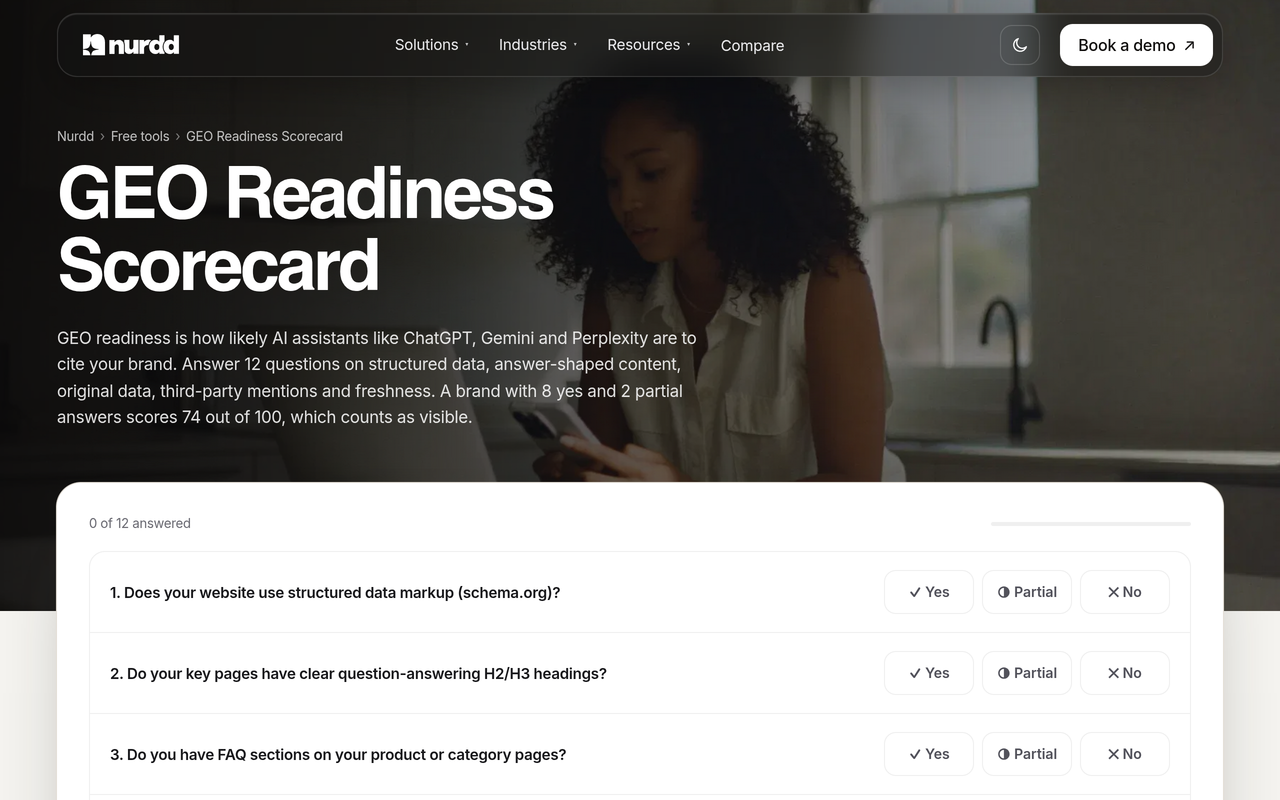
If your AI sessions are near zero, the cause is often visibility rather than conversion. The explainer on why your brand isn't showing up in ChatGPT answers is the right next read, and the GEO readiness scorecard gives you a 12-factor self-check.
How does Noma help with measuring AI search conversion?
Noma by Nurdd is a web dashboard that tracks whether a brand appears in answers from 13 AI engines, including ChatGPT, Gemini, Perplexity and Claude, polled daily. It shows citation frequency by category, competitor comparison and recommendations for improving AI visibility. That means you can see which engines and prompts your brand wins, then match them against the AI sessions and conversion rates you measure in GA4.
Book a demo at https://www.nurdd.club/demo and we will walk through your own brand: which of the 13 engines mention you today, which competitors appear instead, and which categories are worth tracking before you decide how much weight AI traffic deserves.
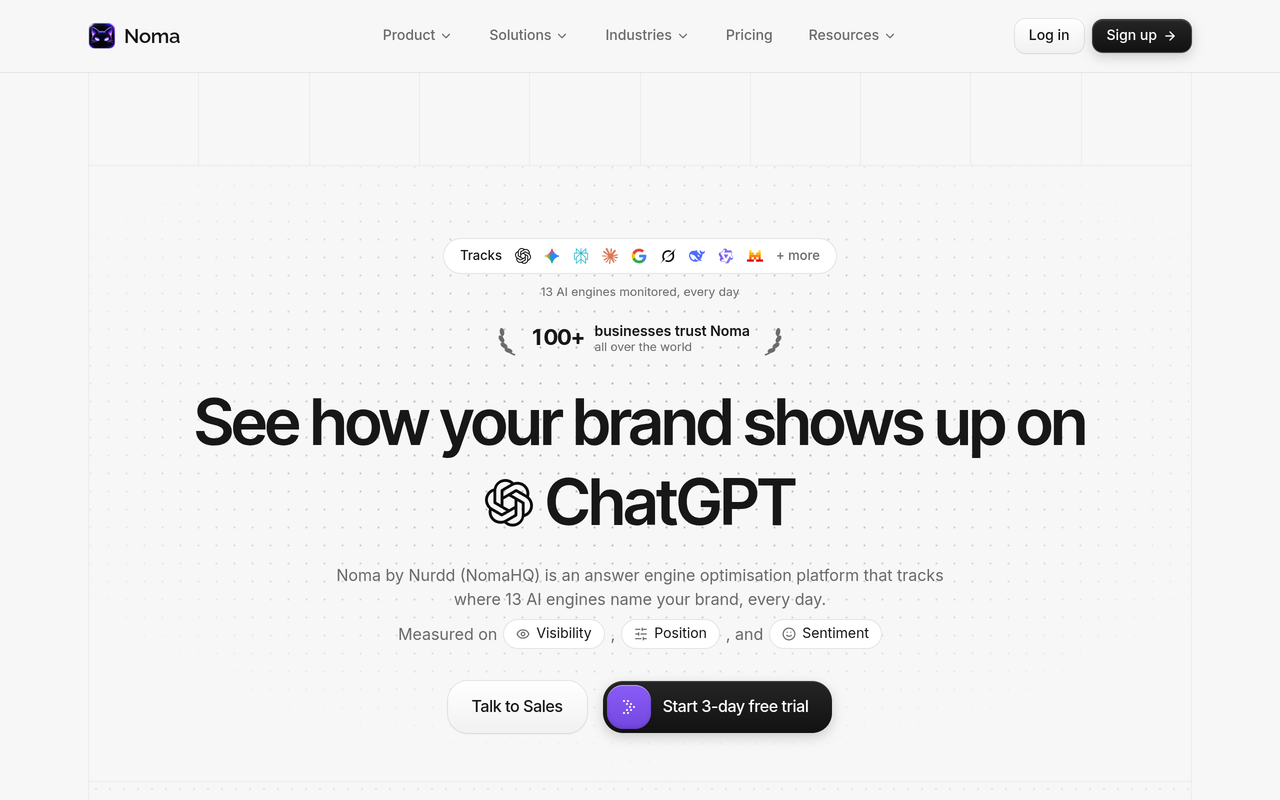
Noma does not replace GA4. GA4 tells you what visitors did after they clicked; Noma shows where AI visibility comes from before any click happens. Noma has a 3-day free trial; a card is taken at signup and billing starts on day 3, so you are not charged if you cancel before then. If you are choosing between tools, our guides to the best AI search visibility platform and the Noma vs Semrush comparison explain the trade-offs between a dedicated tracker and an SEO suite.
How we researched this
I reviewed published sources on this topic: a multi-site benchmark study, a GA4 setup tutorial, a trade-press report on ChatGPT referral tracking, Google's own documentation on AI features and Search Console, and several benchmark roundups. I also read the top-ranking pages for the primary keyword to see what they cover and leave out. All sources were checked on the publication date of this post. I did not run hands-on tests, interviews or customer studies, and the sample-size calculation and decision table are my own working, not published data.
Frequently asked questions
Does AI search traffic convert better than Google organic?
It depends on the site. One 2026 study of 95 websites found AI referrals converting at 7.18% against 6.08% for organic, but AI converted worse on 23 of 63 sites, and B2B product sites came in at 0.62x. Measure yours with one conversion definition before relying on any published multiple.
How do I track ChatGPT referral traffic in GA4?
Create a custom channel group with a source regex that includes chatgpt.com and chat.openai.com, and place it above Referral. Then watch the direct channel, because Search Engine Land reported in October 2026 that ChatGPT links appeared to lose their UTM parameter for a time, which can push visits into direct.
Why is my AI traffic showing as direct or referral in GA4?
GA4 files AI visits under Referral by default, according to Analytics Mania, and visits that arrive with no referrer fall into direct. A custom channel group fixes the first problem. The second cannot be fully fixed, so treat your AI sessions as a minimum.
Are Google AI Overviews counted as AI traffic or organic?
As organic. Google's documentation says AI features are included in Search Console's Web search type, and the SEO Works study says AI Overview clicks arrive as ordinary organic sessions in GA4. They cannot be separated, so your organic segment includes some AI-influenced visits.
How much AI traffic do I need before comparing conversion rates?
There is no fixed number, but treat a few hundred sessions as a minimum for a first look. The SEO Works study required at least 100 AI sessions and 1,000 organic sessions per site. Use a binomial interval to check whether the ranges separate.
Which engines send the most traffic?
That varies by site, so split your AI channel by engine rather than trusting a general ranking. Add one channel per engine in your custom group and compare after 90 days.
Should I report AI conversion separately from organic?
Yes. Keep it as its own channel with its own rate, volume and range, and report assisted conversions too. Combining it with referral or organic hides both its quality and its small scale.
Next step
Set up the AI channel this week, hold the comparison to organic, and let the ranges tell you when you have enough data. Then look at the other half: which engines and prompts put your brand in front of buyers. Book a Noma demo and we will show you your own AI visibility across 13 engines, so your GA4 numbers have context.