AI Search Visibility
How to Track Google AI Overviews for Your Brand
A step-by-step method to track Google AI Overviews and AI Mode: manual checks, what Search Console shows, what to log and how to automate it.
 Simran Rawat29 Oct 202618 min read

To track Google AI Overviews, build a fixed set of prompts, check each one several times, and log whether an AI Overview appeared, whether your brand was mentioned and whether your domain was linked. Search Console's generative AI performance report adds impression counts for your pages, but not what the answer said. Noma by Nurdd automates the repeat checks daily across 13 AI engines, including ChatGPT, Gemini, Perplexity and Claude.
To track Google AI Overviews, build a fixed set of prompts that matter to your category, check each one several times on a schedule, and log three things separately: whether an AI Overview appeared, whether your brand was named, and whether your domain was linked as a source. Then add Search Console's impression data for your pages and automate the repeat checks.
That is the short version. The rest of this guide covers what Search Console does and does not show, a logging template you can copy, two worked examples, and how to carry the same method across ChatGPT, Gemini and Perplexity. If you are new to the topic, start with our guide to generative engine optimization, and if your brand never seems to appear, read why your brand isn't showing up in ChatGPT answers.
Key takeaways
- Search Console now has a generative AI performance report covering AI Overviews and AI Mode. It reports impressions for links to your site, so it shows where Google displayed your pages, not whether your brand was named in the text.
- One check proves almost nothing. HubSpot advises checking the same keyword across at least three to four separate sessions before treating its AI Overview status as consistent.
- Log presence, mention and citation as three separate columns. A brand can be discussed without a link, and a link can appear without a mention.
- Fix your prompt set before you start and do not change it mid-cycle, or your trend line will be meaningless.
- When the list outgrows a spreadsheet, automate it and track Google next to ChatGPT, Gemini, Perplexity and Claude.
Why is tracking Google AI Overviews different from tracking rankings?
A rank tracker records a position in a list that stays broadly stable between checks. An AI Overview is a generated answer, so its text, its sources and even its existence can differ from one look to the next. Ahrefs, October 2026, describes an AI Overview as a generated summary at the top of the normal results page that appears for only a slice of queries.
That changes how you should work. A single screenshot is an anecdote. You need a repeatable sample, several runs per prompt, and a log that separates what you saw from what you concluded.
Tool vendors also describe the job in the same terms. Keyword.com, last updated July 2026, says tracking means monitoring which keywords trigger AI Overviews, how often they appear, whether your site is cited, which competitors Google references, and how those results change over time. Your rank tracker can look healthy while your brand is absent from the answer above the links.
Does Search Console show AI Overviews?
Yes, in part. Google's help page for the generative AI performance report says the report shows how your site performs in generative AI features on Google Search, and that as of August 31, 2026 it has been rolled out to all websites worldwide (Google Search Console Help, 2026). It includes impressions for AI Overviews and AI Mode.
Older advice says Search Console cannot see AI Overviews at all. That was true before this report existed, and Google's own report page is now the reference for what is available. It is the place to start.
What the report gives you
- Impressions over time. How many times links to your site were shown to a user in a generative AI feature on Google Search.
- Pages. Which pages get the highest or lowest impressions, grouped by the final URL linked after redirects.
- Countries, dates and devices. Where impressions originate, grouped by day, week or month (all dates are in Pacific Time), and by desktop, tablet or mobile.
- Search type. A filter for web text-based searches versus web multimodal searches, which include Google Lens, Circle to Search, uploaded images and Chrome image search.
- Export. An export button that downloads both the chart and table data.
What the report does not give you
Google's page defines impressions as the number of times links to your site were shown. It does not describe recording the wording of the answer, the prompt, or other brands named. If Google names your brand in the generated text without showing a link to you, nothing on that page says the report would capture it.
The table is bound by the usual Search performance limits, including the 1,000-row limit. Google also notes that you may not see the report if your site has not received enough impressions in these features, or if you have excluded your site from them. The report does not include experiments in Search Labs.
On AI Mode in the main Performance report, Search Engine Roundtable reported that Google confirmed AI Mode is counting toward Search Console totals, but not in a way that lets you segment it out. Search Engine Land covered the matching update to Google's help document: a click on an external link counts as a click, and if your page appears in the AI response it counts as an impression. Both pieces say a follow-up question in AI Mode is treated as a new query.
Which tracking method answers which question?
Each method sees a different slice. Use this decision table to pick the right one for the question in front of you, rather than expecting one tool to cover all of it.
| Question you are asking | Manual checks | Search Console AI report | Automated tracker |
|---|---|---|---|
| Does an AI Overview appear for my priority queries? | Yes, for a small set | No, it lists pages that received impressions | Yes, at scale |
| Was my brand named in the text? | Yes, by reading | Not described by Google | Yes |
| Was my domain linked as a source? | Yes | Partly: impressions for your pages | Yes |
| Which pages earn the most AI impressions? | Not reliably | Yes, by page | Depends on the tool |
| Which competitors share the answer? | Yes, by reading | No | Yes |
| How does it change over weeks? | Only with discipline | Yes, for impressions | Yes |
| What about ChatGPT, Gemini, Perplexity? | Separate manual passes | No | Yes, if the tool covers them |
The practical reading: use Search Console for the page-level impression trend because it is first-party data, use a log for what the answer actually said, and automate once the prompt list outgrows what one person can re-run.
How do you track Google AI Overviews step by step?
The checklist below is built around three facts: answers vary, Search Console reports impressions, and a mention is not a citation. Each step gives an action, the result you get and why it matters.
- Build a fixed prompt set. Action: list the informational and how-to questions buyers ask in your category, phrased as full questions. Result: a sample you can re-run. Why: Keyword.com suggests starting with 10 to 25 high-priority keywords, and consistency keeps the data comparable over time. We suggest growing to a few dozen prompts once the routine is stable.
- Tier the prompts. Action: mark each prompt as Tier 1 (high-value questions where you already rank), Tier 2 (content you are producing or updating) or Tier 3 (emerging topics). Result: a cadence plan. Why: it keeps frequent effort on the few prompts where a change would matter most.
- Run a clean baseline. Action: check each prompt in a fresh session with the same country and language, clear cookies and cache between searches, reconnect your VPN if you change location, and record the date. Result: a starting snapshot. Why: these are the hygiene steps Keyword.com lists, and they stop personalisation and location from muddying the comparison.
- Repeat each prompt in three to four separate sessions. Action: run the same prompt on different days. Result: a presence rate such as 2 of 3 rather than a yes or no. Why: HubSpot's guidance is that one look is not enough to call an AI Overview status consistent.
- Log presence, mention and citation separately. Action: fill in the log template below. Result: three clean rates per prompt. Why: HubSpot says to record a citation as a linked source and a mention as a reference without a link, and to keep them apart.
- Pull the Search Console AI report monthly. Action: open the generative AI performance report, choose the pages dimension, export the table and match it against the pages you saw cited. Result: a first-party cross-check. Why: if a page earns impressions in Search Console but never appears in your manual log, your sample is missing prompts that matter.
- Review on a schedule, not on a hunch. Action: summarise rates monthly and act on a change only after several weeks in the same direction. Result: decisions based on trend. Why: because answers vary, one weak week is weak evidence.
- Extend the same set to other AI engines. Action: run the same prompts in ChatGPT, Gemini, Perplexity and Claude, or hand this to a tracker. Result: a cross-engine view of the same questions. Why: Google is one of several places buyers ask, and a brand strong in one engine can be weak in another.
What should you log for every check?
A spreadsheet with one row per prompt per run is enough. The columns below capture what matters and keep your observations apart from your interpretations. Copy them as your header row.
| Column | What to record | Why it matters |
|---|---|---|
| Date and time | Day of the check, in one time zone | Lets you line runs up with Search Console dates, which are in Pacific Time |
| Surface | AI Overview, AI Mode, or another engine | Overviews and AI Mode are different experiences |
| Prompt and tier | Exact wording and Tier 1, 2 or 3 | Keeps the sample fixed |
| Market and device | Country, language, mobile or desktop | Results vary, so you compare like with like |
| Overview appeared (Y/N) | Whether an overview showed at all | Gives coverage of your prompt set |
| Brand mentioned (Y/N) | Named in the generated text, linked or not | Measures mention frequency |
| Domain cited (Y/N) | Your domain appears as a linked source | Measures citation coverage |
| Cited URL | Which of your pages was linked | Shows which pages earn inclusion |
| Competitors named or cited | Each brand and domain in the answer | Feeds competitor comparison |
| Sentiment and accuracy | Positive, neutral, negative; any wrong claims | AI answers can state errors about a brand |
| Other sources | Reddit, YouTube, review sites | Shows where the category conversation lives |
Which metrics should you calculate from the log?
Four ratios cover most reporting needs. Define each one in writing before you start so every month uses the same arithmetic.
- Overview coverage: prompts that triggered an overview divided by prompts checked.
- Mention rate: overviews that named your brand divided by overviews that appeared.
- Citation rate: overviews that linked your domain divided by overviews that appeared.
- Competitor share: for each rival, overviews naming or citing them divided by overviews that appeared.
Using overviews that appeared as the denominator for mention and citation matters. If you divide by all prompts, a drop in how often Google shows overviews looks like a drop in your performance.
A worked example with the arithmetic
The numbers below are an invented illustration of the method, not data from any real brand. Suppose a skincare brand tracks 40 prompts and runs each three times, giving 120 observations in a cycle.
- An AI Overview appeared in 72 of the 120 runs. Overview coverage is 72 / 120 = 60%.
- The brand was named in 27 of those 72 overviews. Mention rate is 27 / 72 = 37.5%.
- The brand's domain was linked in 18 of the 72. Citation rate is 18 / 72 = 25%.
- A rival was linked in 36 of the 72. Competitor citation share is 36 / 72 = 50%.
The reading: the brand is named more often than it is linked (37.5% against 25%), which suggests Google may be describing the brand from other sources rather than citing its own pages. The fix is page-level work on the pages that should be the source, and the rival's cited pages are the first thing to study.
A second worked example: why your chart and table totals differ
Google's report page explains the counting. The chart is aggregated by property, so if two results from the same site appear in one generative AI feature, they count as a single impression in the chart total. The table grouped by page is aggregated by page, so each URL is counted.
Say one answer shows two of your URLs. The chart records one impression, while the pages table records one for each of the two URLs. That is expected aggregation, not an error, and Google states that chart totals can differ from table totals for this reason. Compare like with like before you report a trend to anyone.
How do you track AI Mode separately from AI Overviews?
AI Overviews sit above the usual results, while AI Mode is a separate experience. Ahrefs presents them as different surfaces and links a separate AI Mode tracker alongside its AI Overviews tracker.
In practice, log the surface in its own column and run your prompt set through each surface on its own. Google's report covers both features, and the main Performance report counts AI Mode without segmenting it, so your manual or automated log is where you can compare the two.
Because Search Engine Land and Search Engine Roundtable both note that a follow-up in AI Mode is treated as a new query, add two or three natural follow-ups to each Tier 1 prompt. Log whether your brand survives the second and third turn. A brand named in the first answer but dropped on the follow-up has a shallower position than the headline number suggests.
What are the common mistakes when tracking AI Overviews?
- Treating one check as a result. HubSpot's advice to repeat checks across several sessions exists because single observations mislead.
- Changing the prompt list between cycles. Every added or removed prompt changes the denominator and breaks the trend.
- Merging mentions and citations. It hides the paraphrased-but-unlinked pattern that is often the most fixable gap.
- Using Search Console as a mention tracker. It reports impressions for links shown, not what the answer said about you.
- Ignoring non-brand sources. Log Reddit threads, YouTube videos and review sites in the other-sources column rather than only counting your own domain.
- Skipping hygiene. Searching with a logged-in profile or a shifting location makes runs incomparable.
- Tracking only Google. Your buyers also ask ChatGPT, Gemini, Perplexity and Claude, and the answers differ.

How often should you check, and when should you act?
Match cadence to tier, and set thresholds in advance so you react to signal rather than noise. The table below is Nurdd's own suggested default, not a published benchmark. Adjust it after your first six weeks of data.
| Tier | Suggested cadence | Suggested action trigger |
|---|---|---|
| Tier 1 | Weekly, three to four sessions per prompt over a month | Citation rate falls for several consecutive weeks, or a competitor appears on priority prompts where it was absent |
| Tier 2 | Every two weeks | No citation several weeks after a page was freshly updated |
| Tier 3 | Monthly | An overview starts appearing where none did before |
Assign an owner for three jobs: capturing data, reviewing changes, and writing the monthly summary. Tracking data that nobody owns tends to pile up and never change a page.
What do you do once you see the gaps?
Treat every finding as a hypothesis. If a rival is cited for a prompt where you are absent, compare their page with yours on answer clarity, structure, specificity and recency, then change one thing and re-measure over several weeks.
Three internal resources go deeper on that side of the work. Our guide on how to appear in Google's AI Overview for your product category covers content changes, the type of sentence that gets quoted in AI answers covers how to write passages engines can lift, and the schema markup guide for AI Overviews covers structured data. If a rival keeps winning, read why your competitor is getting cited and you are not.
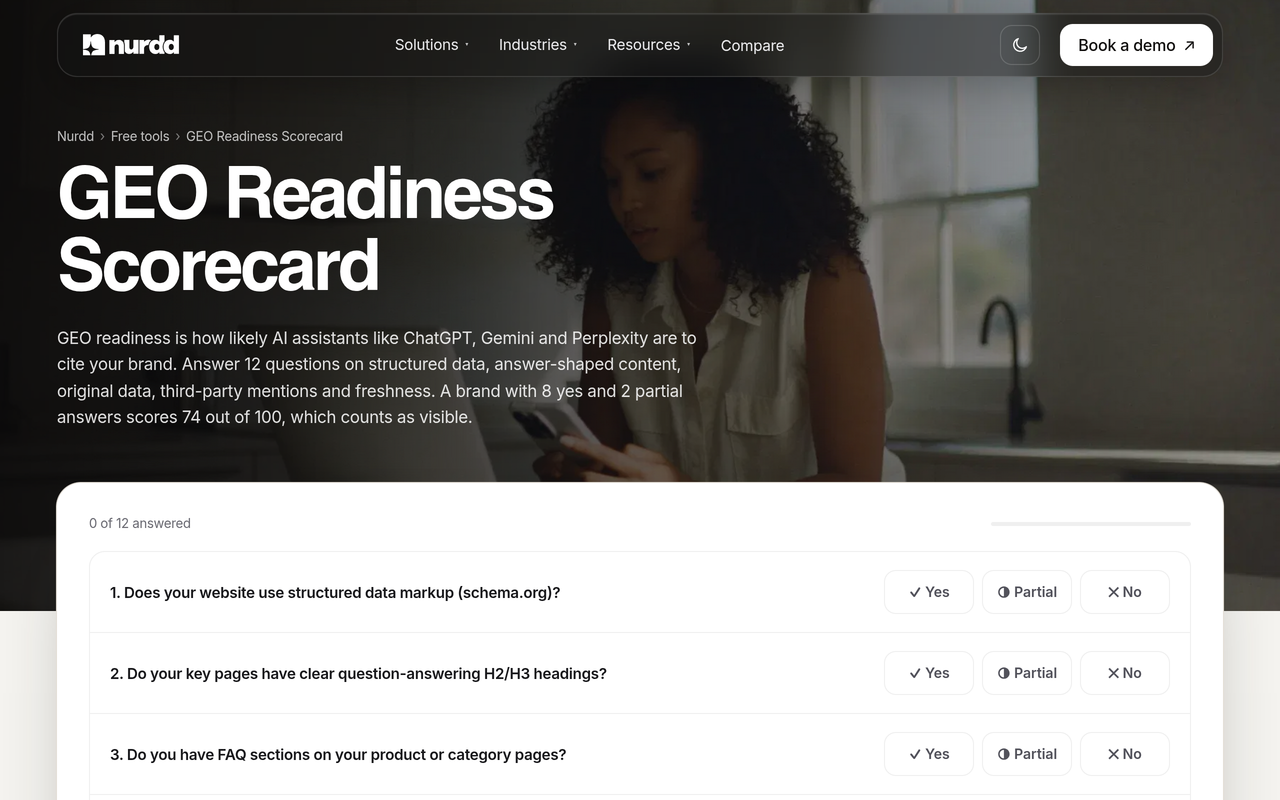
To score your site's readiness before you start logging, run the free GEO readiness scorecard, a 12-factor check of readiness for AI answers.
How do you automate AI Overview tracking alongside ChatGPT, Gemini and Perplexity?
Manual tracking works for a handful of prompts. Keyword.com describes manual tracking as a practical starting point and says an automated tracker is useful once you need to monitor more than a handful of keywords. With dozens of prompts, several runs each and several engines, the log becomes a part-time job.
Automation should do the repetitive part, which is re-running the same prompts on a schedule and recording mentions, citations and competitors, while you keep the interpretation. When you evaluate any tool, ask these questions:
- Does it run a fixed prompt set that you control, and repeat it on a schedule?
- Does it separate mentions from citations?
- Which engines does it cover, and does it cover them in the same view?
- Does it show competitors for the same prompts?
- Does it translate the data into recommendations, or only hand you a chart?
- Does it state its limits plainly, for example language coverage or modelled metrics?
For a side-by-side of the category, see our comparison of AI search visibility tools, and for how a suite differs from a dedicated monitor, Noma versus traditional SEO tools.
How does Noma help you track Google AI Overviews and other AI engines?
Noma by Nurdd is a web dashboard that tracks whether a brand appears in AI engine answers across 13 AI engines, including ChatGPT, Gemini, Perplexity and Claude, polled daily. It shows citation frequency by category, a competitor comparison, and actionable recommendations for improving AI visibility, which is the repeat-checking, logging and comparing work this guide describes.
Book a demo at https://www.nurdd.club/demo to see Noma tracking your own brand and competitors across 13 AI engines, including ChatGPT, Gemini, Perplexity and Claude.
That removes the part that does not scale by hand. Instead of re-running observations in a spreadsheet, you read one dashboard that shows where your brand appears, where a competitor does, and what to change next. The Noma site lists Google AI Mode and Google AI Overviews among its 13 engines, as add-ons to the four engines on every plan, so you can compare a gap on Google with the same prompt in ChatGPT or Perplexity. Noma is a separate product from Nia by Nurdd and Pulse by Nurdd, and it is not a replacement for Search Console. Keep Search Console for first-party impressions by page, and use Noma for the mention, citation and competitor view.
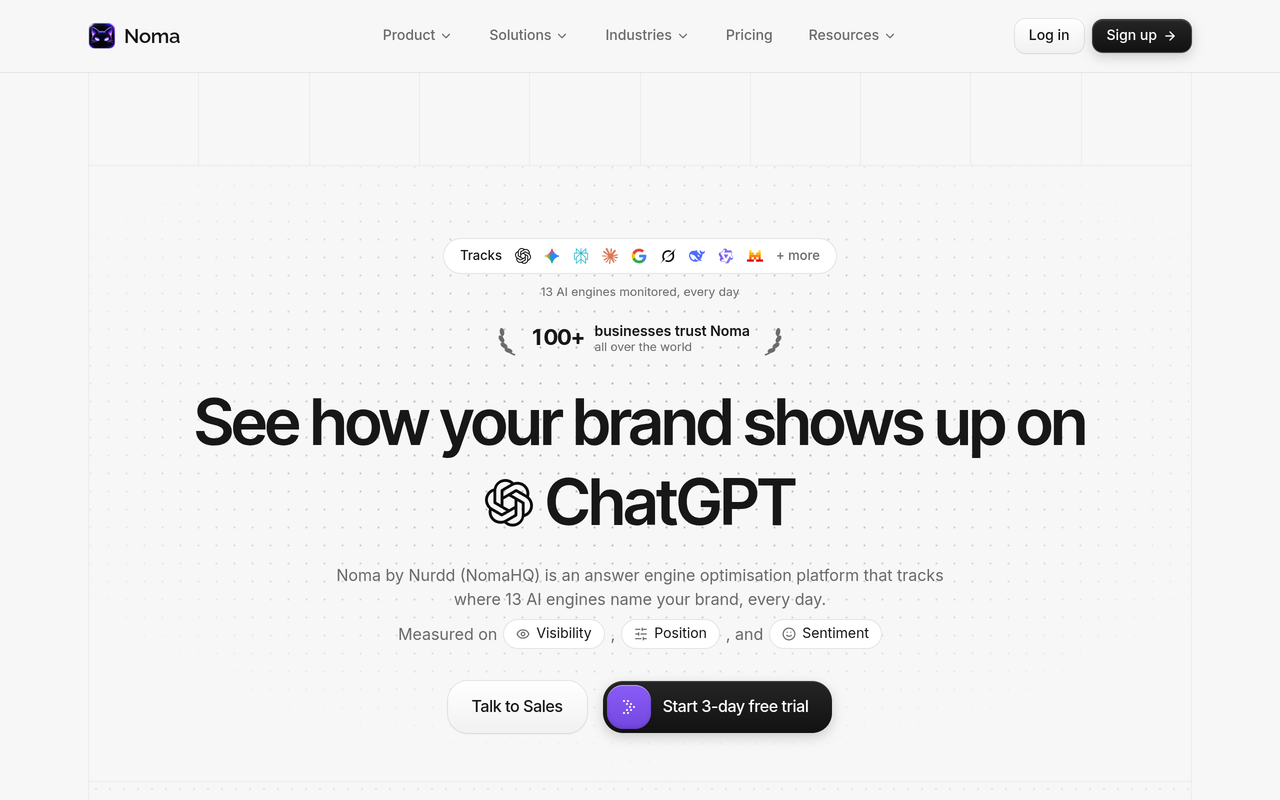
Noma has a 3-day free trial. A card is taken at signup and billing starts on day 3, so you are not charged if you cancel before then.
How Noma compares with the tools you may already own
| Need | Search Console | Manual spreadsheet | Noma by Nurdd |
|---|---|---|---|
| First-party impressions by page in AI features | Yes | No | No, keep Search Console for this |
| Brand mentioned in AI answers | Not described by Google | Yes, by hand | Yes, polled daily |
| Coverage across 13 AI engines, including ChatGPT, Gemini, Perplexity and Claude | No | Separate passes per engine | Yes, one dashboard |
| Competitor comparison | No | Yes, by hand | Yes |
| Recommendations to improve visibility | No | You write them | Yes |
| Repeat checks | Not applicable | You re-run each one yourself | Polled daily by Noma |
Noma automates the daily repeat checks, the competitor comparison and the recommendations, and sits alongside Search Console rather than replacing it. For direct comparisons with other tools, see Noma vs Ahrefs, Noma vs Semrush and Noma vs Profound.
How do you benchmark and report the results?
Report the same four ratios every month and add one sentence of interpretation. Leaders usually want to know three things: are we visible, are we gaining or losing against competitors, and what are we doing about it. A one-page summary with overview coverage, mention rate, citation rate and competitor share answers all three.
Resist quoting an industry average as your target until you have your own baseline. Our roundup of AI search visibility benchmarks by category collects published research with sources, and how to track your AI search visibility score week over week shows how to turn the log into a single trend line.
For the business side, pair visibility with traffic quality. Does AI search traffic convert better than Google? looks at the evidence on conversion, and the wider approach to joining channels is in the D2C marketing measurement framework.
A test you can run this week
Use public evidence to check your own setup in three steps. First, pick five Tier 1 prompts and run each in three separate sessions on three different days; if the presence result is not the same every time, you have seen the variation the HubSpot guidance warns about. Second, open the Search Console generative AI report, export the pages table and check whether every page you saw cited in step one appears there with impressions. Third, compare the result against the same five prompts in Perplexity, ChatGPT and Gemini and note where the brand list differs.
Any prompt where Search Console shows impressions but your log shows no citation points to a gap in your sampling, usually phrasing or market. Any prompt where you see a citation but Search Console shows nothing may be a matter of timing, since Google notes the newest data can be preliminary, or of low volume.
How we researched this
We reviewed Google's Search Console help page for the generative AI performance report, the top-ranking guides on tracking AI Overviews from HubSpot and Keyword.com, the Ahrefs free AI Overviews tracker page, trade-press coverage from Search Engine Roundtable and Search Engine Land on how Search Console counts AI Mode, and Noma's own site. Pages were checked in October 2026, and some trade-press articles were read from the search extracts of their text. We did not run hands-on tests of the tools named, and the worked examples are illustrations of the arithmetic, not real brand data. Product facts about Noma come from Nurdd's own brand information and nomahq.app.
Frequently asked questions
How do I track my brand in Google AI Overviews?
Build a fixed list of category questions, run each several times in clean sessions, and log whether an overview appeared, whether your brand was named, and whether your domain was linked. Add Search Console's generative AI performance report for page-level impressions. Automate the repeat checks once the list outgrows a spreadsheet.
Does Search Console show AI Overviews?
Google's help page says the generative AI performance report shows data on how your site performs in generative AI features on Google Search, including AI Overviews and AI Mode, and that it has rolled out to all websites worldwide as of August 31, 2026. It reports impressions by page, country, device and date. It is described in terms of impressions, not whether your brand was mentioned in the generated text.
What is the best way to monitor AI Overviews mentions?
Use a mix: Search Console for first-party impressions, a manual log for a small Tier 1 set, and an automated tracker for scale. Whichever you use, record mentions and citations in separate columns and keep the prompt set fixed. A tracker that also covers ChatGPT, Gemini and Perplexity gives you the wider context.
Can I see AI Mode traffic in Search Console?
AI Mode counts toward the totals in the main Performance report, and the generative AI performance report includes AI Mode impressions. According to Search Engine Roundtable, Google said AI Mode data is not segmented out of the main report. For a clean AI Mode comparison, log that surface separately.
Why do my Search Console chart and table totals differ?
Google explains that the chart is aggregated by property while the page table is aggregated by page. Two of your URLs in one answer count once in the chart and once each in the page table. That is expected.
Why should I run each prompt more than once?
AI Overviews can vary between observations. HubSpot recommends checking the same keyword across at least three to four separate sessions before treating its status as consistent, so a single look should not be treated as a measurement.
What is the difference between AI Overviews and AI Mode for tracking?
AI Overviews appear above the normal results for a slice of queries, while AI Mode is a separate AI search experience. Google's report covers both, so log the surface in its own column if you want to compare them.
Does Noma track Google AI Overviews?
Noma tracks whether a brand appears in answers across 13 AI engines, including ChatGPT, Gemini, Perplexity and Claude, polled daily. Its site lists Google AI Mode and Google AI Overviews among those engines. Book a demo to see Noma on your own brand, or try it free for 3 days with a card taken at signup.
Start tracking your own brand
The method here works with a spreadsheet and a free Search Console account, and it scales when you hand the repeat checks to a tool. Book a demo of Noma to see your own brand and competitors tracked across 13 AI engines, including ChatGPT, Gemini, Perplexity and Claude, with citation frequency and recommendations. You can also use the AEO audit checklist to prepare.