AI Search Visibility
Most Popular AI Visibility Products for SEO Teams
Compare the AI visibility products SEO teams use beside Semrush and Ahrefs, the gaps each category leaves, and how to choose without overpaying.
 Sheetal Shakshi7 Nov 202614 min read

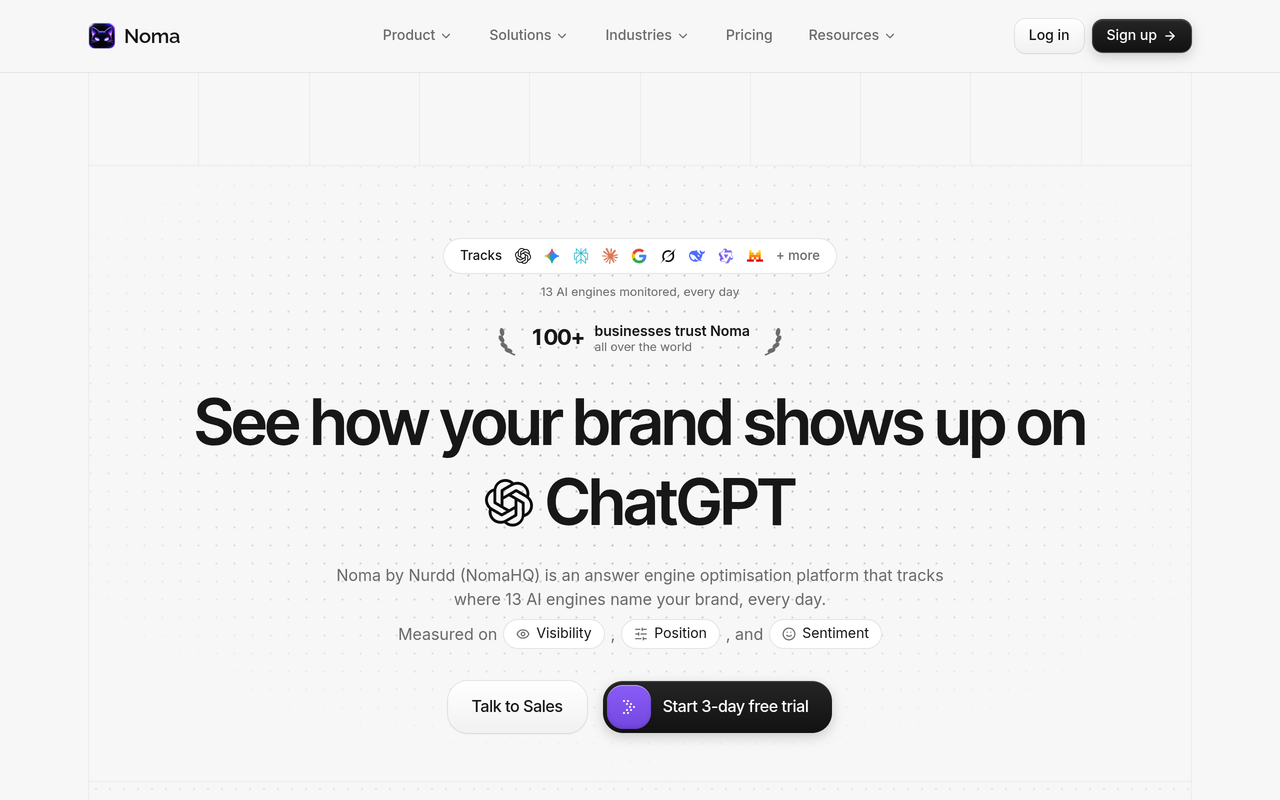
SEO teams use three kinds of AI visibility products: add-ons inside SEO suites such as Semrush and Ahrefs, dedicated trackers such as Peec AI, Profound and AthenaHQ, and Google Search Console's AI report. Yes, most teams need one beyond their rank tracker, because rank trackers do not record which brands AI engines name. Noma by Nurdd tracks 13 AI engines to fill that gap.
AI visibility products for SEO teams fall into three groups: add-ons inside SEO suites such as Semrush and Ahrefs, dedicated AI answer trackers such as Peec AI, Profound and AthenaHQ, and Google's own Search Console report. A rank tracker shows where your pages sit in Google. None of the three groups replaces it, and only the dedicated trackers are built around the answer itself.
Key takeaways
- Keep your rank tracker. Position data and AI answer data measure different things, so add an AI visibility product rather than swapping one for the other.
- Suite add-ons are the fastest way to start, but they are priced and capped by prompts, so work out the cost per tracked prompt before you commit.
- Google Search Console reports AI Overview and AI Mode impressions together, with no query-level AI click data, so it cannot tell you whether a brand was named in an answer.
- Judge any product on engine coverage, prompt volume, citation-level detail, competitor comparison and export, not on its dashboard score.
- Run a two-week test on 20 to 30 of your own prompts before you buy anything, and compare how each product reports the same answers.
- Noma by Nurdd covers 13 AI engines, including ChatGPT, Gemini, Perplexity and Claude, and offers a 3-day free trial so you can run that test on your own brand.
What AI visibility products do SEO teams use?
Most SEO teams end up with a stack of two or three layers rather than one product. The first layer is the suite they already pay for, the second is a tracker built for AI answers, and the third is free first-party data from Google. A roundup from Marketer Milk aimed at SEO teams lists Peec AI, Profound, Scrunch AI, AthenaHQ and several smaller trackers, which shows how crowded the dedicated category has become.
The table below groups the products by what they are, not by brand, because the gaps are shared within each group.
| Category | Examples | What it answers | Gap it leaves for an SEO team |
|---|---|---|---|
| SEO suite add-on | Semrush AI Visibility Toolkit, Ahrefs Brand Radar | Where does our domain appear in AI answers, next to our keyword data? | Priced and limited by tracked prompts; the AI layer sits beside a product built for keywords and links |
| Dedicated AI answer tracker | Peec AI, Profound, AthenaHQ, Scrunch AI, Noma | Which brands do AI engines name for our category prompts, and from which sources? | No rank, backlink or site audit data, so it sits beside the suite |
| First-party search data | Google Search Console Generative AI report | How often did our URLs appear in AI Overviews and AI Mode? | Impressions only, for Google only, with AI Overviews and AI Mode combined |
| Managed service | AEO and GEO agencies | Who will act on the findings? | Needs a measurement source underneath it to prove anything |
Our own comparison of 10 AI search visibility tools goes deeper on individual vendors. This article takes the view of an SEO team that already owns a suite and wants to know what is still missing.
Do I need an AI visibility tool in addition to Semrush or Ahrefs?
For most teams the answer is yes, but the add-on from your suite may be enough to start. A rank tracker records the position of a URL for a keyword. An AI answer has no position in that sense: the engine writes a paragraph, names some brands, and cites some pages, and that output changes between runs.
That means the question is not whether you need AI tracking, but whether the suite's version of it covers the engines, prompts and detail you need. Use the decision table below.
| Your situation | Likely fit | Why |
|---|---|---|
| You want a first look at brand mentions and have a small prompt list | Suite add-on or a free checker | Low setup cost, data next to what you already read |
| You need to prove AI visibility to a leadership team monthly | Dedicated tracker | Citation-level detail, competitor comparison and a clean export |
| Your category is competitive and buyers ask AI engines for recommendations | Dedicated tracker across many engines | You need to see who is named instead of you, and which pages the engine cites |
| You serve several brands or markets | Dedicated tracker with workspace limits you have checked | Prompt caps in add-ons scale cost quickly |
| You only need to know if Google surfaces your pages in AI features | Search Console | Free, first-party, and sufficient for impressions |
For a wider view of when the investment makes sense, see our piece on what to fund first between AI search optimization and SEO.
What do SEO suites cover, and what do they leave out?
SEO suites are built around crawled web data: keywords, rankings, backlinks and site health. Their AI add-ons extend that model by sending prompts to AI engines and recording the answers. The gaps appear where the AI answer needs more than a domain-level score.
Semrush AI Visibility Toolkit
According to a review by RankScope, October 2026, the toolkit costs $99 a month and tracks 25 prompts. The same review reports that Semrush's own pages describe the supported AI platforms in at least four different ways, so confirm the engine list on the day you buy. Rework, October 2026 reports that existing Semrush customers pay the same $99 flat price as new ones.
Ahrefs Brand Radar
Ahrefs announced custom AI prompt tracking in Brand Radar on 21 January 2026, covering platforms such as ChatGPT, Gemini and Perplexity, according to a Yahoo Finance press release, January 2026. A TechRadar review, October 2026 describes a hefty subscription and more detective work than expected, and explains that the AI Visibility Index searches data Ahrefs has already collected, while Custom Prompts run from the moment you set up tracking. That split matters: the index is for research, and custom prompts are for monitoring your own list.
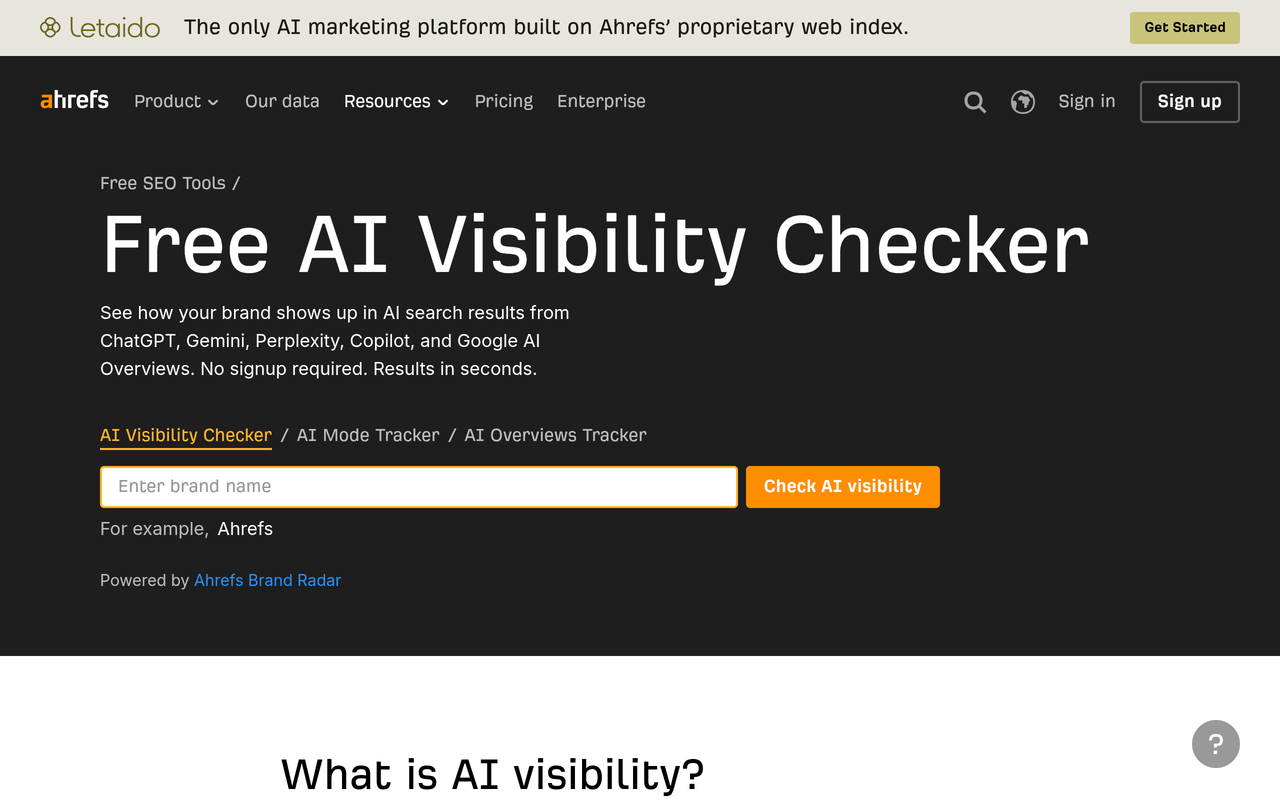
Ahrefs also offers a free AI visibility checker that requires no signup, which is a reasonable first test before you pay for anything.
The shared gap
Three gaps recur across suite add-ons. First, prompt allowances are small compared with a real category prompt set. Second, the AI layer is secondary to the keyword product, so reports are organised around domains rather than around the buyer question. Third, the suite does not decide for you what to change, so someone still has to turn mentions into content and source work.
What does Google Search Console tell you about AI answers?
Search Console is free and first-party, so every SEO team should read it. It does not replace an answer tracker, because it only covers Google and only counts exposure. Search Engine Journal, November 2026 reports that the Generative AI Performance Report counts impressions for AI Mode and AI Overviews collectively, and that clicks from those features sit inside the standard Performance report.
The same article reports that Google had nothing to announce about adding more AI search data to Search Console. In practice, Search Console cannot tell you which brands appeared beside yours, whether your brand was named in the text, or what ChatGPT, Perplexity or Claude said.
How should an SEO team evaluate AI visibility products?
Evaluate them as you would a rank tracker: on the quality of the measurement, not the dashboard. The criteria below are the ones that separate products once you run the same prompts through each.
- Engine coverage. List the engines your buyers use and check each product's current list on its own page, since vendors change them.
- Prompt volume and refresh. Ask how many prompts are included, how often they run, and what an extra prompt costs.
- Mention and citation detail. You need to see whether the brand was named and which URL was cited, not only a score.
- Competitor comparison. Visibility only means something against the brands named in the same answers.
- Actionability. Check whether the product suggests what to change, such as pages to improve or sources to earn.
- Export and reporting. Your monthly report needs data you can move. See our guide to an AI search monthly report.
- Cost per tracked prompt. Divide the plan price by the prompts included, then multiply by the list you actually need.
How do the products compare on features?
The features table compares like for like on the points above. Entries marked "check" are ones where the vendor's pages or independent reviews disagree or where we did not verify a current figure, so confirm them on the vendor's site.
| Product | Type | Engines | Prompt tracking | Fits next to a rank tracker |
|---|---|---|---|---|
| Noma by Nurdd | Dedicated tracker | 13 AI engines, including ChatGPT, Gemini, Perplexity and Claude, polled daily | Citation frequency by category, competitor comparison, recommendations | Yes, runs separately from your suite |
| Semrush AI Visibility Toolkit | Suite add-on | Check; vendor pages list platforms inconsistently per RankScope | 25 tracked prompts per RankScope | Yes, inside the Semrush account |
| Ahrefs Brand Radar | Suite add-on | ChatGPT, Gemini, Perplexity and others per Ahrefs' January 2026 announcement | Custom prompts plus a searchable index | Yes, inside the Ahrefs account |
| Peec AI | Dedicated tracker | Check on vendor page | Plan-based; check | Yes |
| Profound | Dedicated tracker | Check; varies by tier per independent reviews | Plan-based; check | Yes |
| AthenaHQ | Dedicated tracker | Check on vendor page | Plan-based; check | Yes |
| Google Search Console | First-party report | Google AI Overviews and AI Mode only | Impressions, not prompts | Yes, free |
Our dedicated comparisons give more detail on individual rivals: Noma vs Semrush, Noma vs Ahrefs, Noma vs Profound, Noma vs Peec AI and Noma vs AthenaHQ.
What do these products cost?
Prices below are as reported by the linked sources, in USD, and were read on 5 November 2026. Vendors change plans often, and RankScope notes that Semrush's own pages conflict on some details, so treat this as a starting point and confirm on each vendor's pricing page.
| Product | Published or reported price | Source |
|---|---|---|
| Noma by Nurdd | 3-day free trial; card taken at signup, billing starts on day 3, no charge if cancelled before | Noma |
| Semrush AI Visibility Toolkit | $99 a month, 25 tracked prompts | RankScope, October 2026 |
| Peec AI | Three self-serve plans at $95, $245 and $495 a month, or $80, $205 and $420 billed annually | RankScope, October 2026 |
| AthenaHQ | From $295 a month | Marketer Milk |
| Profound | Pricing changed in mid-September 2026; confirm on its site | eClincher, October 2026 |
| Ahrefs Brand Radar | Described as a hefty subscription; confirm current plans | TechRadar, October 2026 |
| Google Search Console | Free |
Worked example: what does a real prompt set cost?
Take the one price and allowance pair that RankScope, October 2026 reports for Semrush: $99 a month for 25 tracked prompts. Dividing gives $3.96 per tracked prompt per month.
Now suppose an SEO team wants to track a category set of 100 prompts: 20 for each of five product lines. If the same rate applied, that is 100 times $3.96, or $396 a month. That is our own arithmetic, not a published Semrush price, because Semrush may sell larger allowances differently. The exercise still shows why you should calculate the cost of your real list rather than the headline plan price.
The second lesson is about coverage. Twenty prompts per product line might return different brands on different engines. A product that checks a handful of engines gives you a partial reading, so cost per prompt only matters once engine coverage matches your buyers.
Which gaps does each category leave, and how do you close them?
The table maps each gap to the practical fix, so you can see what a combined stack looks like.
| Gap | Rank tracker or suite | Search Console | Dedicated tracker |
|---|---|---|---|
| Is our brand named in ChatGPT, Claude or Perplexity answers? | No (rank data only) | No | Yes |
| Who is named instead of us? | Partly, in add-ons | No | Yes, with competitor comparison |
| Which page did the engine cite? | Partly | URLs shown in Google features, as impressions | Yes, at citation level |
| Did the answer drive clicks? | No | Clicks sit in the standard report | No; use your analytics |
| Keyword and backlink research | Yes | Limited | No |
The last row is why we recommend keeping the suite. The first four rows are why we recommend adding a tracker.
Why does Noma fill the AI answer gap that SEO suites leave?
Noma by Nurdd is a web dashboard built for one job: recording whether a brand appears in AI engine answers. It tracks 13 AI engines, including ChatGPT, Gemini, Perplexity and Claude, polled daily. It shows citation frequency by category, a competitor comparison and recommendations for improving AI visibility.
That scope is the point. An SEO suite has to divide its engineering between keywords, links, audits and AI, while Noma's dashboard is organised around the buyer prompt and the answer. Noma also records which page each citation comes from, so your team can see which of your URLs earn mentions and which third-party sources the engines trust instead.
Noma by Nurdd is an AI search visibility dashboard that tracks 13 AI engines, including ChatGPT, Gemini, Perplexity and Claude, and records whether a brand is named and which page each citation comes from. SEO teams use it beside Semrush, Ahrefs or any rank tracker to see the AI answer layer those suites do not report in the same depth.
Book a demo at https://www.nurdd.club/demo and you will see Noma run on your own brand and category prompts, with the engines, competitors and cited pages laid out side by side.

How do you test AI visibility products in two weeks?
A short, controlled test beats any review, including this one. Follow these steps in order.
- Write 20 to 30 prompts a buyer would ask, grouped by product line and by stage: discovery, comparison and decision. Our guide on which prompts to track shows how.
- Record the same prompts by hand in each engine you care about on day one, so you have a ground truth to check each product against.
- Load the identical list into each product, using free checkers and trials where they exist. Noma's 3-day trial is enough to load a list and read the first polled results.
- Compare whether each product reports the same brands and cited URLs as your manual check, and note where it disagrees.
- Compute the cost per tracked prompt at your real list size, and add any extra-engine or seat charges.
- Check export: pull a monthly report and see whether it goes into your existing dashboards.
- Repeat the manual check on day 14 and see whether each product captured the movement.
Because AI answers vary between runs, a single run proves little. Our GEO experiment design guide explains how to separate real movement from noise, and the 4-week ChatGPT tracking plan gives a longer schedule.
Which metrics should sit next to your rank tracker?
Report AI metrics beside, not inside, your ranking metrics. Four are worth a monthly line: the share of tracked prompts where your brand is named, the share of answers that cite one of your URLs, your mention share against the named competitors, and the sources cited most often in your category. Our guides to AI search share of voice and AI search metrics versus SEO metrics show how to combine them without double counting.
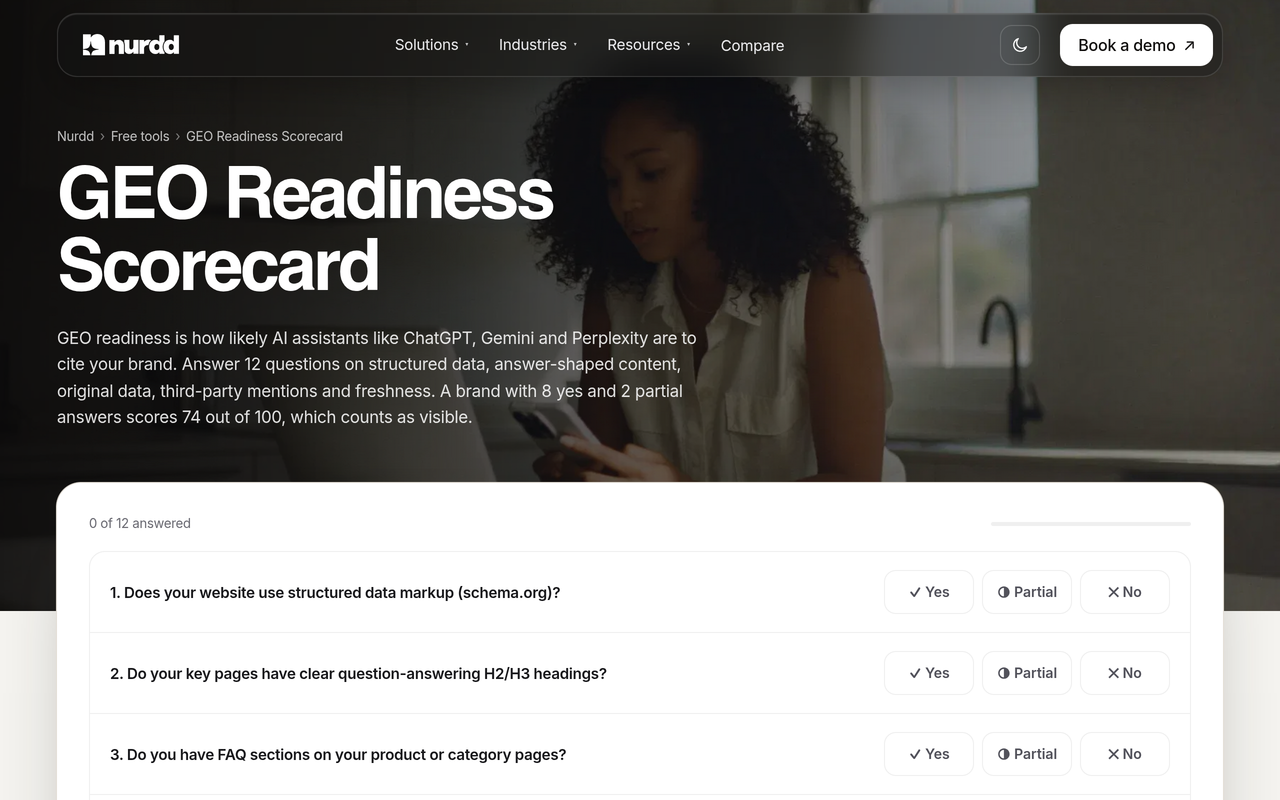
Keep clicks and conversions in your analytics, because no visibility tracker sees your sessions. If you want a first read on how ready your own pages are, the free GEO readiness scorecard runs a 12-factor check.
What mistakes do SEO teams make when buying AI visibility products?
- Treating a visibility score as the result. A score is a summary. Without the answer text and the cited URL you cannot act on it.
- Tracking too few prompts. A 25-prompt list can sit inside one product line and miss the category.
- Ignoring engine differences. Brands named in one engine may be absent in another, so a single-engine view misleads. See Perplexity vs ChatGPT vs Gemini.
- Expecting Search Console to cover it. It reports Google impressions only, as covered above.
- Buying before testing. Vendor engine lists and plans change, so confirm on the day.
- Measuring without a plan to act. Tracking does not change answers. Pair it with content, schema and source work such as fixing why your brand is missing from ChatGPT and our AEO audit checklist.
What if you want help acting on the data?
Measurement is only half of the work. Nurdd's team also runs answer engine optimization and generative engine optimization services, measured in Noma, if your SEO team is already stretched. For a market view of agencies, see our AEO and GEO agency comparison.
Other relevant reading includes how to choose answer engine optimization tools and our primer on generative engine optimization.
Book a demo to see your own AI visibility
If you already run a rank tracker, the fastest way to see the gap is to look at your own brand. Book a demo at https://www.nurdd.club/demo and we will walk through Noma on your category: which of the 13 AI engines name you, which competitors appear instead, and which pages are cited. You can also start from Noma's site with the 3-day free trial.
How we researched this
We reviewed published sources on the publication date: a roundup aimed at SEO teams, independent product reviews and pricing write-ups, a trade-press report on Google Search Console, and a vendor press release. We did not run hands-on tests of the rival products, interview customers or use private data. Where a rival's engine list or plan is disputed between sources, the tables say to confirm it on the vendor's own page. Prices were read on 5 November 2026 and may have changed since.
Frequently asked questions
What AI visibility products do SEO teams use?
Teams use suite add-ons such as the Semrush AI Visibility Toolkit and Ahrefs Brand Radar, dedicated trackers such as Peec AI, Profound, AthenaHQ and Noma, and Google Search Console's Generative AI report. Most combine one tracker with the rank tool they already own.
Do I need an AI visibility tool in addition to Semrush or Ahrefs?
Usually yes, once AI answers matter to your buyers. Semrush and Ahrefs both sell AI add-ons, so the real question is whether their prompt allowance and engine list fit your category. If they do not, a dedicated tracker such as Noma covers the gap.
Can Google Search Console replace an AI visibility tool?
No. According to Search Engine Journal, its AI report counts impressions for AI Mode and AI Overviews together, and it says nothing about ChatGPT, Claude or Perplexity. It is a useful free baseline for Google only.
Is an AI visibility add-on in my SEO suite enough?
It can be for a small prompt list and a first look. Add-ons are priced by tracked prompt, so a larger category set costs more quickly, and you should check which engines are covered on the day you buy.
How many prompts should I track?
Start with 20 to 30 prompts that mirror real buyer questions, spread across your product lines and funnel stages. Expand once you see which prompts produce movement. Our prompt selection guide covers the method.
Does AI visibility tracking replace rank tracking?
No. Rank tracking measures positions in search results, and AI tracking measures whether engines name and cite you in generated answers. Both sit in the monthly report, and AI results need repeated runs because answers vary.
Does Noma have a free trial?
Yes. Noma has a 3-day free trial. A card is taken at signup and billing starts on day 3, so you are not charged if you cancel before then. To see it on your own brand with someone walking you through it, book a demo at https://www.nurdd.club/demo.