AI Search Visibility
AI Search Visibility Checking Software for Agencies
What agencies need from AI search visibility checking software: multi-client views, frozen prompt sets and reports clients trust, plus a free trial test.
 Simran Rawat7 Nov 202616 min read

AI search visibility checking software for agencies runs the same fixed prompts across AI engines for every client, records whether each brand is named and cited, and turns the results into a repeatable report. Noma by Nurdd tracks 13 AI engines, including ChatGPT, Gemini, Perplexity and Claude, polled daily, and has a 3-day free trial so an agency can test it on a real client before committing.
AI search visibility checking software for agencies is a tool that runs the same set of prompts across AI engines for every client, records whether each brand is named and cited, and turns the results into a report the client can read. The agency-specific tests are multi-brand views, repeatable prompt sets and shareable reporting. This guide shows how to judge each one and how to trial Noma against them.
Key takeaways
- Freeze each client's prompt set before the first report. If the questions change between months, the numbers cannot be compared.
- Report every metric per engine, not as one blended score, because clients will check a single engine and expect your number to match.
- Expect answers to vary between runs. SparkToro's research found a lower than 1-in-100 chance of the same brand list twice, so a single check proves little.
- Test multi-client handling during the trial, not after the contract: add two real clients and see how they are separated.
- Treat citation sources as the client's to-do list, not as a footnote to the visibility score.
- Use Noma's 3-day free trial on one client with a competitor set and a prompt set you wrote in advance.
What software checks AI search visibility for multiple clients?
Three kinds of software check AI visibility across a client roster: dedicated AI visibility trackers, SEO suites with an AI module, and reporting dashboards that pull in an AI tracker as a data source. Each handles client separation, prompt sets and reporting differently, and pricing models differ more than features do.
The comparison below groups them by how an agency would actually use them. Each price is dated to the page that published it. Vendors change prices often, so confirm every figure on the vendor's own site before you quote a client. Dedicated trackers such as Peec AI and Profound publish their own plans, which you should read on their sites and run through the same tests.
| Approach | Example | Multi-client model (as published) | Pricing as published |
|---|---|---|---|
| SEO suite with AI module | Semrush AI Visibility Toolkit | Workspaces per client, Visibility Overview report for an unlimited number of clients | $99/month per domain, per Semrush's own page, checked November 2026 |
| Reporting dashboard | AgencyAnalytics AI Tracker | Credits pooled across the whole client roster, not sold per seat | Credit-based, per AgencyAnalytics, November 2026 |
| AI search visibility dashboard | Noma by Nurdd | 13 AI engines polled daily, citation frequency by category, competitor comparison, recommendations | 3-day free trial; card taken at signup, billing starts on day 3 |
The pricing models matter because an agency's cost grows with clients, prompts and engines. A per-domain price multiplies with every client, a per-client workspace add-on multiplies the same way, and a credit pool grows with prompts times engines times runs. Before you compare headline prices, work out your own client count and prompt volume using the worked example further down.
Why is checking AI visibility harder for agencies than for one brand?
An in-house team checks one brand against a handful of competitors. An agency checks many brands in different categories, often in different countries, and has to explain the results to clients who each read them differently. The software has to cope with that variety, and the reporting has to survive client scrutiny.
The first problem is variance. SparkToro's research, covered by Search Engine Journal, January 2026, ran 2,961 prompts across ChatGPT, Claude and Google's AI in Search and found a lower than 1-in-100 chance that ChatGPT or Google's AI would return the same brand list across repeated runs of the same prompt. Each of the 12 prompts was run 60 to 100 times per platform. A one-off screenshot of a client appearing in ChatGPT is therefore weak evidence either way.
SparkToro's study found that AI tools varied the list of brands, the order of recommendations and the number of items returned, even when the prompt stayed the same.
The second problem is that real users do not phrase questions the way an agency does. In the same study, 142 participants wrote their own prompts about headphones for a travelling family member, and the semantic similarity across those prompts scored 0.081. Your tracked prompts are a sample of intent, not a replica of what customers type, so the set needs to be broad enough to represent a topic.
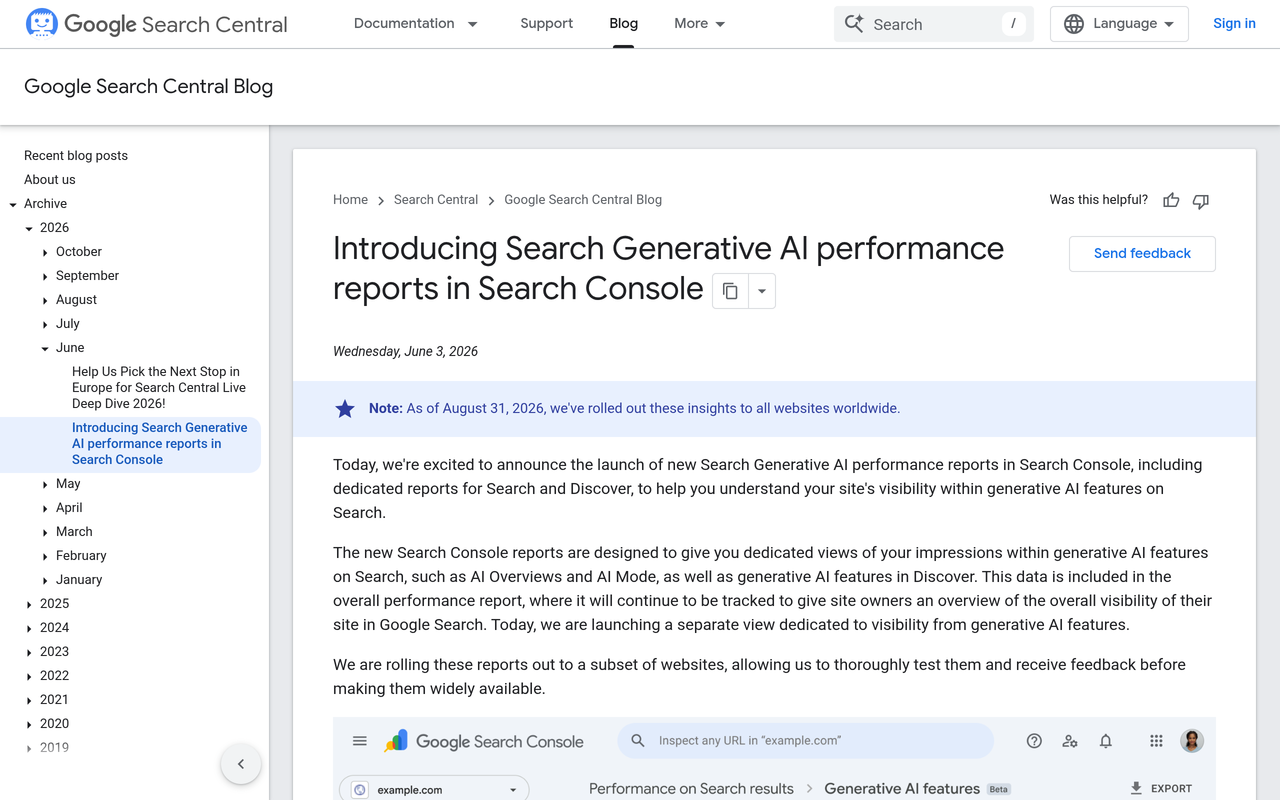
The third problem is that Google is only one surface. Google's Search Central Blog, June 2026 announced Search Generative AI performance reports in Search Console, with dedicated views of impressions in features such as AI Overviews and AI Mode. That gives first-party data for Google, but it does not show how ChatGPT, Perplexity or Claude answer, which is why agencies still need an external checker for the other engines.
What do agencies need from AI search visibility checking software?
Agencies need five capabilities: separate client views, a frozen and repeatable prompt set, per-engine metrics, competitor comparison, and output a client can read without a login tutorial. Everything else is secondary. The decision table below turns those into pass or fail tests you can run in a trial.
| Requirement | What to test in a trial | Fail signal |
|---|---|---|
| Multi-brand view | Add two unrelated clients and one pair of competing clients. Check that data never mixes. | Clients share a prompt list or competitor list by default |
| Repeatable prompt set | Write 20 prompts for one client, run them, then confirm you can keep the same list for next month. | Prompts are auto-replaced or cannot be locked |
| Engine coverage | Count which engines the client's customers use and check each is tracked. | Key engines are paid add-ons or missing |
| Per-engine metrics | Look for visibility, position, sentiment and citations split by engine. | Only a single blended score |
| Citation sources | Check whether you can see which page each mention came from. | Mentions with no source URL |
| Shareable output | Produce something a client can read in five minutes. | Only raw tables that you must rebuild in slides |
| Cost at scale | Multiply price by clients, prompts and engines. | Cost rises faster than client fees |
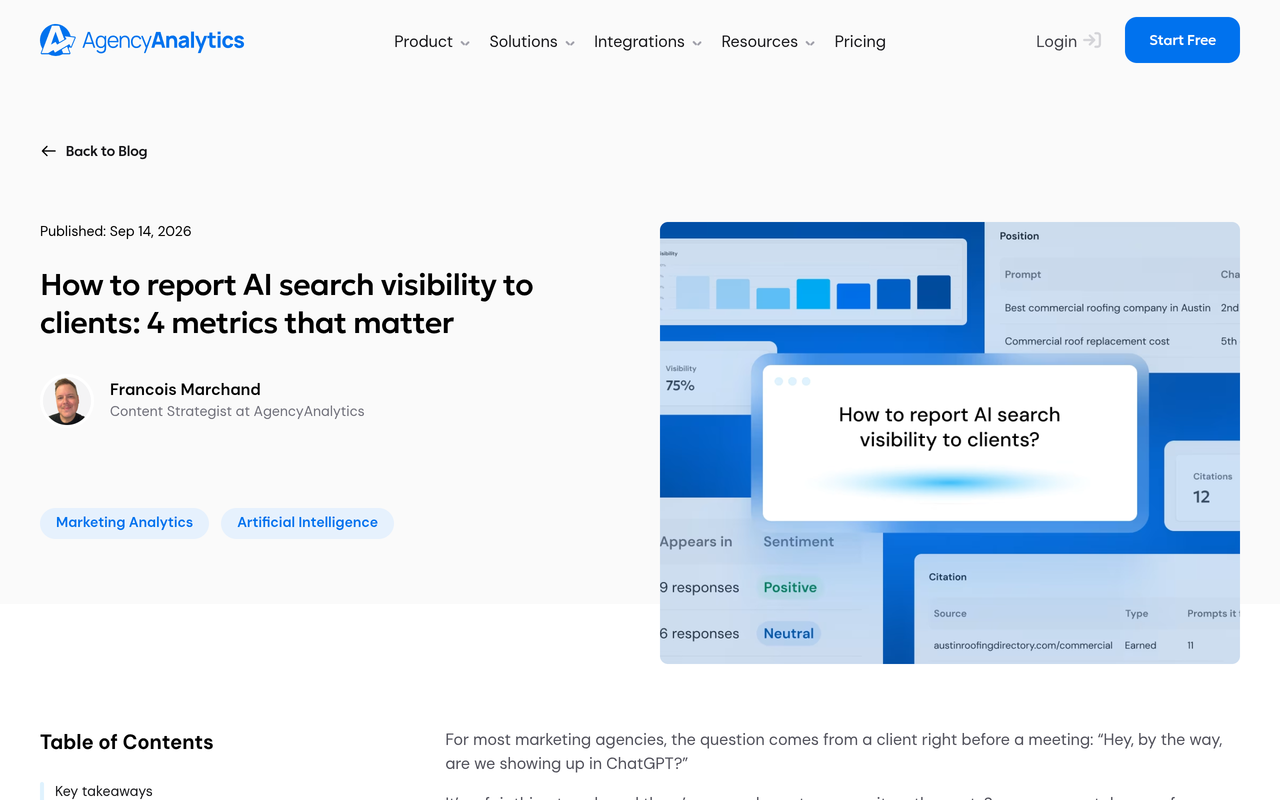
The metric set is consistent across the agency guides. AgencyAnalytics, November 2026, recommends four metrics per engine against a fixed prompt set: visibility, position, sentiment and citations, reported monthly and split by engine. Search Atlas, November 2026, lists five: mention rate, citation rate, share of voice, sentiment and position. The overlap is the part to build your template around.
What most agency guides leave out is the cost of getting it wrong in front of a client. If one blended number goes into a report and the client checks one engine by hand, the mismatch costs trust. Per-engine reporting, a stated run count and a named prompt list make the report defensible. Our guide to which prompts to track covers how to choose the list.
How can an agency report AI search visibility to clients?
An agency can report AI search visibility to clients monthly, using a frozen prompt set, per-engine results for visibility, position, sentiment and citations, a competitor comparison, and a short list of actions tied to cited sources. Weekly checks are useful internally, but the client-facing report should smooth out answer variance.
A report that clients act on has six parts. Keep each to a single page or slide so the document can be read quickly.
- Summary: two sentences on what changed since last month and the one action you recommend.
- Scope line: the number of prompts, the engines tracked, the dates polled and the run count, so the numbers can be audited.
- Per-engine scorecard: visibility and position for each engine on its own row.
- Competitor view: the client against the three or four competitors the client named.
- Citation sources: the pages that fed answers, sorted into owned, earned and competitor pages.
- Actions and change log: what you changed on the site or in content this month, and what you will change next.
The change log is the part that links the report to the work. Without it, a rise in visibility cannot be tied to any action, and a fall cannot be explained. Our guides on building a monthly AI search metrics report and the AI search visibility dashboard executives want go deeper on layout.
How should an agency word uncertainty in the report?
State the limits plainly. Say that AI answers vary between runs, that your numbers are a sample, and that visibility is not the same as revenue. Search Atlas, in its reporting guide, lists limitations to state in every report and an attribution boundary between visibility and revenue, and that discipline is worth copying.
Avoid claiming that a visibility change caused a sales change unless you have measured it. The AI search vs Google conversion rate guide shows how to measure your own traffic from AI engines instead of borrowing a number.
How do you check AI search visibility for several clients, step by step?
This checklist takes an agency from zero to a first client-ready report. Each step has an action, a result and the reason it matters.
- Define the client roster and the engines per client. Action: list each client's category, country and the engines their buyers use. Result: a one-page scope sheet. Why: engine coverage and cost both depend on it.
- Write 20 to 30 prompts per client, grouped by topic and buying stage. Action: cover discovery, comparison and purchase questions, not just brand-name queries. Result: a prompt set with topic labels. Why: brand-name prompts flatter the client and miss the buyers who do not know them yet.
- Name the competitors. Action: get three to five competitors from the client. Result: a competitor list stored with the prompt set. Why: visibility is relative, and a share-of-voice figure needs a denominator.
- Freeze the set and record the date. Action: lock the prompts and record the poll dates. Result: a baseline you can compare to. Why: changing prompts mid-stream breaks month-on-month comparison.
- Run the baseline and check citations. Action: record visibility per engine and the source pages cited. Result: a list of owned, earned and competitor sources. Why: the citation list is where the work comes from.
- Turn gaps into actions. Action: for each prompt where a competitor is named and the client is not, note the source page driving it. Result: a ranked to-do list. Why: it makes the report a plan, not a score.
- Deliver monthly and log changes. Action: send the six-part report and record what you changed. Result: a trail from work to outcome. Why: it is what clients renew on.
The GEO experiment design guide explains how to test a change cleanly, and the GEO readiness scorecard is a free way to open the conversation with a new client before any tracking starts.
How much will it cost to check visibility for ten clients? A worked example
Cost depends on your pricing model, so plan with arithmetic you control. The roster below is an illustrative assumption for planning, not data about any agency.
Assume ten clients with 25 prompts each. Under a per-domain model such as the Semrush AI Visibility Toolkit at $99/month per domain (Semrush's own page, checked November 2026), ten domains come to $990 a month. For any vendor that charges per client workspace, multiply the price on that vendor's own pricing page by ten and add any base plan fee.
| Step | Calculation | Result |
|---|---|---|
| Prompts per month, one engine, one run | 10 clients x 25 prompts | 250 prompt runs |
| Add 5 engines | 250 x 5 | 1,250 prompt runs |
| Add 3 runs per prompt to handle variance | 1,250 x 3 | 3,750 prompt runs |
| Per-domain model, 10 clients | 10 x $99 | $990 per month |
| Per-client workspace model, 10 clients | Base fee + (10 x the vendor's quoted price per client) | Fill in from the vendor's own page |
The lesson is that run count is the hidden multiplier. Credit models charge for it, and flat models hide it by sampling less. Ask every vendor how often each prompt is polled and whether you see the individual responses. Noma polls daily across its 13 engines, which gives a built-in sample to read trends from rather than a single reading.
How does Noma fit agency workflows?
Noma by Nurdd is a web dashboard at nomahq.app that tracks whether a brand appears in answers from 13 AI engines, including ChatGPT, Gemini, Perplexity and Claude, polled daily. It shows citation frequency by category, competitor comparison and recommendations for improving visibility. Those are the building blocks of the per-engine scorecard, competitor view and actions sections of the report above.
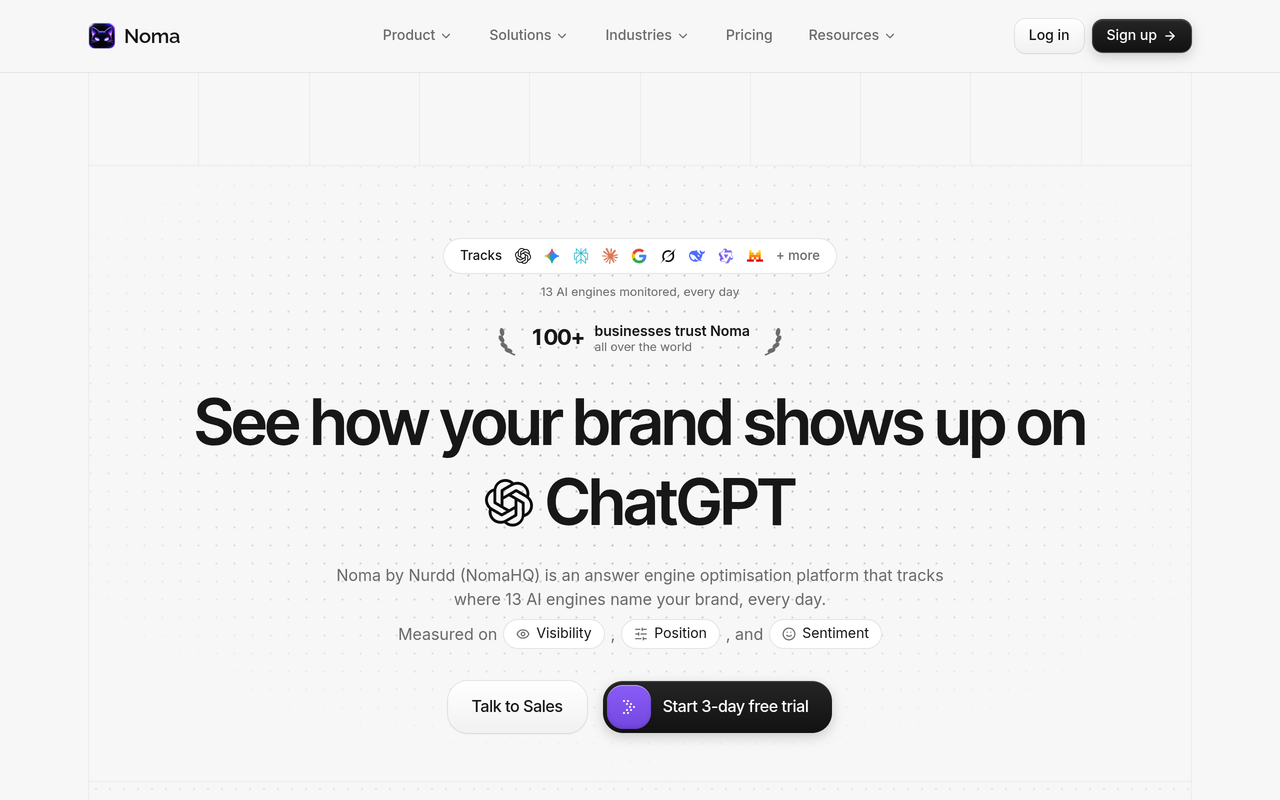
Noma is a separate product from Nia and Pulse. Nia by Nurdd is the creative and influencer studio, and Pulse covers Meta and Google Ads intelligence. For agencies, that separation helps: a client who needs AI search work buys that work in Noma, and the paid and creator work stays in its own tools.
Noma belongs in an agency's shortlist because it measures AI visibility across 13 engines, daily, with competitor comparison and cited-source tracking, and it can be tested on a real client for three days at no charge if cancelled before billing starts. Agencies that also want the improvement work done can pair the software with Nurdd's answer engine optimization service.
Want to see it on a real brand? Book a demo and you will see Noma's dashboard populated for your own brand or a client's, including which of the 13 engines name the brand, which pages get cited, and which competitors appear instead.
How should an agency use the 3-day trial?
Noma has a 3-day free trial. A card is taken at signup and billing starts on day 3, so cancel before then if you do not want to continue and you are not charged. Three days is short, so prepare before you sign up.
- Write the prompt set and competitor list for one client first, using the checklist above.
- Pick a second client in a different category to see how separate brands are handled.
- On day one, enter the first brand and read the engine coverage and citation view.
- On day two, compare the competitor view with what the client told you.
- On day three, draft the six-part report from what you see and decide whether it is quicker than your current process.
Confirm during the trial or demo how multiple brands are organised, how reports are shared with clients and what limits apply to your plan, because those are the agency-specific details to verify rather than assume.
How does Noma compare on the agency tests?
Use the same tests for every tool, including Noma. The table marks what Noma's published description supports and what to confirm in a demo, so you do not rely on assumptions.
| Agency test | Noma by Nurdd |
|---|---|
| Engine coverage | 13 AI engines, including ChatGPT, Gemini, Perplexity and Claude |
| Polling frequency | Daily |
| Citation and source tracking | Records whether a brand is named and which page each citation comes from |
| Competitor comparison | Included |
| Recommendations | Actionable recommendations to improve visibility |
| Free test | 3-day trial, card at signup, billing from day 3 |
| Multi-brand setup and report sharing | Confirm in a demo against your roster |
For head-to-head views, see the Nurdd comparisons with Profound, Peec AI and Semrush, and the AI search visibility tools comparison.
What does this look like for three agency roles?
The SEO lead adding AI visibility to existing retainers
An SEO lead already reports rankings and wants a companion AI section. The need is continuity: the same prompts each month, beside organic data. The lead builds the prompt set from the keyword research already done, checks it in Noma, and adds the per-engine scorecard as one new page in the monthly deck. The AI search vs SEO metrics guide shows what to report together.
The account manager answering a client who asks why they are not in ChatGPT
An account manager gets a screenshot from a client who asked ChatGPT about their category and saw a competitor. The right response is not a single counter-screenshot. The manager points to the daily polling, shows the visibility rate across engines, and explains the variance finding from SparkToro's study. The guide to why a brand is not showing in ChatGPT gives the diagnosis steps.
The agency founder pricing a new AI visibility service
A founder needs a unit cost per client before pricing the service. They use the worked example above, multiply by their roster, and add the time to produce each report. They also decide whether to resell monitoring only or pair it with improvement work. The agency vs in-house tooling guide helps frame that choice, and the agencies industry page shows how Nurdd's products map to agency work.
What mistakes do agencies make when checking AI visibility?
- Changing prompts every month. The trend line becomes meaningless. Freeze the list and add new prompts as a separate group.
- Blending engines into one score. A client who checks one engine will find a mismatch.
- Tracking only brand-name prompts. They show the client appearing for people who already know it.
- Reporting a single run. Given the variance SparkToro found, one run is an anecdote.
- Skipping citation sources. Without them, the report has a score and no next step.
- Promising revenue from visibility. Measure it separately and say so.
- Ignoring Google's first-party data. Search Console's generative AI reports complement an external tracker for AI Overviews and AI Mode.
Agencies that also need to explain how the terms differ can point clients to the GEO vs AEO vs SEO explainer and the AI search glossary.
How we researched this
We reviewed publicly available sources on the publication date: agency-focused guides from Semrush, Search Atlas and AgencyAnalytics, SparkToro's variance research as reported by Search Engine Journal, and Google's own announcement of generative AI reports in Search Console. The one price quoted comes from Semrush's own page and should be confirmed there. We did not run hands-on tests of any tool, and we have no customer data or case studies to report. Statements about Noma come from Nurdd's own product description.
Frequently asked questions
What software checks AI search visibility for multiple clients?
Options include dedicated trackers such as Peec AI and Profound, SEO suites such as Semrush, reporting platforms such as AgencyAnalytics, and Noma by Nurdd. Compare them on client separation, prompt locking, per-engine metrics and cost at your client count. Test with two real clients before committing.
How can an agency report AI search visibility to clients?
Send a monthly report with a scope line, a per-engine scorecard, a competitor view, cited sources and a change log. Use a frozen prompt set so months are comparable, and state that AI answers vary between runs.
How many prompts should an agency track per client?
There is no published standard, so choose a number you can sustain and explain. Twenty to thirty prompts grouped by topic and buying stage is a workable starting size for most clients. Add new prompts as a separate group rather than swapping existing ones.
Why do AI answers differ every time I check?
AI tools generate answers freshly. SparkToro's research reported in Search Engine Journal, January 2026, found the brand list, the order and the number of items all changed across repeated runs. That is why a tracker should poll repeatedly and report trends, not single answers.
Is Google Search Console enough for AI visibility?
No. Google's June 2026 announcement describes reports for generative AI features in Google Search and Discover, such as AI Overviews and AI Mode. It does not cover how ChatGPT, Perplexity, Claude or other engines answer, so agencies still need a tracker across engines.
How often should I send AI visibility reports?
Monthly for clients, and weekly or daily for your own monitoring. AgencyAnalytics recommends reporting monthly rather than weekly because short-term variance can mislead. Use the internal checks to spot problems early.
Does Noma have a free trial for agencies?
Yes. Noma has a 3-day free trial. A card is taken at signup, billing starts on day 3, and you are not charged if you cancel before then. Prepare your prompt set and competitor list first so the three days are spent on analysis.
Can Noma check AI visibility for several client brands?
Noma tracks brand visibility across 13 AI engines with competitor comparison. How multiple client brands are organised and how reports are shared is best confirmed against your own roster, so ask for it in a demo.
Conclusion
The right AI search visibility checking software for an agency is the one that keeps client data separate, holds prompt sets still, reports per engine and makes the cost predictable as the roster grows. Build the prompt sets and report template first, then use any trial to test whether the software supports them.
To see Noma on a real brand, book a demo. You will see which of the 13 engines name your brand or a client's, which pages they cite, and which competitors they recommend instead. You can also start with the free GEO readiness scorecard, or read how Nurdd works.