AI Search Visibility
AthenaHQ Alternatives: What to Compare Before You Switch
Compare AthenaHQ alternatives on engine coverage, prompt limits, reporting and action guidance, with a cost-per-prompt example and a switching checklist.
 Simran Rawat5 Nov 202614 min read

The best AthenaHQ alternatives are the tools that beat it on four things: how many AI engines they track, how many prompts you can run, how clearly they report, and whether they tell you what to do next. Noma by Nurdd tracks 13 AI engines, including ChatGPT, Gemini, Perplexity and Claude, and offers a 3-day free trial with billing from day 3. Compare prompts per engine, not headline prompt counts.
The best AthenaHQ alternatives are the tools that beat it on four things: engine coverage, prompt limits, reporting and action guidance. Noma by Nurdd tracks 13 AI engines, including ChatGPT, Gemini, Perplexity and Claude, and has a 3-day free trial. This guide gives you a checklist, two comparison tables and a worked cost example, so you can switch on evidence and not on a vendor's own ranking.
Key takeaways
- Compare tools on prompts per engine, not on the headline prompt count. A plan with 50 prompts on four engines runs far fewer checks than 50 prompts on 13.
- Check whether engines are included by default, fixed per plan or sold as add-ons, and confirm the list on the vendor's pricing page. Peec AI's reference page, for example, lists six engines as included but also shows 'choose 3' models in its plan table.
- Ask whether pricing is flat or credit-based. Credit plans need a normal month of use modelled before you commit.
- Judge reporting by whether it names the page behind each citation and shows competitors, not by how many charts it has.
- Run the same 20 prompts in your current tool and the candidate for a week before you cancel anything.
- Noma has a 3-day free trial: a card is taken at signup, billing starts on day 3, and there is no charge if you cancel before then.
What do the top AthenaHQ alternatives articles cover, and what do they leave out?
I reviewed three pages that rank for the query: AirOps, LLM Pulse and LightSite, all checked on 5 November 2026. Each is published by a company that sells its own AI search product, so a buyer should read them with a checklist in hand and confirm every fact on the vendor's own page.
Rather than repeat their lists, this post gives you things you can use yourself: a decision table for weighting criteria, a worked cost example built from vendors' own published prices, and a numbered switching test you can run with your own prompts. It also shows how to compare engine coverage when vendors count engines differently.
Why do teams look for AthenaHQ alternatives?
Three common reasons teams review a tracking tool are price, engine coverage and what happens after tracking. The first is price and how it is metered: credit-based plans make a monthly bill harder to forecast than a flat subscription. The second is engine coverage: a team whose customers use several assistants needs to see all of them. The third is action, because some teams want a tool that tells them which page to change rather than one that reports a score.
None of these is a reason to leave on its own. They are reasons to run a structured comparison, and to ask AthenaHQ the same questions you ask every other vendor. I have not verified AthenaHQ's current plan details on its own pages, so this post does not state them; read them on AthenaHQ's site the day you decide.
What should you compare before you switch?
Use the four criteria below, plus pricing model as a fifth. The table turns each into a question you can put to any vendor, including Nurdd.
| Criterion | Question to ask | Red flag |
|---|---|---|
| Engine coverage | Which engines are tracked on my plan, by name, and can I track all of them at once? | "Multiple models" with no list, or add-on fees that are not stated up front |
| Prompt limits | How many prompts, on how many engines, how often are they run? | A prompt count with no engine count or frequency |
| Reporting | Does it show which page each citation came from, and where competitors appear? | A single visibility score with no source detail |
| Action guidance | Does it say what to change on my site or which sources to earn? | Dashboards only, or recommendations that are generic |
| Pricing model | Is the monthly cost flat, or does it depend on credits or usage? | No way to forecast a normal month |
Engine coverage: which AI engines are actually tracked?
Engine coverage is the number and names of AI answer engines a tool polls for your prompts. Counts are not comparable across vendors unless the list is named, because some count Google AI Overviews and AI Mode separately and others do not. Ask for the list for the plan you would buy, not the list on the enterprise page.
Published plans show how much this varies. Scrunch's own FAQ lists four AI platforms on its Core plan (ChatGPT, Perplexity, Google AI Overviews and Microsoft Copilot) and nine on Enterprise. Peec AI's own reference page lists ChatGPT, Google AI Overviews, Google AI Mode, Perplexity, Gemini and Microsoft Copilot as included on every plan, with extra models sold as paid add-ons. The same page's plan table shows 'choose 3' models for Starter, Pro and Advanced, so confirm which engines your plan includes on Peec's pricing page before you buy.
Prompt limits: what does a prompt budget really buy?
A prompt is one question you track, such as "best running shoes for flat feet". The useful number is prompts multiplied by engines, because each engine answers separately and cites different sources. The worked example below shows why headline counts mislead.
Choosing which prompts to spend the budget on matters as much as the count. Our guide to which prompts to track for AI search visibility covers category, comparison and problem-led prompts.
Reporting: does it name the page behind each citation?
Good reporting answers three questions: are we named, which page was cited, and who appears instead of us. A score without sources cannot be acted on. If you report to executives, see what they need on an AI search visibility dashboard and which numbers belong beside SEO metrics in AI search metrics that matter.
Action guidance: does the tool tell you what to do next?
Action guidance means specific recommendations tied to a gap, for example "a competitor is cited from this comparison page on four engines and you have no equivalent page". Whatever you pick, ask for an example recommendation from a live account and check that it names a page, a source or a gap.
How do AI search visibility tools compare on engine coverage and features?
The table shows only what each vendor publishes on its own pages. Cells say "check on vendor's site" where I did not verify the detail on the vendor's own page.
| Tool | Engines on entry plan | Prompt limit on entry plan | Tracking frequency |
|---|---|---|---|
| AthenaHQ | Check on vendor's site | Check on vendor's site | Check on vendor's site |
| Peec AI | Reference page lists six engines as included on every plan (ChatGPT, Google AI Overviews, Google AI Mode, Perplexity, Gemini, Microsoft Copilot), but its plan table shows 'choose 3' models; confirm on Peec's pricing page | 50 (Starter), 150 (Pro), 350 (Advanced) | Daily |
| Scrunch | 4 AI platforms on Core; 9 on Enterprise | 125 unique prompts on Core | Check on vendor's site |
| Noma by Nurdd | Tracks 13 AI engines, including ChatGPT, Gemini, Perplexity and Claude | Confirm in the demo or trial | Polled daily |
Sources for the rows: Peec AI's own reference page, Scrunch FAQ, checked 5 November 2026, and Noma for its own row.
What do the alternatives cost, as published?
Prices below are in USD, as published on the vendors' own pages. Peec AI's page states its prices were confirmed in July 2026; Scrunch's FAQ was checked on 5 November 2026. AthenaHQ and Profound are left out of the numeric rows because I did not verify their current prices on their own pages. Confirm any price on the vendor's page the day you decide, since plans change.
| Tool | Published entry price | What the entry plan states | Trial | Date of price |
|---|---|---|---|---|
| AthenaHQ | Check on vendor's site | Check on vendor's site | Check on vendor's site | Not verified here |
| Peec AI | Starter $95 a month (Pro $245, Advanced $495) | 50 prompts, daily tracking, unlimited users; engines listed as six included but plan table says 'choose 3', so confirm on Peec's pricing page | Not stated here | Confirmed July 2026, per Peec's page |
| Scrunch | Core $250 a month | 125 unique prompts, 4 AI platforms, 5 user licenses, five site audits a month | 7-day free trial (Explorer plan features; card required, per Scrunch FAQ) | Checked 5 November 2026 |
| Noma by Nurdd | See nomahq.app for current plans | Tracks 13 AI engines, polled daily | 3 days, card taken at signup, billing from day 3 | nomahq.app |
Worked example: what does a prompt cost on each plan?
Headline prompt counts hide differences in engines and frequency. Using only the published plan figures above, divide the monthly price by the number of prompts. AthenaHQ is excluded because I did not verify its figures on its own pages.
| Plan | Price a month | Prompts | Engines stated | Cost per prompt |
|---|---|---|---|---|
| Peec AI Starter | $95 | 50 | Page conflicts (six listed, 'choose 3' in plan table); confirm | $1.90 |
| Peec AI Pro | $245 | 150 | Page conflicts; confirm | $1.63 |
| Peec AI Advanced | $495 | 350 | Page conflicts; confirm | $1.41 |
| Scrunch Core | $250 | 125 | 4 AI platforms | $2.00 |
Cost per prompt is only half the picture. A prompt that runs on more engines does more work than one that runs on fewer, so always divide by the engines you actually need tracked, by name, on the plan you would buy. If an engine you need is an add-on, add its price before you compare.
Apply the same arithmetic to Noma when you trial it: ask how many prompts your plan covers, then multiply by the 13 engines Noma tracks. That is the number to put beside the figures above. The calculation is my own, based on published prices, and is not a vendor claim.
Which criterion matters most for your team?
Use this decision table to weight the five criteria before you score any vendor. Match your situation to the row, then give that criterion double weight on your scorecard.
| If this describes you | Weight most heavily | Ask the vendor |
|---|---|---|
| Customers research across several assistants | Engine coverage | Can all engines be tracked on one plan, named? |
| Large catalogue or many categories | Prompt limits | What is the cost per prompt at my volume, with the engines I need? |
| You report to a CMO monthly | Reporting | Can I export citations with their source pages? |
| No one has time to diagnose gaps | Action guidance | Show me a live recommendation that names a page. |
| Budget approval is tight | Pricing model | Can I forecast a normal month, and when does billing start? |
How do you test an AthenaHQ alternative before switching? A 10-step checklist
Use this ordered list for any candidate. It takes about a week and costs only the trial.
- Export your current prompt list. Action: copy every prompt you track in AthenaHQ with its category. Result: a baseline you can reuse. Why: switching without it means losing your comparison history.
- Pick 20 prompts. Choose a mix of category, comparison and problem-led questions. Why: 20 is enough to see patterns without exhausting a trial.
- List the engines you need by name. Include ChatGPT, Gemini, Perplexity, Claude and Google surfaces if your customers use them. Why: a tool that cannot track an engine cannot report on it.
- Load the same prompts in the candidate. Result: two datasets on identical questions.
- Compare brand mentions per engine after seven days. Note where the tools disagree. Why: AI answers vary between runs, so small gaps are noise and large gaps are method differences. See does personalization change AI answers.
- Check citation sources. Confirm each tool names the page behind a citation. Why: this is what turns tracking into work.
- Ask for three recommendations. Judge whether each names a page, a gap or a source to earn.
- Model a normal month. For credit plans, count the prompts, content runs and users you would really use.
- Check the cancellation path. Confirm when billing starts and how to cancel before it does.
- Decide with a written scorecard. Score each criterion 1 to 5 and keep the notes. Why: a record stops the decision being made on the last demo you saw.
To repeat this over weeks, the GEO experiment design guide and the 4-week ChatGPT test plan give you the method.

Why does Noma belong on your shortlist?
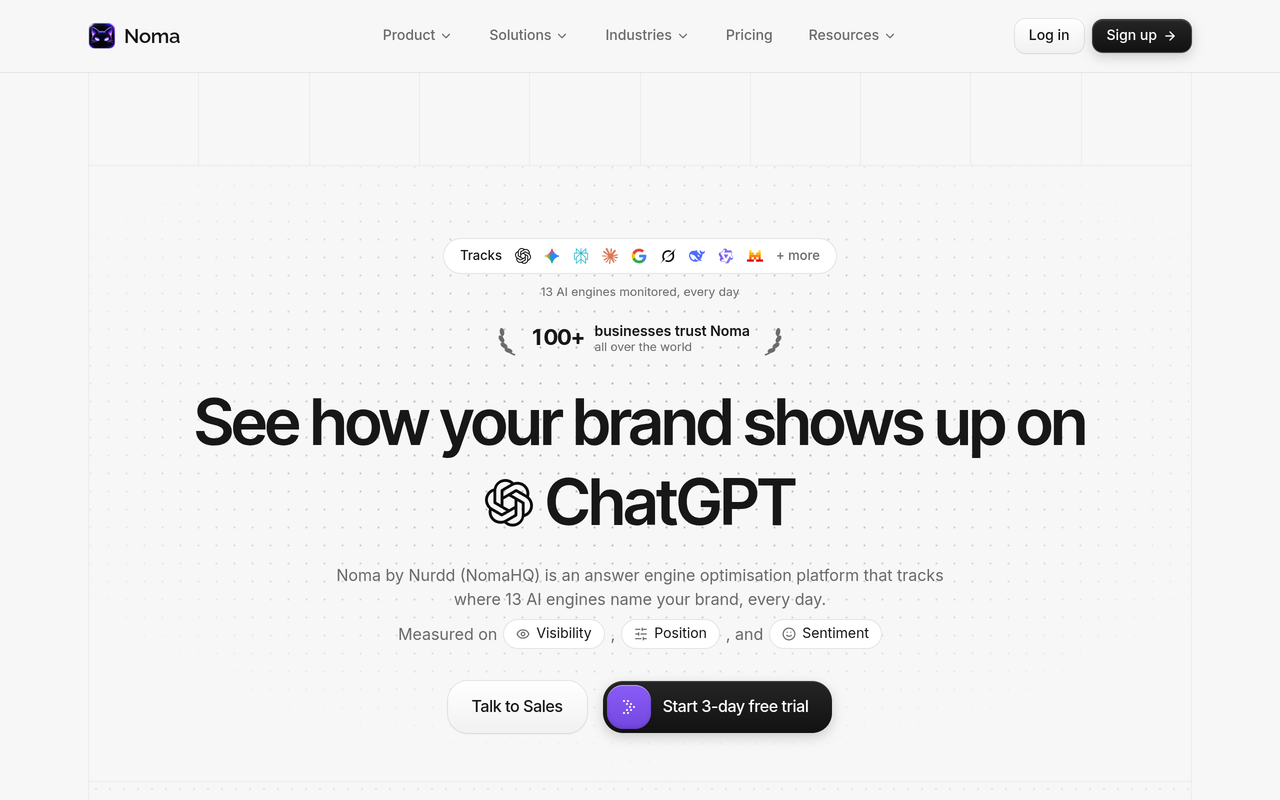
Noma by Nurdd is a web dashboard that tracks whether a brand appears in answers from 13 AI engines, including ChatGPT, Gemini, Perplexity and Claude, polled daily. It shows citation frequency by category, compares you with competitors and gives recommendations to improve AI visibility. It is built for brands and marketing teams that want to know whether AI assistants recommend them when customers ask category questions.
Book a demo to see, for your own brand, which of the 13 AI engines name you, which pages they cite and which competitors appear instead.
How Noma covers each criterion
| Criterion | Noma by Nurdd |
|---|---|
| Engine coverage | Tracks 13 AI engines, including ChatGPT, Gemini, Perplexity and Claude, polled daily |
| Reporting | Citation frequency by category and competitor comparison, with the page behind each citation recorded |
| Action guidance | Actionable recommendations to improve AI visibility (GEO) |
| Trial | 3-day free trial; card taken at signup; billing starts on day 3; no charge if cancelled before then |
Noma is the stronger fit when your buyers use several assistants and you want to see all of them in one place. For a wider market view, see the Noma vs AthenaHQ comparison, our comparison of AI search visibility tools and the Noma vs Peec AI page.
Which alternative fits which team?
A D2C ecommerce marketer
You need to know whether shoppers asking "best moisturiser for dry skin" see your product. Engine coverage matters most because product questions are asked across assistants. Start with how to choose ecommerce GEO tools and use the ecommerce industry page as a prompt source.
An SEO lead reporting to a CMO
You already have Semrush or Ahrefs and need AI visibility beside it. The question is whether the new tool adds engine data your SEO suite lacks. Read Noma vs Semrush and Noma vs Ahrefs before you pay for overlap.
A founder at an early-stage startup
You have a small prompt set and a small budget. Favour flat pricing you can forecast and a trial you can finish in a week. The guide to GEO platforms for startups lists what to buy and what to skip.
What mistakes do buyers make when comparing these tools?
- Comparing prompt counts alone. Fifty prompts on four engines and fifty on 13 are different products.
- Trusting one vendor's ranking. Vendor-written comparisons come from companies that sell a competing product. Use their data tables, not their verdicts, and confirm each fact on the vendor's own page.
- Ignoring pricing changes. Plans change; check the live page on the day you decide.
- Skipping the baseline. Without your old prompt list you cannot tell whether a score moved because of your work or because the tool changed method.
- Buying tracking when you need action. If nobody on the team will edit pages, a dashboard alone will not improve anything. Consider the answer engine optimization agency service if you need hands as well as data.
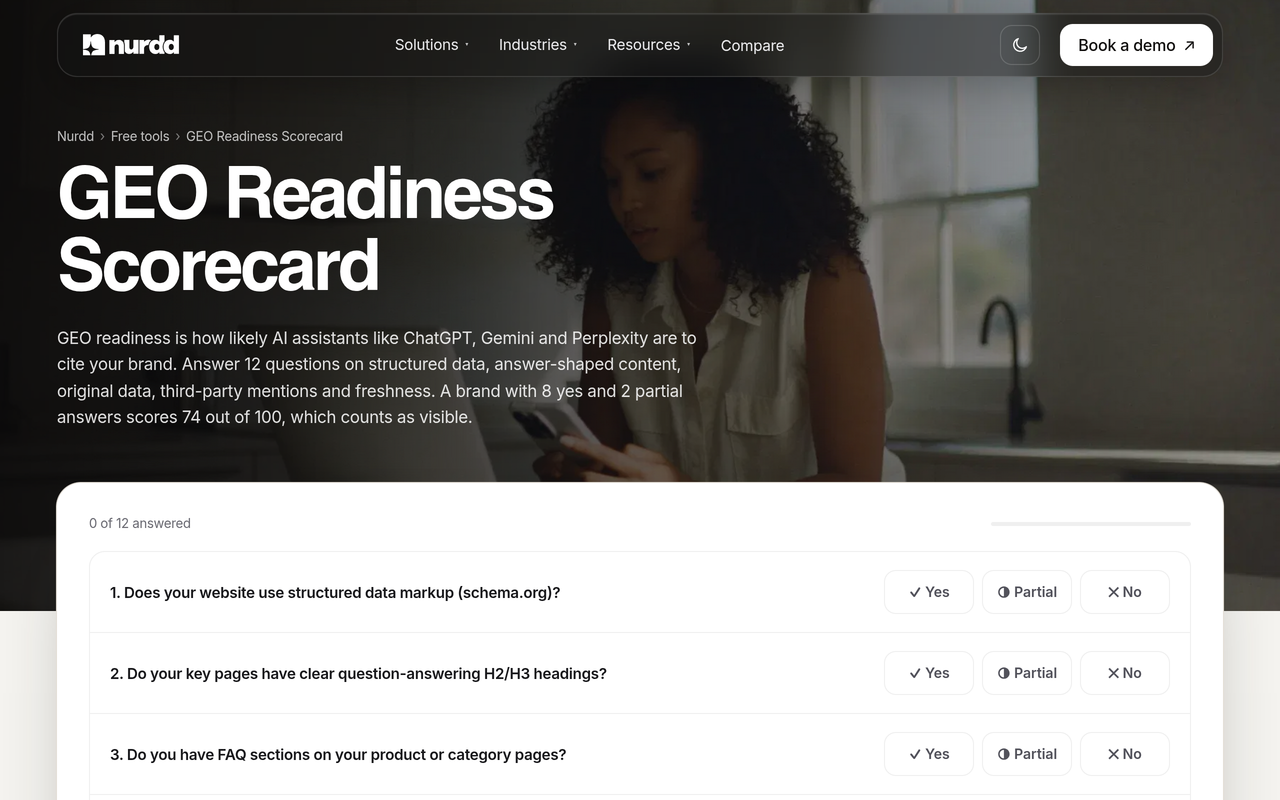
You can also check how ready your own site is before paying for any tool, using the free GEO readiness scorecard.
How do you read the results after you switch?
Give any new tool a few weeks before drawing conclusions. Start with share of voice, which compares how often you are named against competitors; AI search share of voice explains the calculation. Then track a visibility score week over week, as in how to track your AI search visibility score.
Finally, connect the findings to the work. If competitors win on a comparison query, the fix is usually a page. The guide to why a competitor is cited and you are not walks through the causes.
How we researched this
I searched the primary keyword and identified three top-ranking vendor articles on AthenaHQ alternatives, which I used to see who ranks and how they are positioned. I then read Peec AI's and Scrunch's own pages for the plan details quoted above. The articles and Scrunch's page were checked on 5 November 2026, and prices are in USD. Peec AI's page states its own prices were confirmed in July 2026, so that date applies to its figures.
I did not hands-on test AthenaHQ or the other rival tools, and I did not interview customers. I did not verify AthenaHQ's or Profound's plan details on their own pages, so the post states none. Peec AI's page lists conflicting engine information, which is why the post asks you to confirm it. Cost-per-prompt figures are my arithmetic on published prices.
Frequently asked questions
What are good AthenaHQ alternatives?
Common alternatives include Peec AI, Scrunch, Profound, AirOps, LightSite and Noma. Which is good depends on the engines you must track, your prompt volume and whether you want action guidance. Noma by Nurdd suits teams that want 13 engines tracked daily with a 3-day free trial.
How do AI search visibility tools compare on engine coverage?
Published entry plans differ. Scrunch lists four AI platforms on Core and nine on Enterprise, while Peec AI's reference page lists six engines as included but also shows 'choose 3' models in its plan table, so confirm on its pricing page. Noma tracks 13 AI engines, including ChatGPT, Gemini, Perplexity and Claude.
How do I find AthenaHQ's current pricing?
Read it on AthenaHQ's own plans page on the day you decide, and ask whether usage is metered in credits. Model a normal month of prompts and content runs before you compare it with flat-priced tools.
Does Noma have a free trial?
Yes. Noma has a 3-day free trial. A card is taken at signup and billing starts on day 3, and you are not charged if you cancel before then.
How many prompts do I need to track?
Start with about 20 that cover category, comparison and problem-led questions, then expand once you see which ones surface competitors. Multiply by the number of engines to understand your real workload.
Can I run two tools at the same time while switching?
Yes, and you should for about a week. Load the same prompts in both and compare mentions and cited pages per engine, so you can tell method differences from real gaps.
Do I need a tool, or an agency?
A tool measures; someone still has to change pages and earn sources. If your team lacks time, Nurdd's generative engine optimization services are measured in Noma.
Switch on evidence, not a vendor's ranking
Use the checklist, run the same 20 prompts in both tools and compare cost per prompt with the engines you need, not headline counts. To see Noma tracking your own brand across 13 AI engines, with the cited pages and competitors behind each answer, book a demo of Noma. You can read more on the Noma site or in our guide to generative engine optimization.