AI Search Visibility
Permission-Aware AI Search: What to Ask Vendors
Permission-aware AI search protects internal data. Brand visibility in public AI engines is a different job. Here is how to tell them apart and what to ask.
 Sheetal Shakshi10 Nov 202616 min read

Permission-aware AI search tools are enterprise search products that return results and AI answers only from content the person asking is already allowed to open. They solve an internal security problem. Whether ChatGPT, Gemini or Perplexity names your brand is a separate question, tracked with an AI search visibility tool such as Noma.
Permission-aware AI search tools are enterprise search products that return results and generated answers only from content the person asking is already allowed to open. They solve an internal security problem, not a marketing one. Whether ChatGPT or Perplexity names your brand is a separate question, because those engines answer from public sources.
If you are a marketer, you probably landed here because a vendor, an IT colleague or a search query used the phrase and you wanted to know whether it affects your work. The short version is that it does, but only at the edges. This guide defines the term, shows how it works, and then draws the line between the internal search question your IT team owns and the brand visibility question you own. For background on the public side, see what generative engine optimization is.
Key takeaways
- Permission-aware search means every result and every AI answer reflects what the individual user can open in the source system. It is an access-control property of internal search, not a ranking technique.
- Enterprise AI search (Glean-style, Copilot-style) answers from your private content. AI search visibility answers a different question: how public AI engines describe your brand to people outside your company.
- When a vendor says "permission-aware", ask how permissions are synced, how fast revocations apply, and whether the AI layer enforces them, not only the results list.
- Marketers rarely buy permission-aware tools, but you may be asked to approve content that feeds them. Know which of your assets are public and which are restricted.
- For the public side, track named mentions and cited pages across AI engines on a schedule, and fix the pages those engines actually read.
- Run one test per side: a restricted-document probe for internal search, and a fixed prompt set for public visibility.
What are permission-aware AI search tools?
A permission-aware AI search tool is a system that connects to a company's internal apps (drives, wikis, chat, ticketing, CRM) and lets employees ask questions in plain language. It checks the asker's access rights before showing anything. Two employees can type the same question and legitimately get different answers, because they can open different documents.
The term is used the same way by several vendors. GoSearch, November 2026 defines permission-aware search as every result and every AI answer reflecting what the individual user can open in the source app, at the moment they search. Guru describes the same idea as search that inherits the access controls of each connected source.
Microsoft frames it for its own assistant in similar terms. According to Microsoft Learn, Microsoft Copilot only surfaces organizational data to which individual users have at least view permissions. That is permission-aware behaviour described by the platform that owns the data.
Permission-aware, in one standalone sentence
Permission-aware AI search is internal search in which an employee's existing access rights in each source application decide which documents can appear in results, snippets and AI-generated answers.
Why does permission-aware search matter at all?
Before AI, a badly secured wiki was a risk only if someone went looking. An AI assistant that has indexed everything can volunteer it. A question like "what are the salary bands for the product team?" can surface a restricted spreadsheet if the system retrieves content first and checks access later, or never.
This is a recognised risk category. Indusface, summarising OWASP LLM02:2025, describes sensitive information disclosure as an application exposing confidential data through its outputs. Permission checks at retrieval time are one of the standard defences.
For a marketing team the relevance is practical. Campaign plans, pricing drafts, unreleased product names, influencer contract terms and agency invoices sit in the same drives that internal AI search will index. If your company deploys one, your content is inside its scope.
How does permission-aware AI search work?
Every permission-aware system has to answer the same three questions: where do the permissions come from, when are they checked, and what do they cover. The differences between vendors sit in those answers.
Step 1: Ingest content and its access rules together
The connector reads the document and its access control list (ACL), meaning the list of users and groups allowed to open it. The ACL is stored next to the content as metadata. Microsoft Learn, September 2026 describes document-level access control in Azure AI Search as enforcing permissions from data ingestion through query execution.
Step 2: Identify the person asking
The tool resolves the user through the company's identity provider and expands their group memberships, including groups nested inside other groups. A mistake here is the most common reason a permission-aware tool shows too much or too little.
Step 3: Filter before the AI writes
The query only retrieves passages the user may open. The language model then writes an answer from that trimmed set. Filtering after the model has already seen restricted text is a weaker design, because the answer can still echo it.
Step 4: Apply changes quickly
When someone leaves a team or a folder is locked, the change should reach the search layer within a defined window. GoSearch, November 2026 lists revocation handling as an explicit requirement: content and cached AI answers should stop exposing the material within a stated time.
The four enforcement patterns in Azure AI Search
Microsoft's documentation is useful because it names concrete mechanisms. The table below summarises the four approaches it lists and the situation each is aimed at.
| Approach | Situation it is aimed at |
|---|---|
| Security filters | Custom identity systems, non-Microsoft security frameworks, or push-model indexes |
| POSIX-like ACL / RBAC scopes | Content in ADLS Gen2 or Azure Blob Storage with existing ACL or RBAC assignments |
| Microsoft Purview sensitivity labels | Content already governed by Purview information protection policies |
| SharePoint in Microsoft 365 ACLs | Content sourced from SharePoint libraries, lists and site pages |
Source: Microsoft Learn, September 2026. The page notes that some of these approaches are in preview, so check its current status for each one before a vendor built on them promises production-grade enforcement.
How is enterprise AI search different from AI search visibility?
This is the question most marketers actually need answered. The two phrases both contain "AI search", and vendors sometimes blur them, but they describe opposite directions of information flow.
Enterprise AI search pulls your private knowledge to your own employees. AI search visibility measures how the public web's knowledge, as processed by ChatGPT, Gemini, Perplexity, Claude and others, presents your brand to everyone else.
| Dimension | Permission-aware enterprise AI search | AI search visibility |
|---|---|---|
| Who asks | Employees | Customers, buyers, journalists, anyone |
| What it searches | Private apps: drives, wikis, chat, CRM | The public web and the engines' own models |
| Core risk | Leaking restricted content to the wrong employee | Not being named, or being described wrongly |
| Who owns it | IT, security, knowledge management | Marketing, SEO, brand, communications |
| Control lever | Access rights in source systems, connector settings | Public pages, third-party sources, entity consistency, crawler access |
| What you measure | Permission accuracy, revocation delay, answer correctness | Whether the brand is named, which page is cited, share versus competitors |
| Typical buyer question | "Can it show the wrong person the wrong file?" | "Does ChatGPT recommend us for our category?" |
A single sentence captures the split: permission-aware search protects what a company knows, while AI search visibility tracks what the public web lets AI engines say about a company.
A decision rule for the two questions
Ask who the audience for the answer is. If the audience is inside the company and the content is private, you are in permission-aware territory and IT should lead. If the audience is outside the company and the content is public, you are in visibility territory and marketing should lead. If someone asks you to evaluate a tool that claims both, check whether it genuinely does both or only borrows the label.
Does permission-aware search have any marketing use?
Yes, internally. A permission-aware tool can help a marketing team find past campaign briefs, approved brand claims, legal-cleared copy and creator contract terms without opening a dozen apps. The permission layer is what makes it safe to let the tool index agency and finance folders at all.
It does not tell you anything about how customers find you. The reverse also holds. A visibility tracker does not read your internal documents and has no permission model, because it only observes public answers.

What should marketers ask vendors who say "permission-aware"?
Marketers are often in the room when a vendor demo happens, either as a content owner or as a stakeholder. These questions are drawn from the evaluation criteria published by GoSearch, November 2026, the enterprise market overview from Kore.ai, 2026, and Microsoft's access-control documentation. They are phrased so a non-engineer can ask them.
- Where do permissions come from? Does the tool sync access lists from each source app, or check access live with the user's own credentials?
- Do nested groups work? If access is granted through a group inside another group, does search honour it?
- What happens on revocation? What is the stated time between someone losing access and the content disappearing from results and cached answers?
- Is the AI layer covered? Are permissions enforced on every passage the model reads, or only on the list of documents shown?
- Do titles and snippets leak? A restricted document's title appearing in a result can itself be a disclosure.
- Can admins add rules? Can IT add department or role restrictions on top of the source permissions?
- Is there an audit trail? Can security see who asked what and which sources were used?
- Which enforcement features are generally available? Ask which parts are in preview, as Microsoft's own documentation notes for some approaches.
- Can we run a pilot on our own accounts? A claim that cannot be tested on your data is a marketing claim.
How do you test a permission-aware claim in a pilot?
The most specific public test plan comes from GoSearch, November 2026, which suggests agreeing success criteria first, connecting only the systems test users rely on, adding a restricted folder and an outdated policy copy, then running 25 to 40 real employee questions with known answers over two weeks. Its own table treats any exposure of restricted content, even a title or partial snippet, as a weak result.
Worked example: a restricted-folder probe
The numbers below come from the pilot guidance above. The scenario is an illustration of how to apply it, not a result from any real company.
- Create a folder named for a fictional launch, for example "Project Harbour", and share it with two people only.
- Put a document in it with a unique, made-up sentence, such as a codename and a fictional budget.
- From a test account outside the two-person group, ask the tool about the codename directly, then ask a vaguer question that the document would answer.
- Check results, snippets, previews and the generated answer for any trace, including the title.
- Remove one of the two authorised people from the group, wait for the vendor's stated revocation window, and repeat as that person.
- Record pass or fail for each step and compare vendors on the same script.
Using a made-up unique sentence matters. It makes a leak unambiguous, because the model cannot have produced it from anything else.
Where does Noma fit in this picture?
Noma sits entirely on the public side. It does not search your internal systems and does not need access to them. It answers the question marketers own: when someone asks a public AI engine about your category, does your brand appear, and what do those engines say?
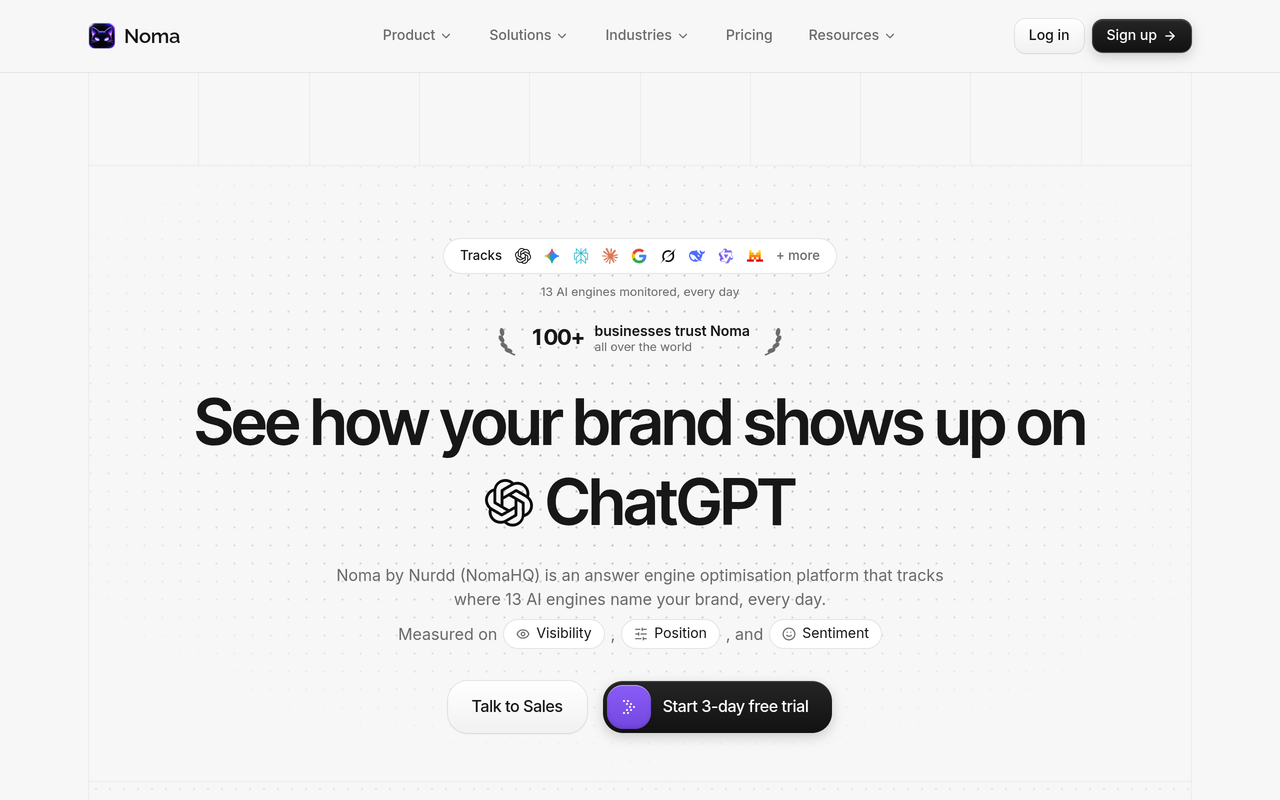
Noma by Nurdd is a web dashboard that tracks whether a brand appears in answers from 13 AI engines, including ChatGPT, Gemini, Perplexity and Claude, polled daily. It records whether the brand is named and which page each citation comes from, shows citation frequency by category and competitor comparison, and gives recommendations to improve AI visibility.
To try it on your own brand, start the Noma 3-day free trial. A card is taken at signup and billing starts on day 3, so there is no charge if you cancel before then.
For a longer comparison with other trackers, see Noma vs Profound and the comparison of AI search visibility tools.
What does the public side of AI search actually depend on?
Public AI engines build answers from what they can crawl or retrieve. The controls are therefore about crawler access and the content on public pages, not about identities and ACLs. The documentation from the platforms is explicit on this.
- Google: Google Search Central states there are no additional technical requirements to appear in its AI features, and that snippet and noindex controls limit what is shown.
- OpenAI: OpenAI's crawler documentation lists OAI-SearchBot for search and GPTBot as separate robots.txt tags, and notes that ChatGPT-User actions are initiated by users, so robots.txt rules may not apply.
That means a sensible public-visibility checklist starts with crawler access. The AI crawler user agents list and the guide to AI bot traffic in server logs cover how to check it.
Why a permission wall can hide you from AI engines
This is the one place the two worlds touch. If your pricing, documentation or product pages sit behind a login, a public AI engine cannot read them and cannot cite them. Gating content protects it, and it also removes it from public answers. Decide page by page which assets are meant to be quotable.
How do you measure public AI visibility, step by step?
The checklist below is the public counterpart of the restricted-folder probe. It uses a fixed set of questions so changes can be compared over time.
- List 20 to 30 buyer questions. Include category questions ("best X for Y"), comparison questions and questions about your brand by name. The guide on which prompts to track shows how to choose them.
- Run them on a schedule across several engines. Single manual checks vary, so repeat them. Noma polls its 13 engines daily.
- Record three things per answer: whether your brand is named, how it is described, and which URL is cited.
- Compare against named competitors. This gives you a share-of-voice view, explained in AI search share of voice.
- Trace gaps to pages. If a competitor is cited and you are not, read the cited page and note what it contains that yours lacks.
- Fix, then re-measure. Change one thing at a time. The GEO experiment design guide describes how to keep the test honest.
Side-by-side: the two evaluation scripts
| Step | Internal permission-aware test | Public visibility test |
|---|---|---|
| Set-up | Restricted folder, test accounts, 25 to 40 real questions | 20 to 30 buyer prompts, named competitors |
| Pass condition | Restricted content never appears, including titles and snippets | Brand named accurately, with a correct page cited |
| Fail condition | Any exposure or stale access after the revocation window | Brand missing, misdescribed, or a competitor cited instead |
| Frequency | During the pilot, then on any permission-model change | Continuous, with weekly review |
| Owner | IT and security | Marketing and SEO |
Both tests share one principle: write down the expected result before you run the query. It prevents anyone from reading a vague answer as a pass.
What are the common mistakes marketers make with this term?
- Treating "permission-aware" as a visibility feature. It has no bearing on whether ChatGPT cites you.
- Expecting a visibility tracker to see internal content. Public trackers observe public answers only.
- Skipping the AI layer in security questions. A results list may be filtered while the generated answer is not. Ask about both.
- Gating everything. Pages that should earn citations need to be crawlable.
- Assuming one assessment covers both. A vendor that is excellent at one may not attempt the other.
- Buying on a feature list. The Kore.ai, 2026 market guide itself points buyers to connectors, hybrid retrieval and audit-ready governance, which are things you can only judge by testing.
What can you do about brand description accuracy?
Internal search tools can only answer from what a company wrote. Public engines assemble a description from many pages, and inconsistencies across them show up in the answer. The entity consistency checklist and the guide to AI brand perception tracking explain how to find and fix mismatched descriptions. If you already rank well on Google but are not named in AI answers, read ranking on Google but not cited by AI.
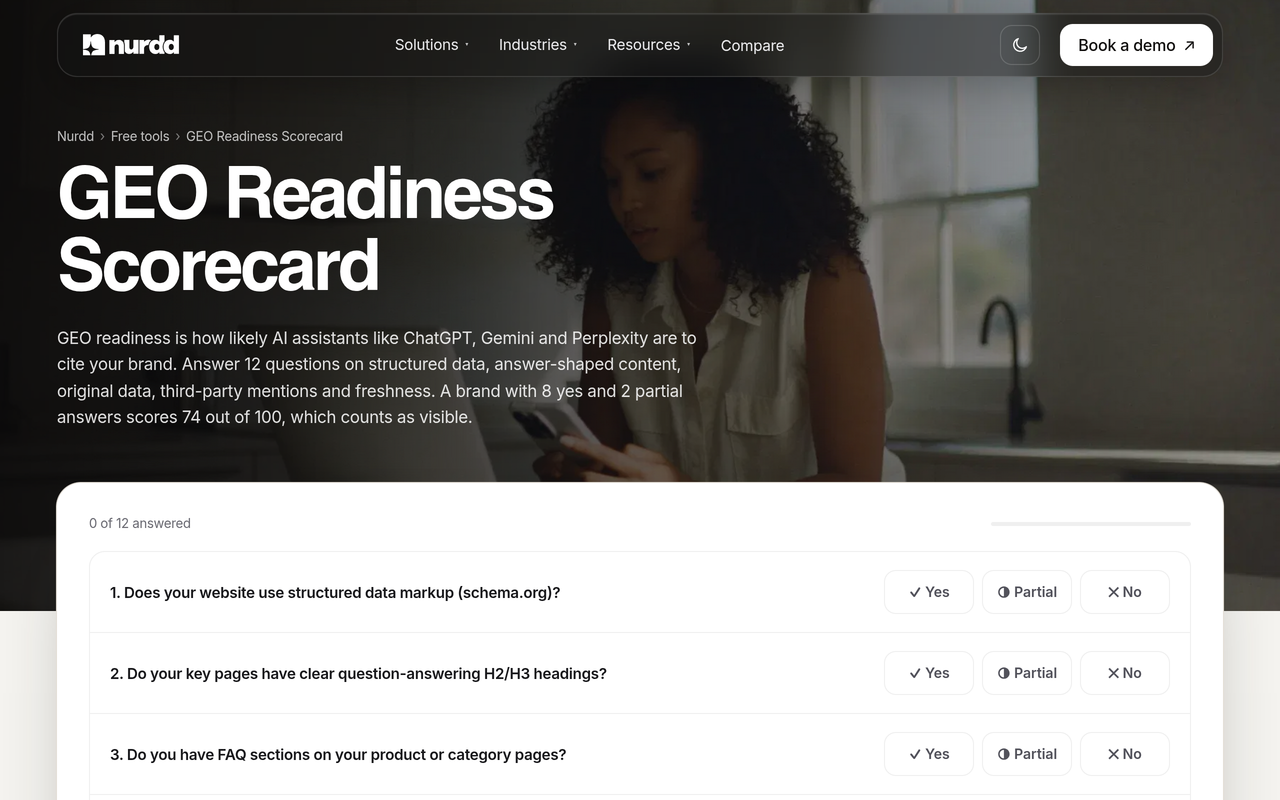
For a quick self-assessment, the free GEO readiness scorecard runs a 12-factor check of how ready a site is for AI answers.
Which tools sit in which category?
Vendor categories get confused, so here is a neutral way to sort them using only what each vendor says about itself.
| Question you are asking | Category | Examples of how vendors describe it |
|---|---|---|
| Can employees find internal answers safely? | Permission-aware enterprise AI search | Guru describes cited, permission-aware answers across connected apps; Kore.ai's guide compares platforms for enterprise search |
| Can we build our own secure retrieval? | Search infrastructure with access control | Azure AI Search documents four document-level approaches |
| Does the public AI web name our brand? | AI search visibility tracking | Noma by Nurdd tracks 13 AI engines daily |
| How do we improve what AI engines read? | AEO and GEO services | Nurdd's answer engine optimization agency service, measured in Noma |
For the enterprise side, our own guide to AI search engines for enterprise discovery and the security and scale checklist go deeper than this post does. They are separate from Noma, which does not do internal search.
How does this change reporting inside a marketing team?
Keep two reports. The first, owned by IT, covers internal tool adoption and permission test results. The second, owned by marketing, covers public AI visibility. Combining them hides both. The AI search metrics reporting guide shows what belongs in the marketing version, and the piece on AI search optimization vs SEO explains how it sits next to classic SEO reporting.
If you are an agency or manage many brands, a visibility report is also something clients can read, because it contains no confidential material. See AI search reporting for agencies.
How we researched this
We reviewed vendor documentation and product pages (Microsoft Learn, Guru, GoSearch, Kore.ai), platform documentation for Google Search and OpenAI crawlers, and a published summary of the OWASP LLM sensitive information disclosure category. All were read and checked on the publication date of this post. We did not run hands-on tests of any enterprise search product, and the restricted-folder example is an illustration, not a result. Statements about Noma come from Nurdd's own product facts.
Frequently asked questions
What are permission-aware AI search tools?
They are internal search and assistant products that check a user's access rights in each source application before showing results or generating an answer. Two employees can ask the same question and receive different answers. Examples of vendors using the term include Guru and GoSearch, and Microsoft describes similar behaviour for Copilot.
Is permission-aware search the same as AI search visibility?
No. Permission-aware search is about protecting private company content inside internal tools. AI search visibility is about whether public engines such as ChatGPT, Gemini, Perplexity and Claude name and describe your brand. Different teams own them, and different tools measure them.
Does Noma search my company's internal documents?
No. Noma tracks public answers from 13 AI engines and records whether your brand is named and which page is cited. It has no access to internal apps and is not an enterprise search product.
What should I ask an enterprise AI search vendor about permissions?
Ask how permissions are synced, whether nested groups work, how long revocation takes, whether the AI layer enforces permissions on every passage, and whether titles or snippets can leak. Then ask to test it on your own accounts in a pilot.
How long should a permission-aware pilot run?
GoSearch's published guidance suggests running 25 to 40 real employee questions with known answers over two weeks, including a restricted folder and an access revocation mid-pilot. Treat that as a starting point and adjust to the size of your organisation.
Can gating content behind a login hurt my AI visibility?
Yes. Public AI engines cannot read pages behind a login, so they cannot cite them. Keep pages you want quoted, such as product descriptions and documentation, crawlable, and gate only what is genuinely private.
Do I need to allow OpenAI's crawlers to appear in ChatGPT search?
OpenAI's documentation lists OAI-SearchBot as the robots.txt tag for search and GPTBot as a separate tag. Allowing search crawling is a separate decision from other crawlers, so check your robots.txt against the current documentation.
Can Noma be tried before buying?
Yes. Noma has a 3-day free trial. A card is taken at signup and billing starts on day 3, with no charge if you cancel before then.
Conclusion: own the question that is yours
Permission-aware AI search is a sound and necessary property for internal enterprise tools, and it deserves a rigorous test on your own data. It is also IT's question. The one marketers own is how the public AI web presents the brand, and that needs its own measurement.
To check that public view for your brand, start the Noma 3-day free trial. You can also read how Nurdd works, or book a demo with Nurdd to talk through its products.