AI Search Visibility
ChatGPT Shopping Optimization: US vs Europe Feed Setup
A practical checklist for ChatGPT shopping optimization: the feed fields, page data and crawler settings to verify in each market, and how to track the result.
 Sheetal Shakshi1 Nov 202618 min read

ChatGPT shopping optimization means giving ChatGPT complete, consistent and crawlable product data, then testing each market separately because the product source can differ by region. Fix your feed fields, make product pages match the feed, allow OAI-SearchBot and keep Google Merchant Center healthy. Noma by Nurdd tracks whether your brand appears across 13 AI engines, including ChatGPT, Gemini, Perplexity and Claude.
ChatGPT shopping optimization is the work of making your product data complete, consistent and crawlable so ChatGPT can retrieve, compare and display your products. Start with a clean product feed, product pages that match it exactly, open crawler access and stable identifiers. Then test each market on its own, because the product source behind ChatGPT can differ between the US and Europe.
This guide gives you a market-neutral checklist, a triage table for missing products, a seven-step process and a test you can run to find out which data source serves each of your markets. It deliberately avoids hard rules about any one country, because OpenAI changes its shopping systems often and the public evidence is still thin.
Key takeaways
- Treat the feed and the product page as one record. If price, availability or title differ between them, you give ChatGPT a reason to skip the product.
- Fill every required feed field before you worry about optional ones. Missing required fields are an eligibility problem, not a ranking problem.
- Give every variant a stable, unique ID, and never regenerate IDs on each export.
- Keep both an OpenAI-ready feed and a healthy Google Merchant Center feed. A third-party analysis reports that Europe still drew on Google Shopping for now, and that can change.
- Allow OAI-SearchBot in robots.txt on the pages you want surfaced.
- Track real shopper prompts per market on a schedule. Noma by Nurdd does this across 13 AI engines, including ChatGPT, Gemini, Perplexity and Claude.
Why aren't my products showing in ChatGPT shopping results?
Products usually fail to appear for one of five reasons: they never reached an index, the data is incomplete or contradictory, a crawler is blocked, the seller is not trusted, or a better-described competitor outscores them. Most are fixable within days and none requires ad spend.
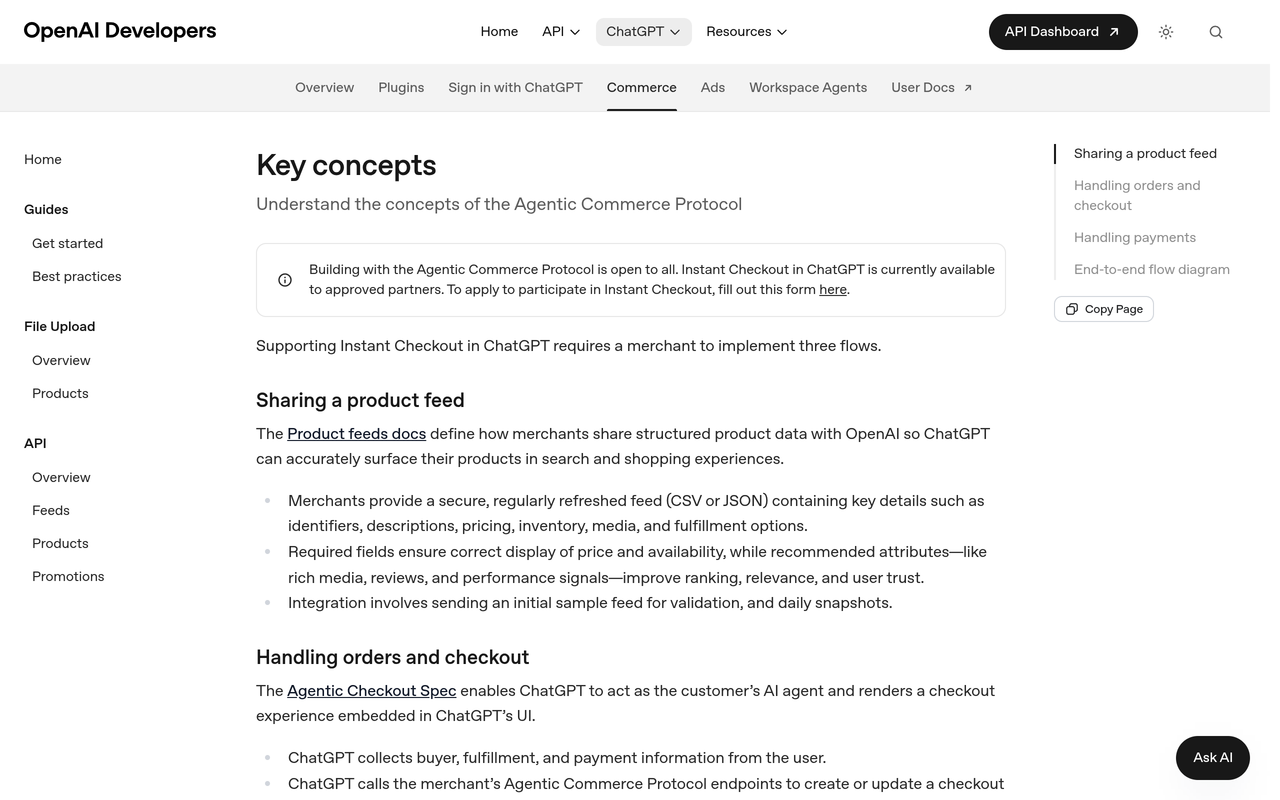
OpenAI describes the starting point plainly. According to the OpenAI Developers key concepts page, merchants provide a secure, regularly refreshed feed in CSV or JSON with identifiers, descriptions, pricing, inventory, media and fulfilment details. The same page says required fields ensure correct display of price and availability, while recommended attributes such as rich media, reviews and performance signals improve ranking, relevance and user trust.
Use the table below as a triage tool. Match what you see in ChatGPT to a likely cause, then run the check in the right-hand column.
| What you see | Likely cause | What to check first |
|---|---|---|
| Competitors appear for your category prompt; your brand never does | No feed, rejected feed, or products not indexed | Feed upload status, search-eligibility flag, product URL returns HTTP 200 |
| Your brand is named in text but without a product card | Page is read, but structured product data is missing or inconsistent | Feed price and availability against the live page; schema markup |
| Some variants appear, others never do | Variants collapsed into one row, or IDs change on every export | Unique, stable item ID per variant; variant URLs |
| Appears in one country but not another | Different product source or feed targeting per market | Market setup in your feed account; Google Merchant Center status for that country |
| Appears for branded prompts only | Weak category relevance in the title and first words of the description | Title pattern, opening sentence, attributes such as material, size and colour |
| Appeared last month, gone now | Product dropped from the feed, stock status changed, or a bot was blocked | Feed freshness, availability value, robots.txt and firewall logs |
The logic of the table runs through the rest of this guide. Eligibility problems are binary: you are in the index or you are not. Relevance problems are comparative: you are in, but someone else scores higher. Fix eligibility first, and only then work on relevance.
How does ChatGPT choose which products to show?
ChatGPT draws on structured merchant data, public web pages and its own synthesis, and the weighting is not published. OpenAI's shopping research announcement, November 2025, describes a buyer's-guide experience that is suggested automatically for shopping questions and is powered by a version of GPT-5 mini trained for shopping tasks. For a simple price or feature check, OpenAI says a regular response is quick and all you need.
Two things follow for a merchant. First, deep comparison prompts are where detailed product data earns its keep, because the model has to weigh attributes against each other. Second, the product data you send and the data on your page are both evidence, so contradictions between them cost you.
Industry coverage points the same way. A Alhena AI feed guide, checked against OpenAI's docs on 30 September 2026, says OpenAI revamped ChatGPT shopping on 24 March 2026 around discovery and let merchants use their own checkout. It also says US Shopify merchants are largely covered by Shopify's catalog integration and that direct onboarding is open to approved partners who apply at chatgpt.com/merchants. Check your own eligibility rather than assuming it.
Feed eligibility and feed quality are different problems. Eligibility decides whether ChatGPT can retrieve a product at all; quality decides whether it is chosen once retrieved.
Is ChatGPT shopping different in the US and Europe?
Peec AI reports that it is. Its analysis, ChatGPT Shopping optimization in 2026: US vs. Europe (Peec AI, 2026), says US shopping drew on an index built from merchant feeds, while Europe still drew on Google Shopping. Peec AI states that using a third party means no proprietary relevance scoring and no seller check in Europe, so Google Shopping performance feeds straight into ChatGPT there.
This is one vendor's reading of debug data, presented in a conference talk, and OpenAI can change its systems at any time. Treat it as a hypothesis for your own markets. The table below shows how the reported difference should change your checklist, not which country you should prioritise.
| Question | If the source is an OpenAI-side feed index | If the source is Google Shopping |
|---|---|---|
| How do products get in? | Send a feed to OpenAI, or sell through a platform with a catalog integration | Be listed in Google Shopping through Merchant Center |
| Which feed matters most? | The OpenAI feed reference | The Google Merchant Center product data specification |
| Seller trust signal | Seller identity and policies in the feed | Merchant Center account standing and policies |
| Main failure mode | Rejected or stale feed rows | Disapproved or low-quality Merchant Center products |
| Fix that helps both | One governed product data source with matching identifiers, prices, availability and images | |
A worked example from published numbers
Peec AI reports that at the time of its talk, US shopping drew on 669 feeds, 606 of them active. Subtracting gives 63 feeds that were not active, and 606 divided by 669 is about 91 percent active. The arithmetic is ours; the feed counts are Peec AI's.
What this shows is that a feed can exist and still not count. About one in ten feeds in that snapshot was inactive, so uploading once is not the finish line. Feed freshness, validation status and rejected rows belong on a weekly check.
How do I find out which system serves my market?
You do not need debug access. Run the same ten product-intent prompts in each target country, from a clean session, using a team member in that country or a trusted VPN. Then compare the product list with the Google Shopping results for the equivalent searches.
- If ChatGPT's list closely mirrors the Google Shopping tab, your market probably leans on Google data.
- If it includes brands that do not appear there, an OpenAI-side index is likely contributing.
- If results swing from run to run, run each prompt several times before concluding anything.
A fixed prompt set is the only way to separate a real source change from random variation. The guide to which prompts to track for AI search visibility explains how to build one.
What should be in my product feed?
Your feed should contain every required field, with values that match the live product page exactly, plus as many recommended attributes as you can truthfully supply. The OpenAI product feed reference lists item_id, title, description and brand as required for a useful discovery feed. It describes the ID as stable and unique per item or variant within your feed, and it says the brand should be shown as it is on the product page.
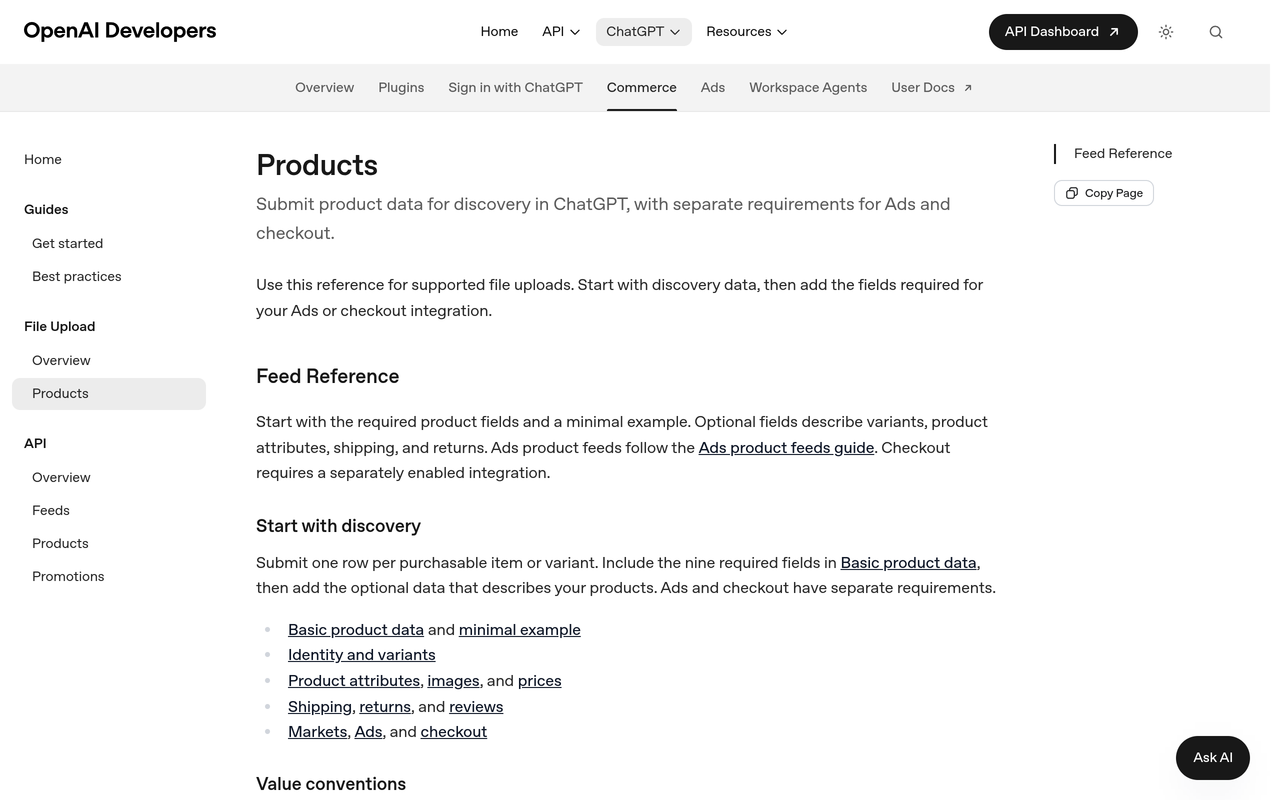
Be careful with field names. OpenAI publishes more than one feed reference, and third-party guides do not always agree on flag names or accepted file formats. For example, Lengow's ChatGPT product feed guide describes a merchant-pushed file rather than crawling, with search and checkout flags, and lists CSV, TSV, XML and JSON as accepted formats, while the OpenAI key concepts page names CSV or JSON. Always build against the current OpenAI reference and re-check it before each export.
| Feed element | What to do | Why it matters |
|---|---|---|
| Item ID | Stable, unique per variant; never regenerate on export | The reference calls for a stable ID, unique per item or variant |
| Title | Product name including the selected variant where relevant | The reference asks for the selected variant in the title |
| Description | Factual, specific, with the main product terms first | The reference asks for a factual description of the item |
| Brand | Exactly as shown on the product page | Brand is required and should match the page |
| Product URL | Public, canonical, returns HTTP 200, no geo-blocking | Breaks the link between feed and page if it redirects or blocks |
| Price and availability | Match the live page, with currency; use the exact accepted spelling for each availability value | Required fields exist to display price and availability correctly |
| Offer ID | Use where several offers share one product URL | The reference describes it as a way to distinguish offers |
| Colour, size, dimensions | Fill selected values, consistent with the image | Optional attributes enrich relevance and trust |
| Search and checkout flags | Set search eligibility on products you want surfaced; treat checkout as a separate decision | Discovery and purchase are different permissions |
The Alhena AI guide adds a practical warning on spelling: it says to use preorder rather than pre_order for availability, which is the kind of small mismatch that causes silent rejections. Confirm the accepted values in the current OpenAI reference before you ship.
Where does Google Merchant Center fit in?
Merchant Center matters because a third-party report says at least one major market draws on Google Shopping results. Google's overview of the Merchant Center product data specification states that failing to provide a required attribute may prevent a product from showing in Shopping ads and listings, and that missing recommended attributes may make products show up less frequently.
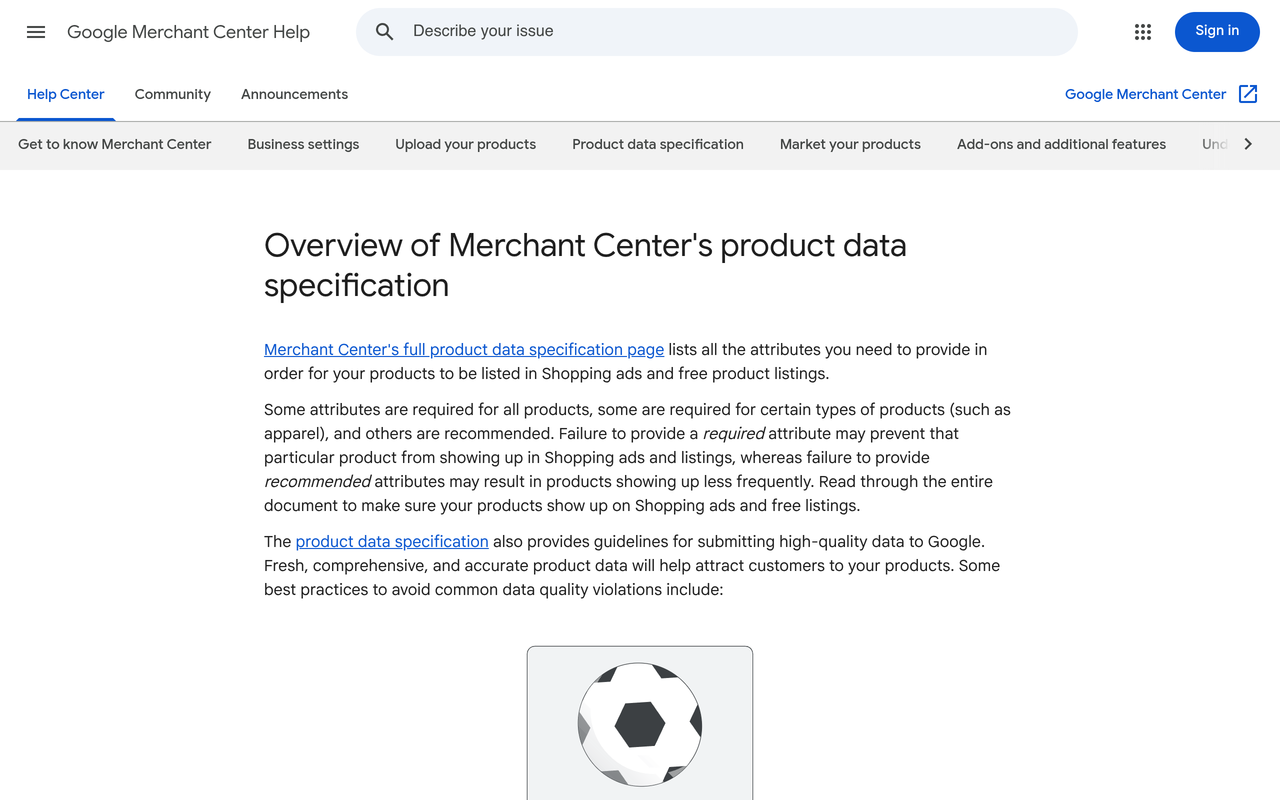
The eligibility logic is identical to OpenAI's: required fields gate visibility, recommended fields influence frequency. That is why one governed product data source that exports to both formats is cheaper than two hand-edited feeds. If your Google Shopping ads are showing for the wrong products, fix that data issue first, because it follows you into AI answers.
What on-page data does ChatGPT need besides the feed?
ChatGPT also reads your public pages, so the page must say the same thing as the feed in plain, crawlable HTML. The page-level checks are shorter than the feed checks, but they decide whether the two records reinforce each other or contradict each other.
- Visible price and availability in server-rendered HTML, not only injected by script after load.
- Product schema markup with name, brand, price, currency, availability and identifiers that match the feed. See the schema markup guide for D2C brands and the structured data guide.
- A specific opening sentence that states what the product is, who it is for and its key attributes. The guide to product descriptions AI engines cite shows before and after examples.
- Real review content on the page, because recommended attributes in the OpenAI key concepts page include reviews and performance signals.
- Consistent brand naming across title, page, feed and your brand description. See how to write a brand description AI engines can use.
Does robots.txt affect ChatGPT shopping?
It can. OpenAI's search crawler is OAI-SearchBot, which a Promptwatch crawler guide describes as the relevant control for search inclusion, honouring robots.txt. The same guide says a site can permit OAI-SearchBot for search while disallowing GPTBot for training, and that OpenAI says a robots.txt change can take about 24 hours to apply.
Check three things: robots.txt rules, any firewall or CDN bot-protection rule that returns 403 to unknown crawlers, and any country-based block that stops a crawler from reaching a regional page. A product page that is open to shoppers but closed to bots is invisible to this system.
How do I optimize my products for ChatGPT shopping? A 7-step process
Work through these steps in order. Each names an action, the result you should see and the reason it matters.
Step 1: Baseline your visibility by market
Action: write 20 shopper prompts for your category, covering broad needs (best option for a use case), comparisons, price-bound requests and branded queries. Run them in each target market and record whether your products appear, in what position, and which competitors do.
Result: a dated baseline per market. Why: without it, you cannot tell whether any later change helped. The guide to tracking your AI search visibility score week over week shows how to keep the baseline comparable.
Step 2: Audit feed eligibility
Action: export your current feed and check every required field is populated, URLs return HTTP 200, availability values use accepted spellings and the search-eligibility flag is set where you want visibility.
Result: a list of rows that cannot qualify. Why: a row missing a required field is not a weak candidate; it is not a candidate.
Step 3: Reconcile the feed with the live page
Action: sample 25 products across categories and compare feed title, price, availability, brand and image with the live page, in each market and currency.
Result: a mismatch log. Why: OpenAI says the purpose of required fields is correct display of price and availability, and Google lists conflicting data between feed and website as a recurring quality problem.
Step 4: Fix identifiers and variants
Action: give each purchasable configuration its own stable ID. A shirt in three sizes and two colours is six rows, not one, and each row should carry its own selected size and colour in the title and attributes. Add valid GTINs where manufacturers assign them.
Result: variant-level records that survive re-exports. Why: the reference describes a stable ID unique per variant, and a shifting ID looks like a new product each time.
Step 5: Rewrite the first words of titles and descriptions
Action: lead with product type, key attribute and use case, then brand details. Replace marketing adjectives with measurable facts such as material, dimensions and compatibility.
Result: titles and descriptions that answer category prompts. Why: comparison prompts reward products whose attributes can be read and matched quickly.
Step 6: Open crawler access and strengthen the page
Action: allow OAI-SearchBot, test with a header check from outside your network, add Product schema that matches the feed and make price and availability visible in server-rendered HTML.
Result: pages that both machines and shoppers can read. Why: the page is the second record that confirms your feed.
Step 7: Re-test per market and monitor
Action: rerun the baseline prompts weekly for a month, then monthly, in each market, and log source changes as well as position changes.
Result: a trend line you can tie to specific changes. Why: AI answers vary, and a single run is noise. The weekly ChatGPT tracking experiment shows what that variation looks like in practice.
A pre-launch checklist you can follow
Run this list before every feed upload and again after any platform migration.
- Confirm the current OpenAI feed reference and note any field or flag renamed since your last build.
- Check that item ID, title, description and brand are filled on every row.
- Verify every product URL returns HTTP 200 without redirect chains or country blocks.
- Compare price, currency and availability against the live page for a sample in each market.
- Confirm each variant has its own stable ID that did not change from the previous export.
- Validate GTINs and remove any invented or placeholder values.
- Check Merchant Center for disapproved products in every country you sell to.
- Check robots.txt and firewall logs for OAI-SearchBot access.
- Confirm Product schema on a sample of pages matches the feed.
- Run the baseline prompts and save the results with a date.
What are the most common ChatGPT shopping mistakes?
- Treating the feed as a one-time upload. The key concepts page describes a regularly refreshed feed with daily snapshots, so stale data is a standing risk.
- Different prices in feed and page. Currency rounding, tax-inclusive versus exclusive display and sale prices applied on one side only are the usual causes.
- One row for a whole size and colour range. It hides variants and breaks size-specific recommendations.
- Optimising for one market and assuming it carries over. The US and Europe may use different sources, so a good result in one proves nothing about the other.
- Blocking all AI crawlers in one broad rule. Training and search crawlers are separate controls.
- Confusing paid and organic. The Alhena AI guide says OpenAI's advertiser tooling now documents product feed campaigns, which run from a separate feed in an ad account. That is a different system from organic shopping results. See how to advertise on ChatGPT and measure the results.
- Judging success on one prompt. One run says little; a stable set repeated over time says a lot.
How does Noma track ChatGPT shopping visibility?
Noma by Nurdd is a web dashboard that tracks whether a brand appears in AI engine answers from 13 AI engines, including ChatGPT, Gemini, Perplexity and Claude, polled daily. It shows citation frequency by category, competitor comparison and recommendations to improve AI visibility. For a merchant, that turns the manual prompt test above into a repeatable record, so a feed fix can be compared before and after.
Book a demo at https://www.nurdd.club/demo to see where your own brand and products appear across those engines, and which competitors appear instead.
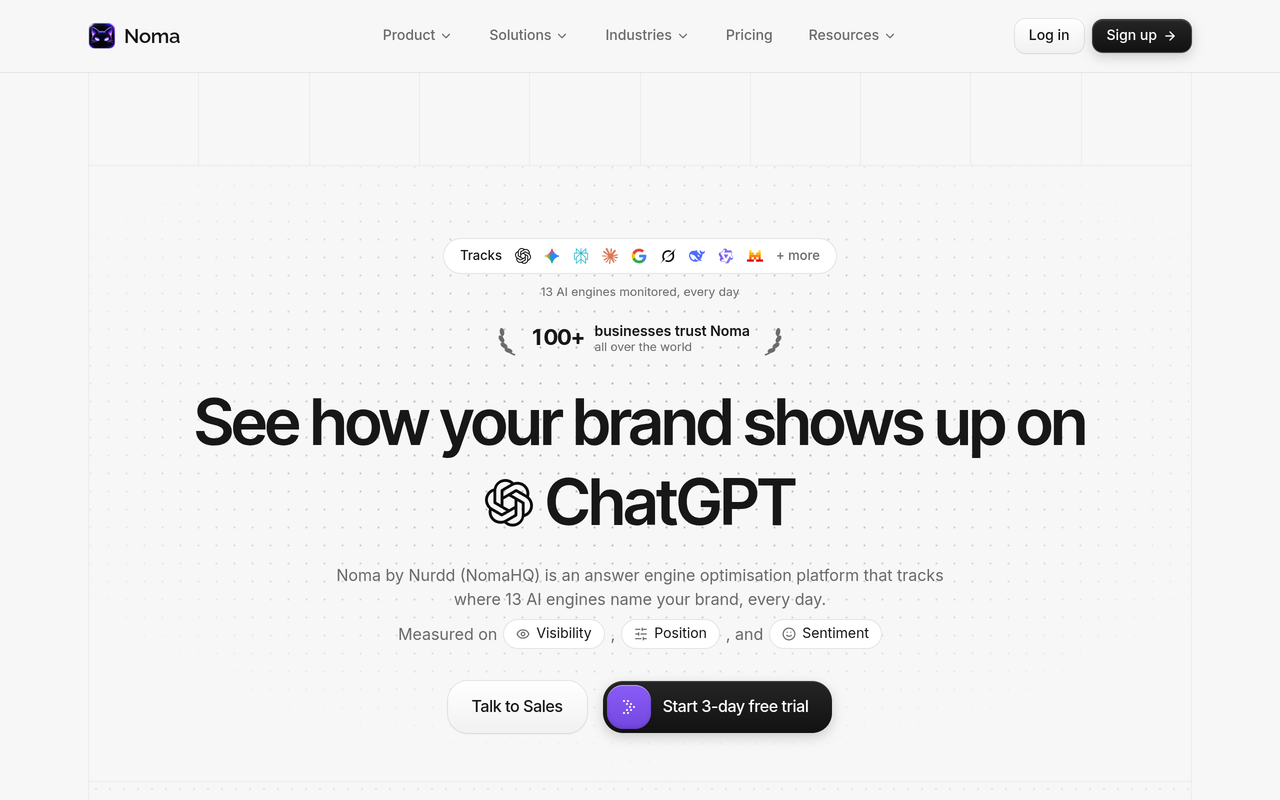
Here is how to use Noma alongside the seven steps. Load your shopper prompts for each market, group them by category, and watch citation frequency and competitor presence over time. When a competitor appears for prompts where you do not, compare their product data and page structure with yours. Noma has a 3-day free trial; a card is taken at signup, billing starts on day 3, and you are not charged if you cancel before then.
Noma tracks whether you appear. It does not change your feed. The fixes remain yours to make, which is why the checklist above comes first. For comparison with other tools, see the 2026 comparison of AI search visibility tools and how to choose ecommerce GEO tools.
How should I read the results across markets?
Read results by market first and by engine second. A product that appears in ChatGPT in one country and is absent in another points to a source or feed targeting issue. A product that appears in ChatGPT but not in Gemini or Perplexity points to page-level and citation issues rather than feed issues, since each engine weighs sources differently. The comparison of Perplexity, ChatGPT and Gemini for brands covers those differences.
| Pattern across markets and engines | Probable cause | Next action |
|---|---|---|
| Present in ChatGPT in the US, absent in Europe | Different product source, or no Google Shopping listing in Europe | Check Merchant Center for that country; confirm the feed targets that market |
| Present in Europe, absent in the US | Feed not accepted or not indexed in the US | Check feed validation and eligibility flags |
| Absent everywhere in ChatGPT, present in Perplexity | Feed or eligibility gap, since Perplexity relies on page content | Run the eligibility audit in Step 2 |
| Present, but a competitor ranks above you | Relevance gap in titles, attributes or reviews | Compare the competitor's product data with yours |
| Present sometimes, absent other times | Normal answer variation | Rerun prompts and track a rate, not a single result |
For share-of-answer reporting once you have enough runs, see the guide to AI search share of voice. For category context on what to expect, the AI search visibility benchmarks by category collects published research.
Does ChatGPT shopping optimization differ for each category?
The principles are the same, but the attributes that matter differ. OpenAI's shopping research announcement says the experience is tuned to detail-heavy decisions, so categories where shoppers compare specifications reward complete attributes the most. Our category pages for ecommerce, beauty and fashion and apparel show the typical buying questions in each.
For an ecommerce brand with a large catalogue, prioritise by revenue. Fix the top 50 products first, check them in each market, then widen. A smaller, clean feed beats a large inconsistent one.
How we researched this
We reviewed OpenAI's developer documentation and announcement pages, Google Merchant Center help, a third-party analysis from Peec AI, feed guides from Alhena AI and Lengow, and a crawler reference from Promptwatch. We checked them on the publication date of this article. We did not run hands-on tests, interview merchants or use customer data, and the US versus Europe differences come from one vendor's report, so verify them for your own markets.
Frequently asked questions
How do I optimize my products for ChatGPT shopping?
Send a complete feed with every required field, make each product page match it exactly and give every variant a stable ID. Allow OAI-SearchBot, add matching Product schema and write specific titles and descriptions. Then test shopper prompts in each market and repeat on a schedule.
Why aren't my products showing in ChatGPT shopping results?
The usual causes are a missing or rejected feed, required fields left blank, URLs that do not return HTTP 200, blocked crawlers, or data that contradicts your page. In Europe, a missing Google Shopping listing may also matter, according to Peec AI's analysis. Start with eligibility before relevance.
Do I need a product feed to appear in ChatGPT?
OpenAI describes the feed as how merchants share structured product data so ChatGPT can surface products accurately. Platform integrations may cover some merchants, and the Alhena AI guide says direct onboarding is open to approved partners. Check the current OpenAI merchant information for your situation.
Is ChatGPT shopping different in the US and Europe?
Peec AI reports that it was different in 2026, with US results drawing on an index built from feeds and Europe drawing on Google Shopping. That is a single third-party analysis and could change. Run your own prompt test in each market.
Does Google Merchant Center affect ChatGPT shopping?
It may, in markets where ChatGPT draws on Google Shopping results, according to Peec AI. Even where it does not, Google's data requirements overlap with OpenAI's, so a clean Merchant Center feed is a sound base. Keep disapproved products at zero.
Should I allow OAI-SearchBot?
If you want product pages considered for ChatGPT search results, yes. A Promptwatch guide says you can allow OAI-SearchBot while disallowing GPTBot for training, and that robots.txt changes can take about 24 hours to apply. Allowing it does not guarantee visibility.
How often should I update my feed?
OpenAI's key concepts page describes a regularly refreshed feed with daily snapshots. Update whenever price, stock or product details change, and set a weekly check for validation errors. Stale availability is a common reason products disappear.
How do I track whether my products appear across AI engines?
Use a fixed set of shopper prompts, run them per market on a schedule and record results. Noma by Nurdd automates this across 13 AI engines, including ChatGPT, Gemini, Perplexity and Claude, with competitor comparison. You can book a demo at nurdd.club/demo.
Next step
Fixing the feed is the first half; knowing whether it worked is the second. Book a demo and we will show you, for your own brand, which prompts surface your products, which competitors appear instead and how the picture differs across 13 AI engines. You can also try Noma on its 3-day free trial or start with the free GEO readiness scorecard.