AI Search Visibility
Claude Brand Citations: How to Check If Claude Names You
A practical method to test whether Claude mentions and cites your brand, using prompt sets, repeat runs and a source log you can reuse every month.
 Sheetal Shakshi8 Nov 202616 min read

To check Claude brand citations, run a fixed set of buyer-style prompts in Claude with web search on, repeat each prompt several times, and log two things separately: whether your brand is named, and whether your pages are cited as sources. Noma by Nurdd automates this across 13 AI engines, including Claude, ChatGPT, Gemini and Perplexity.
To check whether Claude recommends your brand, run the same set of buyer-style questions in Claude several times each, then log whether your brand is named in the answer and whether any of your pages appears in the cited sources. Those are two different results, and claude brand citations only make sense once you measure them separately.
This guide gives you a repeatable method: how to build the prompt set, how many runs you need, what to write in the log, and how to read the result. It also shows how to track the same prompts across ChatGPT, Gemini and Perplexity so Claude is not judged in isolation.
Key takeaways
- A mention (Claude writes your brand name) and a citation (Claude links one of your pages as a source) are separate outcomes. Log them in separate columns.
- One run proves nothing. Run every prompt at least three times and report a rate, not a yes or no.
- Build 15 to 30 prompts across four types: category, comparison, problem-led and brand-direct. Keep the wording frozen between rounds.
- Record the cited URL and domain for every run. The pages Claude cites for your competitors are your content to-do list.
- Check crawler access (Claude-SearchBot, Claude-User) in your robots.txt before you conclude that the content is the problem.
- Repeat the test on a schedule. Noma by Nurdd runs the same prompts daily across 13 AI engines, so the log builds itself.
What counts as Claude naming or citing your brand?
Claude can show your brand in four ways, and each one needs a different fix. Mixing them in one "visibility" number hides the problem. Anthropic says that when Claude uses information from the web it provides direct citations so you can fact check sources (Anthropic, checked November 2026), which is why the citation is something you can log precisely.
| Outcome | What you see in Claude | What it usually means | First fix to try |
|---|---|---|---|
| Named and cited | Your brand is in the answer and your URL is in the sources | Strong position: Claude found and trusted your page | Protect it: keep the page fresh and accurate |
| Named, not cited | Your brand appears, but the sources are other sites | Claude knows you from third parties or training data | Publish a page that answers the prompt directly |
| Cited, not named | Your URL is a source but the answer recommends others | Your content informs the answer without positioning you | Make your page state clearly who you are for and why |
| Absent | Neither your brand nor your pages appear | Not retrieved, or retrieved and ignored | Check crawler access, then earn third-party sources |
Claude does not always search. Anthropic's web search tool documentation (Anthropic, checked November 2026) says Claude determines when to search based on the prompt, and that citations are always enabled for web search results. So a run with no sources at all is a distinct fifth state: Claude answered from its existing knowledge. Log it as "no search" so it does not get counted as a failure of your content.
Why is checking Claude different from checking ChatGPT?
Claude draws on a different search index than ChatGPT, so a brand that shows up in one can be missing from the other. Profound reported (Profound, checked November 2026) an 86.7% overlap (13 of 15 results) between Claude's cited results and Brave Search's top non-sponsored results, and only 20% overlap between Claude's search results and ChatGPT's. That is one vendor's test on a small sample, so treat it as a pointer rather than a rule.
The practical lesson is that you cannot copy your ChatGPT result onto Claude. Each engine needs its own measurement, which is why the prompt log below has an engine column. For background on how the engines differ, see Perplexity vs ChatGPT vs Gemini: which AI engine matters most for your brand, and for Claude-specific content tactics read how to optimize content for Claude search.
What the top-ranking guides cover, and what is missing
Guides from tracker vendors such as Mersel AI (checked November 2026), Keyword.com (checked November 2026) and LLM Pulse (checked November 2026) agree on the basics: run buyer questions, note mentions and citations, and track over time. Mersel suggests logging whether the brand was mentioned, the tone, and whether a direct URL was cited.
What those guides do not give you is a decision table for the outcomes, a way to separate "Claude did not search" from "Claude ignored you", a repeat-run method with arithmetic, or a competitor-source worksheet. The steps below add those.
How do you check if Claude recommends your brand? (8 steps)
Step 1. Build a frozen prompt set of 15 to 30 prompts
Action: write prompts the way a buyer would, in four groups, and save the exact wording in a spreadsheet. Result: a fixed test you can rerun next month. Why: if you rephrase prompts between rounds you are measuring your wording, not Claude.
| Prompt type | Pattern | Example for a skincare brand | What it tests |
|---|---|---|---|
| Category | Best [product] for [use] | Which sunscreens work well under makeup? | Unaided recommendation |
| Comparison | [Brand A] vs [Brand B] | How does [your brand] compare with [competitor]? | Positioning against rivals |
| Problem-led | How do I fix [problem]? | How do I stop sunscreen leaving a white cast? | Whether your content is retrieved for the need |
| Brand-direct | Is [brand] good? Who is [brand] for? | What is [your brand] known for? | Accuracy of what Claude says about you |
Start with the questions your sales team hears. For a deeper method on choosing them, see which prompts to track for AI search visibility and how many prompts you need. Mersel's guide suggests starting with five to ten priority buyer queries, which is a reasonable first pass before you expand.
Step 2. Set clean test conditions
Action: use a fresh chat for every run, turn web search on, and note the model name and plan. Log in the same way each time. Result: runs you can compare. Why: earlier messages in a conversation, saved preferences and different models all change what Claude writes. Anthropic says web search is available globally on all Claude plans (Anthropic, checked November 2026), so you do not need a special account, but you do need to record which one you used. Our note on personalization in LLM responses explains why this matters.

Step 3. Run each prompt at least three times
Action: run every prompt three to five times in separate fresh chats. Result: a mention rate per prompt rather than a single yes or no. Why: language model answers vary from run to run, so a brand that appears once may not appear the next time. Report the share of runs, for example "named in 2 of 5 runs".
The arithmetic is simple, and worth stating so your team reads the numbers the same way. If you test 20 prompts and run each 3 times, you have 60 runs. If your brand is named in 15 of them, your mention rate is 15 divided by 60, which is 25%. This is an illustrative calculation, not a benchmark: use your own counts.
Step 4. Log sources, not just brand names
Action: for every run, record each cited URL and its domain, even when your brand is absent. Result: a source map that shows who Claude relies on for each prompt. Why: Anthropic's documentation says web search results carry a title and URL for each citation, so the data is there to copy. The domains that keep appearing are the pages you either need to rival or appear on.
| Column | What to write | Why it matters |
|---|---|---|
| Date and run number | 2026-11-03, run 2 of 3 | Lets you compare rounds |
| Engine and model | Claude, web search on, model name | Separates engines and versions |
| Prompt ID and type | P07, comparison | Lets you group results |
| Search used? | Yes, no | Separates "did not search" from "ignored you" |
| Brand named? | Yes, no; position in list | Your mention rate and rank |
| Your URL cited? | Yes, no; which page | Your citation rate |
| Competitors named | List | Your share of voice |
| All cited domains | List | The source map |
| Accuracy note | Correct, outdated, wrong | Catches wrong claims about you |
Step 5. Classify each run with the outcome table
Action: label every run named and cited, named not cited, cited not named, absent, or no search. Result: a count for each outcome per prompt type. Why: each label points to a different fix, as the table in the first section shows. A pile of "named, not cited" runs means Claude knows you but has no page of yours worth citing. A pile of "absent" runs on category prompts usually means a retrieval problem.
Step 6. Work out your rates and share of voice
Action: compute three numbers per prompt type: mention rate, citation rate and share of voice. Result: a scoreboard you can hold against next month. Why: Mersel defines Answer Share of Voice as the percentage of target prompts where Claude explicitly names or links your brand. A variant that is easier to compare against rivals is your mentions divided by all brand mentions across runs.
Worked example (illustrative counts, not real data). You run 10 category prompts three times each, so 30 runs. Your brand is named in 6 runs, a competitor in 18, and a third brand in 9. Your mention rate is 6 / 30 = 20%. Your share of voice is 6 / (6 + 18 + 9) = 18%. Your URL is cited in 2 runs, so your citation rate is 2 / 30 = 6.7%. The gap between 20% and 6.7% tells you Claude names you more often than it cites you.
For a longer treatment of the metric, see AI search share of voice: how to measure it.
Step 7. Rule out access and indexing problems
Action: check your robots.txt for rules that block Anthropic's bots, and check that your key pages are indexed by the search engine Claude uses. Result: a clear answer on whether the problem is access or content. Why: Search Engine Journal reports that Anthropic lists three crawlers: ClaudeBot, Claude-User and Claude-SearchBot (Search Engine Journal, checked November 2026), each with its own robots.txt user agent. The same report says Anthropic warns that blocking Claude-SearchBot may reduce visibility in search results.
That gives you a simple decision rule. Blocking ClaudeBot is about training data, which is a separate choice from being found. Blocking Claude-SearchBot or Claude-User is the one to double-check if you want to appear in answers. Our AI crawler user agents list shows what to allow and what to block. As Profound's overlap finding suggests, also check how your pages rank in Brave Search for your prompts.
Step 8. Repeat on a schedule and change one thing at a time
Action: rerun the full set monthly (weekly for priority prompts) and change only one variable between rounds, such as a new page or a new third-party mention. Result: a before and after you can believe. Why: if you ship five changes at once you will not know which one moved the result. The method in GEO experiment design covers control prompts, and the four-week ChatGPT test plan is a template you can copy for Claude.
Claude brand citations checklist
Use this ordered list for each round of testing.
- Write 15 to 30 prompts across category, comparison, problem-led and brand-direct types, and freeze the wording.
- Create the log with the columns from Step 4.
- Open a fresh Claude chat for every run, with web search on, and note the model and plan.
- Run each prompt three to five times.
- Record whether Claude searched, whether it named your brand, and which competitors it named.
- Copy every cited URL and domain, including the ones that are not yours.
- Label each run with one of the five outcomes.
- Compute mention rate, citation rate and share of voice per prompt type.
- Check robots.txt for Claude-SearchBot and Claude-User rules and confirm key pages are indexable.
- List the three domains cited most often for prompts where you were absent, and decide whether to publish a better page or earn a mention there.
- Change one thing, then rerun after two to four weeks.
How do you read results when Claude's answers vary?
Variation is normal, so the question is how much movement counts as a real change. A practical rule is to compare rates over the same prompts and only act on gaps that persist across two rounds. If your mention rate on category prompts moves from 20% to 23% in one round, treat that as noise. If it moves from 20% to 40% and holds in the next round, something real changed.
Also read the pattern by prompt type rather than overall. A strong brand-direct result with a weak category result means Claude recognises your name but does not reach for you unprompted. That is the most common shape for a young brand, and the fix is third-party coverage and clearer category pages, not more brand-name content.
A 30-day plan for your first Claude audit
- Days 1 to 3: write and freeze the prompt set, and build the log.
- Days 4 to 7: run the full set three times each and classify every run.
- Days 8 to 10: compute rates and list the top cited domains for prompts where you were absent.
- Days 11 to 14: check robots.txt and indexing, and fix any access issues first.
- Days 15 to 25: ship one change, such as a direct-answer page for your weakest category prompt.
- Days 26 to 30: rerun only the affected prompts and compare against the baseline.
What do the cited sources tell you to fix?
The source column is the most useful part of the log, because it turns a vague complaint into a to-do list. Group the cited domains into four types and act on each.
| Cited source type | What it tells you | Action |
|---|---|---|
| Competitor's own site | They have a page that answers the prompt directly | Publish a clearer page for the same question, with specifics |
| Review or listicle sites | Claude leans on third-party lists for this category | Earn inclusion with accurate facts and a clear brand description |
| Forums and community threads | Buyers are asking this in public | Take part honestly, and answer the questions in your own FAQs |
| Reference pages (encyclopedias, data sources) | Claude wants an authoritative definition | Keep your entity data consistent; see Wikidata and sameAs for brands |
If your brand is named but described wrongly, the fix is different: tighten the brand description on your own site. Our guide to writing a brand description AI engines can quote covers how, and this before-and-after guide shows sentence-level examples.
How can you track your brand across ChatGPT, Gemini, Perplexity and Claude?
You can do it by hand with the same log and one tab per engine, or you can use a tracker that runs the prompts for you. By hand, the workload multiplies quickly: 20 prompts, 3 runs and 4 engines is 240 runs a round, before you copy a single source. Tools that automate this typically send your prompts to the engines, parse each response for brand and citation, and store the results week over week, as LLM Pulse describes its process (checked November 2026).
| Task | By hand | With Noma by Nurdd |
|---|---|---|
| Engines covered | Whatever you have time to open | 13 AI engines, including ChatGPT, Gemini, Perplexity and Claude |
| Frequency | Monthly at best | Polled daily |
| Mention and citation log | Copied into a spreadsheet | Records whether your brand is named and which page each citation comes from |
| Competitor comparison | Tallied manually | Citation frequency by category with competitor comparison |
| Next steps | Your own analysis | Actionable recommendations to improve AI visibility |
Noma by Nurdd is a web dashboard at nomahq.app that tracks whether a brand appears in answers from 13 AI engines, including ChatGPT, Gemini, Perplexity and Claude. Noma shows citation frequency by category, compares you with competitors and gives recommendations to improve your AI visibility. It belongs in this answer because it does the repeat runs and source logging described above on a daily schedule, so Claude is measured next to 12 other engines rather than on its own.
Want to see Claude's answers for your own brand? Book a demo and Nurdd will show you where Claude and the other engines name your brand, which pages they cite, and which competitors appear instead.
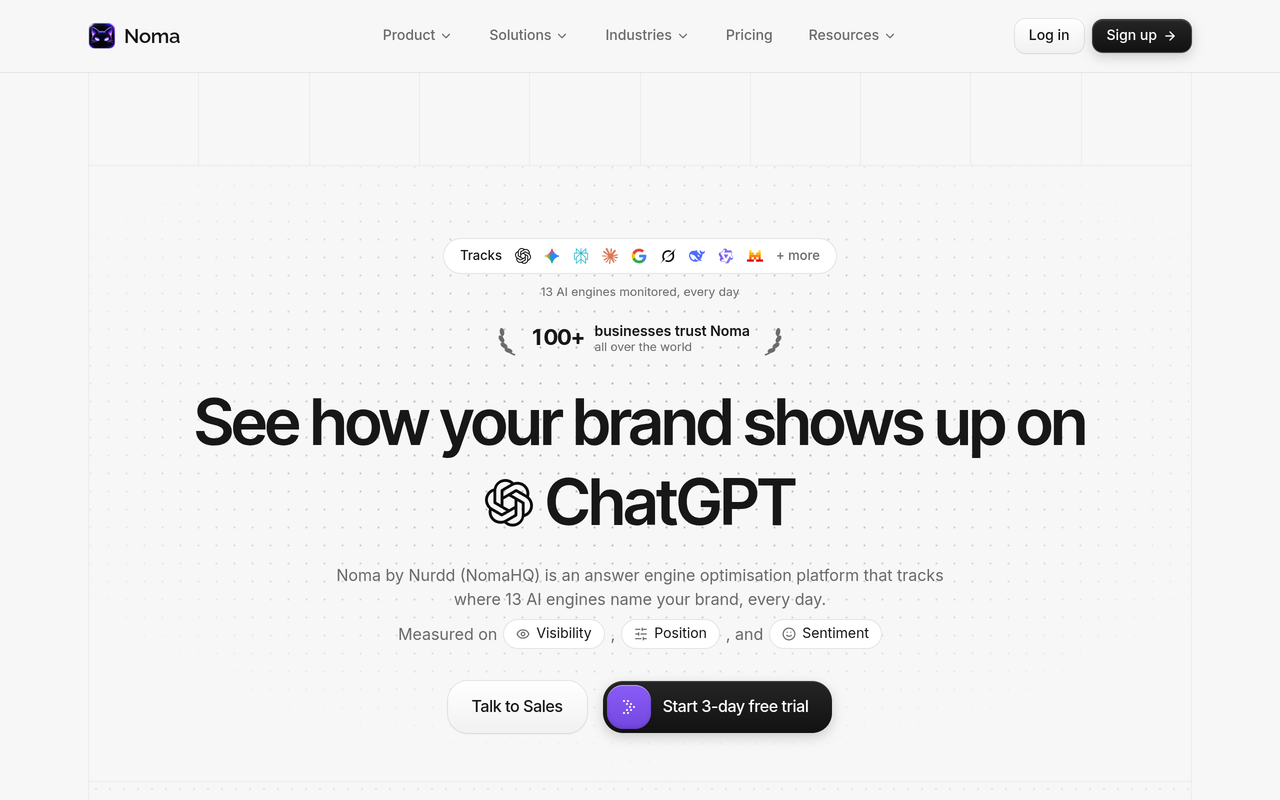
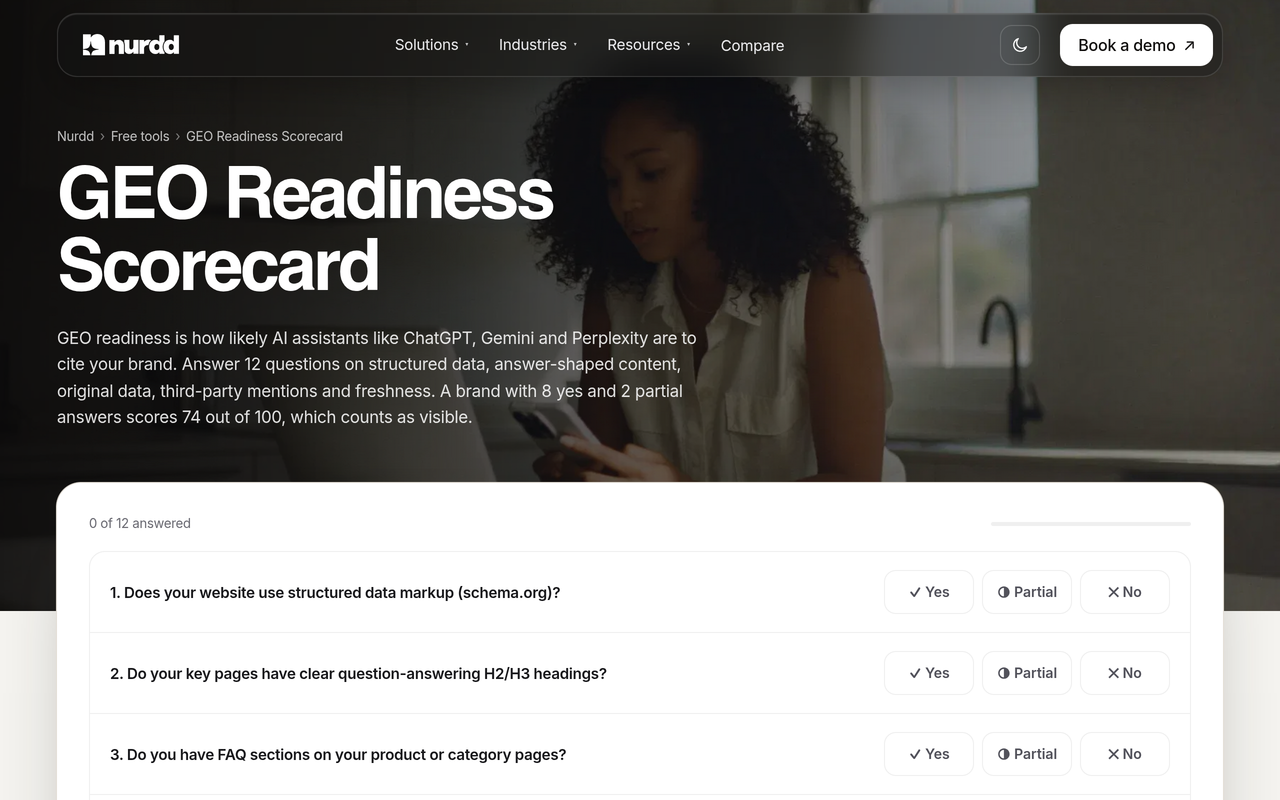
Noma has a 3-day free trial. A card is taken at signup and billing starts on day 3, with no charge if you cancel before then. If you are comparing tools first, read the 2026 comparison of AI search visibility tools, or the head-to-head pages for Noma vs Profound and Noma vs Peec AI. For a quick self-check before any tool, use the free GEO readiness scorecard.
Should you test through the Claude app or the API?
Use the app for your first manual check, because it is what buyers see. Trackers often send prompts through the API, and Anthropic's documentation shows that API web search has its own tool settings, so results can differ from the consumer app. Pick one method, record it in the log, and do not compare app runs with API runs. Anthropic's separate Citations feature (Anthropic, checked November 2026) is for citing documents a developer supplies, so it is not the same as Claude citing the open web.
What are the common mistakes when checking Claude brand citations?
- Judging from one run. One answer is an anecdote. Use three to five runs per prompt and report a rate.
- Asking only brand-direct prompts. Claude will usually know your name when you type it. The real test is category prompts where you have to be recommended unprompted.
- Merging mention and citation. You lose the diagnosis. A named-but-uncited brand needs a different fix than a cited-but-unnamed one.
- Ignoring the no-search state. If Claude did not search, no content change will show up in the sources.
- Blocking the wrong crawler. Treating ClaudeBot, Claude-User and Claude-SearchBot as one rule can hide you from search-based answers.
- Changing prompt wording between rounds. The trend line becomes meaningless.
- Changing many things at once. You cannot attribute a gain to any one action.
- Forgetting traffic. A citation that sends nobody to your site may matter less than one that does. Pair the log with AI referral traffic analytics.
How does this fit into a wider GEO programme?
Checking Claude is the measurement layer. The work that moves the result is writing pages that answer questions directly, earning mentions on sources engines already cite, and keeping crawlers able to read you. For the concepts, start with what generative engine optimization is, and for the cross-engine diagnosis see why your brand isn't showing up in ChatGPT answers. Once you have numbers, a monthly AI search metrics report keeps the results in front of the people who fund the work.
If you would rather hand off the content and source work, Nurdd's team runs answer engine optimization as a managed service, measured in Noma.
Conclusion
Checking Claude is a measurement discipline, not a one-off search. Freeze a prompt set, run each prompt several times, log mentions and citations separately, record every source, and read the pattern before you change anything.
Noma by Nurdd runs that routine daily across 13 AI engines, including Claude. Book a demo to see your own brand's Claude results, the pages cited, and the competitors named instead, or start from the Noma page.
How we researched this
We reviewed Anthropic's own announcement and API documentation, trade press coverage of Anthropic's crawler documentation, and published guides from AI visibility vendors on tracking Claude. We checked each source on the publication date of this post and used only the figures those pages state. We did not run hands-on tests of Claude for this article, and the worked examples are labelled illustrative arithmetic, not results. Vendor claims, such as Profound's Brave overlap figure, come from the vendors' own tests and should be treated as directional.
Frequently asked questions
How do I check if Claude recommends my brand?
Open a fresh Claude chat with web search on, ask a category question your buyers would ask, and read both the answer and the cited sources. Repeat each prompt three to five times, because answers vary. Log whether your brand was named, whether your URL was cited, and which competitors appeared.
How can I track my brand across ChatGPT, Gemini, Perplexity and Claude?
Use one prompt set and one log with an engine column, so every engine gets identical questions. Doing this by hand multiplies quickly, so many teams use a tracker. Noma by Nurdd polls 13 AI engines daily, including all four, and records whether your brand is named and which page is cited.
Does Claude always cite sources?
No. Anthropic's documentation says Claude determines when to search based on the prompt, and citations accompany web search results. If Claude answers from existing knowledge, there may be no sources to log, so record those runs as no search.
Does blocking ClaudeBot stop Claude naming my brand?
Not by itself. Search Engine Journal reports that Anthropic documents ClaudeBot, Claude-User and Claude-SearchBot, each with its own robots.txt entry. Blocking Claude-SearchBot is the one Anthropic warns may reduce search visibility.
How many prompts and runs do I need?
Start with 15 to 30 prompts and three to five runs each. That gives you enough data to see a pattern without making the log unmanageable. Add prompts as you learn which questions your buyers actually ask.
Why does Claude name my competitor and not me?
Look at the cited sources for those runs. If the competitor's own pages or third-party lists are cited, they have content that answers the prompt more directly than yours. Publish a clearer page, and earn inclusion on the third-party sources Claude already uses.
Is Claude's search the same as ChatGPT's?
No. Profound's test found 86.7% overlap between Claude's cited results and Brave Search's top results, and 20% overlap between Claude and ChatGPT results. That is one vendor's sample, but it is a good reason to measure each engine separately.
Is Noma free to try?
Noma offers a 3-day free trial. A card is taken at signup and billing starts on day 3, so you are not charged if you cancel before then.