Attribution & Measurement
AI Referral Traffic: How to Measure It in Analytics
Build a GA4 channel group for ChatGPT, Gemini, Perplexity and Claude, check the referrers, and learn why analytics undercounts AI traffic.
 Sheetal Shakshi6 Nov 202619 min read

To measure AI referral traffic in Google Analytics 4, create a custom channel group with a regex that matches the AI assistant referrers, place it above the Referral channel, then check Traffic acquisition by session source. Treat the result as a floor, because mobile apps, missing referrers and no-click answers hide visits. Pair it with citation tracking in Noma, which sees the mentions analytics cannot.
AI referral traffic analytics starts with one custom channel group in Google Analytics 4. Create a channel named “AI assistants”, match the referrer domains of ChatGPT, Gemini, Perplexity and Claude with a regex, and move it above Referral so the rule runs first. Then read it as a floor, not a total, because analytics misses visits that arrive without a referrer.
This guide walks through the setup, shows how to check each assistant’s referrer in your own data, explains why the numbers come out low, and covers the part analytics cannot see at all: whether AI engines name your brand in the first place. If you are new to the topic, start with what generative engine optimization is.
Key takeaways
- Build a custom “AI assistants” channel group in GA4 and place it above Referral, otherwise AI visits stay buried in the default channel.
- Verify the rule against your own Traffic acquisition report by session source, not against a regex copied from a blog.
- Expect undercounting: app clicks, in-app browsers, redirects and privacy controls can remove the referrer, and those visits often land in Direct.
- Report identified AI sessions as a floor and add a self-reported “how did you hear about us” field to catch the rest.
- Use a citation tracker such as Noma to see which AI engines name your brand, because analytics only records clicks, not mentions.
- Re-check your channel group every quarter, since platforms change how they open links.
Why is AI referral traffic hard to measure?
AI referral traffic is hard to measure because analytics identifies a visit from the referrer header or from campaign parameters on the URL, and AI journeys often lose both. A person can read an answer, remember a brand and come back through search or a direct visit days later. No click ever carries the label “AI”.
GeoRankers states that Google Analytics can undercount AI referral traffic when an AI application, in-app browser, redirect, privacy control or cross-device journey removes the referrer before the page loads (GeoRankers, July 2026). That is the right framing to take into any meeting where someone asks why the AI line looks small.
There are four separate causes, and each needs a different fix:
- Stripped referrers. Links opened from a native mobile app can pass through an embedded browser or a redirect, so the destination site receives a generic value or nothing.
- Inconsistent UTM tagging. OpenAI added utm_source=chatgpt.com to ChatGPT links in June 2025, according to Search Engine Roundtable, June 2025, but tagging is not guaranteed on every surface or every release.
- Classification choices. Clicks from Google’s own AI Overviews and AI Mode come from Google Search, so in most setups they sit in Google organic traffic rather than an AI channel. This is an inference from how referrers work, so confirm it in your own Source report.
- No-click influence. AI answers shape shortlists and later sales conversations without producing a visit.
How do I track traffic from ChatGPT in Google Analytics?
You track ChatGPT traffic in Google Analytics by filtering sessions on source (chatgpt.com), then grouping it with the other assistants in a custom channel group. The Traffic acquisition report with “Session source / medium” as the dimension shows what GA4 already records, before you build anything.
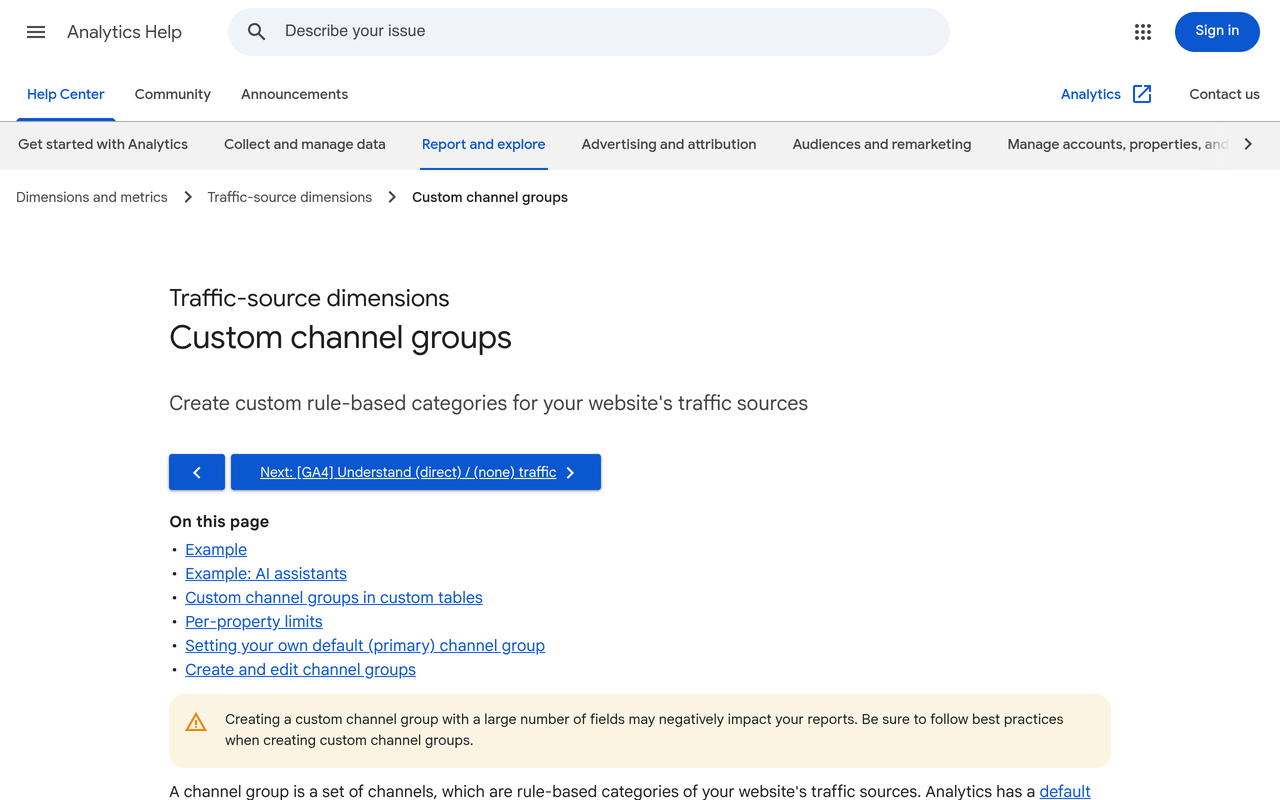
Google’s own help page for custom channel groups includes an “AI assistants” example that uses a regex condition and tells you to reorder the channel list so AI assistants appears above Referrals (Google Analytics Help). The next section turns that into a numbered process.
What does it take to set up AI referral tracking? Eight steps
The steps below go from a quick look at your existing data to a full measurement setup. Each one states the action, the result you should see, and why it matters.
Step 1: Look at what GA4 already records
Action: Open Reports, then Acquisition, then Traffic acquisition. Change the primary dimension to “Session source / medium” and set the date range to the last 90 days.
Result: You see a list of sources such as chatgpt.com / referral, perplexity.ai / referral or gemini.google.com / referral, if those visits were recorded.
Why: Terminus reported in July 2026 that GA4 now classifies AI assistant referrals automatically, but only for a named list of vendors (Terminus, July 2026). Look at your own data first so you know what the native channel misses before you write a rule.
Step 2: List the referrer domains you expect
Action: Write down the domains for the four assistants you care about most. A reasonable starting list is chatgpt.com, gemini.google.com, perplexity.ai and claude.ai, plus copilot.microsoft.com if Microsoft Copilot matters in your market.
Result: A short list you can turn into a regex and test against the source list from Step 1.
Why: Domains change. Siteimprove’s help centre notes that AI referral classification depends on a referrer header being present and matching a known domain (Siteimprove Help), so any domain you forget is traffic you will not see.
Step 3: Create the custom channel group
Action: In Admin, open Data display, then Channel groups, and create a new channel group. Add a channel named “AI assistants”, add a condition on Source, select “matches regex” and enter your domain pattern, for example: chatgpt\.com|gemini\.google\.com|perplexity\.ai|claude\.ai|copilot\.microsoft\.com
Result: A saved channel that catches sessions from those sources.
Why: A tight pattern beats a loose one. The example regex on Google’s help page begins with ^.*ai, which can match any value containing the letters “ai”, so test whatever you use against your own source list before trusting it. The same page lists a limit of 2 custom channel groups for standard properties, in addition to the pre-defined channel group, so plan your groups rather than creating throwaway ones (Google Analytics Help).
Step 4: Put the AI channel above Referral
Action: Drag “AI assistants” above “Referral” in the channel order. If you want it to take precedence over other channels too, such as Organic Search, place it above those as well.
Result: Sessions that previously showed as Referral now show under “AI assistants”.
Why: Google’s guidance is to reorder the list so the AI channel sits above Referrals to ensure proper data processing, and the page notes that custom channel groups can be applied to your reports retroactively, so your historical data will reclassify (Google Analytics Help).
Step 5: Check each assistant’s referrer separately
Action: Open Reports, Acquisition, Traffic acquisition, and select your new channel group as the primary dimension. Add “Session source” as a secondary dimension, then compare ChatGPT, Gemini, Perplexity and Claude row by row.
Result: A table showing sessions, engaged sessions and key events for each assistant.
Why: One combined line hides which engine matters. It also exposes tagging differences: if ChatGPT visits appear as chatgpt.com / referral on one date range and as (direct) on another, you have found a measurement break, not a traffic drop.
Step 6: Tag the links you control
Action: For links you place yourself (profile pages, partner posts, directory entries), add UTM parameters with a consistent naming scheme. Use the UTM structure guide as a template for source, medium and campaign names.
Result: Visits from those links carry your label even when the referrer is stripped.
Why: UTMs improve observability but do not guarantee it. Search Engine Land, October 2026 reported that a drop in ChatGPT’s UTM parameters after the GPT-6 release was a bug, and that the fix began rolling out on October 15. Search Engine Roundtable, October 2026 also covered the removal of the parameters. Whatever the cause, keep tagging your own links and keep a change log.
Step 7: Estimate the hidden share
Action: Compare three signals for the same period: GA4 AI sessions, direct sessions landing on deep content pages, and self-reported discovery from a “How did you hear about us?” field.
Result: A range, not a single number, for AI-influenced visits.
Why: The loss differs by assistant, device and app, so a rate measured on one surface should not be copied to another. Build ranges from your own evidence, and label any estimate that uses Direct traffic as an assumption, because Direct is not automatically AI.
Step 8: Add the citation side
Action: Track which AI engines name your brand, for which questions, and with which cited page. Noma by Nurdd does this across 13 AI engines, including ChatGPT, Gemini, Perplexity and Claude.
Result: A view of mentions that exist whether or not anyone clicked.
Why: Analytics begins at the visit. Everything that happens before it, such as being recommended, being skipped or being cited without a click, needs a different instrument.
How do you check the regex before you trust it?
Test the pattern against the real list of sources in your property, not against an imagined one. Export the Session source column from Traffic acquisition for 90 days, then check each row by hand: does it match, and should it?
- Copy every source containing “ai”, “gpt”, “gemini”, “claude”, “perplexity” or “copilot”.
- Mark each row as intended (a real assistant) or unintended (for example, an unrelated site whose name happens to contain those letters).
- Run the regex mentally or in a spreadsheet against both groups.
- Tighten the pattern until intended rows match and unintended rows do not.
- Save the final list in a shared note with the date, so the next person knows why each domain is there.
This is a small job, but it is where most setups go wrong. A pattern that is broader than intended inflates the channel and makes the whole AI line untrustworthy. Google’s page adds that you should update your regex if the URLs or the list of assistants change.
Which AI visits land in which GA4 channel?
Not every AI-influenced visit lands in the same place. The table below maps the common paths to the GA4 channel they usually fall into and what you can do about each. It is a working model built from Google’s help documentation, the GeoRankers analysis and the logic of how referrers work, so verify each row in your own property.
| How the visit happens | Where GA4 usually puts it | Can you recover it? | How |
|---|---|---|---|
| Click on a citation in the ChatGPT, Perplexity, Claude or Gemini web app with referrer intact | Referral (or the native AI channel where GA4 recognises the vendor) | Yes | Custom channel group above Referral |
| Click on a ChatGPT link carrying utm_source=chatgpt.com | Depends on the UTM and referrer present | Yes | Match on source in your regex |
| Click from a mobile AI app or in-app browser with no referrer | Direct | Partly | Deep-page direct sessions, server logs, self-reported field |
| Click from Google AI Overviews or AI Mode | Most likely Google organic (inference) | Not in GA4 alone | Search Console and separate AI Overview tracking |
| Answer read, brand remembered, visit later | Organic Search or Direct | Only by inference | Branded search trend plus citation tracking |
| Answer read, no visit at all | Nothing recorded | No | Citation tracking with Noma, sales-call questions |
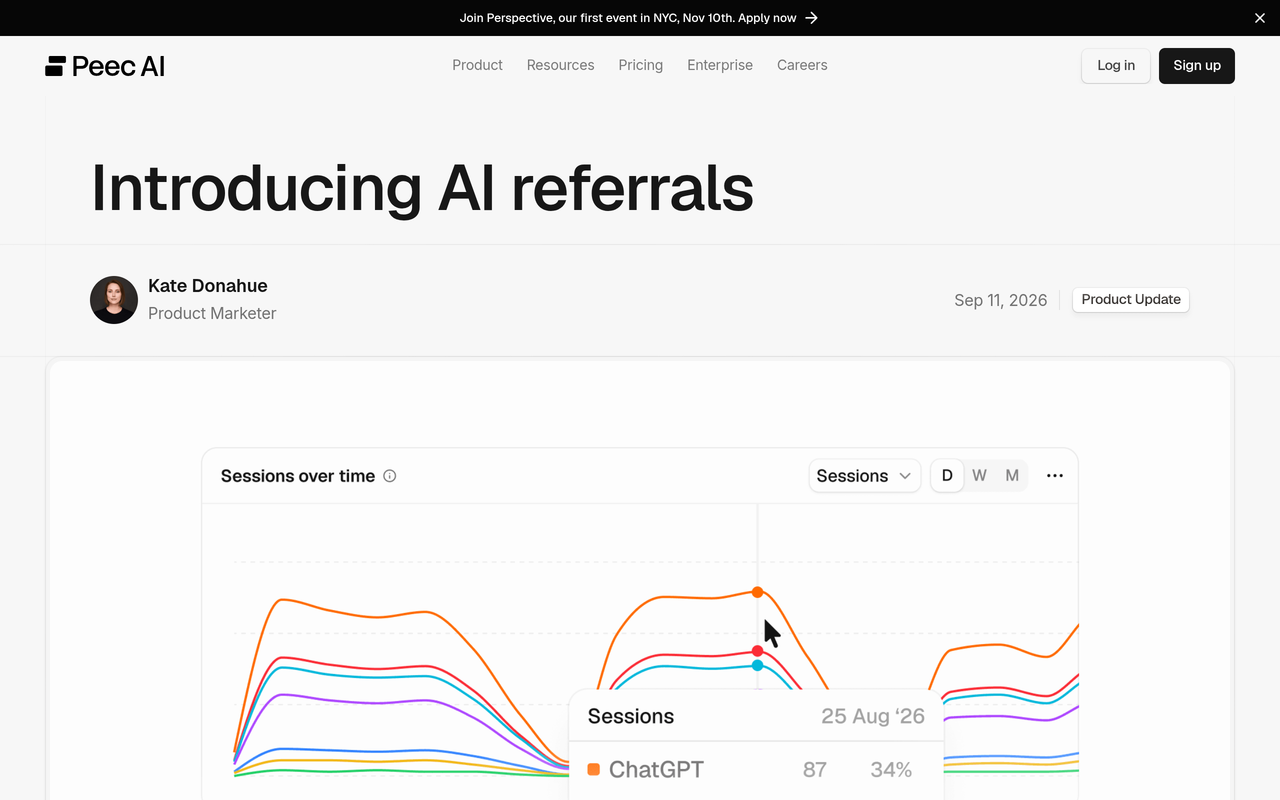
Peec AI describes its own approach to this gap: its AI referrals feature combines GA4’s native AI-assistant classification with its own source detection, and its Channels view is meant to show where GA4 may be undercounting AI as a traffic source (Peec AI). The point for your own setup is the same: native classification alone is a starting point, not a full count.
How big can the undercount be? A worked example
GeoRankers reports that Wheelhouse DMG published a 2026 server-log comparison in which 56 Gemini visits on iOS were visible at the server layer while GA4 recorded only five as Gemini referrals during the same period (GeoRankers, July 2026). It is one comparison on one surface, not a universal loss rate.
The arithmetic is simple and worth running on your own data. Five recorded out of 56 actual visits is about 9 percent captured, so 51 of the 56 visits, about 91 percent, were not labelled as Gemini referrals in GA4 for that surface. If you saw only the GA4 figure, you would have underestimated that surface by more than a factor of ten.
- Pick one assistant and one device type where you suspect loss, for example Gemini on iOS.
- Pull sessions from your server logs or CDN logs for the same dates, filtered on the referrer or the user agent that identifies the click.
- Pull GA4 sessions for the same assistant, dates and device category.
- Divide GA4 sessions by log sessions to get a capture rate.
- Record the rate with the date and surface, and do not apply it to other assistants or devices.
The point is not to find a magic multiplier. It is to show stakeholders that the AI line is a measured floor, and to prove it with your own numbers rather than someone else’s.
How do the four assistants differ for tracking?
Each assistant opens links differently, and the differences change what analytics sees. The table below is a working checklist for your own verification, not a statement of how each product behaves permanently. Platforms change their behaviour, so confirm each row in your own Source report.
| Assistant | Referrer domain to look for | Evidence to check | What to do if it is missing |
|---|---|---|---|
| ChatGPT | chatgpt.com | Rows with source chatgpt.com and the utm_source=chatgpt.com parameter in landing page URLs | Match on the UTM as well as the referrer, and watch for release-related breaks |
| Gemini | gemini.google.com | Gemini rows, split by device category | Compare with server logs, particularly on iOS |
| Perplexity | perplexity.ai | Referral rows to cited pages, which tend to land on informational content | Check landing pages for direct visits to the same URLs |
| Claude | claude.ai | Referral rows, usually low volume | Keep it in the regex even if volume is small today |
For Perplexity-specific tactics, see how to get traffic from Perplexity to your website. For Gemini, which cites sources differently, read how to get cited by Gemini.
How do you see which pages AI visitors land on?
Add a landing page view to your AI channel. In Explore, create a free-form report with Landing page plus query string as rows, Session default channel group (your custom group) as a filter, and sessions, engaged sessions and key events as values.
Landing pages tell you what the assistants trust as a source. If AI visitors cluster on a few definitions, comparisons or how-to pages, those are the pages to strengthen first. If they land on your homepage, the engines probably know your brand name but not a specific page worth citing.
Also compare the same landing pages in the Direct channel. A deep article that gets many direct sessions but few referral sessions is a good candidate for stripped-referrer AI traffic, which you can then test with server logs.
Is AI referral traffic worth the effort?
It can be, but the only reliable answer is your own conversion data. Add key events to your AI channel report and compare the AI assistants channel against Organic Search on the same landing pages, over the same dates.
Nurdd’s own overview of AI search vs Google conversion rates and the guide to measuring your own show how to structure that comparison without leaning on someone else’s average.
What can analytics never tell you?
Analytics cannot tell you whether an AI engine recommended you, which competitors it named next to you, or which of your pages it used as a source when nobody clicked. Those facts live in the answers themselves. A page can be cited without sending a visit, and a brand can be mentioned without any link.
GeoRankers draws the same line between the two measures: AI referral traffic counts website visits that arrive with a recognisable AI source or campaign signal, while AI visibility is a separate question (GeoRankers, July 2026). A referral report cannot reveal a citation that produced no session.
Analytics measures the click. Citation tracking measures the recommendation that came before it, and the one that never produced a click.
That split is why teams that report only on referral sessions tend to conclude that AI search is small. The AI search metrics reporting guide and the comparison of AI search metrics vs SEO metrics explain how to put both sets of numbers in one report without overstating either.
How does Noma cover the citation side?
Noma by Nurdd is an AI search visibility dashboard at nomahq.app. It tracks whether a brand appears in answers from 13 AI engines, including ChatGPT, Gemini, Perplexity and Claude, polled daily. It shows citation frequency by category, a competitor comparison and recommendations for improving AI visibility. Used next to GA4, it supplies the half of the picture that sessions cannot: where you are named and where you are not.
Book a demo at nurdd.club/demo and we will walk through your own brand’s mentions across the 13 engines, set beside the AI sessions your GA4 property already records.
Noma has a 3-day free trial. A card is taken at signup and billing starts on day 3, so you are not charged if you cancel before then.
How should you read both datasets together?
Read them as a funnel with a hidden top. Citation data tells you where AI engines mention you and which pages they cite. Referral data tells you which of those mentions turned into a click. The gap between the two is your “mentioned but not clicked” zone, and it is often where the most useful work sits.
| Pattern you see | Likely meaning | Next action |
|---|---|---|
| Cited often in Noma, few AI sessions in GA4 | Answers satisfy the reader without a click, or referrers are stripped | Check direct landings on cited pages; improve the call to action on those pages |
| Few citations, few AI sessions | Low AI visibility | Fix entity clarity, structure and sources; see the guide to missing ChatGPT answers |
| Few citations, many AI sessions | A few pages carry the traffic, or you are tracking too few prompts | Widen prompt coverage using which prompts to track |
| Cited often, many AI sessions, low conversion | Traffic arrives on the wrong page | Match landing page to the question the AI answered |
For a repeatable way to test whether a change moved either number, use the GEO experiment design guide or the four-week ChatGPT tracking plan. If you want a single score to trend week over week, see how to track your AI search visibility score.
What are the common mistakes in AI referral tracking?
- Copying a regex without testing it. A loose pattern can pull in unrelated sources, while a narrow one can miss a domain. Compare the result against your Session source list.
- Leaving the AI channel below Referral. The session is assigned to the first matching channel, so order decides the result.
- Treating Direct as AI. Direct includes many causes. Use it as a clue, not as a count.
- Ignoring Google’s own AI surfaces. Clicks from AI Overviews and AI Mode arrive from Google Search, so an “AI assistants” channel built on assistant domains will not include them.
- Judging AI search by session volume alone. A small referral number does not show that AI answers have little influence, because referrer loss and no-click journeys hide part of it.
- Not logging changes. When ChatGPT’s UTM parameters went missing in October 2026 and a fix followed, any team without a change log could have misread it as a demand shift.
- Forgetting server-side evidence. Logs show requests that client-side tags miss, which is what the Wheelhouse DMG comparison relied on.
Checklist: your AI referral measurement audit
Use this ordered list once, then repeat it each quarter.
- Open Traffic acquisition by Session source / medium for the last 90 days and note every AI-related source.
- Create the “AI assistants” channel group with a tested regex.
- Move the channel above Referral (and above Organic Search if you want it to take precedence).
- Confirm historical data reclassified, since Google says custom channel groups can be applied retroactively.
- Add key events to the AI channel report and compare conversion against Organic Search.
- Tag every link you control with consistent UTMs.
- Compare one assistant and device against server logs to get a capture rate.
- Add a self-reported “how did you hear about us” field to forms and sales calls.
- Set up citation tracking in Noma for your top category questions.
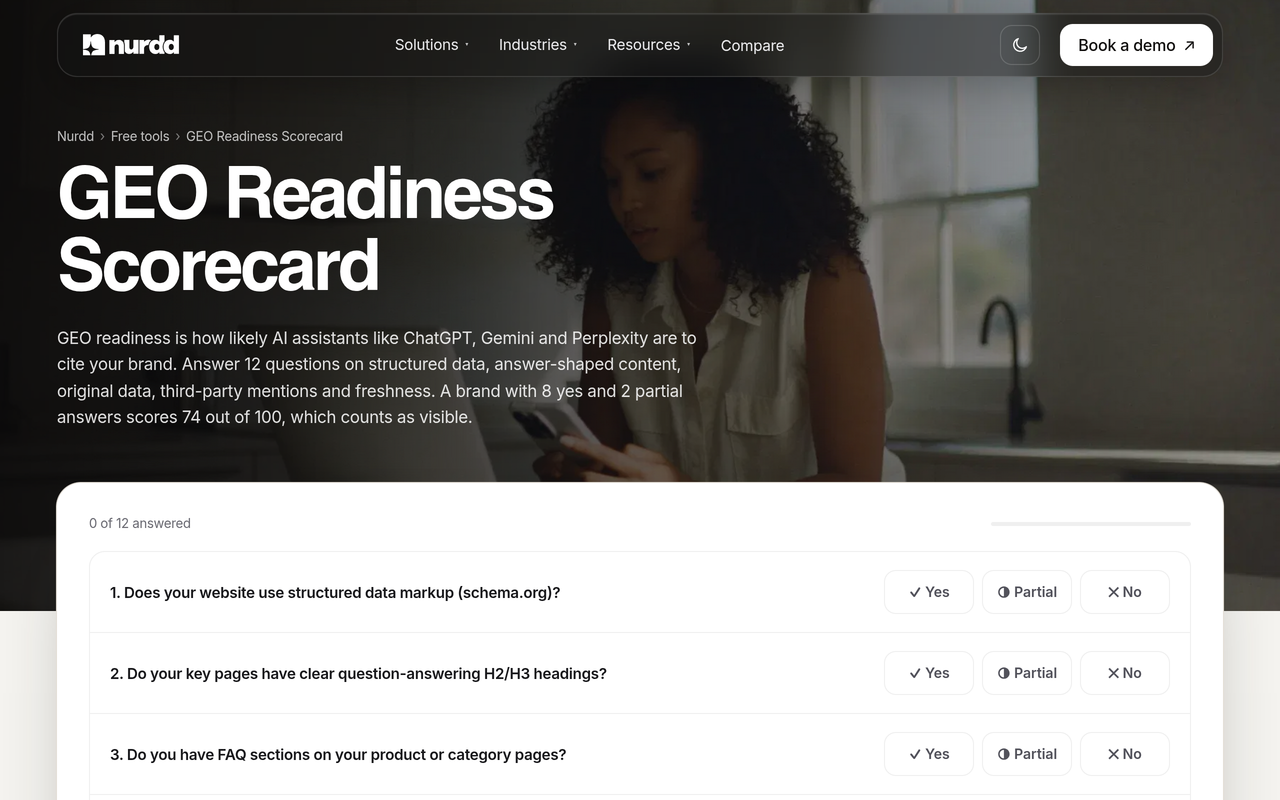
- Run the free GEO readiness scorecard to see whether your pages are ready to be cited.
- Record the date, the changes and the result in a shared log.
What is missing from most AI traffic guides?
Many guides stop at the regex. They rarely say that the regex only covers one of the routes in the table above, that the capture rate can be measured with server logs, or that citation data belongs in the same report. The steps in this guide add those pieces, plus a decision table for reading citations and sessions together.
If you report to executives, the AI search visibility dashboard guide shows which of these metrics belong on one page. For attribution beyond AI, one measurement system for influencers, paid ads and AI search covers how to combine channels, and the last-touch vs multi-touch attribution post explains why the model you choose changes how much credit AI receives.
How do you get more from the traffic you do see?
Once the channel works, use it to find the landing pages AI visitors choose. Pages that receive AI sessions are usually the pages engines trust as sources, so improve them first with direct answers, clear definitions and structured data. The guides on sentence structure that gets cited and schema markup for AI search engines show how.
If you want the work done for you, Nurdd’s generative engine optimization services shape the content and sources AI engines build answers from, measured in Noma.
How we researched this
We reviewed Google’s Analytics Help documentation on custom channel groups, Siteimprove’s help centre, the Peec AI product announcement, the GeoRankers analysis, Terminus’s guide to GA4 AI traffic, and reporting from Search Engine Land and Search Engine Roundtable on ChatGPT’s UTM behaviour. Sources were reviewed in November 2026. We did not run hands-on tests of GA4 and did not use customer data, so the regex and domain list are starting points you should verify in your own property.
Frequently asked questions
How do I track traffic from ChatGPT in Google Analytics?
Open Traffic acquisition, set the dimension to Session source / medium, and look for chatgpt.com. Then create a custom channel group named “AI assistants” with a regex that includes chatgpt\.com and place it above Referral. Also check landing page URLs for utm_source=chatgpt.com, because some clicks arrive without a referrer.
Why is AI referral traffic hard to measure?
Analytics relies on the referrer header and UTM parameters, and AI journeys often lose both through apps, in-app browsers, redirects and privacy controls. Many buyers also read an answer and return later by search or direct, so the click carries no AI label. Clicks from Google’s own AI features come from Google Search, which makes them hard to separate.
Does GA4 have a built-in AI traffic channel?
Terminus reported in July 2026 that GA4 classifies AI assistant referrals automatically for a named list of vendors. Because the list is limited, a custom channel group is still useful for assistants it does not cover. Check what your own property shows before building a rule.
Is Direct traffic the same as hidden AI traffic?
No. Direct traffic includes typed URLs, bookmarks, untagged email and app clicks, among other things. Some AI visits do land in Direct when the referrer is stripped, but you cannot count all of Direct as AI. Use deep-page direct landings and a self-reported field to estimate the share.
Can I see AI Overviews traffic in GA4?
Not as its own channel in a default setup. Those clicks come from Google Search, so they generally sit with Google organic traffic. You need Search Console data and a separate tracking approach, such as the one in the guide to tracking Google AI Overviews.
What can I do if my AI traffic looks too small to matter?
Do not conclude that AI is unimportant from referral sessions alone. Compare citation tracking, branded search trends and self-reported discovery over the same period, and measure your own capture rate against server logs. A small visible channel can sit on top of a larger hidden influence.
How often should I review my AI channel group?
Review it quarterly, and again after any major release from an AI platform. Update your regex if URLs or your list of assistants change, as Google’s help page advises. The October 2026 ChatGPT UTM bug shows how quickly behaviour can shift.
Do I need a tool beyond GA4?
GA4 covers clicks. A citation tracker such as Noma covers mentions across 13 AI engines, which GA4 cannot see. Most teams need both to separate “not mentioned” from “mentioned but not clicked”.
Next step: see your AI mentions next to your AI sessions
Your GA4 channel group shows the visits you can count. To see the mentions you cannot, book a demo at nurdd.club/demo. We will show your own brand’s citations across 13 AI engines in Noma, which prompts name you or a competitor, and which pages the engines cite, so you can set them beside your analytics. You can also read how Nurdd works or try the other free tools.