AI Search Visibility
ChatGPT Shopping Rankings: What Moves Your Product Up
You can't buy first place in ChatGPT shopping, but you can control the feed, page and proof signals that decide whether your product shows up, and measure it.
 Sheetal Shakshi4 Nov 202617 min read

ChatGPT shopping has no fixed first position, so the goal is to appear in as many repeated answers as possible. The levers a brand controls are crawler access, a product feed with the eligibility flags set, readable product pages, and third-party proof. Track appearance rate across repeated runs of the same prompts, because a single check proves little.
You cannot buy or guarantee first place in ChatGPT shopping, but you can control what makes a product eligible and easy to recommend: a clean product feed with the eligibility flags set, product pages ChatGPT can read, consistent third-party proof, and weekly measurement. To rank first in ChatGPT shopping, aim to appear in the most runs of each buyer prompt, not in one fixed slot.
That reframing matters because the evidence says the carousel behaves like a shuffle, not a leaderboard. This guide covers what OpenAI documents, what independent research shows about run-to-run variation, the seven steps that move the signals you own, and a repeatable test for tracking the result. If you want a wider grounding first, start with what generative engine optimization is.
Key takeaways
- Treat “first” as appearance rate: the share of repeated runs of a buyer prompt in which your product is named. One screenshot of one answer is not a ranking.
- Get product data to OpenAI through a route it documents: Shopify Catalog if you sell on Shopify, or a direct product feed with is_eligible_search set to true.
- Put specifications, price and availability in plain text on the page and in the feed, and keep all three in agreement.
- Write product descriptions around the constraints buyers state (budget, size, use, who it is for), because ChatGPT shopping research is built around those constraints.
- Build proof outside your own site, since OpenAI says its shopping model reads trusted sites and cites reliable sources.
- Measure with a fixed prompt set, repeated runs and a log, then watch the trend weekly. Noma does this across 13 AI engines, including ChatGPT, Gemini, Perplexity and Claude.
How does ChatGPT shopping decide which products to show?
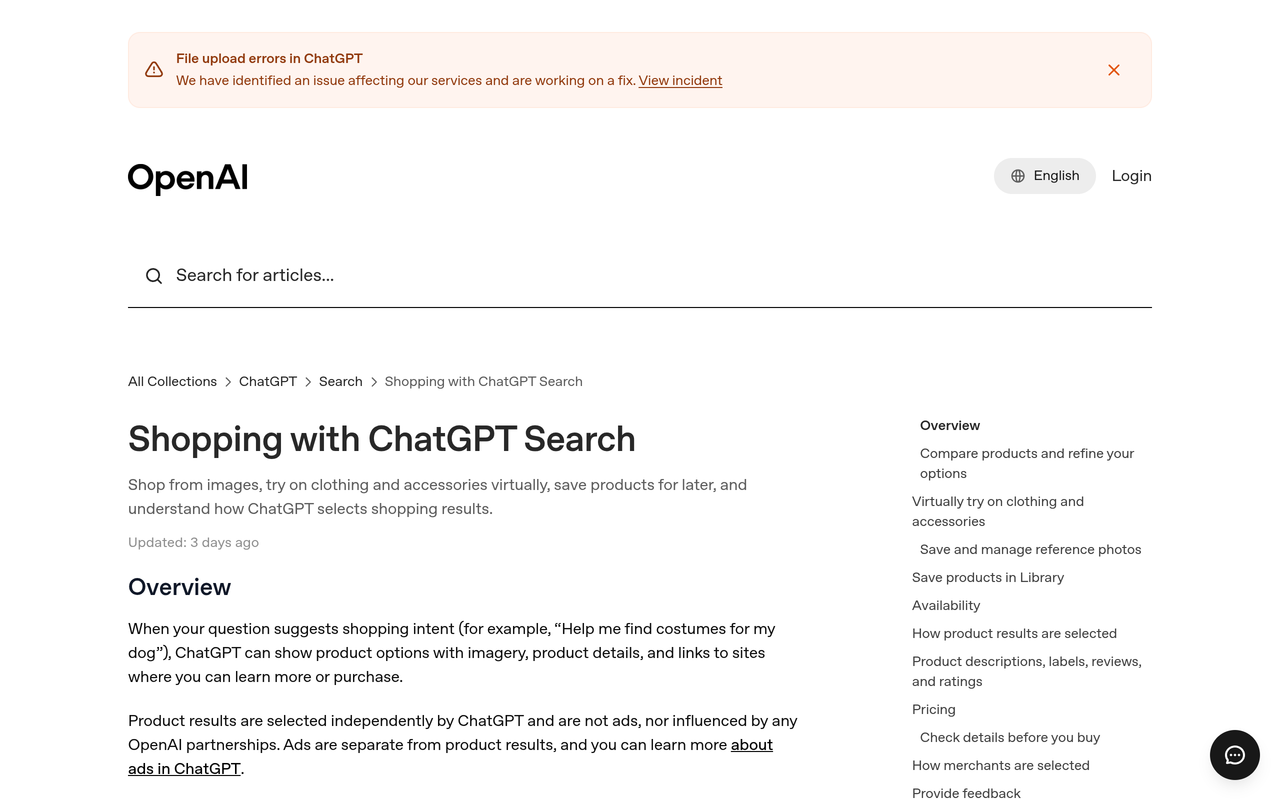
ChatGPT shows products in two places, and they work differently. In normal ChatGPT search, a question with shopping intent can return product options with images, details and links. In shopping research, a separate mode, ChatGPT asks clarifying questions and builds a buyer's guide.
OpenAI's help page says product results are selected independently by ChatGPT, are not ads and are not influenced by OpenAI partnerships (OpenAI Help Center, 2026). The same page lists what feeds selection: structured metadata from providers, other third-party content, the model's own earlier knowledge, and OpenAI's safety and product policies. In plain terms, you cannot pay for placement, so the work is data quality and evidence.
Shopping research adds a second layer. OpenAI, November 2025 describes a model trained to read trusted sites, cite reliable sources and synthesize across many pages, and says results are organic and based on publicly available retail sites. It also says merchants who want to be available in these results can follow an allowlisting process. OpenAI notes the model can still make mistakes on price and availability, which is a reason to keep your own data fresh.
For merchants, OpenAI's merchant page says most start with product feeds, which power how products appear in ChatGPT. Shopify merchants are covered differently: OpenAI's help article for Shopify merchants points to Shopify Catalog and Agentic Storefronts, and says OpenAI Support cannot manage a merchant's Shopify admin or catalog.
Is there a real “first place” in ChatGPT shopping?
Not in the Google sense. Profound, March 2026 analysed 22.5 million buy offers between March 10 and 20, 2026, and found the product carousel has no fixed number of slots and reshuffles between runs. These numbers should shape how you set goals.
| Finding (Profound, March 2026) | Figure | What it means for you |
|---|---|---|
| Median products per response | 5, ranging from 1 to 67 | The number of slots changes with the prompt, so your competitive set differs for every query. |
| Responses showing 4 to 6 products | 65% of runs | Most answers are short lists, so each place is contested. |
| Product titles seen in fewer than 30% of runs of the same prompt | About 95% (60.6% appeared in fewer than 10%) | Appearing once proves little; only repeated runs show whether you are really in the answer. |
| Titles reaching 70% or more consistency | 0.5% | Near-permanent presence is rare, so a modest sustained rate is already a strong result. |
| Share of offers held by the top 20 merchants | About 40% | Retailers capture much of the buy-click routing, so your own product data and third-party listings both matter. |
Profound's headline conclusion is that the carousel is a shuffle, not a ranking. That is a research finding from one vendor over one period, so treat the exact percentages as indicative and run your own measurement. It does change the target: the realistic goal is to move your appearance rate up and hold it, not to occupy one slot.
Profound found that roughly 95% of product titles appeared in fewer than 30% of runs for the same prompt, so a brand seen once in ChatGPT shopping may not be seen again on the next identical query.
Which signals can a brand actually control?
Most advice on this topic mixes things you can change with things you can only hope for. The table below separates them by who owns the lever and how well documented it is, which tells you what to do first.
| Signal | You control it? | Evidence level | Effort | Do it |
|---|---|---|---|---|
| Crawler access for OAI-SearchBot | Yes | Named in Profound's merchant guidance | Low | First |
| Shopify Catalog or direct product feed | Yes | Documented by OpenAI | Medium | First |
| is_eligible_search flag set to true | Yes | Documented in OpenAI's feed reference | Low | First |
| Complete, accurate price, availability and identifiers | Yes | Documented; OpenAI warns of errors on price and availability | Medium | Second |
| Product page structured data and plain-text specs | Yes | Industry guidance; consistent with OpenAI's description of reading product pages | Medium | Second |
| Descriptions matched to buyer constraints | Yes | Inferred from how OpenAI frames shopping research | Medium | Second |
| Reviews and third-party mentions | Partly | OpenAI says the model reads trusted sites and cites reliable sources | High | Ongoing |
| Exact carousel position on a given run | No | Profound shows heavy run-to-run variation | n/a | Do not chase |
The bottom row is the one most guides skip. If a tool or agency promises a fixed first position, ask how it measured that over repeated runs.
What do the top articles cover, and what do they leave out?
The AthenaHQ article, AthenaHQ, January 2026, offers seven tactics: GEO as a discipline, detailed product descriptions and data, earned citations, AI-readable site structure, reviews, long-tail content and monitoring. It does not mention the feed flags or the run-to-run variation. The guide from Fast Hippo Media, updated September 2026 goes further with the feed route and Product schema steps, but gives no method for measuring the outcome.
This guide keeps what both get right and adds three things: a decision table of controllable signals, a worked example for turning repeated runs into a rate, and a tracking protocol you can follow by hand or automate.
How do I rank in ChatGPT shopping results? Seven steps
1. Let OpenAI's crawler reach your product pages
Action: check robots.txt and your CDN or firewall rules, and allow the ChatGPT crawlers, including OAI-SearchBot. Result: your product pages can be fetched and indexed for search and shopping experiences. Why: Profound's merchant guidance names OAI-SearchBot as the crawler used to index sites for these experiences and advises allowing all ChatGPT bots, because a blocked page cannot be read.
Test with a plain fetch of three product URLs from outside your network. If a bot-protection layer returns a challenge page, fix that before anything else.
2. Choose a data route: Shopify Catalog or a direct feed
Action: if you sell on Shopify, confirm your eligibility and settings in Shopify's admin; otherwise apply for direct feed access. Result: ChatGPT receives structured, current product data from the source rather than inferring it. Why: OpenAI's help page says Shopify product data is already integrated through Shopify Catalog, and that other merchants can read the product feed documentation and apply for direct feed access so ChatGPT reflects up-to-date information.
Feed access is application-based, so start the request early and keep crawlable pages in place as a fallback. If you sell in both the US and Europe, our guide to ChatGPT shopping feed setup in the US and Europe covers the regional differences.
3. Set the eligibility flags and fill the feed fields precisely
Action: in your feed, set is_eligible_search to true on every product you want surfaced, and complete the required fields. Result: the product is allowed to appear in ChatGPT search results. Why: OpenAI's feed field reference says this flag controls whether a product can be surfaced in ChatGPT search results, and that is_eligible_checkout can only be enabled when is_eligible_search is true.
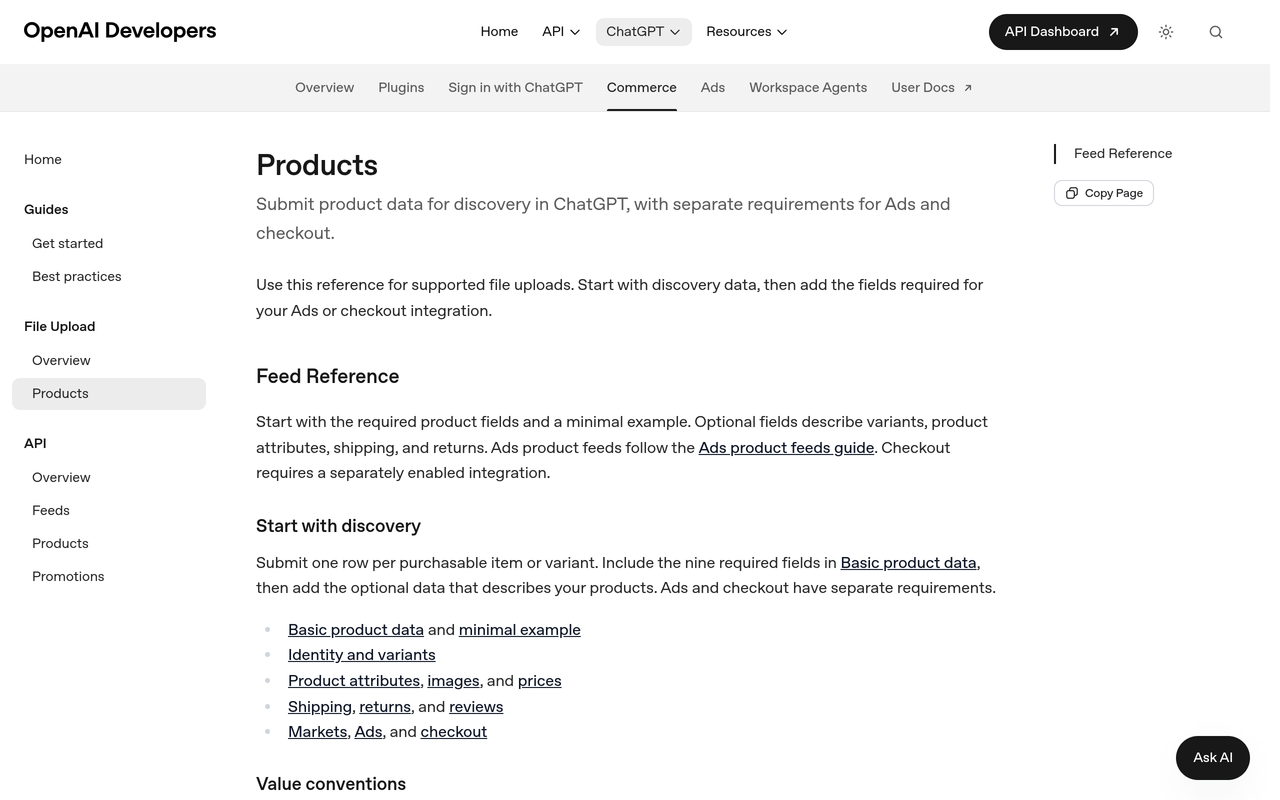
Fast Hippo Media's summary of the specification lists the required fields for a standard feed as a unique item ID, title, description, URL, image URL, price with currency, availability, brand, seller name and URL, return policy URL, and target and store countries. It also lists limits such as a 150-character title with no all-caps and a plain-text description of up to 5,000 characters. Check these against OpenAI's current flat-file product reference before you build, since specifications change.
A practical rule for the description field: write it as specifications and use cases, not marketing copy. Most feed failures come from stale availability and promotional descriptions, not from missing exotic fields.
4. Make each product page readable without guessing
Action: add complete Product structured data, put dimensions, materials, compatibility and care in visible text, and match the price in markup to the price on screen. Result: the page agrees with your feed and gives the model facts it can quote. Why: OpenAI says shopping research reads product pages directly, and conflicting data between page, feed and third-party listings gives a model a reason to pick another product.
Specifications locked in images or PDFs do not exist to a text-reading model. Our guides on schema markup for D2C brands and structured data for AI Overviews list which fields to prioritise, and the same markup helps both surfaces.
5. Write descriptions around the constraints buyers state
Action: rewrite the first 100 words of each key product page to state what it is, who it suits, the main constraint it satisfies (size, budget, use case) and one honest limitation. Result: the page matches the way shopping prompts are phrased. Why: OpenAI's own examples are constraint-heavy (a quiet vacuum for a small apartment, a lightweight stroller that handles rough terrain, a gift under a budget), and it measures product accuracy as the share of products in a response that meet the user's stated requirements.
That accuracy measure is a useful design principle: a page that states its fit explicitly is easier to match to a requirement. See how to write product descriptions that AI search engines cite for before-and-after patterns, and the sentence structure that gets quoted in AI answers for the sentence-level habits.
6. Earn proof outside your own site
Action: list the five places a buyer would check before purchasing in your category (review publishers, forums, retailer listings, comparison articles) and make sure your product is accurately described in each. Result: the claims on your page are corroborated elsewhere. Why: OpenAI says the shopping model is trained to read trusted sites and cite reliable sources, and AthenaHQ's guidance also stresses citations in trusted sources and customer reviews as credibility signals.
Keep brand facts identical everywhere: name, product names, model numbers, price ranges and return terms. Mismatches are cheap to fix and expensive to ignore. Our post on writing a brand description AI engines can use shows how to standardise the core wording, and the guide to getting ChatGPT to recommend your brand covers earning the mentions.
7. Keep price and availability fresh
Action: refresh feed data on a schedule that matches how often prices and stock change, and remove discontinued items. Result: fewer wrong prices and out-of-stock recommendations. Why: OpenAI states shopping research can make mistakes about price and availability, and the paz.ai write-up of OpenAI's guidance notes that price or shipping changes can take time to appear in ChatGPT (paz.ai, October 2026). Accurate source data shortens the time you spend showing the wrong offer.
How can I track my products in ChatGPT answers?
Tracking has to be designed around the shuffle. A single manual check cannot distinguish “we are in the answer” from “we got lucky once”. The protocol below uses a fixed prompt set and repeated runs, so the result is a rate you can compare week to week.
- Build a prompt set of 20 to 40 buyer prompts. Use four shapes taken from OpenAI's own examples: discovery with constraints, side-by-side comparison, gift or use-case, and deal-seeking. Add category-level prompts that name no brand.
- Fix the variables. Record the engine, logged-in or logged-out state, country, and whether shopping research was used. Change one variable at a time.
- Run each prompt several times. Ten runs per prompt is a practical minimum given how often titles vanish between runs.
- Log four things per run. Was your brand named, was your product named, which retailer or source was linked, and which competitors appeared.
- Compute appearance rate. Runs with your product divided by total runs, per prompt and per category.
- Review weekly and annotate changes. Note every feed, page or content change so a movement in the rate can be linked to a cause.

Worked example: turning repeated runs into a rate
The numbers below are a hypothetical illustration of the arithmetic, not a result from any brand. Suppose you run one prompt, “lightweight stroller for city sidewalks under a mid budget”, 20 times, and your stroller is named in 6 runs. Your appearance rate is 6 divided by 20, which is 30%.
Now compare that with Profound's finding that about 95% of titles appeared in fewer than 30% of runs. By that benchmark, a 30% rate would place the product at the edge of the roughly 5% that clear the line. That comparison is a rough guide only, because Profound's sample and method differ from yours, but it shows why a 30% rate on a competitive prompt is worth protecting and why a 5% rate is within normal noise.
If a feed change then takes the same prompt from 6 appearances in 20 runs to 9 in 20, the rate moves from 30% to 45%. With only 20 runs per prompt, treat a change of a few points as noise and act on sustained movement across your whole prompt set.
Checklist: your pre-flight audit before you measure
- Confirm robots.txt and bot protection allow the ChatGPT crawlers on all product URLs.
- Confirm your data route: Shopify Catalog active, or direct feed access applied for.
- Set is_eligible_search to true on the products you want surfaced.
- Check every product has a unique, stable ID, a plain-text description, price with currency, live availability and a working return policy URL.
- Compare price and availability in the feed, the page markup and the visible page for ten sample products.
- Move any specification that sits in an image or PDF into visible page text.
- Pick your five proof sources and confirm your product is described correctly in each.
- Write the prompt set and run a baseline before you change anything else.
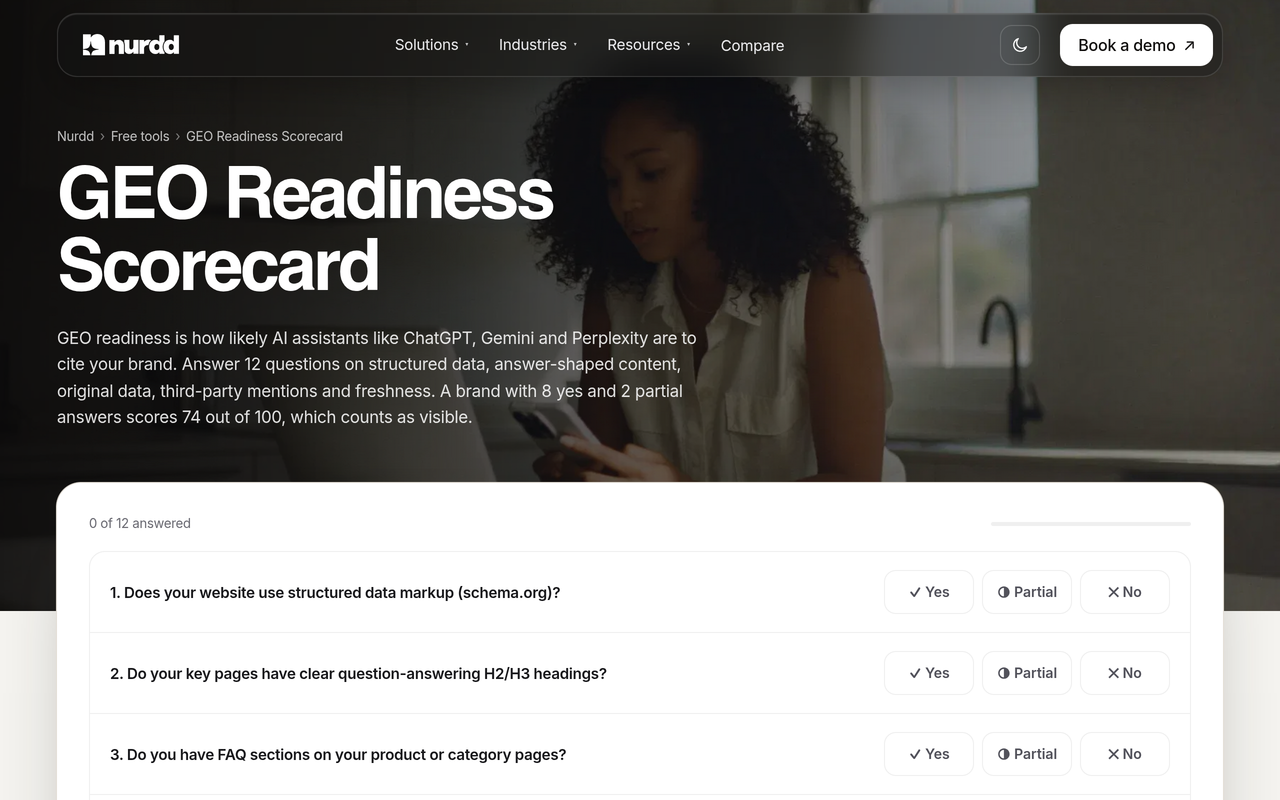
The last step matters because without a baseline you cannot attribute a later lift to anything you did. Our free GEO readiness scorecard gives you a 12-factor starting score for the site side of this audit.
Which metrics should you report?
Report four numbers and keep their definitions stable. Changing the definition mid-quarter destroys the trend.
| Metric | How to compute it | What it tells you |
|---|---|---|
| Appearance rate | Runs naming your product divided by total runs | How often you are in the answer at all |
| Share of voice | Your mentions divided by all brand mentions across the prompt set | How you compare with the brands you actually compete with |
| Source mix | Share of appearances linked to your domain, retailers or third parties | Where the answer is getting its evidence |
| Accuracy rate | Appearances with correct price, availability and specs divided by appearances | Whether stale data is hurting you |
For a deeper treatment of the second metric, see our guide to AI search share of voice. To choose the prompts themselves, use which prompts to track for AI search visibility, and for week-over-week scoring see how to track your AI search visibility score.
What mistakes keep products out of ChatGPT shopping?
- Chasing a single screenshot. One answer is a sample of one. Given the shuffle Profound documents, always report a rate over repeated runs.
- Blocking the crawler by accident. A firewall rule or an old robots.txt line can cut off product pages without anyone noticing.
- Leaving the eligibility flag unset or false. The feed reference says the flag controls whether a product can be surfaced in search, so a false value keeps it out.
- Marketing copy in the description field. Superlatives answer no buyer constraint. Specifications and fit do.
- Different prices in different places. Markup, feed and page should agree, or the model has a reason to skip you.
- Ignoring off-site proof. OpenAI describes a model that reads trusted sites, so a strong product page with no corroboration is a thin case.
- Confusing ads with organic. OpenAI says product results are not ads. If you are weighing paid placement in ChatGPT, that is a separate decision covered in how to advertise on ChatGPT.
How does Noma help you track ChatGPT shopping visibility?
Noma by Nurdd is a web dashboard that tracks whether a brand appears in answers from 13 AI engines, including ChatGPT, Gemini, Perplexity and Claude, polled daily. It shows citation frequency by category, a competitor comparison and recommendations for improving AI visibility. For a shopping brand, that replaces the manual run-and-log routine with a daily record of whether you are named and which competitors appear alongside you.
Ready to see this for your own products? Book a demo and we will show you where your brand is and is not named across the 13 engines for your category prompts, which competitors appear instead, and what to fix first.
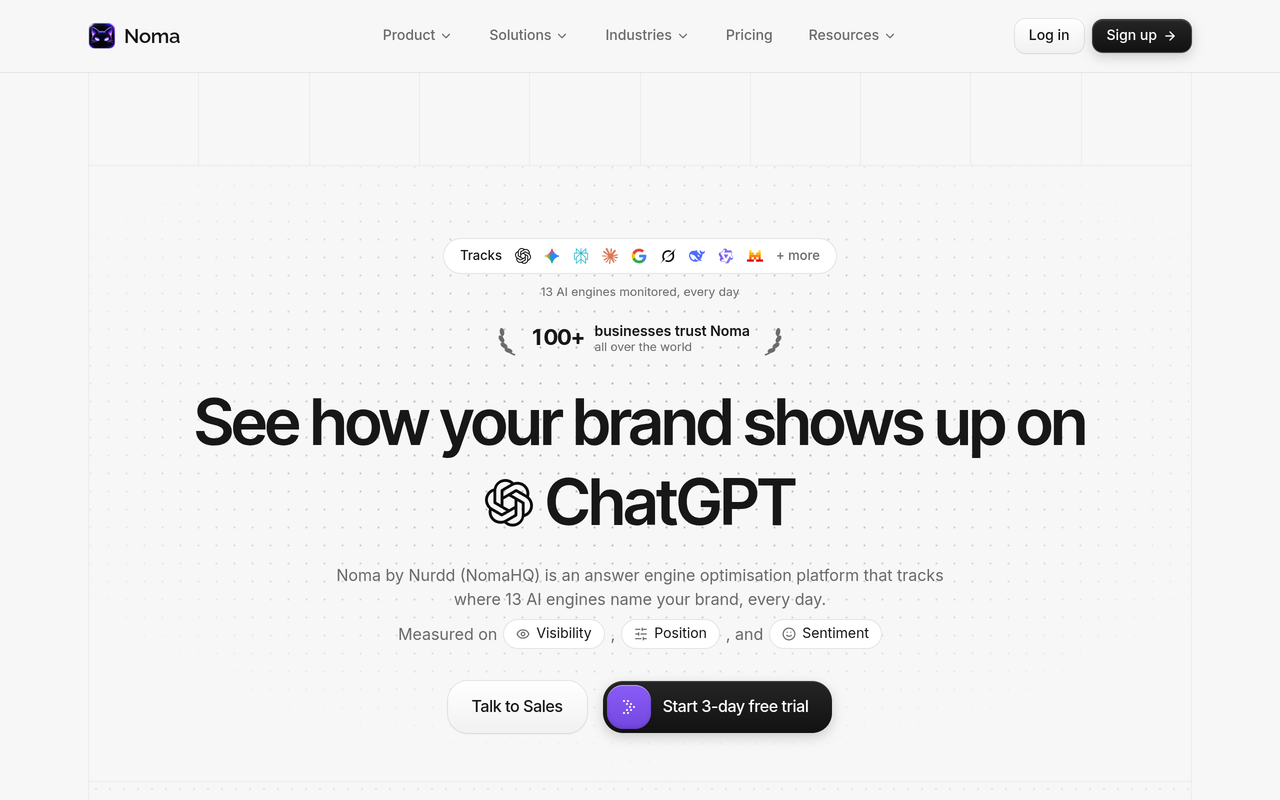
Noma has a 3-day free trial. A card is taken at signup and billing starts on day 3, so you are not charged if you cancel before then. If you want a broader view of the field first, our comparison of the best AI search visibility tools in 2026 sets out the evaluation criteria, and the guide to ecommerce GEO tools narrows it to retail. Head-to-head pages cover Noma vs Profound and Noma vs AthenaHQ.
If you would rather hand the work over, our team runs generative engine optimization services measured in Noma, and the AEO audit checklist for D2C brands is a good way to scope it first.
How should different retail teams apply this?
The order of work depends on how you sell. A Shopify brand starts with Catalog eligibility and page data. A brand on another platform starts with the direct feed application and crawler access. A brand that sells mainly through marketplaces starts with proof and accuracy, since the retailer controls much of the data.
Category matters too. OpenAI says shopping research performs especially well in detail-heavy categories such as electronics, beauty, home and garden, kitchen and appliances, and sports and outdoor. If you are in beauty, our beauty industry page shows how we frame AI visibility for that category, and our ecommerce industry page covers multi-category stores.
What should you do first?
Start with access and eligibility, because those are binary: crawlers allowed, data route chosen, flags set. Then fix accuracy and readability on your ten highest-margin products, and only then invest in off-site proof. Measure a baseline before each stage so you can see which change moved the rate.
Keep the expectation honest. The research available shows a surface that changes between runs, OpenAI documents the inputs but not a ranking formula, and any claim of a guaranteed first position should be tested. What you can do is raise your appearance rate, keep it high on the prompts that matter, and spot a drop quickly. For the statistics worth citing, see AI search statistics and which to cite.
How we researched this
We reviewed OpenAI's public documentation (the shopping research announcement, the help centre article on shopping with ChatGPT search, the merchant page and the product feed reference), independent research published by Profound, and competing guides from AthenaHQ and Fast Hippo Media. We also read one secondary write-up of OpenAI's guidance. All sources were checked on the publication date of this post, and every figure is attributed to the source that states it.
We did not run hands-on tests of ChatGPT shopping for this article, and we have no customer data to report. The worked example uses hypothetical numbers and is labelled as such. OpenAI's feed specification and merchant programmes change, so confirm field names, limits and eligibility in OpenAI's current documentation before you build.
Frequently asked questions
How do I rank in ChatGPT shopping results?
There is no paid or fixed first position, so focus on eligibility and evidence. Allow OpenAI's crawlers, supply product data through Shopify Catalog or a direct feed, set is_eligible_search to true, and keep pages, price and availability accurate. Then build third-party proof and measure your appearance rate across repeated runs.
Can I pay to appear in ChatGPT shopping results?
Not for the organic product results. OpenAI's help page says product results are selected independently by ChatGPT and are not ads. Advertising in ChatGPT is a separate product with its own setup and reporting.
How can I track my products in ChatGPT answers?
Use a fixed set of buyer prompts, run each several times, and log whether your product and competitors are named. Divide appearances by runs to get an appearance rate and review it weekly. Noma automates this across 13 AI engines, including ChatGPT, Gemini, Perplexity and Claude.
Do I need a product feed to show up?
Not strictly, because ChatGPT also reads public product pages and uses third-party data. A feed or Shopify Catalog gives OpenAI structured, current data from the source, which OpenAI says helps ChatGPT reflect up-to-date product information. Feed access involves an application, so plan for lead time.
Why does my product appear in one answer but not the next?
Because the carousel varies from run to run. Profound's March 2026 analysis found about 95% of product titles appeared in fewer than 30% of runs for the same prompt. That is why a single check is unreliable and a rate over repeated runs is the right measure.
Does schema markup help me rank in ChatGPT shopping?
OpenAI does not publish a ranking formula, so we cannot say markup moves a position. Complete Product markup that matches the visible page makes your facts easier to read and removes conflicts between page and feed. Treat it as hygiene that supports the other signals, not as a lever on its own.
Is Noma free to try?
Noma has a 3-day free trial. A card is taken at signup and billing starts on day 3, with no charge if you cancel before then.
Want to see where your products are named, and where a competitor is named instead? Book a demo of Noma and we will walk through your own category prompts across 13 AI engines. You can also explore Noma directly.