AI Search Visibility
Google AI Overview Tracker: Daily Monitoring Setup
A step-by-step setup for tracking Google AI Overviews daily: which keywords, which fields to log, how to read changes, and where Noma adds wider AI engine coverage.
 Sheetal Shakshi11 Nov 202614 min read
A Google AI Overview tracker checks a fixed keyword set on a schedule and records whether an AI Overview appears, whether your domain is cited and which competitors are named. Search Console includes AI feature activity in its normal Web totals, so it cannot isolate Overviews. Pair a daily Overview log with Noma, which tracks 13 AI engines, to see the rest of AI search.
A Google AI Overview tracker is a recurring check on a fixed set of keywords that records whether Google shows an AI Overview, whether your site is cited inside it, and which competitors share the answer. You can run one in a spreadsheet or with software. This guide shows the setup, the fields to log and how to read the changes.
Key takeaways
- Search Console counts AI Overview activity inside its normal Web search totals, so you need your own observation log to see Overview citations.
- Track a fixed keyword set of 30 to 50 questions, check it at the same time every day, and never change the set mid-test.
- Record at least nine fields per check: query, date, Overview shown, your domain cited, cited URL, competitors cited, position of the citation, answer summary and screenshot.
- Judge change over a week, not a day, because Overview results move between runs.
- Do not infer citations from rankings: published studies show top-10 rank is a weakening predictor of being cited.
- Add a tracker that covers other AI engines, such as Noma, because buyers also ask ChatGPT, Gemini, Perplexity and Claude.
What is the quick answer to tracking Google AI Overviews?
Tracking comes down to three decisions: which questions to watch, what to write down each time, and how often to look. Pick 30 to 50 buyer questions, check them daily at a fixed hour from the same location and language, and log the nine fields in the table below. Review the log weekly.
If you track by hand, expect it to take time and to drift as people change how they search. If you use software, check how it collects results, how often, and whether it stores the cited URLs and not just a yes or no. The rest of this post covers both routes.
Why is tracking Google AI Overviews hard?
Three things make it harder than rank tracking: Google does not report Overview citations on their own, the results vary from run to run, and citations no longer follow rankings. Each one breaks a habit from classic SEO reporting.
Search Console does not isolate AI Overviews
Google's own documentation on AI features and your website (Google Search Central) says sites that appear in AI Overviews and AI Mode are included in the overall search traffic in Search Console. That means clicks and impressions from Overviews are mixed into your Web totals. A Auspia guide to Search Console and AI features reaches the same reading: a change in the trend cannot be assigned to AI Overviews from Search Console alone.
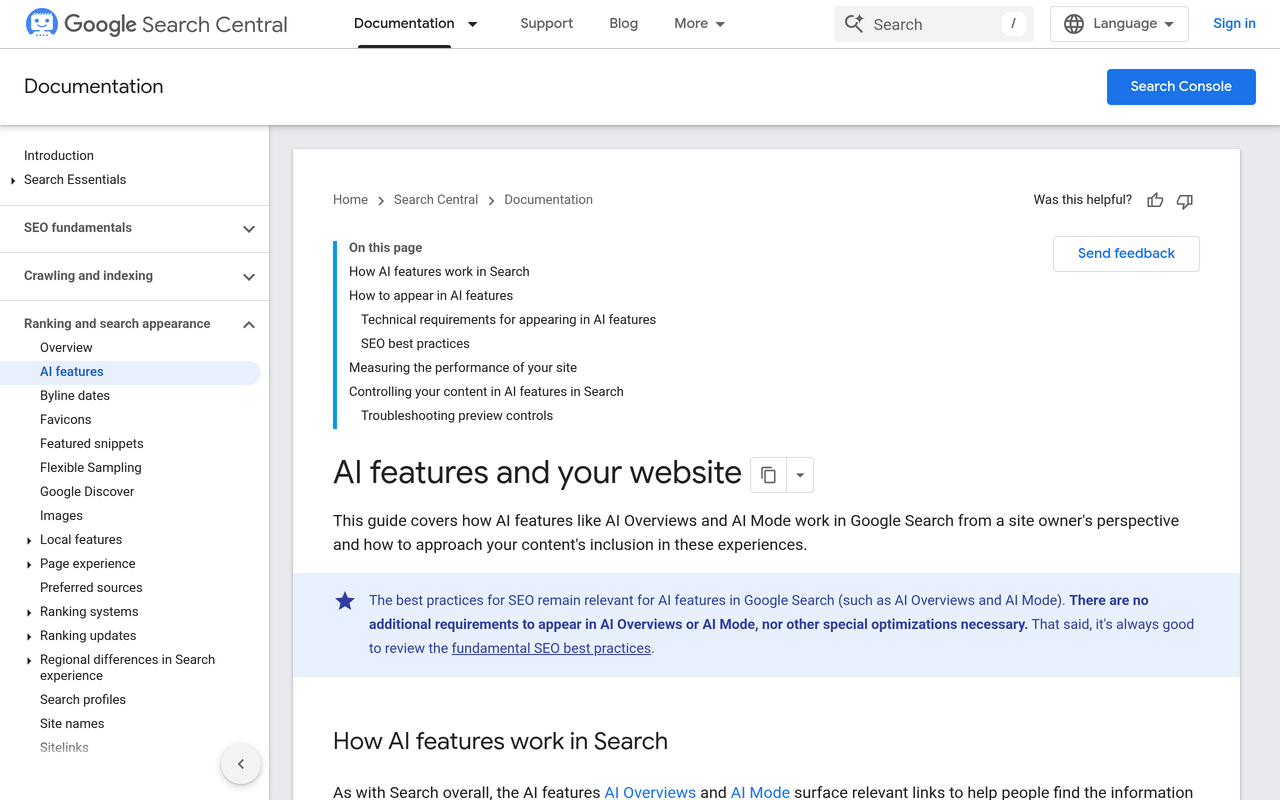
The practical result is that you need an independent record of what the results page showed. Search Console tells you what happened to your traffic. A tracker tells you what Google displayed.
Rankings no longer predict citations
Ahrefs studied 863,000 keywords and 4 million AI Overview URLs and found that 38% of cited pages also ranked in the top 10 for the same query, down from 76% in its July 2025 study, as reported by Search Engine Journal, February 2026. The same article reports a separate BrightEdge analysis that found about 17% overlap, using a different method and dataset.
The two studies disagree on the number, but they agree on the direction. If you only watch rank, you will miss pages that are cited without ranking and pages that rank without being cited. DesignRush's write-up of the Ahrefs study adds that in the organic-only version nearly 37% of cited pages did not rank in the top 100 at all.
Fewer clicks make the citation itself the metric
Pew Research analysed nearly 70,000 Google searches from around 900 users. According to SISTRIX, July 2025, about 15% of queries without an AI Overview produced an organic click, against around 8% with one, and links inside the Overview were clicked in about 1% of cases. Google has disputed the study's methodology, so treat it as one view rather than settled fact.
Even with that caveat, the lesson is that being named matters apart from being clicked. That is why your tracker has to record citations and mentions, not only traffic.
How do you set up a Google AI Overview tracker step by step?
The six steps below take you from a blank sheet to a working daily log. Each step lists the action, the result and the reason.
- Build the keyword set. Action: collect 30 to 50 questions your buyers ask, mixing informational, comparison and "best" queries, and tag each by funnel stage and product line. Result: a locked list with an owner. Why: Overviews appear on some queries and not others, so a mixed set shows where Google answers directly.
- Fix the test conditions. Action: choose one country, one language, one device type and one daily time, and write them at the top of the sheet. Result: runs that can be compared. Why: results vary by location and personalisation, so mixed conditions create changes that are not real.
- Create the log. Action: add the nine fields in the table below as columns. Result: one row per query per day. Why: a yes or no hides which URL was cited and who else was named.
- Run the first baseline for seven days. Action: check every query daily for a week without changing any content. Result: a baseline of how often Overviews show and how stable your citations are. Why: without a baseline you cannot tell a real change from normal variation.
- Calculate share of voice. Action: divide the number of Overviews that cite you by the number of Overviews shown, then multiply by 100. Result: a percentage per week, and the same figure for each competitor. Why: Discovered Labs describes this ratio as AI Share of Voice, and it stays meaningful when the number of Overviews changes.
- Link changes to actions. Action: keep a change log of every page you edit, publish or earn a mention for, with the date. Result: a timeline you can lay over the citation data. Why: it is the only way to tell whether a content change moved anything. The GEO experiment design guide covers how to structure that test.
What fields should a Google AI Overview tracker record?
Record the fields below on every check. They cover presence, ownership and context, which are the three things you will want to report on later.
| Field | What to write | What it lets you answer |
|---|---|---|
| Query | The exact text searched | Which topics trigger Overviews |
| Date and time | Timestamp of the check | How results change by day |
| Overview shown | Yes or no | Overview coverage across your set |
| Your domain cited | Yes or no | Your share of voice |
| Cited URL | The exact page linked | Which of your pages earn citations |
| Competitors cited | Domains named in the sources | Who you share the answer with |
| Citation position | Order among the sources | Whether you lead or trail in the source list |
| Brand named in text | Yes or no, plus the wording | Mention versus link |
| Screenshot | Saved image or link | Evidence for disputes and reports |
A manual template from Discovered Labs uses a similar structure: query, date, whether AI triggered, whether your brand was cited, competitors named, total citations and a screenshot link. The extra fields above (cited URL, position and brand named in text) are what let you tell a link from a mention.
How do you read the changes in the log?
Read changes by comparing weekly averages against your baseline, not by reacting to a single day. The table below maps the patterns you will see to what they usually mean and what to do next.
| Pattern in the log | Likely meaning | Next action |
|---|---|---|
| Overview appears on more queries | Google is answering more of your topics directly | Prioritise those queries for answer-first content |
| Overview disappears for a query | Google chose classic results for it | Check whether your rank still holds |
| You are cited, then dropped | A competitor page or fresh source replaced you | Compare the new cited page with yours |
| One of your pages gets all citations | Concentration risk | Build similar passages on adjacent pages |
| Competitor appears across many queries | They own the topic in Google's sources | Study their page structure and the third-party sources they have |
| Brand named but not linked | Google used other pages as evidence | Strengthen your own page for that claim |
| Citations flip run to run with no change | Normal variation | Wait for the weekly average |
An AI Overview tracker answers a different question from Search Console: Search Console reports what happened to your traffic, while a tracker records what Google showed and which sources it named.
Keep the rule of three: act on a change only when it holds across three consecutive weekly readings. This guards against reacting to noise. Fresh data on your own pages is also worth publishing, as the guide to publishing original data explains.
What does a worked example look like?
The numbers below are illustrative, made up to show the arithmetic, and are not data from any study. Suppose you track 40 queries for a week and Google shows an AI Overview on 24 of them. Your domain is cited in 6 of those 24, and your closest competitor is cited in 11.
- Overview coverage: 24 divided by 40 is 60%.
- Your share of voice: 6 divided by 24, multiplied by 100, is 25%.
- Competitor share of voice: 11 divided by 24, multiplied by 100, is about 46%.
In week two you publish a rewritten comparison page and add its URL to the change log. By week four your share of voice is 8 of 25, or 32%. Because the change held across three weekly readings and the new URL is the one cited, you have decent evidence the edit helped. If the cited URL were a different page, you would not credit the edit.
Your own log is the evidence here, since the studies only give you the market-wide context. A rank tracker would have shown no change in this example, which is the point of logging the cited URL.
Why check other AI engines alongside Google?
Buyers do not stay inside Google. They ask the same questions in ChatGPT, Gemini, Perplexity and Claude, and each engine builds its answer from its own sources. A brand can be cited in a Google Overview and absent elsewhere, or the reverse.
That is the gap a Google-only log leaves. The comparison of Perplexity, ChatGPT and Gemini shows why the engines differ, and the post on ranking on Google but not being cited covers what to fix when your SEO is healthy and your AI presence is not.
How does Noma help with AI Overview tracking?
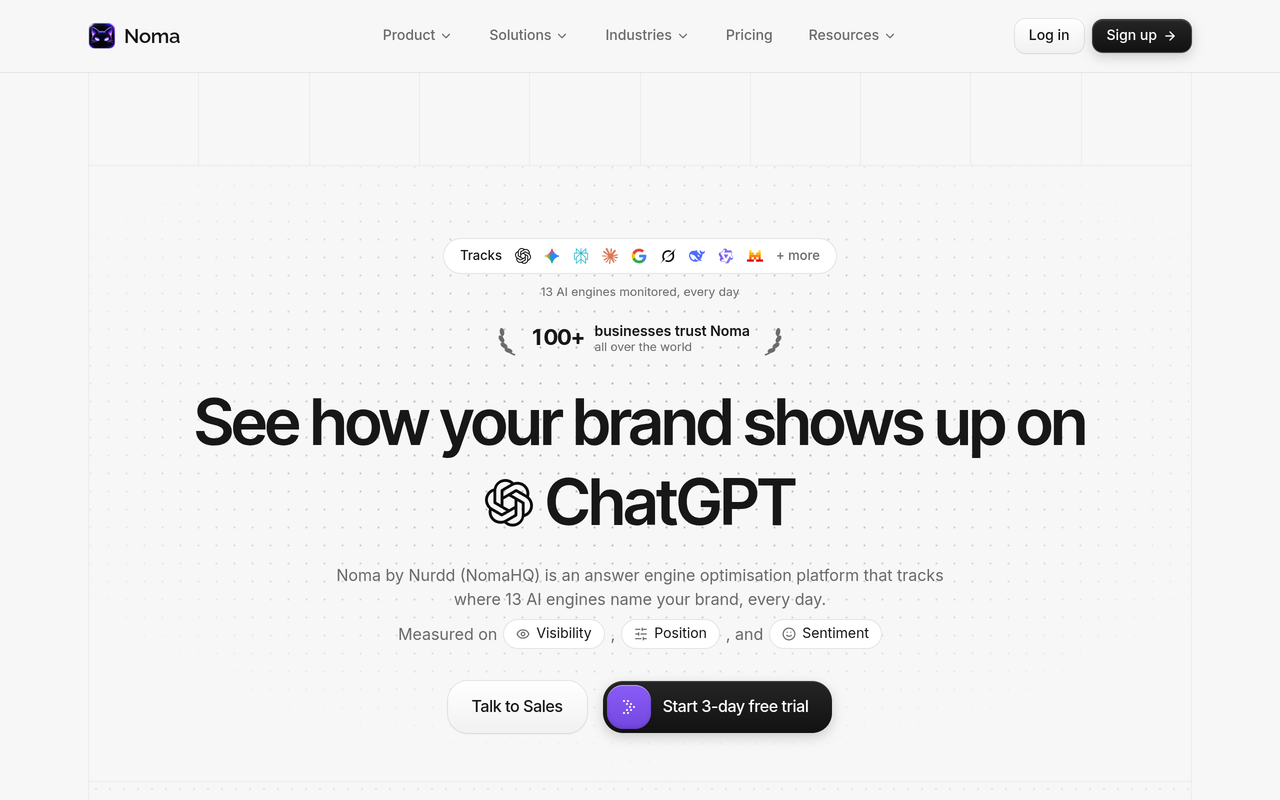
Noma by Nurdd is a web dashboard that tracks whether a brand appears in answers from 13 AI engines, including ChatGPT, Gemini, Perplexity and Claude, polled daily. It records whether your brand is named and which page each citation comes from, shows citation frequency by category with competitor comparison, and gives recommendations for improving AI visibility.
Noma is the tracker for wider AI engine coverage alongside Google. Use your Overview log for the Google surface, and use Noma to see the same buyer questions across the other engines without running each one by hand. When you book a demo, ask which Google surfaces Noma covers today so you know exactly where your log and Noma overlap.
Book a demo and you will see Noma set up for your own brand: your category questions, which of the 13 engines name you, which pages they cite and how your named competitors compare.
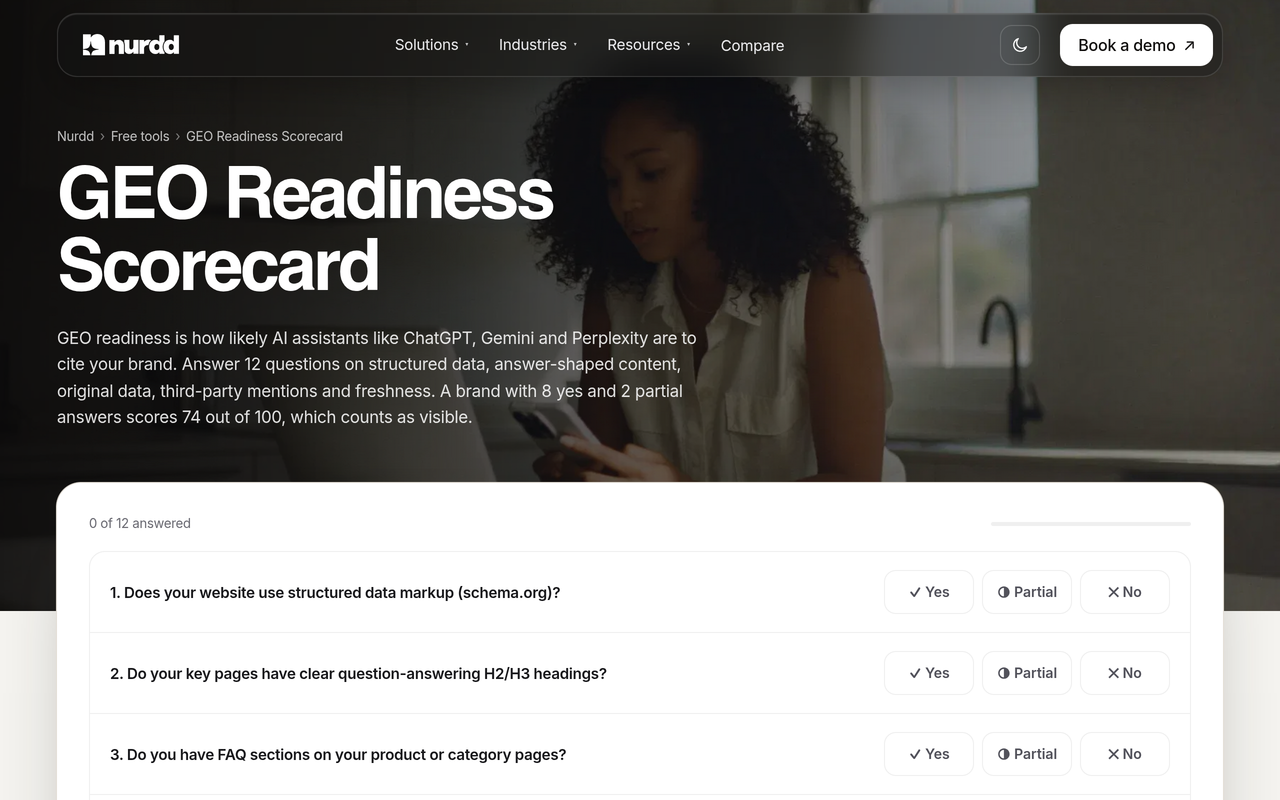
Noma has a 3-day free trial. A card is taken at signup and billing starts on day 3, with no charge if you cancel before then. You can also score your pages with the free GEO readiness scorecard first.
How do different roles use a Google AI Overview tracker?
The same log serves different jobs. Here are three scenarios, each with a different question and a different output.
An SEO lead checking citations against rankings
The SEO lead exports their rank data and lines it up against the Overview log by query. Queries where the site ranks in the top 10 but is never cited become a content fix list, and queries where it is cited without ranking show which passages Google values. The 7-step Google AI Overviews citations audit gives the method for that comparison.
The output is a prioritised list of pages to rewrite, with the query and the competing cited URL beside each one.
A content manager running a rewrite programme
The content manager picks ten pages, rewrites each for direct answers and clear structure, and records the date in the change log. The daily log then shows whether the cited URL changes for the target queries over the next three weeks. The before-and-after content examples and the post on sentence structure that gets quoted help with the writing.
The output is a clear before-and-after record that tells the team which edits are worth repeating.
A marketing director reporting to leadership
The director needs one page a month, not a spreadsheet. They report Overview coverage, share of voice against two competitors and the same figure across other AI engines from Noma. The monthly AI search metrics report and the executive dashboard guide show what to include.
The output is a trend line leadership can read in a minute, with traffic from AI referrals in analytics beside it.
Should you track Google AI Overviews manually or with a tool?
Manual tracking works for a short, proof-of-concept run on a few queries. A tool is better once the set grows past a few dozen queries, because daily checks, screenshots and competitor logging take more hours than most teams will keep up. The table compares the two.
| Factor | Spreadsheet by hand | Dedicated tracker |
|---|---|---|
| Setup time | Under an hour | Account and keyword import |
| Daily effort | Manual search and logging for every query | Automated on a schedule |
| Consistency | Varies by person, device and location | Fixed conditions, if the tool states them |
| Cited URLs | Copied by hand | Stored, if the tool records them |
| Competitor view | Names typed in | Compared across the set |
| Other AI engines | One more manual log per engine | Depends on the tool |
Many tools exist. Some are built around Google, such as the Sitechecker AI Overview tool, which describes detecting which keywords trigger Overviews and whether your site is cited. Before you buy any of them, ask what each collects, how often and from where. The checklist for choosing a Google AI Overviews tracker and the guide to monitoring Google AI Overviews without manual searches go through it in more depth.
What mistakes make tracking data unreliable?
- Changing the keyword set. Adding queries mid-test shifts your coverage figure without any real change.
- Mixing locations and devices. Results differ by place and setting, so mixed conditions create false movement.
- Logging yes or no only. Without cited URLs you cannot tell which page earned the citation.
- Reacting to one day. Results vary between runs, so wait for weekly averages.
- Counting Search Console twice. AI feature activity is already inside the Web totals, so adding a separate figure inflates it.
- Skipping the change log. Without dates for your edits, a rise in citations has no explanation.
- Treating Google as the whole of AI search. Other engines may name your competitors where Google does not.
What is the daily checklist?
- Open the locked keyword set and confirm location, language and device match the sheet header.
- Run each query at the same time as yesterday.
- Record whether an Overview appeared.
- If it did, record whether your domain is cited, the exact URL and the position.
- List competitor domains and any brand names in the text.
- Save a screenshot and link it in the row.
- Add any page you edited or published today to the change log.
- On Fridays, calculate coverage and share of voice and compare with the baseline.
How we researched this
We reviewed Google's own documentation on AI features, published studies on citation overlap and click behaviour as reported by trade publications, and vendor pages and guides that describe how Overview tracking works. We checked each linked source on the publication date of this post, in November 2026. We did not test any tracker hands-on, and the worked example uses illustrative numbers that we state as such. Studies disagree on some figures, so we have named the source and date beside each number.
Frequently asked questions
What is the best Google AI Overview tracker?
The best one is the one that records cited URLs and competitors at fixed conditions on a schedule, and that fits your keyword volume. For a small test, a spreadsheet using the nine fields above works. For wider coverage, Noma tracks 13 AI engines, including ChatGPT, Gemini, Perplexity and Claude, so you can run it alongside a Google-focused log.
How do I track whether my site is cited in Google AI Overviews?
Run a fixed set of queries on a schedule, open each Overview, and record whether your domain appears among the sources and which URL is linked. Repeat daily and calculate share of voice weekly. Search Console will not give you this, because AI feature activity is part of its normal Web totals.
Does Google Search Console show AI Overview data?
It includes activity from AI Overviews and AI Mode in the overall search traffic, according to Google's documentation, but it does not isolate it as a separate AI Overview report you can rely on for citations. Use it for traffic, and use a tracker for what the results page displayed.
How often should I check AI Overviews?
Check daily if you can, at a fixed time, and judge changes weekly. Results can differ between runs, so a single day tells you little. A seven-day baseline before any content change is the minimum.
How many keywords should I track?
Start with 30 to 50 buyer questions, which matches the 20 to 50 range suggested in a Discovered Labs guide for manual tracking. Add more only after the baseline is stable. See the guide on how many prompts to track for scaling.
If I rank in the top 10, will I be cited in the Overview?
Not reliably. Ahrefs found 38% of cited pages also ranked in the top 10 in its newer study, down from 76% in July 2025, and BrightEdge reported about 17%, as covered by Search Engine Journal. Log the citations directly rather than inferring them from rank.
Is Noma free?
Noma has a 3-day free trial. A card is taken at signup and billing starts on day 3. You are not charged if you cancel before then.
Start tracking your own Overviews and the other engines
Set up the log this week: lock 30 to 50 queries, fix the conditions, record the nine fields and hold a seven-day baseline before changing any page. Then widen the view beyond Google. Book a demo of Noma to see your brand's presence across 13 AI engines, the pages being cited and where your competitors sit. You can also read how Nurdd's answer engine optimization service works on the gaps, or visit Noma directly.