Paid Media
Google Ads Reporting for AI Search: What Agencies Add
Google Ads reports ads in AI answers in aggregate, so agencies must add limits, AI visibility and blended demand to every client report.
 Simran Rawat11 Nov 202617 min read

Agencies should keep reporting Google Ads results as before, then add three things: a note on what the platform cannot separate, an AI visibility view showing whether the client's brand is named in AI answers, and a blended demand view that reads paid and organic together. Pulse by Nurdd covers the Meta and Google Ads side, and Noma covers AI visibility.
Google ads reporting for AI search means keeping your normal paid results and adding what they now miss: the limits of the ad data, whether the client's brand is named in AI answers, and how paid and organic demand move together. Agencies should add a limits note, an AI visibility section and a blended demand view to every monthly report.
Key takeaways
- Google says performance for ads in AI Overviews and AI Mode is included in aggregate in standard reports, so your report must say what it cannot separate rather than imply certainty.
- Do not use the search terms report as proof that AI answers have or have not changed queries. Treat it as one input.
- Add a separate AI visibility section: is the client named in AI answers for category questions, and which pages do those engines cite?
- Report paid and organic demand together (branded search, direct traffic, conversions) so a move in one line is not read in isolation.
- Log every change you make with its date, so you can compare periods fairly without inventing causes.
- Use tracked prompts and the client's own account data. Do not paste industry percentages into a client report unless you can link the source.
What should a paid media agency report on AI search?
A paid media agency should report four things on AI search: the platform limits (what the ad data cannot separate), the client's AI visibility, the blended demand picture across paid and organic, and the actions taken in the period. Each belongs in its own short section so the client can see where evidence ends and interpretation begins.
Most agency reports today are a performance table with commentary. That format breaks down when AI answers sit between the searcher and the click, because the table can look stable while the route to purchase changes. The report has to show the part of the journey the ad platform cannot.
The same question, framed from the agency's side, is covered in Should a Paid Media Agency Report on AI Search?. This article goes further into the Google Ads specifics and gives you a template you can adopt.
Why is Google Ads reporting harder now that AI answers exist?
It is harder because ads can now appear inside AI answer experiences, but the reports an agency pulls do not give a clean split between those placements and classic results. You see totals, and you infer the rest.
Google's own help page states that performance metrics for ads in AI Overviews and AI Mode are included in aggregate in standard Google Ads campaign reports, and that queries triggering those ads are included in aggregate in the search terms report (Google Ads Help, accessed November 2026). The same page says existing Search, Shopping and Performance Max campaigns are automatically eligible, so a client can be in these placements without anyone switching anything on.
Independent analysis points the same way. A Search Engine Land analysis of more than 400 Google Ads accounts, dated 9 November 2026, found no clear shift toward longer reported queries (Search Engine Land, November 2026). In other words, a search terms report that looks unchanged is not evidence that AI answers have no effect.
Three practical consequences follow for an agency:
- You cannot prove AI influence from the search terms report. Absence of longer queries is not evidence of absence.
- You cannot attribute a change to AI surfaces from ad data alone. Any claim needs outside evidence, such as visibility tracking or analytics.
- Clients will ask anyway. Founders and marketing leads read about AI answers and expect their agency to have a view.
The honest answer is to show what you can measure, label what you cannot, and put a plan against the gap. That is more credible than a confident narrative with no data behind it.
How do AI answers change Google Ads reporting?
AI answers change Google Ads reporting in three ways: they blur which surface produced a click, they make the search term a weaker signal of intent, and they move some demand into answers that name a brand without any click. The first two touch ad data. The third happens outside it.
Each effect needs a different response in the report:
| What changes | Where it shows up | What to add to the report |
|---|---|---|
| Surface is blurred (classic results versus AI answers) | Impressions, clicks and conversions look like one pool | A limits note, plus a dated log of campaign changes |
| Search terms reflect aggregated queries | Search terms report, negative keyword decisions | Review terms by theme and landing page, not by single query |
| Brand named in an answer with no click | Branded search volume, direct traffic, assisted conversions | An AI visibility section and a branded demand trend |
| Competitor named instead of the client | Nothing in the ad account | Tracked prompts with a competitor comparison |
| Referral visits from AI engines | Analytics referral sources | A referral line, tagged separately from organic search |
The last row matters more than it looks. Visits from AI engines land in analytics, not in the ad account, so measuring them is a separate task. AI Referral Traffic: How to Measure It in Analytics walks through the setup.
Where does each data source help, and where does it stop?
Each source an agency already has answers one part of the question and is silent on the rest. Putting that in a table for the client stops anyone asking a single report to do a job it cannot.
| Data source | What it can show | What it cannot show |
|---|---|---|
| Google Ads campaign report | Spend, clicks, conversions, cost, with AI Overviews and AI Mode included in aggregate for eligible campaigns | A split between classic results and AI answer placements |
| Google Ads search terms report | Queries that triggered ads, also in aggregate for AI placements | Whether a query came from an AI answer experience |
| Search Console Performance report | Organic clicks and impressions, with AI Mode data counted in the totals | A separate AI Mode line |
| Web analytics | Referral visits from AI engines, branded and direct traffic | Mentions that never produced a visit |
| AI visibility tracking | Whether the brand is named for tracked prompts, and which pages are cited | Revenue or conversions |
The Search Console row rests on documentation changes reported in 2025. Search Engine Journal reported that Google updated its documentation to confirm AI Mode data counts toward the totals in the Search Console Performance report, rather than appearing as a separate category (Search Engine Journal, June 2025). Check Google's current documentation before promising a client any new breakdown, because reporting options change.
What goes into an AI-aware Google Ads report? A five-section template
An AI-aware report has five sections: results, limits, AI visibility, blended demand, and actions with dates. Keeping the sections in the same order each month lets clients compare periods and lets you show evidence building over time.
- Results. Spend, conversions, cost per conversion and ROAS by campaign type, against the break-even target agreed with the client. Use the Google + Meta ROAS calculator if the client has never set a break-even figure.
- Limits. Two or three plain sentences: Google Ads reports AI placements in aggregate, search terms do not tell you the surface, and conversions are platform-reported.
- AI visibility. For a fixed set of category prompts, is the client named, in what position, and which pages are cited? Show the competitor set beside it.
- Blended demand. Branded search, direct traffic, organic conversions and paid conversions on one page, with the same date range.
- Actions and dates. Every bid, budget, creative, landing page and content change, so the next report can compare before and after without guessing.
This structure is deliberately conservative. It claims no attribution it cannot defend, and it gives the client a reason to fund AI visibility work separately rather than hiding it inside paid results.
How do you set up the AI visibility section?
You set it up by choosing a fixed list of prompts that match how customers ask about the client's category, running them on a schedule across the AI engines, and recording whether the brand is named and which sources are cited. The list must stay stable between months, or the trend is meaningless.
Choosing prompts is the hard part. Start with the client's best-selling products and the questions a buyer asks before purchase: comparisons, best-for queries and problem-led questions. Which Prompts to Track for AI Search Visibility explains how to select them, and AI Search Prompt Tracking: How Many Prompts You Need covers sizing the list.
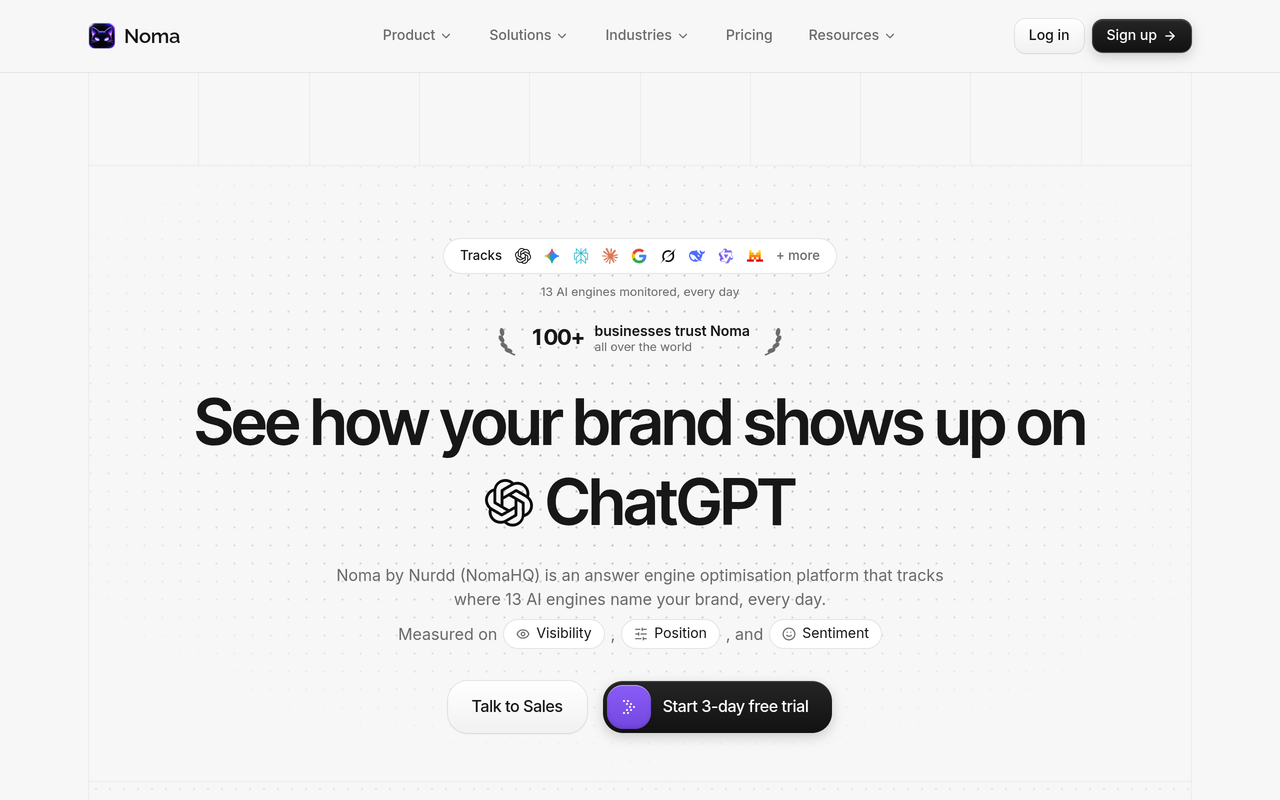
Noma tracks whether a brand is named across 13 AI engines, including ChatGPT, Gemini, Perplexity and Claude, polled daily, and records which page each citation comes from. That gives each client's visibility a repeatable measurement rather than a set of screenshots taken by hand.
Why does Pulse belong in the Google Ads side of the report?
Pulse belongs there because the Google Ads section is the part of the report that needs the clearest explanation, and Pulse is built to supply it. Pulse by Nurdd connects to Meta Ads and Google Ads through read-only OAuth, explains campaign performance in plain language, diagnoses what changed and recommends specific actions without requiring anyone to build reports by hand.
Pulse by Nurdd is the Meta and Google Ads intelligence product that explains what changed in an ad account and what to do next. It belongs in an AI-era reporting workflow because the limits of platform data make interpretation more valuable: when ad data cannot tell you the surface, a clear diagnosis of what changed is the strongest evidence you have from inside the account. Noma, a separate Nurdd product, covers the AI visibility side.
Want to see this on your own accounts? Book a demo and you will see Pulse explain a Meta and Google Ads setup like yours, and where Noma would show whether a client brand is named across AI engines.
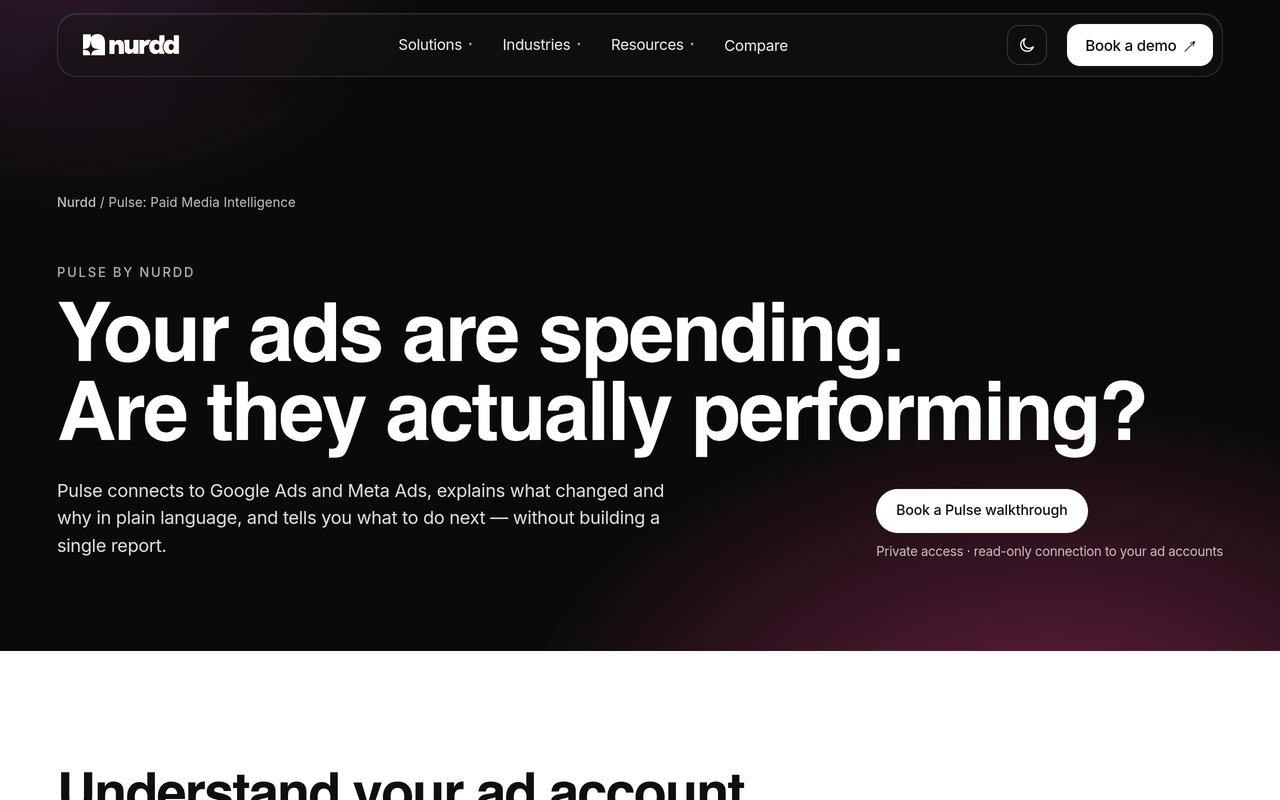
Pulse is in private access, so the route in is a walkthrough rather than a self-serve signup. Details are on the Pulse page. Nurdd also runs paid social advertising as a managed service on Meta and Google Ads, with targets set from break-even ROAS and results reported monthly against published category benchmarks.
What does this look like for three roles?
The report matters differently to an account manager, an agency owner and a performance lead. Each has a different question, and the report has to answer all three without becoming a long document.
Scenario 1: The account manager preparing a monthly client call
The account manager has a stable Google Ads performance table and a client who has asked whether AI answers are hurting them. Without an AI section, the honest reply is that the ads cannot tell. With the five-section template, the manager can say what the ad account shows, what it cannot show, and what visibility tracking says about whether the brand is named for the client's key prompts.
Pulse explains campaign performance in plain language and diagnoses what changed, which gives the manager a starting point for the call. The Meta Ads vs Google Ads performance guide is a useful companion for newer team members.
Scenario 2: The agency owner deciding whether to sell AI visibility
The agency owner sees clients asking about AI answers and has to decide whether to build the service, partner, or ignore it. Reporting is the cheapest first step: add the AI visibility section to existing retainers, note which clients are not named, and use that gap to scope further work.
Noma tracks whether a brand is named across 13 AI engines, polled daily, so each client's visibility can be measured on a repeatable basis. The AI search reporting for agencies guide and the visibility checking software for agencies page cover the agency setup. Nurdd also offers answer engine optimization as a managed service for brands that want the work done for them.
Scenario 3: The performance lead defending budget when clicks look flat
The performance lead sees paid conversions hold steady while branded search and direct traffic move. Without a blended view, the lead might credit or blame paid for a change that came from elsewhere. With branded demand and AI visibility on the same page, the lead can show whether the brand is being named in answers and whether branded demand is following.
That evidence supports a budget conversation. It does not prove cause, and the report should say so. The GEO experiment design guide shows how to test a change properly if the client wants proof rather than correlation.
What is a worked example of an AI-aware report section?
The example below is a template with placeholders, not client data. It shows wording an agency can use so the limits note and the visibility section stay factual. Replace the brackets with the client's own figures from the ad account, analytics and your visibility tracking.
Limits. Google Ads reports performance for ads in AI Overviews and AI Mode in aggregate with other Search results, so the figures above cover all placements.
AI visibility. Of [number] tracked category prompts, [client] was named in [number] this month, against [number] last month. The most-cited pages were [page A] and [page B]. [Competitor] was named in [number].
Blended demand. Paid conversions moved [direction]; branded search moved [direction]; direct traffic moved [direction].
Actions. [Date]: changed [item]. [Date]: published [page].
Notice what the wording does not say. It does not claim AI answers caused a change. It states the observed movement, the comparison period and the actions taken. A client can read it in two minutes and see the logic.

Which report line should you add first? A decision table
Agencies rarely add everything at once. This table helps you choose a first step based on what the client already has in place.
| Client situation | Add first | Why | Tool or page |
|---|---|---|---|
| Strong paid results, no AI view | AI visibility section | You need to know if the brand is named before judging demand | Noma |
| Paid results moving, cause unclear | Diagnosis of what changed in the ad account | A written explanation gives the team a starting point; the change log and blended demand view remain agency tasks | Pulse |
| Client asks about AI traffic | Referral line in analytics | Separates AI engine visits from organic search | Referral guide |
| Client's site is hard for AI to read | Readiness check | Fix the basics before paying to track | GEO readiness scorecard |
| Client runs Meta and Google together | Cross-channel diagnosis of the ad accounts | One explanation for both platforms | Pulse |
How do you roll this out? A step-by-step checklist
Follow these steps in order. Each one has an action, a result and a reason, so you can run it with a junior team member.
- Audit the current report. List every section and ask whether it would still be true if some clicks came from AI answer placements. The result is a list of lines that need a caveat. This matters because unqualified claims are the ones a client will challenge.
- Write the limits note. Draft two or three sentences stating that Google Ads reports AI placements in aggregate. The result is wording you can reuse every month, which keeps the report consistent.
- Choose the prompt set. Pick a fixed list covering the client's products, comparisons and problem-led questions. The result is a stable basis for trends, because changing prompts mid-stream breaks comparisons.
- Start tracking AI visibility. Record whether the brand is named and which pages are cited, with competitors beside it. The result is the evidence the ad account cannot give you.
- Build the blended demand page. Put branded search, direct, organic and paid on one view with identical date ranges. The result is a view where a movement in one line is read alongside the others.
- Log every change with a date. Budgets, bids, creative, landing pages and content. The result is a timeline, which turns loose correlation into a defensible narrative.
- Review quarterly against a plan. Pick one AI visibility gap and one paid finding, and set an action for each. The result is a report that leads to decisions, not just description.
For a benchmark to compare ad results against, the marketing benchmarks hub lists each headline figure with its source and period. Use those rather than unsourced averages.
What should you tell a client who asks about AI Overviews ads?
Tell them three things: their existing Search, Shopping and Performance Max campaigns may already be eligible, results are reported inside the normal totals, and you will track brand visibility separately. That answer is accurate to Google's documentation and avoids promising a breakdown that does not exist.
Google's help page also notes that AI-powered targeting, including AI Max for Search campaigns and broad match, is eligible for contextual matching against the query and the AI response, while exact and phrase match are eligible when the query shows direct commercial intent (Google Ads Help, accessed November 2026). So match type and targeting choices change how often a client can appear in these placements, and your change log should record them.
Google also describes AI Max for Search campaigns as offering controls and reporting transparency (Google, May 2026). Read the current reports available in the client's account and note exactly which AI Max reports you rely on, so a later reader knows what the numbers represent.
What mistakes do agencies make when reporting on AI search?
- Reading the search terms report as proof. Google says AI placements are included in aggregate there, so a flat report proves nothing about AI influence.
- Quoting industry percentages without a link. If the client asks where a number came from and you cannot answer, trust falls on every other line.
- Changing tracked prompts every month. The trend becomes noise.
- Crediting paid for organic movement, or the reverse. Without a blended view, each team claims or blames what it can see.
- Hiding the limits. A caveat in the report builds more credibility than a surprise later.
- Skipping the change log. Without dates, you cannot separate your actions from market movement.
A related trap is promising results from AI visibility work. Tracking tells you where the brand stands; improving it takes content and sources that engines trust. Ranking on Google but Not Cited by AI explains what to fix when classic rankings and AI citations diverge.
How should you handle ChatGPT and other AI ad surfaces?
Treat any new AI ad surface as a separate line in the report, with its own limits note, rather than merging it into Google Ads totals. New placements arrive with their own reporting rules, and you should read the platform's documentation before promising what can be measured.
Nurdd's guides cover this ground: How to Advertise on ChatGPT and Measure the Results and Paid Media Reporting for ChatGPT Ads and AI Overviews. For the organic side of Google's AI answers, see How to Track Google AI Overviews for Your Brand.
Where does Noma fit alongside Pulse?
Noma fits on the AI visibility side of the report, and Pulse fits on the Meta and Google Ads side. They are separate products from Nurdd with separate dashboards, and an agency can use either one alone. Together they cover both halves of the question a client is asking: what are my ads doing, and what are AI engines saying about me?
Noma offers a 3-day free trial. A card is taken at signup and billing starts on day 3; if you cancel before then, you are not charged. Pulse is paid and available through a walkthrough. For how AI visibility fits a monthly pack, see AI Search Metrics: How to Build a Monthly Report and AI Search Share of Voice.
If you want a quick read on how a client's site looks to AI engines before committing to tracking, run the free GEO readiness scorecard. For clients who run creator campaigns too, Nia by Nurdd handles the influencer side.
How we researched this
The main sources are Google's own Ads Help page on ads in AI-powered experiences (accessed November 2026), a Search Engine Land analysis dated 9 November 2026, linked above, a Search Engine Journal report from June 2025 on Search Console, and Google's AI Max announcement from May 2026. Statements about Pulse and Noma come from Nurdd's product facts.
We did not run hands-on tests of Google Ads, interview agencies or use customer data. The report template, decision table and checklist are our own framework, not findings from a study.
Frequently asked questions
What should paid media agencies report on AI search?
Agencies should report the limits of ad data, the client's AI visibility for tracked prompts, a blended view of paid and organic demand, and a dated log of changes. These four additions let a client see what the ad account shows and what it cannot. Keep the prompt list stable so trends are comparable.
How do AI answers change Google Ads reporting?
They blur which surface produced a click, weaken the search term as a signal of intent, and move some demand into answers that name a brand without a click. Google states that metrics for ads in AI Overviews and AI Mode are included in aggregate in standard reports, so there is no separate line to point to.
Can I see AI Overviews or AI Mode clicks in Google Ads?
Not as a separate line, based on Google's help page at the time of checking. Check the current documentation before promising a client any breakdown. Until a split exists, label totals as covering all placements.
Should I stop using the search terms report?
No. It remains useful for finding irrelevant queries and themes. Just do not use it as evidence that AI answers have or have not changed behaviour, because AI placements are included in it in aggregate and an analysis of 400+ accounts found no clear shift toward longer queries.
How often should an agency report on AI visibility?
Monthly works for most retainers, with daily or weekly polling behind it so you can spot sudden changes. Noma polls its 13 AI engines daily, which gives the monthly report a fuller dataset to summarise.
Is AI visibility tracking a paid media task or an SEO task?
It sits between them. Paid teams care because AI answers affect branded demand and ad efficiency, and SEO teams care because citations come from content. Many agencies assign it to whoever owns the client's overall reporting pack.
Does Pulse report on AI search?
No. Pulse by Nurdd covers Meta Ads and Google Ads, explaining performance and recommending actions. AI visibility tracking sits in Noma, a separate Nurdd product, so agencies use the two together when clients need both views.
Do I need to quote statistics in the report?
Only if you can link the source and date. Clients accept a report that says a figure cannot be separated far more readily than one with unsourced percentages. Use the client's own data wherever possible.
Ready to see it on your own accounts? Book a demo and you will see Pulse read a Meta and Google Ads setup like yours, plus how Noma would track a client brand across AI engines, so your next report has both halves.