AI Search Visibility
ChatGPT Business Hub: What It Means for Brand Visibility
OpenAI's ChatGPT Business Hub gives brands first-party mention and click counts for ChatGPT only; here is what it counts, what it misses and what to monitor.
 Sheetal Shakshi13 Nov 202615 min read
The ChatGPT Business Hub is OpenAI's beta dashboard where verified businesses claim a ChatGPT profile, correct their details, add a product feed and read aggregated insights on mentions, clicks and discovery topics. It covers ChatGPT only and counts a mention only when ChatGPT references your website. Brands still need cross-engine tracking, such as Noma across 13 AI engines, to see name-only mentions, rivals and other assistants.
The ChatGPT Business Hub is OpenAI's new dashboard, launched in beta on 10 November 2026, where a verified business claims its ChatGPT profile, fixes its details, adds a product feed and reads insights on how often ChatGPT references its website. It is a first-party measurement tool for ChatGPT only. It does not show prompts, rivals or any other AI engine.
Key takeaways
- Claim and verify your business in the ChatGPT Business Hub now. It is free at launch, and OpenAI says a claim carries no guarantee of better placement.
- Read the numbers carefully: for an online business, a mention counts only when ChatGPT references your website, not when it names your brand.
- Treat Hub clicks as recorded clicks, not visits or sales. Compare them with ChatGPT sessions in your own analytics.
- The Hub covers ChatGPT alone. Track the other engines, name-only mentions and competitors separately.
- Keep your profile, product feed and website saying the same thing, because ChatGPT draws on all three.
- Run a weekly prompt-level check so you know why you were or were not recommended, which the Hub does not show.
What is the ChatGPT Business Hub?
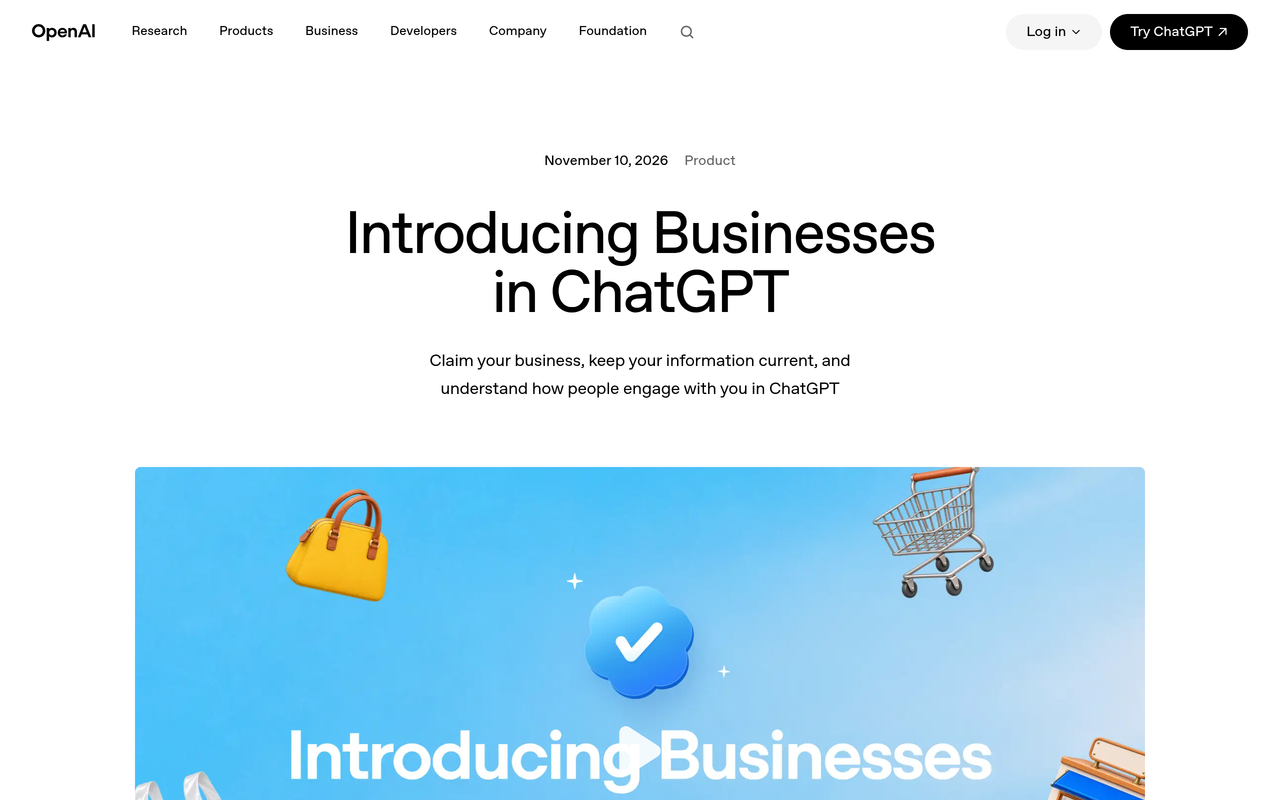
The ChatGPT Business Hub is the management side of a new OpenAI programme called Businesses in ChatGPT. Per OpenAI's launch post, companies can claim their organisation, and once verified, update key details and add self-service product feeds with pricing and availability. They can then see insights on how people engage with them in ChatGPT.
The second half of the programme is the Business Agent. After claiming a business, eligible organisations can build, test and launch an agent that answers follow-up questions about their offerings. When a business appears in a model response, users can open its ChatGPT profile and, if an agent exists, start a separate, labelled conversation with it.
Who can claim a profile?
OpenAI says any eligible business located where ChatGPT is available can claim a profile. VentureBeat reports that verification can run through a business phone number, email address, website domain or Shopify account, followed by a separate identity check through Persona before you can publish profile changes, connect a product feed, see analytics or create an agent.
Publishing a Business Agent has narrower requirements. Quartz describes agents as open to eligible U.S. ecommerce and online service firms, while enterprise customers and advertisers can work through their OpenAI representative.
Is it free?
According to Digiday, Business Hub and agents are free for now, and OpenAI's vice president of monetization did not rule out a paid model later. Digiday also reports that the sponsored agent is the paid version of the same format, so the organic and paid routes sit side by side.
How does the Business Hub affect brand visibility?
The Business Hub changes brand visibility in three ways: it gives brands an official data source, it gives them a place to supply facts ChatGPT can use, and it creates a branded destination after a recommendation. It does not give brands control over whether ChatGPT recommends them. VentureBeat reports that OpenAI says ChatGPT will keep making independent recommendations and that claiming a profile carries no guarantee of better placement or more sales.
That distinction matters. The Hub is a measurement and data-supply layer, not a ranking lever. A brand that claims a profile but has thin, inconsistent or unquoted pages elsewhere will still be passed over.
1. A first-party number where there was a guess
Until now, brands estimated ChatGPT visibility by running prompts through third-party tools. Adweek reports that the Hub shows how often a business appears in conversations and the topics it appears for. That is a genuine improvement for ChatGPT, because the counts come from OpenAI's own logs rather than sampled prompts.
2. A place to correct what ChatGPT knows
A claimed profile lets you correct details such as description, location and product data. That reduces one cause of wrong answers: stale or conflicting facts. It pairs with the entity work described in our entity consistency checklist and our guide to writing a brand description AI engines can use.
3. A branded step after the recommendation
When a user opens your profile or starts a chat with your Business Agent, the conversation happens inside ChatGPT. Digiday notes that the paid sponsored agent and the free agent are meant to be the same experience. For ecommerce brands, this sits next to product discovery work covered in our post on ChatGPT Shopping rankings.
What does the Business Hub actually measure?
The Business Hub measures three things: mentions, website clicks and discovery topics, plus profile views. The definitions are narrower than most marketers assume, so read them before reporting any number upward.
| Metric | What OpenAI counts | What it does not tell you |
|---|---|---|
| Mentions (online business) | Times ChatGPT referenced your website | Times your brand was named without a site reference |
| Mentions (local business) | Times ChatGPT showed a result for your location | Whether anyone opened the listing |
| Profile views | Views of your business profile in ChatGPT | What the viewer did next |
| Website clicks | Recorded clicks on links to your website in ChatGPT | Whether a visit or a sale followed |
| Discovery topics | Top themes where your site was cited | The exact prompts or conversations behind them |
The definitions above follow the summaries in LLM Pulse's explainer and Profound's analysis. Digiday quotes an OpenAI spokesperson saying that just naming the brand does not count as a mention.
How is the dashboard laid out?
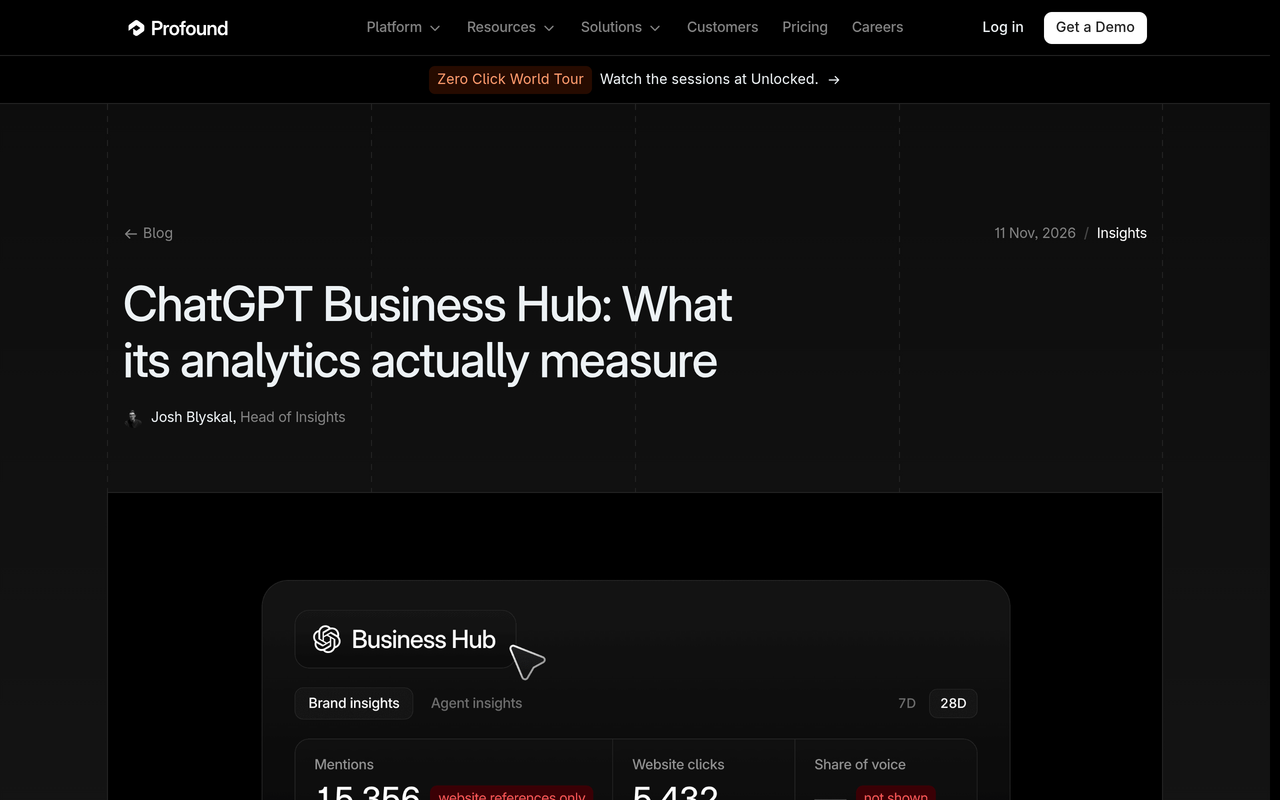
Everything PR reports that the dashboard splits into Brand insights and Agent insights tabs, with seven-day and 28-day views. The Brand insights tab carries tiles for mentions, profile views and website clicks, a mentions trend chart and a panel of the top five discovery topics. It does not show prompts or user conversations, and figures appear only once activity passes OpenAI's thresholds.
Why the click count is not a visit count
OpenAI labels the clicks as recorded clicks that do not confirm website visits or conversions. Profound adds that your own analytics usually relies on a tag ChatGPT adds to the link, and that tag is ChatGPT's to add or drop. Its suggestion is to put Hub clicks next to tagged ChatGPT sessions in your analytics, since the gap is a mix of lost attribution and clicks that never became visits. Our guide to measuring AI referral traffic in analytics shows how to set that comparison up.
What does the Business Hub leave out?
The Business Hub leaves out every other AI engine, every competitor, the prompts that triggered a mention and any mention that does not reference your website. These gaps are not criticisms; they follow from OpenAI measuring only its own product and protecting user conversations. OpenAI states it does not share users' conversations or Business Agent chats with businesses.
- Other engines. Profound points out that every Hub count comes from ChatGPT alone, so it says nothing about Claude, Gemini or Google's AI results.
- Competitors. The Hub reports your counts, not who was named instead of you.
- Name-only mentions. Profound says that brand mentions without a reference to the site happen nearly 50% of the time a brand is mentioned, in the responses it collects. Those are invisible in the Hub.
- Prompts and position. You see topics, not the question wording or where you sat in the answer.
- Sentiment and accuracy. The Hub does not tell you whether ChatGPT described you correctly.
The ChatGPT Business Hub reports how often ChatGPT referenced a brand's website and how many recorded clicks followed. It does not report name-only mentions, competitor appearances, specific prompts or any engine other than ChatGPT.
Digiday quotes an agency chief executive making the same point: OpenAI will not share everything it knows, and ChatGPT is one of several AI platforms, so demand for visibility tools stays strong. Our own view of which AI engine matters most for your brand follows from the same logic: you need to see more than one.
Business Hub vs classic SEO and analytics tools: how do they compare?
The Business Hub is closest to a search console for one engine, combined with a business listing. Sanbi reaches a similar verdict, calling it a cut-down Search Console for ChatGPT combined with a Google Business Profile. The table below separates the jobs so you assign each number to the right tool.
| Question | ChatGPT Business Hub | Web analytics (GA4 or similar) | Cross-engine tracker such as Noma |
|---|---|---|---|
| How often did ChatGPT reference my site? | Yes, first-party | No | Estimated from polled prompts |
| Was my brand named without a link? | No | No | Yes, name mentions are recorded |
| What happens in Claude, Gemini, Perplexity? | No | Only referral visits | Yes, 13 AI engines |
| Who is named instead of me? | No | No | Yes, competitor comparison |
| Which page was cited? | Topics only | Landing page of visits | Yes, source page per citation |
| Did a visitor buy? | No | Yes | No |
| What should I fix? | Profile edits only | No | Recommendations to improve visibility |
For deeper background on how classic and AI-answer data differ, see our comparison of search intelligence tools and our explainer on generative engine optimization versus AEO and SEO.
How do you track your brand in ChatGPT for business use?
To track your brand in ChatGPT for business use, combine three layers: the Business Hub for first-party ChatGPT counts, your web analytics for what visitors do, and a prompt-level tracker for why you were or were not named and who was named instead. Sanbi frames the same idea as layers with one gap, the prompt-level view that only third-party tracking fills.
A three-layer measurement stack
- Layer 1, platform truth (Business Hub). Weekly mentions, clicks, profile views and top topics for ChatGPT.
- Layer 2, outcome truth (analytics). Sessions from ChatGPT, engagement and conversions, by landing page.
- Layer 3, context truth (prompt tracking). A fixed set of buyer prompts run daily across engines, recording whether you were named, which page was cited and which rivals appeared.
Layer 3 is where most teams have nothing today. Our guide on which prompts to track and the explainer on how many prompts you need cover how to build that list.
Worked example: reading the gap between Hub clicks and analytics
Everything PR reports that, by PPC Land's calculation, about 3.5% of mentions produced a click in the two live example dashboards it examined. Use that as a rough reference, not a benchmark for your own brand. The numbers below are hypothetical, chosen only to show the arithmetic.
- Hub shows 1,000 mentions and 35 clicks in 28 days. Click rate: 35 ÷ 1,000 = 3.5%.
- Your analytics shows 22 sessions tagged as ChatGPT in the same window.
- The gap is 13. Some clicks never loaded the page; some arrived without a tag and sit in direct traffic.
- Next step: check direct traffic on the pages ChatGPT is likely to cite, and compare week over week rather than trusting a single figure.
If mentions rise and clicks stay flat, ChatGPT may be citing you in answers that satisfy the user without a visit. If clicks rise on flat mentions, the citation may be sitting in a better position. The Hub cannot tell you which; prompt-level tracking can.
Which signals should you monitor after the launch?
Monitor the signals below weekly, in this order. Each pairs a Hub number with an outside check so you never rely on one source.
| Signal | Where to read it | What a change suggests | Action |
|---|---|---|---|
| Website-referenced mentions | Business Hub | ChatGPT is using your pages more or less | Check which pages changed or were updated |
| Name-only mentions | Prompt tracker | Awareness without a source link | Strengthen quotable pages so the name gains a link |
| Recorded clicks vs tagged sessions | Hub plus analytics | Attribution loss or non-visits | Review referral tagging and direct traffic |
| Discovery topics | Business Hub | Themes where you are trusted | Build content for adjacent topics you are missing |
| Competitor presence per prompt | Prompt tracker | Who is displacing you | Study their cited sources |
| Cited page per answer | Prompt tracker | Which URL does the work | Protect and refresh those pages |
| Accuracy of descriptions | Manual review plus tracker | Outdated or wrong facts | Fix profile, feed and site copy together |
Our monthly AI search metrics report template and share-of-voice guide show how to turn these into a single report for leadership.
How do you set up the Business Hub and your visibility checks? (checklist)
Follow this order so that the profile, the data you supply and your measurement baseline are all in place before you read any trend.
- Record a baseline first. Before you claim anything, run your top buyer prompts and save who is named, which pages are cited and how your brand is described. Without this, you cannot tell what the Hub changed.
- Claim the business. Sign in to ChatGPT, open Business Hub, search for your business and choose a verification route: phone, email, website domain or Shopify.
- Pass the identity check. VentureBeat reports a separate Persona check is needed before you can publish changes, connect a feed or see analytics.
- Correct the profile. Match the name, description, categories and locations to your website and other profiles exactly.
- Connect a product feed if you sell products. Include prices and availability, since OpenAI says feeds carry them. Our feed setup guide for the US and Europe covers regional differences.
- Check eligibility for a Business Agent. If you qualify, build, test and launch one, and keep its answers aligned with your site.
- Add a cross-engine tracker. Track the same prompts daily across engines so Hub movements have context.
- Review weekly for four weeks. Our four-week ChatGPT test plan gives a structure for it.
How does ChatGPT decide who to recommend, and what can you influence?
ChatGPT decides which brands to recommend through its own retrieval and ranking, and OpenAI states that these remain independent of profile claims. What you can influence is the quality and consistency of the material it draws on: your site, your feed, your profile and the third-party pages that describe you.
Three levers are within reach. First, make pages quotable, with direct answers and specific facts, as shown in our post on the type of sentence that gets quoted in AI answers. Second, keep facts identical everywhere, including the sameAs links covered in Wikidata and sameAs for brands. Third, earn mentions on sources that engines already cite, which is the work behind our generative engine optimization services.
If your pages rank on Google but ChatGPT still ignores you, the fix is rarely the profile. Start with why your brand isn't showing up in ChatGPT answers and ranking on Google but not cited by AI.
Common mistakes with the ChatGPT Business Hub
- Reporting mentions as brand awareness. The Hub counts website references for online businesses, so the figure understates how often your name appears.
- Treating clicks as traffic. OpenAI says recorded clicks do not confirm visits or conversions.
- Assuming a claimed profile boosts ranking. OpenAI says it carries no guarantee of better placement.
- Letting the profile and website disagree. Different descriptions or prices across sources invite wrong answers.
- Ignoring the other engines. A ChatGPT-only view hides weakness in Gemini, Perplexity or Claude.
- Skipping a baseline. Changes after launch cannot be attributed without a before picture.
How does Noma track brand mentions in ChatGPT and 12 other engines?
Noma by Nurdd is a web dashboard at nomahq.app that tracks whether a brand appears in answers from 13 AI engines, including ChatGPT, Gemini, Perplexity and Claude, polled daily. It records whether a brand is named and which page each citation comes from, shows citation frequency by category and compares you with competitors. It also gives recommendations to improve AI visibility.
In the stack above, Noma covers the layer the Business Hub cannot: prompts, competitors, name-only mentions and the other 12 engines. It does not replace the Hub's first-party ChatGPT counts; it sits alongside them so a movement in one can be read against the other.
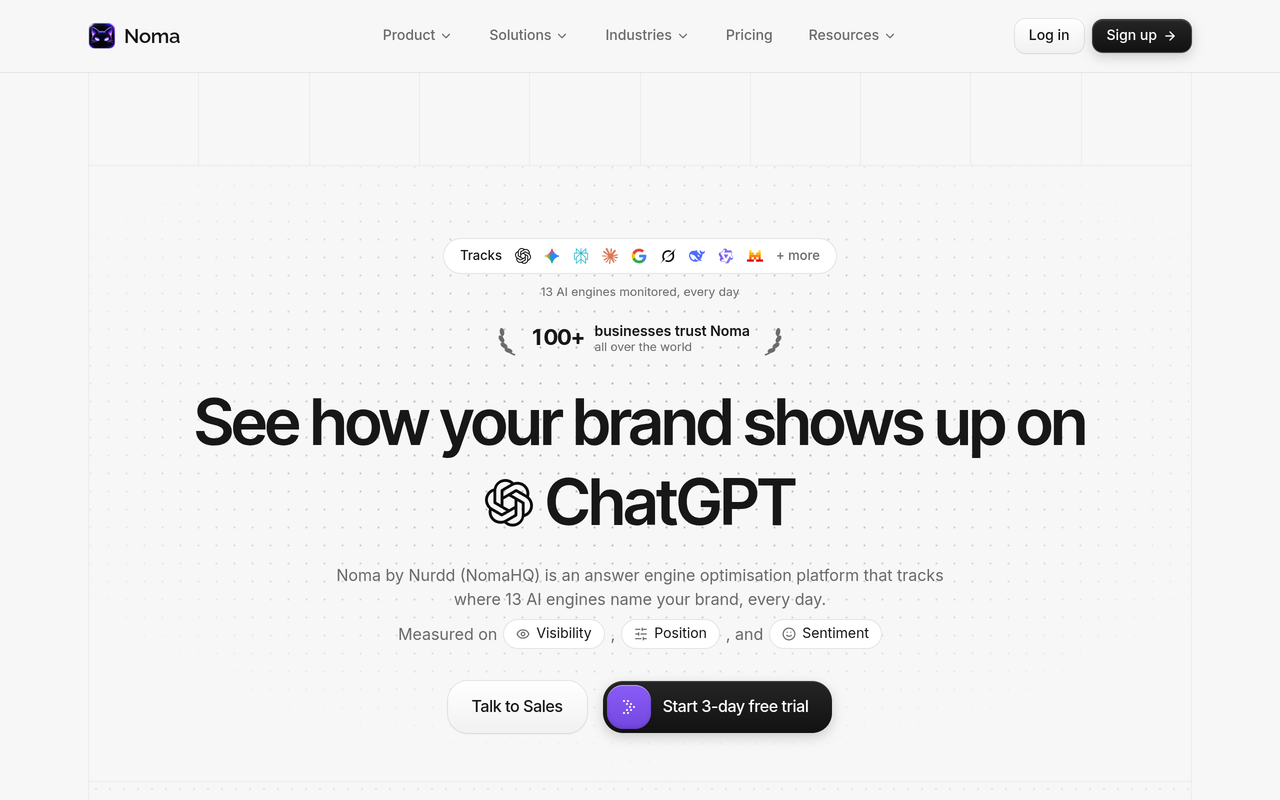
Noma is the AI search visibility product from Nurdd. It tracks 13 AI engines, including ChatGPT, Gemini, Perplexity and Claude, daily, and shows which pages are cited and which competitors are named instead. Brands use it to see the cross-engine picture that ChatGPT's Business Hub, which covers ChatGPT only, does not provide.
Book a demo at nurdd.club/demo to see your own brand's prompts run across the engines, which pages are cited, and which competitors appear in your category. Noma also has a 3-day free trial; a card is taken at signup and billing starts on day 3, with no charge if you cancel before then.
How Noma fits next to other options
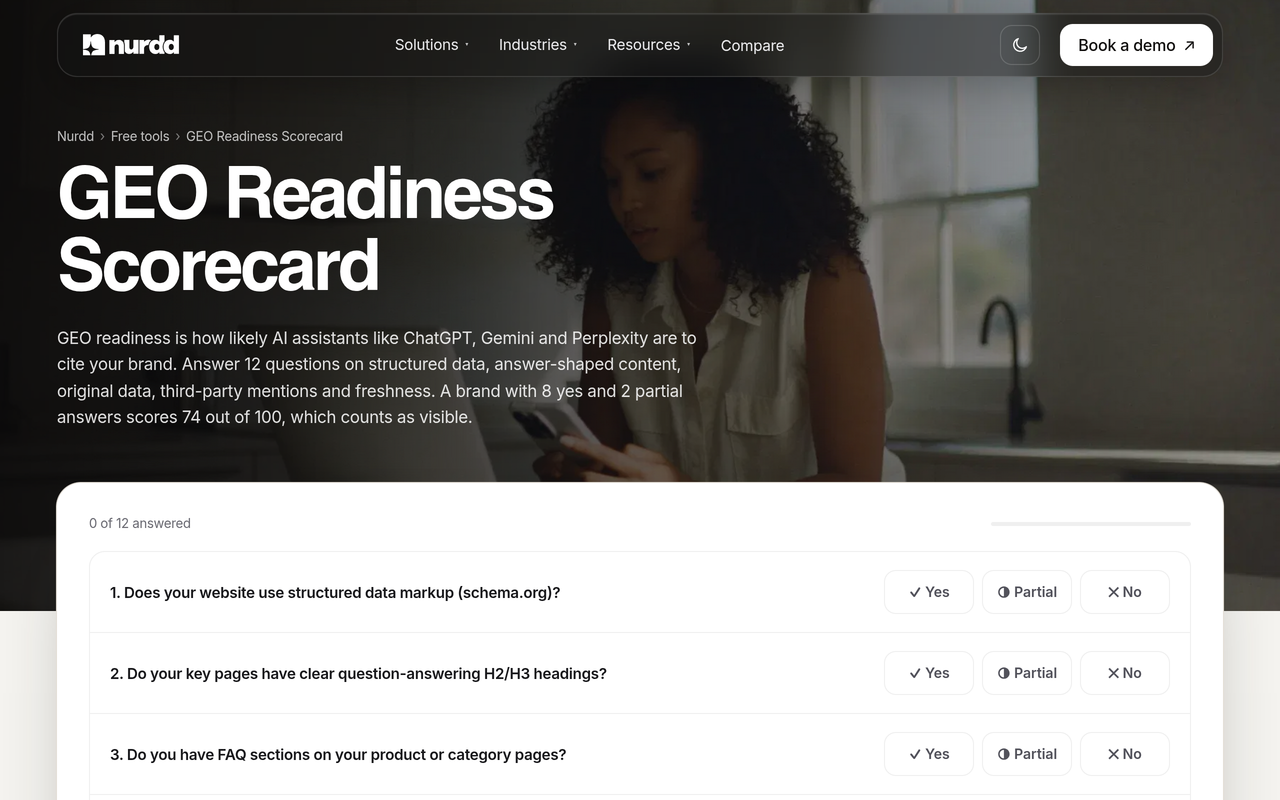
If you are choosing tooling, our comparisons of Noma vs Profound and Noma vs Peec AI set out the rows side by side, and our comparison of AI search visibility tools covers the wider field. For a quick self-check before any tool, use the free GEO readiness scorecard.
What changes if ChatGPT becomes a channel for paid and organic business agents?
If ChatGPT becomes a channel for both, brands will have an organic agent route and a paid sponsored route into the same experience, and measurement will need to separate them. Quartz reports that businesses can sponsor their agent and use it as the destination for ChatGPT Ads. Digiday reports OpenAI describing the sponsored agent as the paid experience, with the agent behind it intended to be the same.
Practically, that means you will want organic mention data, paid results and on-site outcomes reported separately. Our guides on how to advertise on ChatGPT and AI search ads vs organic visibility cover the budget split. If you want a team to run the work, see our answer engine optimization agency service, which is measured in Noma.
How we researched this
We reviewed OpenAI's launch announcement, news coverage from VentureBeat, Quartz, Adweek and Digiday, and explainers from Profound, LLM Pulse, Everything PR and Sanbi. We checked every claim against those pages on the publication date, November 2026. The Business Hub is in beta and details may change, so check OpenAI's page for current terms. We did not test the Business Hub ourselves, and we have no access to Business Hub data; the worked example uses hypothetical figures. Statements about Nurdd products come from Nurdd's own product facts.
Frequently asked questions
What is the ChatGPT Business Hub and how does it affect brands?
It is OpenAI's beta dashboard where verified businesses claim a ChatGPT profile, manage their information and view insights on mentions, clicks and topics. It affects brands by giving them first-party ChatGPT data and a place to supply accurate facts. It does not guarantee recommendations, according to OpenAI as reported by VentureBeat.
How do I track my brand in ChatGPT for business use?
Use the Business Hub for official mention and click counts, your web analytics for visits and conversions, and a prompt-level tracker for name-only mentions, cited pages and competitors. Noma by Nurdd runs this prompt-level layer daily across 13 AI engines, including ChatGPT.
Does the Business Hub show which prompts mention my brand?
No. Everything PR reports that it shows aggregated mentions, website clicks and discovery topics once activity passes OpenAI's thresholds. OpenAI also says it does not share users' conversations or Business Agent chats with businesses.
Does naming my brand in an answer count as a mention in the Hub?
Not for online businesses. Digiday quotes an OpenAI spokesperson saying that just naming the brand does not count, and that a mention reflects ChatGPT citing the business's site. Name-only appearances need a separate tracker.
Will claiming my business make ChatGPT recommend me more?
OpenAI says no guarantee exists. VentureBeat reports that ChatGPT keeps making independent recommendations. A claimed profile improves the accuracy of what ChatGPT can draw on, but your website and third-party sources still shape whether you are named.
Is the Business Hub free, and can any brand use it?
It is free at launch, per Digiday, and any eligible business in a country where ChatGPT is available can claim a profile. Business Agents have narrower eligibility, reported by Quartz as eligible U.S. ecommerce and online service firms.
Why do Hub clicks differ from my analytics?
OpenAI describes the figure as recorded clicks that do not confirm visits or conversions. Profound notes that analytics depends on a tag ChatGPT adds to links, so the difference is a mix of lost attribution and clicks that never became visits.
Do I still need an AI visibility tool if I use the Business Hub?
Yes, if you care about anything beyond ChatGPT or want competitor and prompt-level detail. The Hub covers one engine and one view of your own brand. A cross-engine tracker adds the other engines, rival appearances and name-only mentions.
Next step: see your brand across all 13 engines
Claim your profile, record a baseline and then see what the Hub cannot show. Book a demo and we will walk through your own category prompts, the pages engines cite for you and the competitors named instead, using Noma. You can also read how Nurdd works for the wider picture.