AI Search Visibility
AI Visibility Tool Trial: What to Test in 3 Days
A day-by-day plan for testing an AI visibility tool in a short free trial: prompts, competitors, engine coverage, reporting and a scorecard.
 Sheetal Shakshi13 Nov 202618 min read
Evaluate an AI visibility tool in a free trial by loading a fixed prompt set and competitor set, checking engine coverage on day 1, testing repeatability and source detail on day 2, and testing the report on day 3. Noma's trial is 3 days, a card is taken at signup, billing starts on day 3 and there is no charge if you cancel before.
To evaluate an AI visibility tool during a free trial, load a fixed prompt set and competitor set on day one, check engine coverage, repeat prompts to test stability, and export a report by day three. A good ai visibility tool free trial test judges data quality and workflow, not trends.
Most trials are short, and some are shorter than a single content cycle. Noma's is 3 days, so this guide gives you a day-by-day plan that fits. It also gives you a scorecard, a worked prompt-budget example and a cancel-by checklist, so the decision to keep or drop a tool rests on evidence you collected yourself.
Key takeaways
- Write your prompt set and competitor set before you sign up, so the trial clock is spent on testing, not on thinking.
- A 3-day trial cannot prove a trend. It can prove coverage, repeatability, source transparency and whether the report is usable.
- AI answers change from run to run, so a tool that asks each prompt once is reporting a single sample, not a score.
- Score every tool on the same weighted table so a good sales demo cannot outvote your own data.
- Check the billing terms first. Noma takes a card at signup, bills on day 3 and charges nothing if you cancel before then.
- Publish nothing new during the trial, or you will be measuring your own content push.
What is the quick answer?
Spend day 1 on setup and engine coverage, day 2 on repeatability, sources and competitor accuracy, and day 3 on reporting and the keep-or-cancel decision. Use 15 to 25 prompts, 3 to 5 competitors and the same scorecard for every tool you trial. If a tool cannot show which page each citation came from, or which engines it polled, mark it down however good the dashboard looks.
If you want a wider view of the category before you start, the comparison of 10 AI search visibility tools and the buyer checklist for AI visibility tracking tools cover the shortlist stage. This post covers what happens after you have picked one or two to try.
Why is a short trial so hard to judge?
The core problem is that AI answers are not stable, so a few days of data looks noisy whichever tool you use. SparkToro and Gumshoe.ai ran 12 brand-recommendation prompts through ChatGPT, Claude and Google's AI. As ranketai.com summarises the study, 600 volunteers ran the prompts 2,961 times, and the odds of two responses returning the same brand list across 100 runs were under 1 in 100 (ranketai.com, July 2026). We cite this secondary summary, not the original SparkToro write-up, so treat the exact figures as reported by that site.
That does not make tracking pointless. The same research reported by Communicate Online found more consistency in how often certain brands appear than in the order of the list. The authors suggested caution about tools that claim to track an exact rank. Note too that the study was not peer reviewed.
Search Engine Journal reported that AI tools almost never return the same brand list twice, and MediaPost commented on the same data. Our reading is that a tool should therefore report how often a brand appears across many runs, not its position in one answer.
There is a second problem: depth. One evaluation guide argues a trial should run at least two weeks on a fixed prompt set, because a shorter one yields one reading per tool (Xeo). That is fair for judging trends. Three days is too short for that, so the answer is to test different things: whether the tool measures properly, not whether your brand is improving.
What can a 3-day trial prove, and what can it not?
| Question | Can 3 days answer it? | How to test it |
|---|---|---|
| Does the tool poll the engines my buyers use? | Yes | Compare the engine list in the product with your list from step 3 below. |
| Is the measurement repeatable? | Partly | Compare the same prompts across daily polls and against your own manual checks. |
| Does it show which page each citation came from? | Yes | Open five answers and trace the cited URLs. |
| Are competitors detected accurately? | Yes | Check name variants and look for false matches. |
| Is the report usable by someone who was not in the trial? | Yes | Hand the export to a colleague and ask what they would do next. |
| Is my visibility rising or falling? | No | Needs weeks of history on a fixed prompt set. |
| Does a fix I made change my citations? | No | Needs a controlled test; see the GEO experiment design guide. |
The two rows marked "No" are why this plan does not ask you to change your site during the trial. If you want to measure changes properly afterwards, the 4-week ChatGPT test plan picks up where this plan stops.
What trial terms should you check before you sign up?
Trial length and payment terms set how much testing you can do and what you risk by forgetting to cancel. Read every vendor's terms on its own pricing page, because they change often, and write them next to your plan. The table below shows what to check and the Noma terms as Nurdd publishes them.
| Term to check | Why it matters | Noma by Nurdd |
|---|---|---|
| Trial length | Sets how much of the plan fits | 3 days |
| Card at signup | Decides whether you need a cancel reminder | Yes, a card is taken at signup |
| When billing starts | Sets your decision deadline | Billing starts on day 3; no charge if cancelled before |
| Engines tracked by Noma | Shows the breadth of coverage to check against your list | 13 AI engines, including ChatGPT, Gemini, Perplexity and Claude, polled daily |
A short trial with a card is a tight test, so the plan must be tight too. A 3-day trial rewards preparation, which is why this plan front-loads the work. For a pricing view across the market see software for AI search visibility pricing.
How do you test an AI visibility tool in 3 days?
The plan has seven steps. Steps 1 and 2 happen before you start the trial clock, steps 3 to 6 fill days 1 and 2, and step 7 closes the trial on day 3. Each step states the action, the result you should see and why it matters.
Step 1: Build a fixed prompt set before you sign up
Action: Write 15 to 25 prompts a real buyer would type, in three groups: category questions ("what is the best X for Y"), comparison questions that name a competitor, and problem questions that do not name any brand. Add one or two prompts with a buyer detail, such as team size or country. Result: a single list you will paste into every tool you trial, unchanged.
Why: Clovion's data, summarised by ranketai.com in July 2026, says adding one buyer detail such as "for a small team" removed 62% of the brands in the first answer. That is a vendor self-study and English-only, but it shows why your set should include variants. Our guide on which prompts to track goes deeper on how to choose them.
If you are unsure how many prompts is enough, read how many prompts you need. For a trial, quality beats volume: prompts you can read and judge yourself are worth more than 200 you cannot.
Step 2: Fix your competitor set and name variants
Action: List three to five direct competitors and one "wild card" that often appears in buyer conversations but is not on your radar. For each, write the legal name, the common name, any abbreviation and the domain. Result: a table you can use to check whether the tool recognises each competitor correctly.
Why: Competitor share is only as good as brand matching. A tool that confuses two brands with similar names, or misses an abbreviation, will give you a share-of-voice figure that looks precise and is wrong. The wild card shows whether the tool can surface competitors you did not know to ask about.
Also write your own brand's description in one sentence, because the entity data the engines read about you affects what they say. The guide to entity consistency for AI citations lists what to check.
Step 3: On day 1, audit engine coverage before anything else
Action: Write down the AI engines your buyers use, then open the tool and tick each one off. Note which engines are polled by default, which need a higher plan and whether each engine means the consumer product, an API model or a search feature such as an AI Overview. Result: a coverage grid with a yes, no or "add-on" for every engine.
Why: A platform list is often a plan tier rather than a feature. One evaluation guide advises checking that every engine a tool tracks is available from the first day of the trial (Lighthouse Local). If an engine is locked behind a paid plan, you cannot test it, and you should say so in your scorecard.
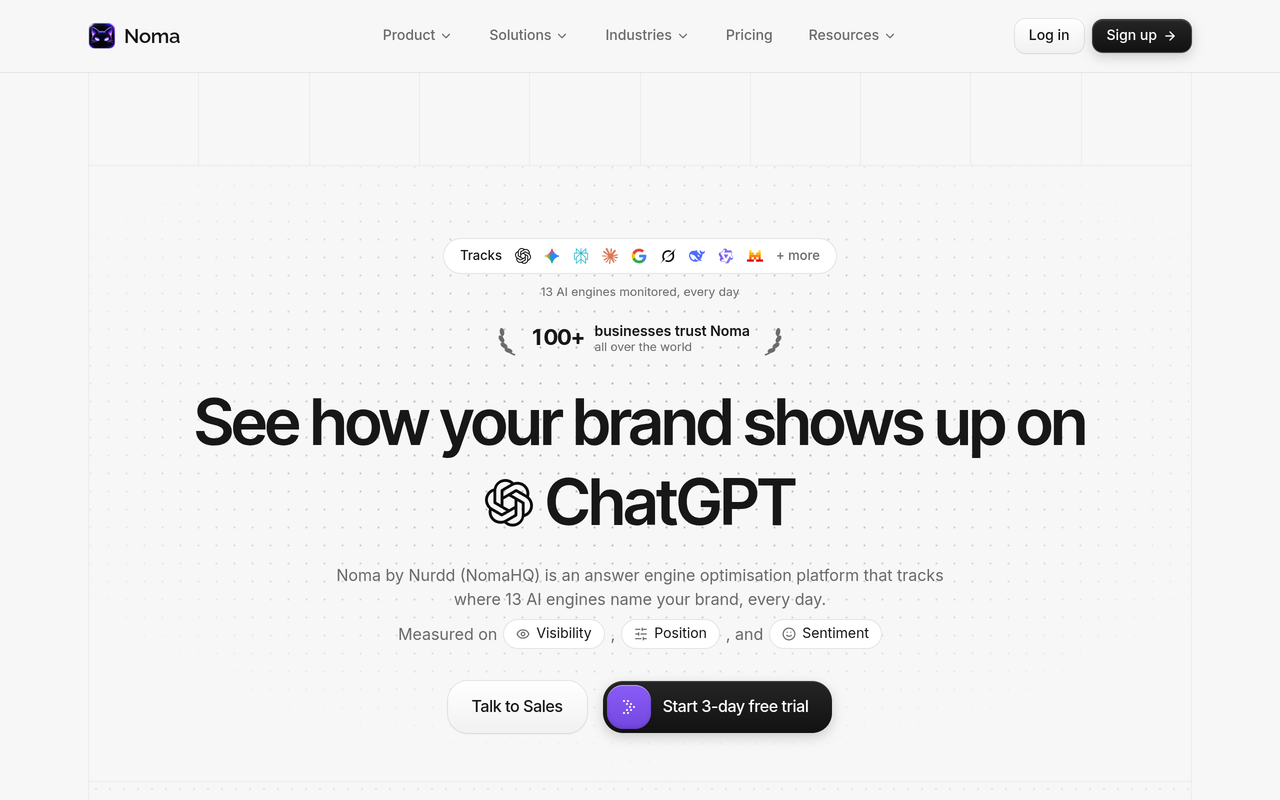
Noma tracks 13 AI engines, including ChatGPT, Gemini, Perplexity and Claude, polled daily. Use the trial to confirm that the engines you care about return data for your own prompts, and read the engine-specific notes in Perplexity vs ChatGPT vs Gemini to decide which engines deserve the most weight for your category.
Step 4: Load the prompts and competitors, then take a manual baseline
Action: Enter your prompt set and competitor table exactly as written. Then run five of the prompts by hand in two engines and screenshot the answers. Result: a small independent baseline to compare against the tool's output.
Why: You cannot verify a dashboard against itself. Manual checks are noisy, as the SparkToro work shows, so do not expect an exact match. You are looking for the same brands appearing in the same broad pattern, and for any answer where the tool says you were named and your own check clearly says otherwise.
Step 5: On day 2, test repeatability and sampling
Action: Compare day 1 and day 2 readings for the same prompts. Ask the vendor, or find in the documentation, how many times each prompt is asked per reading and whether the result is a single answer or an aggregate. Result: a note of the sampling method and a list of prompts whose result changed between days.
Why: According to the Xeo guide, the sampling figure is the first thing to check on a platform because almost nothing else survives without it. Lighthouse Local makes the same point: a tool that checks a question once reports one coin flip. A tool that cannot explain its sampling in two sentences should score low on trust.
Rule of thumb for the trial: treat any single-prompt change between days as noise, and look only at patterns across the whole set, such as your overall mention rate and which competitors recur.
Step 6: Trace the sources and judge the recommendations
Action: Open five answers where your brand was absent and a competitor was named. For each, check whether the tool shows the cited pages and note the type: a competitor's own site, a review site, a forum, a publication or a directory. Then read the tool's recommendations and ask if you could assign each one to an owner. Result: a short "gap list" of pages and source types that decide your category.
Why: Knowing you are missing is not actionable. Knowing which pages the engines trust is. A tool that shows a score without the cited pages leaves you to work out the cause yourself. Compare the output to the method in the AI Overviews citations audit and see if the tool has already done the first pass.
Recommendations deserve the same scrutiny. "Improve your content" is not a recommendation. "Add a comparison page that answers X, because these three cited pages do" is. If you want to see what good looks like, the post on AI search visibility analysis shows how citations map to actions.
Step 7: On day 3, test the report and make the cancel decision
Action: Export or screenshot the report you would send your manager or client. Give it to someone who was not in the trial and ask them to say, in two minutes, what the brand's position is and what to do next. Then fill in the scorecard and decide before billing starts. Result: a keep-or-cancel decision backed by scores, and a cancellation done on time if the answer is no.
Why: Reporting is where most tools are used or abandoned. The best dashboard is worthless if the team cannot turn it into a monthly update. The guides on an AI search visibility dashboard for executives and a monthly AI search metrics report list what a decision-maker needs to see.
What should the 3-day schedule look like?
Here is the plan on one page. Print it or paste it into a calendar, and put a reminder at the end of day 2 so the cancel decision is never left to the last hour.
| When | Task | Output |
|---|---|---|
| Before signup | Write prompt set (15 to 25) and competitor table with name variants | Two reusable documents |
| Day 1, first hour | Engine coverage audit | Coverage grid |
| Day 1 | Load prompts and competitors; run 5 manual checks | Baseline screenshots |
| Day 2, morning | Compare day 1 and day 2 readings; ask about sampling | Repeatability notes |
| Day 2, afternoon | Source tracing on 5 gap answers; judge recommendations | Gap list |
| End of day 2 | Fill in the scorecard and set a cancel reminder | Draft decision |
| Day 3, before billing | Report test with a colleague; final decision | Keep, or cancel with no charge |
How do you score the tools against each other?
Use a weighted scorecard so every tool is judged on the same terms. The weights below are our own framework, not an industry standard, so adjust them to your priorities. Score each row from 0 to 5, multiply by the weight and add up to a total out of 500.
| Criterion | Weight | What a 5 looks like | What a 0 looks like |
|---|---|---|---|
| Engine coverage | x 20 | Every engine on your list polled from day 1 | Key engines missing or locked |
| Sampling transparency | x 20 | Method explained; results are aggregates across runs | One answer per prompt, no explanation |
| Source and citation detail | x 20 | Each citation tied to a page URL | Scores only |
| Competitor accuracy | x 15 | All variants matched, no false matches | Confused or missed brands |
| Recommendation quality | x 10 | Specific, assignable actions | Generic advice |
| Reporting and export | x 10 | A colleague can act on it unaided | Screenshots only |
| Billing clarity | x 5 | Terms and cancel path clear before signup | Unclear or hard to cancel |
The weights add up to 100, so a perfect score is 500. Set a pass mark before you start, for example 350, so you are not tempted to lower the bar after a persuasive demo. A tool that scores 0 on sampling transparency or source detail should fail regardless of its total, since those two decide whether the other numbers mean anything.
Worked example: how big is your prompt budget?
Suppose you load 20 prompts and the tool polls 13 engines daily, as Noma does. That is 20 x 13 = 260 prompt-engine pairs per daily poll. Across a trial with three daily readings, that is up to 780 readings at most, before you account for anything the vendor limits on a trial.
Now compare that with the SparkToro and Gumshoe study, where 600 volunteers produced 2,961 responses to 12 prompts (ranketai.com, July 2026). Your 20-prompt set covers more prompts than that study did, but each prompt gets only a handful of readings. That is enough to judge coverage and mention rate across the set, and not enough to claim that one prompt moved. Treat the arithmetic as a planning aid: confirm your own trial limits with the vendor before you rely on it.
What should you ask the vendor during the trial?
Some answers will not be on the dashboard, so put these questions to the vendor on day 1 and note how fast and how specifically they reply.
- How many times is each prompt asked per reading, and is the result an aggregate?
- Which engines are consumer products, which are API models, and which are search features?
- Are any engines or prompt counts limited during the trial?
- Can I export raw citations with URLs?
- How do I cancel, and by what time on day 3?
A vendor who answers all five plainly has already earned points on sampling transparency and billing clarity.
What are the most common mistakes in a short trial?
- Testing with the tool's suggested prompts. Vendor-generated prompts make any tool look good. Use your own, written before signup.
- Treating rank as the headline. The SparkToro work questions the value of an exact position metric, so lead with mention rate and citations.
- Changing your site mid-trial. The Xeo guide warns that a trial overlapping a content push measures the push. Hold your pages steady.
- Judging one engine only. Different engines cite differently. Check at least three.
- Trialling three tools at once with different prompts. You will not be able to compare them. Use one prompt set across all.
- Forgetting the billing date. With a card-required trial, set a reminder for the end of day 2.
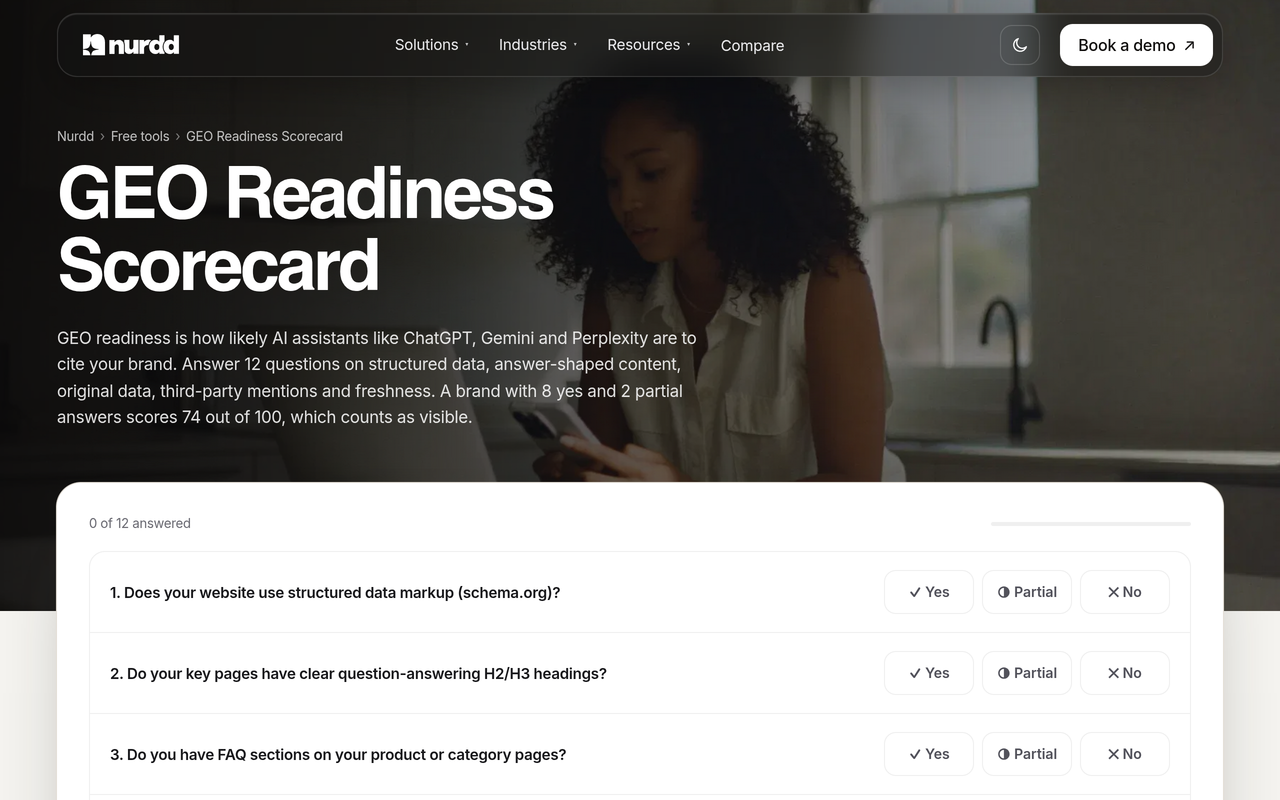
- Ignoring the free alternatives. A quick readiness check with the GEO readiness scorecard shows whether your site is ready before you pay for monitoring.
What should you do before the trial starts?
Complete this checklist in order. It takes under an hour and saves you from burning day 1 on setup.
- Write your 15 to 25 prompts in three groups and save them in a spreadsheet.
- List three to five competitors plus one wild card, with name variants and domains.
- List the AI engines your buyers use, in priority order.
- Write one sentence describing your brand and check your site says the same thing.
- Run the GEO readiness scorecard and note any obvious gaps, so you do not mistake a site problem for a tool problem.
- Check your robots rules allow AI crawlers; see the AI crawler user agents list.
- Decide your pass mark on the scorecard and write it down.
- Put the start date and a day-2 cancel reminder in your calendar.
If you track traffic as well as mentions, set up GA4 reporting for AI sources at the same time; the guide to AI referral traffic in analytics shows how. Visibility and traffic are different measurements, and a tool should help with the first without pretending to explain the second.
How does Noma fit a 3-day trial?
Noma by Nurdd is an AI search visibility dashboard that tracks whether a brand appears in answers from 13 AI engines, including ChatGPT, Gemini, Perplexity and Claude, polled daily. It shows citation frequency by category, a competitor comparison and recommendations for improving AI visibility.
Ready to test it? Start the 3-day trial at nomahq.app, or book a demo with Nurdd to talk through the products.
The Noma trial terms are plain. The trial lasts 3 days, a card is taken at signup, billing starts on day 3 and there is no charge if you cancel before then. That is why the schedule above puts the decision at the end of day 2.
How to use the Noma trial well
- Enter your prompts and competitors on day 1, in the form you prepared, not ad hoc.
- Check the engines you care about return results for your category.
- Use the competitor comparison to test your name-variant table.
- Look at citation frequency by category and check against your manual baseline.
- Assign each recommendation an owner and a date, as a test of usefulness.
Noma tracks and reports AI visibility. If you want help acting on what it shows, Nurdd's team also runs answer engine optimization and generative engine optimization services, measured in Noma. For head-to-head views see Noma vs Profound, Noma vs Peec AI and Noma vs AthenaHQ.
What should the report from your trial contain?
Your day-3 report is the proof that the tool will work after the trial. Keep it to one page with six items, which you can fill in the same way for every tool you trial.
| Report item | What to include |
|---|---|
| Mention rate | Share of prompts where your brand was named, per engine and overall |
| Competitor comparison | The same figure for each competitor in your set |
| Top cited pages | The five URLs cited most often, with type (own site, review, forum, press) |
| Gaps | Prompts where you are absent and a competitor is present |
| Caveats | Sampling method, trial limits, engines not covered |
| Next actions | Three actions with owners and dates |
Be explicit about the caveats line. A report that shows a 3-day figure without saying it is a 3-day figure invites the wrong conclusion. The AI search share of voice guide explains how to calculate the competitor comparison, and AI search metrics that matter covers the rest.
What do you do after the trial?
If you keep a tool, start the proper test: fix the prompt set, publish changes one at a time and review weekly. A fixed set over several weeks is what turns a mention rate into a trend. If you cancel, keep the scorecard, because the next vendor deserves the same questions.
Reading the first month well matters as much as the trial. The guide on tracking your AI search visibility score week over week shows a simple weekly rhythm, and the guide to visibility in AI search engines explains why weekly beats daily for most teams. Brands that already rank on Google but not in AI should read ranking on Google but not cited by AI.
How we researched this
We reviewed published guides on evaluating AI visibility tools, trade-press and summary coverage of the SparkToro and Gumshoe.ai research on AI recommendation variability, and Nurdd's own product facts for Noma. Sources were checked on the publication date. Where we could not confirm a publication month, we have not stated one. We did not run hands-on tests of rival tools, so the plan asks you to confirm each vendor's terms on its own page. The scorecard weights are our own framework, not a published standard.
Ready to run the test on your own brand?
Write your prompt set and competitor list first, then start the 3-day trial at Noma with the plan above already in hand. If you would like to talk through Nurdd's products with the team, book a demo at nurdd.club/demo.
Frequently asked questions
How should I evaluate an AI visibility tool during a free trial?
Prepare a fixed prompt set and competitor list before signing up, then test engine coverage, repeatability, source detail and reporting against a weighted scorecard. Avoid judging trends, because a trial is too short for that. Use the same set and scorecard for every tool.
What should I test in a 3-day trial of an AI search tracker?
Day 1: engine coverage and loading your prompts. Day 2: repeatability, sampling method, source tracing and competitor accuracy. Day 3: a report a colleague can act on, and the keep-or-cancel decision before billing begins.
How many prompts should I use in a trial?
Between 15 and 25 is a workable range that you can still read and judge yourself. Include category, comparison and problem prompts, and one or two with a buyer detail. More prompts will not help if you cannot check them.
Is three days enough to judge an AI visibility tool?
It is enough to judge coverage, source transparency, competitor matching and reporting. It is not enough to judge trends, since AI answers vary between runs. One evaluation guide suggests two weeks for trend work (Xeo), so plan a longer test if you keep the tool.
Does the Noma free trial need a card?
Yes. Noma has a 3-day free trial, a card is taken at signup and billing starts on day 3. If you cancel before then you are not charged, so set a reminder for the end of day 2.
Why do AI visibility numbers change between runs?
AI engines write a fresh answer each time. SparkToro and Gumshoe.ai found repeated prompts almost never returned the same brand list, though how often a brand appears was more consistent than its order. Look at mention rate across many prompts instead of position in one answer.
Should I change my website during the trial?
No. Changes during the trial make it impossible to separate the tool's measurement from the effect of your edits. Make fixes after you have a baseline, one at a time, and see the GEO experiment design guide for a method.
Which engines does Noma track?
Noma tracks 13 AI engines, including ChatGPT, Gemini, Perplexity and Claude, polled daily. During the trial, check that the engines your buyers use return data for your own prompts.